Compare commits
83 Commits
| Author | SHA1 | Date | |
|---|---|---|---|

|
400bb72217 | ||
|
|
a0a12d5eca | ||
|
|
a34f376da0 | ||
|
|
2b29706615 | ||
|
|
f6d3cf33f0 | ||
|
|
0eb042425c | ||
|
|
35c0b6d539 | ||
|
|
13c4ac83d8 | ||
|
|
6ce397b811 | ||
|
|
9bf54f5f78 | ||
|
|
c87ec1ad0f | ||
|
|
9e56a86963 | ||
|
|
426bd71505 | ||
|
|
ede8b27091 | ||
|
|
02c77ce5db | ||
|
|
d70d6a254f | ||
|
|
7d37633b1a | ||
|
|
bc413df4a8 | ||
|
|
8db0577991 | ||
|
|
3682a2124f | ||
|
|
2ef6a1ebe8 | ||
|
|
78a2dba7c7 | ||
|
|
87e496d1f5 | ||
|
|
5604ebf4f1 | ||
|
|
971775b2e8 | ||
|
|
c520ea2df2 | ||
|
|
2a8cb54d31 | ||
|
|
331f46be7c | ||
|
|
9991fae62a | ||
|
|
b74ab95d39 | ||
|
|
d2b0303bfe | ||
|
|
5f74487eb3 | ||
|
|
f897482d26 | ||
|
|
f3d81eb201 | ||
|
|
ea0b56f7e0 | ||
|
|
edbab5f7bf | ||
|
|
cd8077e460 | ||
|
|
452b3381a2 | ||
|
|
07c8bd7b24 | ||
|
|
68179d1e2d | ||
|
|
99b35dddb4 | ||
|
|
3b6d0a35a9 | ||
|
|
0bd808bcef | ||
|
|
9edf8b6b3d | ||
|
|
efb40f2e91 | ||
|
|
376e7bc488 | ||
|
|
cbcd89b167 | ||
|
|
50226041c9 | ||
|
|
64ad0d2f53 | ||
|
|
7c98a60d26 | ||
|
|
d97a3b2cb2 | ||
|
|
2200ba063c | ||
|
|
9bcbfa65c2 | ||
|
|
96306a0910 | ||
|
|
3389aa3e4c | ||
|
|
b282e6ccc1 | ||
|
|
d085c6a822 | ||
|
|
13b518e96d | ||
|
|
1b877bc9fc | ||
|
|
bb1d209f3b | ||
|
|
54b769c0f1 | ||
|
|
4d1921e531 | ||
|
|
da8a5cf35b | ||
|
|
3982d677a9 | ||
|
|
f4458f0550 | ||
|
|
637316f077 | ||
|
|
6b1d2a1ce6 | ||
|
|
a5e97ac484 | ||
|
|
0c93598007 | ||
|
|
779952e3f8 | ||
|
|
39b50b62bd | ||
|
|
db7532ecf1 | ||
|
|
4b8dc2c0f9 | ||
|
|
0a2a10e165 | ||
|
|
84cda5f56c | ||
|
|
0771a7959a | ||
|
|
15947eb605 | ||
|
|
1ccc4f6b77 | ||
|
|
189755a1a6 | ||
|
|
11363fe0a8 | ||
|
|
fe3e70a352 | ||
|
|
8e218321a4 | ||
|
|
2c78f39e5d |
BIN
.github/logos/logo_preview.jpg
vendored

|
Before Width: | Height: | Size: 826 KiB |
BIN
.github/logos/logo_readme.png
vendored

|
Before Width: | Height: | Size: 563 KiB |
BIN
.github/logos/uniface_enhanced.webp
vendored
Normal file

|
After Width: | Height: | Size: 427 KiB |
BIN
.github/logos/uniface_high_res_original.png
vendored
Normal file

|
After Width: | Height: | Size: 1.7 MiB |
BIN
.github/logos/uniface_rounded.png
vendored
Normal file

|
After Width: | Height: | Size: 1.8 MiB |
BIN
.github/logos/uniface_rounded_150px.png
vendored
Normal file

|
After Width: | Height: | Size: 1.9 MiB |
BIN
.github/logos/uniface_rounded_q80.png
vendored
Normal file

|
After Width: | Height: | Size: 872 KiB |
BIN
.github/logos/uniface_rounded_q80.webp
vendored
Normal file

|
After Width: | Height: | Size: 62 KiB |
64
.github/workflows/ci.yml
vendored
@@ -4,66 +4,89 @@ on:
|
||||
push:
|
||||
branches:
|
||||
- main
|
||||
- develop
|
||||
pull_request:
|
||||
branches:
|
||||
- main
|
||||
- develop
|
||||
|
||||
concurrency:
|
||||
group: ${{ github.workflow }}-${{ github.ref }}
|
||||
cancel-in-progress: true
|
||||
|
||||
jobs:
|
||||
test:
|
||||
lint:
|
||||
runs-on: ubuntu-latest
|
||||
timeout-minutes: 5
|
||||
steps:
|
||||
- uses: actions/checkout@v5
|
||||
- uses: actions/setup-python@v6
|
||||
with:
|
||||
python-version: "3.11"
|
||||
- uses: pre-commit/action@v3.0.1
|
||||
|
||||
test:
|
||||
runs-on: ${{ matrix.os }}
|
||||
timeout-minutes: 15
|
||||
needs: lint
|
||||
|
||||
strategy:
|
||||
fail-fast: false
|
||||
matrix:
|
||||
python-version: ["3.10", "3.11", "3.12", "3.13"]
|
||||
include:
|
||||
# Full Python range on Linux (fastest runner)
|
||||
- os: ubuntu-latest
|
||||
python-version: "3.10"
|
||||
- os: ubuntu-latest
|
||||
python-version: "3.11"
|
||||
- os: ubuntu-latest
|
||||
python-version: "3.12"
|
||||
- os: ubuntu-latest
|
||||
python-version: "3.13"
|
||||
- os: ubuntu-latest
|
||||
python-version: "3.14"
|
||||
- os: macos-latest
|
||||
python-version: "3.13"
|
||||
- os: windows-latest
|
||||
python-version: "3.13"
|
||||
|
||||
steps:
|
||||
- name: Checkout code
|
||||
uses: actions/checkout@v4
|
||||
uses: actions/checkout@v5
|
||||
|
||||
- name: Set up Python ${{ matrix.python-version }}
|
||||
uses: actions/setup-python@v5
|
||||
uses: actions/setup-python@v6
|
||||
with:
|
||||
python-version: ${{ matrix.python-version }}
|
||||
cache: 'pip'
|
||||
cache: "pip"
|
||||
|
||||
- name: Install dependencies
|
||||
run: |
|
||||
python -m pip install --upgrade pip
|
||||
python -m pip install .[dev]
|
||||
python -m pip install ".[cpu,dev]"
|
||||
|
||||
- name: Check ONNX Runtime providers
|
||||
run: |
|
||||
python -c "import onnxruntime as ort; print('Available providers:', ort.get_available_providers())"
|
||||
|
||||
- name: Lint with ruff (if available)
|
||||
run: |
|
||||
pip install ruff || true
|
||||
ruff check . --exit-zero || true
|
||||
continue-on-error: true
|
||||
|
||||
- name: Run tests
|
||||
run: pytest -v --tb=short
|
||||
|
||||
- name: Test package imports
|
||||
run: |
|
||||
python -c "from uniface import RetinaFace, ArcFace, Landmark106, AgeGender; print('All imports successful')"
|
||||
run: python -c "import uniface; print(f'uniface {uniface.__version__} loaded with {len(uniface.__all__)} exports')"
|
||||
|
||||
build:
|
||||
runs-on: ubuntu-latest
|
||||
timeout-minutes: 10
|
||||
needs: test
|
||||
|
||||
steps:
|
||||
- name: Checkout code
|
||||
uses: actions/checkout@v4
|
||||
uses: actions/checkout@v5
|
||||
|
||||
- name: Set up Python
|
||||
uses: actions/setup-python@v5
|
||||
uses: actions/setup-python@v6
|
||||
with:
|
||||
python-version: "3.10"
|
||||
cache: 'pip'
|
||||
python-version: "3.11"
|
||||
cache: "pip"
|
||||
|
||||
- name: Install build tools
|
||||
run: |
|
||||
@@ -84,4 +107,3 @@ jobs:
|
||||
name: dist-python-${{ github.sha }}
|
||||
path: dist/
|
||||
retention-days: 7
|
||||
|
||||
|
||||
36
.github/workflows/docs.yml
vendored
Normal file
@@ -0,0 +1,36 @@
|
||||
name: Deploy Documentation
|
||||
|
||||
on:
|
||||
workflow_dispatch:
|
||||
|
||||
permissions:
|
||||
contents: write
|
||||
|
||||
jobs:
|
||||
deploy:
|
||||
runs-on: ubuntu-latest
|
||||
steps:
|
||||
- uses: actions/checkout@v5
|
||||
with:
|
||||
fetch-depth: 0
|
||||
|
||||
- uses: actions/setup-python@v6
|
||||
with:
|
||||
python-version: "3.11"
|
||||
|
||||
- name: Install dependencies
|
||||
run: |
|
||||
python -m pip install --upgrade pip
|
||||
pip install mkdocs-material pymdown-extensions mkdocs-git-committers-plugin-2 mkdocs-git-revision-date-localized-plugin
|
||||
|
||||
- name: Build docs
|
||||
env:
|
||||
MKDOCS_GIT_COMMITTERS_APIKEY: ${{ secrets.MKDOCS_GIT_COMMITTERS_APIKEY }}
|
||||
run: mkdocs build --strict
|
||||
|
||||
- name: Deploy to GitHub Pages
|
||||
uses: peaceiris/actions-gh-pages@v4
|
||||
with:
|
||||
github_token: ${{ secrets.GITHUB_TOKEN }}
|
||||
publish_dir: ./site
|
||||
destination_dir: docs
|
||||
221
.github/workflows/pipeline.yml
vendored
Normal file
@@ -0,0 +1,221 @@
|
||||
name: Release Pipeline
|
||||
|
||||
on:
|
||||
workflow_dispatch:
|
||||
inputs:
|
||||
version:
|
||||
description: 'Version (e.g. 3.6.0, 3.6.0b1, 3.6.0rc1)'
|
||||
required: true
|
||||
|
||||
concurrency:
|
||||
group: pipeline
|
||||
cancel-in-progress: false
|
||||
|
||||
jobs:
|
||||
validate:
|
||||
runs-on: ubuntu-latest
|
||||
timeout-minutes: 5
|
||||
outputs:
|
||||
is_prerelease: ${{ steps.prerelease.outputs.is_prerelease }}
|
||||
|
||||
steps:
|
||||
- name: Checkout code
|
||||
uses: actions/checkout@v5
|
||||
|
||||
- name: Set up Python
|
||||
uses: actions/setup-python@v6
|
||||
with:
|
||||
python-version: "3.11"
|
||||
|
||||
- name: Validate version (PEP 440)
|
||||
run: |
|
||||
python - <<'EOF'
|
||||
import re, sys
|
||||
v = "${{ inputs.version }}"
|
||||
if not re.fullmatch(r'\d+\.\d+\.\d+((a|b|rc)\d+|\.dev\d+)?', v):
|
||||
print(f"Invalid version: {v}")
|
||||
print("Expected forms: 3.6.0, 3.6.0a1, 3.6.0b1, 3.6.0rc1, 3.6.0.dev1")
|
||||
sys.exit(1)
|
||||
EOF
|
||||
|
||||
- name: Check tag does not exist
|
||||
run: |
|
||||
if git rev-parse "v${{ inputs.version }}" >/dev/null 2>&1; then
|
||||
echo "Tag v${{ inputs.version }} already exists."
|
||||
exit 1
|
||||
fi
|
||||
|
||||
- name: Detect pre-release
|
||||
id: prerelease
|
||||
run: |
|
||||
if [[ "${{ inputs.version }}" =~ (a|b|rc|\.dev)[0-9]+ ]]; then
|
||||
echo "is_prerelease=true" >> $GITHUB_OUTPUT
|
||||
else
|
||||
echo "is_prerelease=false" >> $GITHUB_OUTPUT
|
||||
fi
|
||||
|
||||
test:
|
||||
runs-on: ubuntu-latest
|
||||
timeout-minutes: 15
|
||||
needs: validate
|
||||
|
||||
strategy:
|
||||
fail-fast: false
|
||||
matrix:
|
||||
python-version: ["3.10", "3.11", "3.12", "3.13", "3.14"]
|
||||
|
||||
steps:
|
||||
- name: Checkout code
|
||||
uses: actions/checkout@v5
|
||||
|
||||
- name: Set up Python ${{ matrix.python-version }}
|
||||
uses: actions/setup-python@v6
|
||||
with:
|
||||
python-version: ${{ matrix.python-version }}
|
||||
cache: 'pip'
|
||||
|
||||
- name: Install dependencies
|
||||
run: |
|
||||
python -m pip install --upgrade pip
|
||||
python -m pip install ".[cpu,dev]"
|
||||
|
||||
- name: Run tests
|
||||
run: pytest -v --tb=short
|
||||
|
||||
release:
|
||||
runs-on: ubuntu-latest
|
||||
timeout-minutes: 5
|
||||
needs: test
|
||||
permissions:
|
||||
contents: write
|
||||
|
||||
steps:
|
||||
- name: Checkout code
|
||||
uses: actions/checkout@v5
|
||||
with:
|
||||
fetch-depth: 0
|
||||
token: ${{ secrets.RELEASE_TOKEN }}
|
||||
|
||||
- name: Set up Python
|
||||
uses: actions/setup-python@v6
|
||||
with:
|
||||
python-version: "3.11"
|
||||
|
||||
- name: Update pyproject.toml
|
||||
run: |
|
||||
python - <<'EOF'
|
||||
import re, pathlib
|
||||
p = pathlib.Path('pyproject.toml')
|
||||
text = p.read_text()
|
||||
new = re.sub(r'^version\s*=\s*".*"', f'version = "${{ inputs.version }}"', text, count=1, flags=re.M)
|
||||
if new == text:
|
||||
raise SystemExit("Failed to update version in pyproject.toml")
|
||||
p.write_text(new)
|
||||
EOF
|
||||
|
||||
- name: Update uniface/__init__.py
|
||||
run: |
|
||||
python - <<'EOF'
|
||||
import re, pathlib
|
||||
p = pathlib.Path('uniface/__init__.py')
|
||||
text = p.read_text()
|
||||
new = re.sub(r"^__version__\s*=\s*'.*'", f"__version__ = '${{ inputs.version }}'", text, count=1, flags=re.M)
|
||||
if new == text:
|
||||
raise SystemExit("Failed to update __version__ in uniface/__init__.py")
|
||||
p.write_text(new)
|
||||
EOF
|
||||
|
||||
- name: Commit, tag, push
|
||||
run: |
|
||||
git config user.name "github-actions[bot]"
|
||||
git config user.email "41898282+github-actions[bot]@users.noreply.github.com"
|
||||
git add pyproject.toml uniface/__init__.py
|
||||
git commit -m "chore: Release v${{ inputs.version }}"
|
||||
git tag "v${{ inputs.version }}"
|
||||
git push origin HEAD:${{ github.ref_name }}
|
||||
git push origin "v${{ inputs.version }}"
|
||||
|
||||
publish:
|
||||
runs-on: ubuntu-latest
|
||||
timeout-minutes: 10
|
||||
needs: [validate, release]
|
||||
permissions:
|
||||
contents: write
|
||||
id-token: write
|
||||
environment:
|
||||
name: pypi
|
||||
url: https://pypi.org/project/uniface/
|
||||
|
||||
steps:
|
||||
- name: Checkout tag
|
||||
uses: actions/checkout@v5
|
||||
with:
|
||||
ref: v${{ inputs.version }}
|
||||
|
||||
- name: Set up Python
|
||||
uses: actions/setup-python@v6
|
||||
with:
|
||||
python-version: "3.11"
|
||||
cache: 'pip'
|
||||
|
||||
- name: Install build tools
|
||||
run: |
|
||||
python -m pip install --upgrade pip
|
||||
python -m pip install build twine
|
||||
|
||||
- name: Build package
|
||||
run: python -m build
|
||||
|
||||
- name: Check package
|
||||
run: twine check dist/*
|
||||
|
||||
- name: Publish to PyPI
|
||||
env:
|
||||
TWINE_USERNAME: __token__
|
||||
TWINE_PASSWORD: ${{ secrets.PYPI_API_TOKEN }}
|
||||
run: twine upload dist/*
|
||||
|
||||
- name: Create GitHub Release
|
||||
uses: softprops/action-gh-release@v1
|
||||
with:
|
||||
tag_name: v${{ inputs.version }}
|
||||
files: dist/*
|
||||
generate_release_notes: true
|
||||
prerelease: ${{ needs.validate.outputs.is_prerelease }}
|
||||
|
||||
docs:
|
||||
runs-on: ubuntu-latest
|
||||
timeout-minutes: 10
|
||||
needs: [validate, publish]
|
||||
if: needs.validate.outputs.is_prerelease == 'false'
|
||||
permissions:
|
||||
contents: write
|
||||
|
||||
steps:
|
||||
- name: Checkout tag
|
||||
uses: actions/checkout@v5
|
||||
with:
|
||||
ref: v${{ inputs.version }}
|
||||
fetch-depth: 0
|
||||
|
||||
- name: Set up Python
|
||||
uses: actions/setup-python@v6
|
||||
with:
|
||||
python-version: "3.11"
|
||||
|
||||
- name: Install dependencies
|
||||
run: |
|
||||
python -m pip install --upgrade pip
|
||||
pip install mkdocs-material pymdown-extensions mkdocs-git-committers-plugin-2 mkdocs-git-revision-date-localized-plugin
|
||||
|
||||
- name: Build docs
|
||||
env:
|
||||
MKDOCS_GIT_COMMITTERS_APIKEY: ${{ secrets.MKDOCS_GIT_COMMITTERS_APIKEY }}
|
||||
run: mkdocs build --strict
|
||||
|
||||
- name: Deploy to GitHub Pages
|
||||
uses: peaceiris/actions-gh-pages@v4
|
||||
with:
|
||||
github_token: ${{ secrets.GITHUB_TOKEN }}
|
||||
publish_dir: ./site
|
||||
destination_dir: docs
|
||||
108
.github/workflows/publish.yml
vendored
@@ -1,108 +0,0 @@
|
||||
name: Publish to PyPI
|
||||
|
||||
on:
|
||||
push:
|
||||
tags:
|
||||
- "v*.*.*" # Trigger only on version tags like v0.1.9
|
||||
|
||||
jobs:
|
||||
validate:
|
||||
runs-on: ubuntu-latest
|
||||
outputs:
|
||||
version: ${{ steps.get_version.outputs.version }}
|
||||
tag_version: ${{ steps.get_version.outputs.tag_version }}
|
||||
|
||||
steps:
|
||||
- name: Checkout code
|
||||
uses: actions/checkout@v4
|
||||
|
||||
- name: Get version from tag and pyproject.toml
|
||||
id: get_version
|
||||
run: |
|
||||
TAG_VERSION=${GITHUB_REF#refs/tags/v}
|
||||
echo "tag_version=$TAG_VERSION" >> $GITHUB_OUTPUT
|
||||
|
||||
PYPROJECT_VERSION=$(grep -Po '(?<=^version = ")[^"]*' pyproject.toml)
|
||||
echo "version=$PYPROJECT_VERSION" >> $GITHUB_OUTPUT
|
||||
|
||||
echo "Tag version: v$TAG_VERSION"
|
||||
echo "pyproject.toml version: $PYPROJECT_VERSION"
|
||||
|
||||
- name: Verify version match
|
||||
run: |
|
||||
if [ "${{ steps.get_version.outputs.tag_version }}" != "${{ steps.get_version.outputs.version }}" ]; then
|
||||
echo "Error: Tag version (${{ steps.get_version.outputs.tag_version }}) does not match pyproject.toml version (${{ steps.get_version.outputs.version }})"
|
||||
exit 1
|
||||
fi
|
||||
echo "Version validation passed: ${{ steps.get_version.outputs.version }}"
|
||||
|
||||
test:
|
||||
runs-on: ubuntu-latest
|
||||
needs: validate
|
||||
|
||||
strategy:
|
||||
fail-fast: false
|
||||
matrix:
|
||||
python-version: ["3.10", "3.11", "3.12", "3.13"]
|
||||
|
||||
steps:
|
||||
- name: Checkout code
|
||||
uses: actions/checkout@v4
|
||||
|
||||
- name: Set up Python ${{ matrix.python-version }}
|
||||
uses: actions/setup-python@v5
|
||||
with:
|
||||
python-version: ${{ matrix.python-version }}
|
||||
cache: 'pip'
|
||||
|
||||
- name: Install dependencies
|
||||
run: |
|
||||
python -m pip install --upgrade pip
|
||||
python -m pip install .[dev]
|
||||
|
||||
- name: Run tests
|
||||
run: pytest -v
|
||||
|
||||
publish:
|
||||
runs-on: ubuntu-latest
|
||||
needs: [validate, test]
|
||||
permissions:
|
||||
contents: write
|
||||
id-token: write
|
||||
environment:
|
||||
name: pypi
|
||||
url: https://pypi.org/project/uniface/
|
||||
|
||||
steps:
|
||||
- name: Checkout code
|
||||
uses: actions/checkout@v4
|
||||
|
||||
- name: Set up Python
|
||||
uses: actions/setup-python@v5
|
||||
with:
|
||||
python-version: "3.10"
|
||||
cache: 'pip'
|
||||
|
||||
- name: Install build tools
|
||||
run: |
|
||||
python -m pip install --upgrade pip
|
||||
python -m pip install build twine
|
||||
|
||||
- name: Build package
|
||||
run: python -m build
|
||||
|
||||
- name: Check package
|
||||
run: twine check dist/*
|
||||
|
||||
- name: Publish to PyPI
|
||||
env:
|
||||
TWINE_USERNAME: __token__
|
||||
TWINE_PASSWORD: ${{ secrets.PYPI_API_TOKEN }}
|
||||
run: twine upload dist/*
|
||||
|
||||
- name: Create GitHub Release
|
||||
uses: softprops/action-gh-release@v1
|
||||
with:
|
||||
files: dist/*
|
||||
generate_release_notes: true
|
||||
|
||||
1
.gitignore
vendored
@@ -1,4 +1,5 @@
|
||||
tmp_*
|
||||
.vscode/
|
||||
|
||||
# Byte-compiled / optimized / DLL files
|
||||
__pycache__/
|
||||
|
||||
48
.pre-commit-config.yaml
Normal file
@@ -0,0 +1,48 @@
|
||||
# Pre-commit configuration for UniFace
|
||||
# See https://pre-commit.com for more information
|
||||
# See https://pre-commit.com/hooks.html for more hooks
|
||||
|
||||
repos:
|
||||
# General file checks
|
||||
- repo: https://github.com/pre-commit/pre-commit-hooks
|
||||
rev: v6.0.0
|
||||
hooks:
|
||||
- id: trailing-whitespace
|
||||
- id: end-of-file-fixer
|
||||
- id: check-yaml
|
||||
exclude: ^mkdocs.yml$
|
||||
- id: check-toml
|
||||
- id: check-added-large-files
|
||||
args: ['--maxkb=1000']
|
||||
- id: check-merge-conflict
|
||||
- id: debug-statements
|
||||
- id: check-ast
|
||||
|
||||
# Strip Jupyter notebook outputs
|
||||
- repo: https://github.com/kynan/nbstripout
|
||||
rev: 0.9.1
|
||||
hooks:
|
||||
- id: nbstripout
|
||||
files: ^examples/
|
||||
|
||||
# Ruff - Fast Python linter and formatter
|
||||
- repo: https://github.com/astral-sh/ruff-pre-commit
|
||||
rev: v0.14.10
|
||||
hooks:
|
||||
- id: ruff
|
||||
args: [--fix, --unsafe-fixes, --exit-non-zero-on-fix]
|
||||
- id: ruff-format
|
||||
|
||||
# Security checks
|
||||
- repo: https://github.com/PyCQA/bandit
|
||||
rev: 1.9.2
|
||||
hooks:
|
||||
- id: bandit
|
||||
args: [-c, pyproject.toml]
|
||||
additional_dependencies: ['bandit[toml]']
|
||||
exclude: ^tests/
|
||||
|
||||
# Configuration
|
||||
ci:
|
||||
autofix_commit_msg: 'style: auto-fix by pre-commit hooks'
|
||||
autoupdate_commit_msg: 'chore: update pre-commit hooks'
|
||||
6
AGENTS.md
Normal file
@@ -0,0 +1,6 @@
|
||||
<!-- Cursor agent instructions — shared with CLAUDE.md -->
|
||||
<!-- See CLAUDE.md for full project instructions for AI coding agents. -->
|
||||
|
||||
# AGENTS.md
|
||||
|
||||
Please read and follow all instructions in [CLAUDE.md](./CLAUDE.md).
|
||||
81
CLAUDE.md
Normal file
@@ -0,0 +1,81 @@
|
||||
# CLAUDE.md
|
||||
|
||||
Project instructions for AI coding agents.
|
||||
|
||||
## Project Overview
|
||||
|
||||
UniFace is a Python library for face detection, recognition, tracking, landmark analysis, face parsing, gaze estimation, age/gender detection. It uses ONNX Runtime for inference.
|
||||
|
||||
## Code Style
|
||||
|
||||
- Python 3.10+ with type hints
|
||||
- Line length: 120
|
||||
- Single quotes for strings, double quotes for docstrings
|
||||
- Google-style docstrings
|
||||
- Formatter/linter: Ruff (config in `pyproject.toml`)
|
||||
- Run `ruff format .` and `ruff check . --fix` before committing
|
||||
|
||||
## Commit Messages
|
||||
|
||||
Follow [Conventional Commits](https://www.conventionalcommits.org/) with a **capitalized** description:
|
||||
|
||||
```
|
||||
<type>: <Capitalized short description>
|
||||
```
|
||||
|
||||
Types: `feat`, `fix`, `docs`, `style`, `refactor`, `perf`, `test`, `build`, `ci`, `chore`
|
||||
|
||||
Examples:
|
||||
- `feat: Add gaze estimation model`
|
||||
- `fix: Correct bounding box scaling for non-square images`
|
||||
- `ci: Add nbstripout pre-commit hook`
|
||||
- `docs: Update installation instructions`
|
||||
- `refactor: Unify attribute/detector base classes`
|
||||
|
||||
## Testing
|
||||
|
||||
```bash
|
||||
pytest -v --tb=short
|
||||
```
|
||||
|
||||
Tests live in `tests/`. Run the full suite before submitting changes.
|
||||
|
||||
## Pre-commit
|
||||
|
||||
Pre-commit hooks handle formatting, linting, security checks, and notebook output stripping. Always run:
|
||||
|
||||
```bash
|
||||
pre-commit install
|
||||
pre-commit run --all-files
|
||||
```
|
||||
|
||||
## Project Structure
|
||||
|
||||
```
|
||||
uniface/ # Main package
|
||||
detection/ # Face detection models (SCRFD, RetinaFace, YOLOv5, YOLOv8)
|
||||
recognition/ # Face recognition/verification (AdaFace, ArcFace, EdgeFace, MobileFace, SphereFace)
|
||||
landmark/ # Facial landmark models
|
||||
tracking/ # Object tracking (ByteTrack)
|
||||
parsing/ # Face parsing/segmentation (BiSeNet, XSeg)
|
||||
gaze/ # Gaze estimation
|
||||
headpose/ # Head pose estimation
|
||||
attribute/ # Age, gender, emotion detection
|
||||
spoofing/ # Anti-spoofing (MiniFASNet)
|
||||
privacy/ # Face anonymization
|
||||
stores/ # Vector stores (FAISS)
|
||||
constants.py # Model weight URLs and checksums
|
||||
model_store.py # Model download/cache management
|
||||
analyzer.py # High-level FaceAnalyzer API
|
||||
types.py # Shared type definitions
|
||||
tests/ # Unit tests
|
||||
examples/ # Jupyter notebooks (outputs are auto-stripped)
|
||||
docs/ # MkDocs documentation
|
||||
```
|
||||
|
||||
## Key Conventions
|
||||
|
||||
- New models: add class in submodule, register weights in `constants.py`, export in `__init__.py`
|
||||
- Dependencies: managed in `pyproject.toml`
|
||||
- All ONNX models are downloaded on demand with SHA256 verification
|
||||
- Do not commit notebook outputs; `nbstripout` pre-commit hook handles this
|
||||
232
CONTRIBUTING.md
Normal file
@@ -0,0 +1,232 @@
|
||||
# Contributing to UniFace
|
||||
|
||||
Thank you for considering contributing to UniFace! We welcome contributions of all kinds.
|
||||
|
||||
## How to Contribute
|
||||
|
||||
### Reporting Issues
|
||||
|
||||
- Use GitHub Issues to report bugs or suggest features
|
||||
- Include clear descriptions and reproducible examples
|
||||
- Check existing issues before creating new ones
|
||||
|
||||
### Pull Requests
|
||||
|
||||
1. Fork the repository
|
||||
2. Create a new branch for your feature
|
||||
3. Write clear, documented code with type hints
|
||||
4. Add tests for new functionality
|
||||
5. Ensure all tests pass and pre-commit hooks are satisfied
|
||||
6. Submit a pull request with a clear description
|
||||
|
||||
## Development Setup
|
||||
|
||||
```bash
|
||||
git clone https://github.com/yakhyo/uniface.git
|
||||
cd uniface
|
||||
pip install -e ".[dev]"
|
||||
```
|
||||
|
||||
### Setting Up Pre-commit Hooks
|
||||
|
||||
We use [pre-commit](https://pre-commit.com/) to ensure code quality and consistency. Install and configure it:
|
||||
|
||||
```bash
|
||||
# Install pre-commit
|
||||
pip install pre-commit
|
||||
|
||||
# Install the git hooks
|
||||
pre-commit install
|
||||
|
||||
# (Optional) Run against all files
|
||||
pre-commit run --all-files
|
||||
```
|
||||
|
||||
Once installed, pre-commit will automatically run on every commit to check:
|
||||
|
||||
- Code formatting and linting (Ruff)
|
||||
- Security issues (Bandit)
|
||||
- General file hygiene (trailing whitespace, YAML/TOML validity, etc.)
|
||||
|
||||
**Note:** All PRs are automatically checked by CI. The merge button will only be available after all checks pass.
|
||||
|
||||
## Code Style
|
||||
|
||||
This project uses [Ruff](https://docs.astral.sh/ruff/) for linting and formatting, following modern Python best practices. Pre-commit handles all formatting automatically.
|
||||
|
||||
### Style Guidelines
|
||||
|
||||
#### General Rules
|
||||
|
||||
- **Line length:** 120 characters maximum
|
||||
- **Python version:** 3.10+ (use modern syntax)
|
||||
- **Quote style:** Single quotes for strings, double quotes for docstrings
|
||||
|
||||
#### Type Hints
|
||||
|
||||
Use modern Python 3.10+ type hints (PEP 585 and PEP 604):
|
||||
|
||||
```python
|
||||
# Preferred (modern)
|
||||
def process(items: list[str], config: dict[str, int] | None = None) -> tuple[int, str]:
|
||||
...
|
||||
|
||||
# Avoid (legacy)
|
||||
from typing import List, Dict, Optional, Tuple
|
||||
def process(items: List[str], config: Optional[Dict[str, int]] = None) -> Tuple[int, str]:
|
||||
...
|
||||
```
|
||||
|
||||
#### Docstrings
|
||||
|
||||
Use [Google-style docstrings](https://google.github.io/styleguide/pyguide.html#38-comments-and-docstrings) for all public APIs:
|
||||
|
||||
```python
|
||||
def create_detector(method: str = 'retinaface', **kwargs: Any) -> BaseDetector:
|
||||
"""Factory function to create face detectors.
|
||||
|
||||
Args:
|
||||
method: Detection method. Options: 'retinaface', 'scrfd', 'yolov5face', 'yolov8face'.
|
||||
**kwargs: Detector-specific parameters.
|
||||
|
||||
Returns:
|
||||
Initialized detector instance.
|
||||
|
||||
Raises:
|
||||
ValueError: If method is not supported.
|
||||
|
||||
Example:
|
||||
>>> from uniface import create_detector
|
||||
>>> detector = create_detector('retinaface', confidence_threshold=0.8)
|
||||
>>> faces = detector.detect(image)
|
||||
>>> print(f"Found {len(faces)} faces")
|
||||
"""
|
||||
```
|
||||
|
||||
#### Import Order
|
||||
|
||||
Imports are automatically sorted by Ruff with the following order:
|
||||
|
||||
1. **Future** imports (`from __future__ import annotations`)
|
||||
2. **Standard library** (`os`, `sys`, `typing`, etc.)
|
||||
3. **Third-party** (`numpy`, `cv2`, `onnxruntime`, etc.)
|
||||
4. **First-party** (`uniface.*`)
|
||||
5. **Local** (relative imports like `.base`, `.models`)
|
||||
|
||||
```python
|
||||
from __future__ import annotations
|
||||
|
||||
import os
|
||||
from typing import Any
|
||||
|
||||
import cv2
|
||||
import numpy as np
|
||||
|
||||
from uniface.constants import RetinaFaceWeights
|
||||
from uniface.log import Logger
|
||||
|
||||
from .base import BaseDetector
|
||||
```
|
||||
|
||||
#### Code Comments
|
||||
|
||||
- Add comments for complex logic, magic numbers, and non-obvious behavior
|
||||
- Avoid comments that merely restate the code
|
||||
- Use `# TODO:` with issue links for planned improvements
|
||||
|
||||
```python
|
||||
# RetinaFace FPN strides and corresponding anchor sizes per level
|
||||
steps = [8, 16, 32]
|
||||
min_sizes = [[16, 32], [64, 128], [256, 512]]
|
||||
|
||||
# Add small epsilon to prevent division by zero
|
||||
similarity = np.dot(a, b) / (np.linalg.norm(a) * np.linalg.norm(b) + 1e-5)
|
||||
```
|
||||
|
||||
## Running Tests
|
||||
|
||||
```bash
|
||||
# Run all tests
|
||||
pytest tests/
|
||||
|
||||
# Run with verbose output
|
||||
pytest tests/ -v
|
||||
|
||||
# Run specific test file
|
||||
pytest tests/test_factory.py
|
||||
|
||||
# Run with coverage
|
||||
pytest tests/ --cov=uniface --cov-report=html
|
||||
```
|
||||
|
||||
## Adding New Features
|
||||
|
||||
When adding a new model or feature:
|
||||
|
||||
1. **Create the model class** in the appropriate submodule (e.g., `uniface/detection/`)
|
||||
2. **Add weight constants** to `uniface/constants.py` with URLs and SHA256 hashes
|
||||
3. **Export in `__init__.py`** files at both module and package levels
|
||||
4. **Write tests** in `tests/` directory
|
||||
5. **Add example usage** in `tools/` or update existing notebooks
|
||||
6. **Update documentation** if needed
|
||||
|
||||
## Examples
|
||||
|
||||
Example notebooks demonstrating library usage:
|
||||
|
||||
| Example | Notebook |
|
||||
| ------------------ | ------------------------------------------------------------------- |
|
||||
| Face Detection | [01_face_detection.ipynb](examples/01_face_detection.ipynb) |
|
||||
| Face Alignment | [02_face_alignment.ipynb](examples/02_face_alignment.ipynb) |
|
||||
| Face Verification | [03_face_verification.ipynb](examples/03_face_verification.ipynb) |
|
||||
| Face Search | [04_face_search.ipynb](examples/04_face_search.ipynb) |
|
||||
| Face Analyzer | [05_face_analyzer.ipynb](examples/05_face_analyzer.ipynb) |
|
||||
| Face Parsing | [06_face_parsing.ipynb](examples/06_face_parsing.ipynb) |
|
||||
| Face Anonymization | [07_face_anonymization.ipynb](examples/07_face_anonymization.ipynb) |
|
||||
| Gaze Estimation | [08_gaze_estimation.ipynb](examples/08_gaze_estimation.ipynb) |
|
||||
| Face Segmentation | [09_face_segmentation.ipynb](examples/09_face_segmentation.ipynb) |
|
||||
| Face Vector Store | [10_face_vector_store.ipynb](examples/10_face_vector_store.ipynb) |
|
||||
| Head Pose Estimation | [11_head_pose_estimation.ipynb](examples/11_head_pose_estimation.ipynb) |
|
||||
|
||||
## Release Process
|
||||
|
||||
Releases are fully automated via GitHub Actions. Only maintainers with branch-protection bypass privileges on `main` can trigger a release.
|
||||
|
||||
### Cutting a release
|
||||
|
||||
1. Go to **Actions → Release Pipeline → Run workflow** on GitHub.
|
||||
2. Enter the version following [PEP 440](https://peps.python.org/pep-0440/):
|
||||
- Stable: `0.7.0`, `1.0.0`
|
||||
- Pre-release: `0.7.0rc1`, `0.7.0b1`, `0.7.0a1`, `0.7.0.dev1`
|
||||
3. Click **Run workflow**.
|
||||
|
||||
### What happens automatically
|
||||
|
||||
The `Release Pipeline` workflow runs all stages in sequence:
|
||||
|
||||
1. **Validate** — checks the version string against PEP 440 and confirms the tag does not already exist.
|
||||
2. **Test** — runs the test suite on Python 3.10–3.14.
|
||||
3. **Release** — updates `pyproject.toml` and `uniface/__init__.py`, commits `chore: Release vX.Y.Z` to `main`, creates and pushes tag `vX.Y.Z`.
|
||||
4. **Publish** — builds the package, uploads to PyPI, and creates a GitHub Release (flagged as pre-release for `a`/`b`/`rc`/`.dev` versions).
|
||||
5. **Deploy docs** — runs only for **stable** versions. Pre-releases do not update the live documentation site.
|
||||
|
||||
### Verifying a release
|
||||
|
||||
- PyPI: <https://pypi.org/project/uniface/>
|
||||
- GitHub Releases: <https://github.com/yakhyo/uniface/releases>
|
||||
- Docs (stable only): <https://yakhyo.github.io/uniface/>
|
||||
|
||||
### Installing a pre-release
|
||||
|
||||
End users can opt in to pre-releases with the `--pre` flag:
|
||||
|
||||
```bash
|
||||
pip install uniface --pre # latest pre-release
|
||||
pip install uniface==0.7.0rc1 # specific pre-release
|
||||
```
|
||||
|
||||
Without `--pre`, `pip install uniface` always resolves to the latest stable version.
|
||||
|
||||
## Questions?
|
||||
|
||||
Open an issue or start a discussion on GitHub.
|
||||
395
MODELS.md
@@ -1,395 +0,0 @@
|
||||
# UniFace Model Zoo
|
||||
|
||||
Complete guide to all available models, their performance characteristics, and selection criteria.
|
||||
|
||||
---
|
||||
|
||||
## Face Detection Models
|
||||
|
||||
### RetinaFace Family
|
||||
|
||||
RetinaFace models are trained on the WIDER FACE dataset and provide excellent accuracy-speed tradeoffs.
|
||||
|
||||
| Model Name | Params | Size | Easy | Medium | Hard | Use Case |
|
||||
|---------------------|--------|--------|--------|--------|--------|----------------------------|
|
||||
| `MNET_025` | 0.4M | 1.7MB | 88.48% | 87.02% | 80.61% | Mobile/Edge devices |
|
||||
| `MNET_050` | 1.0M | 2.6MB | 89.42% | 87.97% | 82.40% | Mobile/Edge devices |
|
||||
| `MNET_V1` | 3.5M | 3.8MB | 90.59% | 89.14% | 84.13% | Balanced mobile |
|
||||
| `MNET_V2` ⭐ | 3.2M | 3.5MB | 91.70% | 91.03% | 86.60% | **Recommended default** |
|
||||
| `RESNET18` | 11.7M | 27MB | 92.50% | 91.02% | 86.63% | Server/High accuracy |
|
||||
| `RESNET34` | 24.8M | 56MB | 94.16% | 93.12% | 88.90% | Maximum accuracy |
|
||||
|
||||
**Accuracy**: WIDER FACE validation set (Easy/Medium/Hard subsets) - from [RetinaFace paper](https://arxiv.org/abs/1905.00641)
|
||||
**Speed**: Benchmark on your own hardware using `scripts/run_detection.py --iterations 100`
|
||||
|
||||
#### Usage
|
||||
|
||||
```python
|
||||
from uniface import RetinaFace
|
||||
from uniface.constants import RetinaFaceWeights
|
||||
|
||||
# Default (recommended)
|
||||
detector = RetinaFace() # Uses MNET_V2
|
||||
|
||||
# Specific model
|
||||
detector = RetinaFace(
|
||||
model_name=RetinaFaceWeights.MNET_025, # Fastest
|
||||
conf_thresh=0.5,
|
||||
nms_thresh=0.4,
|
||||
input_size=(640, 640)
|
||||
)
|
||||
```
|
||||
|
||||
---
|
||||
|
||||
### SCRFD Family
|
||||
|
||||
SCRFD (Sample and Computation Redistribution for Efficient Face Detection) models offer state-of-the-art speed-accuracy tradeoffs.
|
||||
|
||||
| Model Name | Params | Size | Easy | Medium | Hard | Use Case |
|
||||
|-----------------|--------|-------|--------|--------|--------|----------------------------|
|
||||
| `SCRFD_500M` | 0.6M | 2.5MB | 90.57% | 88.12% | 68.51% | Real-time applications |
|
||||
| `SCRFD_10G` ⭐ | 4.2M | 17MB | 95.16% | 93.87% | 83.05% | **High accuracy + speed** |
|
||||
|
||||
**Accuracy**: WIDER FACE validation set - from [SCRFD paper](https://arxiv.org/abs/2105.04714)
|
||||
**Speed**: Benchmark on your own hardware using `scripts/run_detection.py --iterations 100`
|
||||
|
||||
#### Usage
|
||||
|
||||
```python
|
||||
from uniface import SCRFD
|
||||
from uniface.constants import SCRFDWeights
|
||||
|
||||
# Fast real-time detection
|
||||
detector = SCRFD(
|
||||
model_name=SCRFDWeights.SCRFD_500M_KPS,
|
||||
conf_thresh=0.5,
|
||||
input_size=(640, 640)
|
||||
)
|
||||
|
||||
# High accuracy
|
||||
detector = SCRFD(
|
||||
model_name=SCRFDWeights.SCRFD_10G_KPS,
|
||||
conf_thresh=0.5
|
||||
)
|
||||
```
|
||||
|
||||
---
|
||||
|
||||
## Face Recognition Models
|
||||
|
||||
### ArcFace
|
||||
|
||||
State-of-the-art face recognition using additive angular margin loss.
|
||||
|
||||
| Model Name | Backbone | Params | Size | Use Case |
|
||||
|-------------|-------------|--------|-------|----------------------------|
|
||||
| `MNET` ⭐ | MobileNet | 2.0M | 8MB | **Balanced (recommended)** |
|
||||
| `RESNET` | ResNet50 | 43.6M | 166MB | Maximum accuracy |
|
||||
|
||||
**Dataset**: Trained on MS1M-V2 (5.8M images, 85K identities)
|
||||
**Accuracy**: Benchmark on your own dataset or use standard face verification benchmarks
|
||||
|
||||
#### Usage
|
||||
|
||||
```python
|
||||
from uniface import ArcFace
|
||||
from uniface.constants import ArcFaceWeights
|
||||
|
||||
# Default (MobileNet backbone)
|
||||
recognizer = ArcFace()
|
||||
|
||||
# High accuracy (ResNet50 backbone)
|
||||
recognizer = ArcFace(model_name=ArcFaceWeights.RESNET)
|
||||
|
||||
# Extract embedding
|
||||
embedding = recognizer.get_normalized_embedding(image, landmarks)
|
||||
# Returns: (1, 512) normalized embedding vector
|
||||
```
|
||||
|
||||
---
|
||||
|
||||
### MobileFace
|
||||
|
||||
Lightweight face recognition optimized for mobile devices.
|
||||
|
||||
| Model Name | Backbone | Params | Size | Use Case |
|
||||
|-----------------|-----------------|--------|------|--------------------|
|
||||
| `MNET_025` | MobileNetV1 0.25| 0.2M | 1MB | Ultra-lightweight |
|
||||
| `MNET_V2` ⭐ | MobileNetV2 | 1.0M | 4MB | **Mobile/Edge** |
|
||||
| `MNET_V3_SMALL` | MobileNetV3-S | 0.8M | 3MB | Mobile optimized |
|
||||
| `MNET_V3_LARGE` | MobileNetV3-L | 2.5M | 10MB | Balanced mobile |
|
||||
|
||||
**Note**: These models are lightweight alternatives to ArcFace for resource-constrained environments
|
||||
|
||||
#### Usage
|
||||
|
||||
```python
|
||||
from uniface import MobileFace
|
||||
from uniface.constants import MobileFaceWeights
|
||||
|
||||
# Lightweight
|
||||
recognizer = MobileFace(model_name=MobileFaceWeights.MNET_V2)
|
||||
```
|
||||
|
||||
---
|
||||
|
||||
### SphereFace
|
||||
|
||||
Face recognition using angular softmax loss.
|
||||
|
||||
| Model Name | Backbone | Params | Size | Use Case |
|
||||
|-------------|----------|--------|------|----------------------|
|
||||
| `SPHERE20` | Sphere20 | 13.0M | 50MB | Research/Comparison |
|
||||
| `SPHERE36` | Sphere36 | 24.2M | 92MB | Research/Comparison |
|
||||
|
||||
**Note**: SphereFace uses angular softmax loss, an earlier approach before ArcFace
|
||||
|
||||
#### Usage
|
||||
|
||||
```python
|
||||
from uniface import SphereFace
|
||||
from uniface.constants import SphereFaceWeights
|
||||
|
||||
recognizer = SphereFace(model_name=SphereFaceWeights.SPHERE20)
|
||||
```
|
||||
|
||||
---
|
||||
|
||||
## Facial Landmark Models
|
||||
|
||||
### 106-Point Landmark Detection
|
||||
|
||||
High-precision facial landmark localization.
|
||||
|
||||
| Model Name | Points | Params | Size | Use Case |
|
||||
|------------|--------|--------|------|-----------------------------|
|
||||
| `2D106` | 106 | 3.7M | 14MB | Face alignment, analysis |
|
||||
|
||||
**Note**: Provides 106 facial keypoints for detailed face analysis and alignment
|
||||
|
||||
#### Usage
|
||||
|
||||
```python
|
||||
from uniface import Landmark106
|
||||
|
||||
landmarker = Landmark106()
|
||||
landmarks = landmarker.get_landmarks(image, bbox)
|
||||
# Returns: (106, 2) array of (x, y) coordinates
|
||||
```
|
||||
|
||||
**Landmark Groups:**
|
||||
- Face contour: 0-32 (33 points)
|
||||
- Eyebrows: 33-50 (18 points)
|
||||
- Nose: 51-62 (12 points)
|
||||
- Eyes: 63-86 (24 points)
|
||||
- Mouth: 87-105 (19 points)
|
||||
|
||||
---
|
||||
|
||||
## Attribute Analysis Models
|
||||
|
||||
### Age & Gender Detection
|
||||
|
||||
| Model Name | Attributes | Params | Size | Use Case |
|
||||
|------------|-------------|--------|------|-------------------|
|
||||
| `DEFAULT` | Age, Gender | 2.1M | 8MB | General purpose |
|
||||
|
||||
**Dataset**: Trained on CelebA
|
||||
**Note**: Accuracy varies by demographic and image quality. Test on your specific use case.
|
||||
|
||||
#### Usage
|
||||
|
||||
```python
|
||||
from uniface import AgeGender
|
||||
|
||||
predictor = AgeGender()
|
||||
gender, age = predictor.predict(image, bbox)
|
||||
# Returns: ("Male"/"Female", age_in_years)
|
||||
```
|
||||
|
||||
---
|
||||
|
||||
### Emotion Detection
|
||||
|
||||
| Model Name | Classes | Params | Size | Use Case |
|
||||
|--------------|---------|--------|------|-----------------------|
|
||||
| `AFFECNET7` | 7 | 0.5M | 2MB | 7-class emotion |
|
||||
| `AFFECNET8` | 8 | 0.5M | 2MB | 8-class emotion |
|
||||
|
||||
**Classes (7)**: Neutral, Happy, Sad, Surprise, Fear, Disgust, Anger
|
||||
**Classes (8)**: Above + Contempt
|
||||
|
||||
**Dataset**: Trained on AffectNet
|
||||
**Note**: Emotion detection accuracy depends heavily on facial expression clarity and cultural context
|
||||
|
||||
#### Usage
|
||||
|
||||
```python
|
||||
from uniface import Emotion
|
||||
from uniface.constants import DDAMFNWeights
|
||||
|
||||
predictor = Emotion(model_name=DDAMFNWeights.AFFECNET7)
|
||||
emotion, confidence = predictor.predict(image, landmarks)
|
||||
```
|
||||
|
||||
---
|
||||
|
||||
## Model Selection Guide
|
||||
|
||||
### By Use Case
|
||||
|
||||
#### Mobile/Edge Devices
|
||||
- **Detection**: `RetinaFace(MNET_025)` or `SCRFD(SCRFD_500M)`
|
||||
- **Recognition**: `MobileFace(MNET_V2)`
|
||||
- **Priority**: Speed, small model size
|
||||
|
||||
#### Real-Time Applications (Webcam, Video)
|
||||
- **Detection**: `RetinaFace(MNET_V2)` or `SCRFD(SCRFD_500M)`
|
||||
- **Recognition**: `ArcFace(MNET)`
|
||||
- **Priority**: Speed-accuracy balance
|
||||
|
||||
#### High-Accuracy Applications (Security, Verification)
|
||||
- **Detection**: `SCRFD(SCRFD_10G)` or `RetinaFace(RESNET34)`
|
||||
- **Recognition**: `ArcFace(RESNET)`
|
||||
- **Priority**: Maximum accuracy
|
||||
|
||||
#### Server/Cloud Deployment
|
||||
- **Detection**: `SCRFD(SCRFD_10G)`
|
||||
- **Recognition**: `ArcFace(RESNET)`
|
||||
- **Priority**: Accuracy, batch processing
|
||||
|
||||
---
|
||||
|
||||
### By Hardware
|
||||
|
||||
#### Apple Silicon (M1/M2/M3/M4)
|
||||
**Recommended**: All models work well with CoreML acceleration
|
||||
|
||||
```bash
|
||||
pip install uniface[silicon]
|
||||
```
|
||||
|
||||
**Recommended models**:
|
||||
- **Fast**: `SCRFD(SCRFD_500M)` - Lightweight, real-time capable
|
||||
- **Balanced**: `RetinaFace(MNET_V2)` - Good accuracy/speed tradeoff
|
||||
- **Accurate**: `SCRFD(SCRFD_10G)` - High accuracy
|
||||
|
||||
**Benchmark on your M4**: `python scripts/run_detection.py --iterations 100`
|
||||
|
||||
#### NVIDIA GPU (CUDA)
|
||||
**Recommended**: Larger models for maximum throughput
|
||||
|
||||
```bash
|
||||
pip install uniface[gpu]
|
||||
```
|
||||
|
||||
**Recommended models**:
|
||||
- **Fast**: `SCRFD(SCRFD_500M)` - Maximum throughput
|
||||
- **Balanced**: `SCRFD(SCRFD_10G)` - Best overall
|
||||
- **Accurate**: `RetinaFace(RESNET34)` - Highest accuracy
|
||||
|
||||
#### CPU Only
|
||||
**Recommended**: Lightweight models
|
||||
|
||||
**Recommended models**:
|
||||
- **Fast**: `RetinaFace(MNET_025)` - Smallest, fastest
|
||||
- **Balanced**: `RetinaFace(MNET_V2)` - Recommended default
|
||||
- **Accurate**: `SCRFD(SCRFD_10G)` - Best accuracy on CPU
|
||||
|
||||
**Note**: FPS values vary significantly based on image size, number of faces, and hardware. Always benchmark on your specific setup.
|
||||
|
||||
---
|
||||
|
||||
## Benchmark Details
|
||||
|
||||
### How to Benchmark
|
||||
|
||||
Run benchmarks on your own hardware:
|
||||
|
||||
```bash
|
||||
# Detection speed
|
||||
python scripts/run_detection.py --image assets/test.jpg --iterations 100
|
||||
|
||||
# Compare models
|
||||
python scripts/run_detection.py --image assets/test.jpg --method retinaface --iterations 100
|
||||
python scripts/run_detection.py --image assets/test.jpg --method scrfd --iterations 100
|
||||
```
|
||||
|
||||
### Accuracy Metrics Explained
|
||||
|
||||
- **WIDER FACE**: Standard face detection benchmark with three difficulty levels
|
||||
- **Easy**: Large faces (>50px), clear backgrounds
|
||||
- **Medium**: Medium-sized faces (30-50px), moderate occlusion
|
||||
- **Hard**: Small faces (<30px), heavy occlusion, blur
|
||||
|
||||
*Accuracy values are from the original papers - see references below*
|
||||
|
||||
- **Model Size**: ONNX model file size (affects download time and memory)
|
||||
- **Params**: Number of model parameters (affects inference speed)
|
||||
|
||||
### Important Notes
|
||||
|
||||
1. **Speed varies by**:
|
||||
- Image resolution
|
||||
- Number of faces in image
|
||||
- Hardware (CPU/GPU/CoreML)
|
||||
- Batch size
|
||||
- Operating system
|
||||
|
||||
2. **Accuracy varies by**:
|
||||
- Image quality
|
||||
- Lighting conditions
|
||||
- Face pose and occlusion
|
||||
- Demographic factors
|
||||
|
||||
3. **Always benchmark on your specific use case** before choosing a model
|
||||
|
||||
---
|
||||
|
||||
## Model Updates
|
||||
|
||||
Models are automatically downloaded and cached on first use. Cache location: `~/.uniface/models/`
|
||||
|
||||
### Manual Model Management
|
||||
|
||||
```python
|
||||
from uniface.model_store import verify_model_weights
|
||||
from uniface.constants import RetinaFaceWeights
|
||||
|
||||
# Download specific model
|
||||
model_path = verify_model_weights(
|
||||
RetinaFaceWeights.MNET_V2,
|
||||
root='./custom_cache'
|
||||
)
|
||||
|
||||
# Models are verified with SHA-256 checksums
|
||||
```
|
||||
|
||||
### Download All Models
|
||||
|
||||
```bash
|
||||
# Using the provided script
|
||||
python scripts/download_model.py
|
||||
|
||||
# Download specific model
|
||||
python scripts/download_model.py --model MNET_V2
|
||||
```
|
||||
|
||||
---
|
||||
|
||||
## References
|
||||
|
||||
### Model Training & Architectures
|
||||
|
||||
- **RetinaFace Training**: [yakhyo/retinaface-pytorch](https://github.com/yakhyo/retinaface-pytorch) - PyTorch implementation and training code
|
||||
- **Face Recognition Training**: [yakhyo/face-recognition](https://github.com/yakhyo/face-recognition) - ArcFace, MobileFace, SphereFace training code
|
||||
- **InsightFace**: [deepinsight/insightface](https://github.com/deepinsight/insightface) - Model architectures and pretrained weights
|
||||
|
||||
### Papers
|
||||
|
||||
- **RetinaFace**: [Single-Shot Multi-Level Face Localisation in the Wild](https://arxiv.org/abs/1905.00641)
|
||||
- **SCRFD**: [Sample and Computation Redistribution for Efficient Face Detection](https://arxiv.org/abs/2105.04714)
|
||||
- **ArcFace**: [Additive Angular Margin Loss for Deep Face Recognition](https://arxiv.org/abs/1801.07698)
|
||||
- **SphereFace**: [Deep Hypersphere Embedding for Face Recognition](https://arxiv.org/abs/1704.08063)
|
||||
|
||||
355
QUICKSTART.md
@@ -1,355 +0,0 @@
|
||||
# UniFace Quick Start Guide
|
||||
|
||||
Get up and running with UniFace in 5 minutes! This guide covers the most common use cases.
|
||||
|
||||
---
|
||||
|
||||
## Installation
|
||||
|
||||
```bash
|
||||
# macOS (Apple Silicon)
|
||||
pip install uniface[silicon]
|
||||
|
||||
# Linux/Windows with NVIDIA GPU
|
||||
pip install uniface[gpu]
|
||||
|
||||
# CPU-only (all platforms)
|
||||
pip install uniface
|
||||
```
|
||||
|
||||
---
|
||||
|
||||
## 1. Face Detection (30 seconds)
|
||||
|
||||
Detect faces in an image:
|
||||
|
||||
```python
|
||||
import cv2
|
||||
from uniface import RetinaFace
|
||||
|
||||
# Load image
|
||||
image = cv2.imread("photo.jpg")
|
||||
|
||||
# Initialize detector (models auto-download on first use)
|
||||
detector = RetinaFace()
|
||||
|
||||
# Detect faces
|
||||
faces = detector.detect(image)
|
||||
|
||||
# Print results
|
||||
for i, face in enumerate(faces):
|
||||
print(f"Face {i+1}:")
|
||||
print(f" Confidence: {face['confidence']:.2f}")
|
||||
print(f" BBox: {face['bbox']}")
|
||||
print(f" Landmarks: {len(face['landmarks'])} points")
|
||||
```
|
||||
|
||||
**Output:**
|
||||
```
|
||||
Face 1:
|
||||
Confidence: 0.99
|
||||
BBox: [120.5, 85.3, 245.8, 210.6]
|
||||
Landmarks: 5 points
|
||||
```
|
||||
|
||||
---
|
||||
|
||||
## 2. Visualize Detections (1 minute)
|
||||
|
||||
Draw bounding boxes and landmarks:
|
||||
|
||||
```python
|
||||
import cv2
|
||||
from uniface import RetinaFace
|
||||
from uniface.visualization import draw_detections
|
||||
|
||||
# Detect faces
|
||||
detector = RetinaFace()
|
||||
image = cv2.imread("photo.jpg")
|
||||
faces = detector.detect(image)
|
||||
|
||||
# Extract visualization data
|
||||
bboxes = [f['bbox'] for f in faces]
|
||||
scores = [f['confidence'] for f in faces]
|
||||
landmarks = [f['landmarks'] for f in faces]
|
||||
|
||||
# Draw on image
|
||||
draw_detections(image, bboxes, scores, landmarks, vis_threshold=0.6)
|
||||
|
||||
# Save result
|
||||
cv2.imwrite("output.jpg", image)
|
||||
print("Saved output.jpg")
|
||||
```
|
||||
|
||||
---
|
||||
|
||||
## 3. Face Recognition (2 minutes)
|
||||
|
||||
Compare two faces:
|
||||
|
||||
```python
|
||||
import cv2
|
||||
import numpy as np
|
||||
from uniface import RetinaFace, ArcFace
|
||||
|
||||
# Initialize models
|
||||
detector = RetinaFace()
|
||||
recognizer = ArcFace()
|
||||
|
||||
# Load two images
|
||||
image1 = cv2.imread("person1.jpg")
|
||||
image2 = cv2.imread("person2.jpg")
|
||||
|
||||
# Detect faces
|
||||
faces1 = detector.detect(image1)
|
||||
faces2 = detector.detect(image2)
|
||||
|
||||
if faces1 and faces2:
|
||||
# Extract embeddings
|
||||
emb1 = recognizer.get_normalized_embedding(image1, faces1[0]['landmarks'])
|
||||
emb2 = recognizer.get_normalized_embedding(image2, faces2[0]['landmarks'])
|
||||
|
||||
# Compute similarity (cosine similarity)
|
||||
similarity = np.dot(emb1, emb2.T)[0][0]
|
||||
|
||||
# Interpret result
|
||||
if similarity > 0.6:
|
||||
print(f"✅ Same person (similarity: {similarity:.3f})")
|
||||
else:
|
||||
print(f"❌ Different people (similarity: {similarity:.3f})")
|
||||
else:
|
||||
print("No faces detected")
|
||||
```
|
||||
|
||||
**Similarity thresholds:**
|
||||
- `> 0.6`: Same person (high confidence)
|
||||
- `0.4 - 0.6`: Uncertain (manual review)
|
||||
- `< 0.4`: Different people
|
||||
|
||||
---
|
||||
|
||||
## 4. Webcam Demo (2 minutes)
|
||||
|
||||
Real-time face detection:
|
||||
|
||||
```python
|
||||
import cv2
|
||||
from uniface import RetinaFace
|
||||
from uniface.visualization import draw_detections
|
||||
|
||||
detector = RetinaFace()
|
||||
cap = cv2.VideoCapture(0)
|
||||
|
||||
print("Press 'q' to quit")
|
||||
|
||||
while True:
|
||||
ret, frame = cap.read()
|
||||
if not ret:
|
||||
break
|
||||
|
||||
# Detect faces
|
||||
faces = detector.detect(frame)
|
||||
|
||||
# Draw results
|
||||
bboxes = [f['bbox'] for f in faces]
|
||||
scores = [f['confidence'] for f in faces]
|
||||
landmarks = [f['landmarks'] for f in faces]
|
||||
draw_detections(frame, bboxes, scores, landmarks)
|
||||
|
||||
# Show frame
|
||||
cv2.imshow("UniFace - Press 'q' to quit", frame)
|
||||
|
||||
if cv2.waitKey(1) & 0xFF == ord('q'):
|
||||
break
|
||||
|
||||
cap.release()
|
||||
cv2.destroyAllWindows()
|
||||
```
|
||||
|
||||
---
|
||||
|
||||
## 5. Age & Gender Detection (2 minutes)
|
||||
|
||||
Detect age and gender:
|
||||
|
||||
```python
|
||||
import cv2
|
||||
from uniface import RetinaFace, AgeGender
|
||||
|
||||
# Initialize models
|
||||
detector = RetinaFace()
|
||||
age_gender = AgeGender()
|
||||
|
||||
# Load image
|
||||
image = cv2.imread("photo.jpg")
|
||||
faces = detector.detect(image)
|
||||
|
||||
# Predict attributes
|
||||
for i, face in enumerate(faces):
|
||||
gender, age = age_gender.predict(image, face['bbox'])
|
||||
print(f"Face {i+1}: {gender}, {age} years old")
|
||||
```
|
||||
|
||||
**Output:**
|
||||
```
|
||||
Face 1: Male, 32 years old
|
||||
Face 2: Female, 28 years old
|
||||
```
|
||||
|
||||
---
|
||||
|
||||
## 6. Facial Landmarks (2 minutes)
|
||||
|
||||
Detect 106 facial landmarks:
|
||||
|
||||
```python
|
||||
import cv2
|
||||
from uniface import RetinaFace, Landmark106
|
||||
|
||||
# Initialize models
|
||||
detector = RetinaFace()
|
||||
landmarker = Landmark106()
|
||||
|
||||
# Detect face and landmarks
|
||||
image = cv2.imread("photo.jpg")
|
||||
faces = detector.detect(image)
|
||||
|
||||
if faces:
|
||||
landmarks = landmarker.get_landmarks(image, faces[0]['bbox'])
|
||||
print(f"Detected {len(landmarks)} landmarks")
|
||||
|
||||
# Draw landmarks
|
||||
for x, y in landmarks.astype(int):
|
||||
cv2.circle(image, (x, y), 2, (0, 255, 0), -1)
|
||||
|
||||
cv2.imwrite("landmarks.jpg", image)
|
||||
```
|
||||
|
||||
---
|
||||
|
||||
## 7. Batch Processing (3 minutes)
|
||||
|
||||
Process multiple images:
|
||||
|
||||
```python
|
||||
import cv2
|
||||
from pathlib import Path
|
||||
from uniface import RetinaFace
|
||||
|
||||
detector = RetinaFace()
|
||||
|
||||
# Process all images in a folder
|
||||
image_dir = Path("images/")
|
||||
output_dir = Path("output/")
|
||||
output_dir.mkdir(exist_ok=True)
|
||||
|
||||
for image_path in image_dir.glob("*.jpg"):
|
||||
print(f"Processing {image_path.name}...")
|
||||
|
||||
image = cv2.imread(str(image_path))
|
||||
faces = detector.detect(image)
|
||||
|
||||
print(f" Found {len(faces)} face(s)")
|
||||
|
||||
# Save results
|
||||
output_path = output_dir / image_path.name
|
||||
# ... draw and save ...
|
||||
|
||||
print("Done!")
|
||||
```
|
||||
|
||||
---
|
||||
|
||||
## 8. Model Selection
|
||||
|
||||
Choose the right model for your use case:
|
||||
|
||||
```python
|
||||
from uniface import create_detector
|
||||
from uniface.constants import RetinaFaceWeights, SCRFDWeights
|
||||
|
||||
# Fast detection (mobile/edge devices)
|
||||
detector = create_detector(
|
||||
'retinaface',
|
||||
model_name=RetinaFaceWeights.MNET_025,
|
||||
conf_thresh=0.7
|
||||
)
|
||||
|
||||
# Balanced (recommended)
|
||||
detector = create_detector(
|
||||
'retinaface',
|
||||
model_name=RetinaFaceWeights.MNET_V2
|
||||
)
|
||||
|
||||
# High accuracy (server/GPU)
|
||||
detector = create_detector(
|
||||
'scrfd',
|
||||
model_name=SCRFDWeights.SCRFD_10G_KPS,
|
||||
conf_thresh=0.5
|
||||
)
|
||||
```
|
||||
|
||||
---
|
||||
|
||||
## Common Issues
|
||||
|
||||
### 1. Models Not Downloading
|
||||
|
||||
```python
|
||||
# Manually download a model
|
||||
from uniface.model_store import verify_model_weights
|
||||
from uniface.constants import RetinaFaceWeights
|
||||
|
||||
model_path = verify_model_weights(RetinaFaceWeights.MNET_V2)
|
||||
print(f"Model downloaded to: {model_path}")
|
||||
```
|
||||
|
||||
### 2. Check Hardware Acceleration
|
||||
|
||||
```python
|
||||
import onnxruntime as ort
|
||||
print("Available providers:", ort.get_available_providers())
|
||||
|
||||
# macOS M-series should show: ['CoreMLExecutionProvider', ...]
|
||||
# NVIDIA GPU should show: ['CUDAExecutionProvider', ...]
|
||||
```
|
||||
|
||||
### 3. Slow Performance on Mac
|
||||
|
||||
Make sure you installed with CoreML support:
|
||||
|
||||
```bash
|
||||
pip install uniface[silicon]
|
||||
```
|
||||
|
||||
### 4. Import Errors
|
||||
|
||||
```python
|
||||
# ✅ Correct imports
|
||||
from uniface import RetinaFace, ArcFace, Landmark106
|
||||
from uniface.detection import create_detector
|
||||
|
||||
# ❌ Wrong imports
|
||||
from uniface import retinaface # Module, not class
|
||||
```
|
||||
|
||||
---
|
||||
|
||||
## Next Steps
|
||||
|
||||
- **Detailed Examples**: Check the [examples/](examples/) folder for Jupyter notebooks
|
||||
- **Model Benchmarks**: See [MODELS.md](MODELS.md) for performance comparisons
|
||||
- **Full Documentation**: Read [README.md](README.md) for complete API reference
|
||||
|
||||
---
|
||||
|
||||
## References
|
||||
|
||||
- **RetinaFace Training**: [yakhyo/retinaface-pytorch](https://github.com/yakhyo/retinaface-pytorch)
|
||||
- **Face Recognition Training**: [yakhyo/face-recognition](https://github.com/yakhyo/face-recognition)
|
||||
- **InsightFace**: [deepinsight/insightface](https://github.com/deepinsight/insightface)
|
||||
|
||||
---
|
||||
|
||||
Happy coding! 🚀
|
||||
|
||||
592
README.md
@@ -1,447 +1,341 @@
|
||||
# UniFace: All-in-One Face Analysis Library
|
||||
|
||||
[](https://opensource.org/licenses/MIT)
|
||||

|
||||
[](https://pypi.org/project/uniface/)
|
||||
[](https://github.com/yakhyo/uniface/actions)
|
||||
[](https://pepy.tech/project/uniface)
|
||||
<h1 align="center">UniFace: A Unified Face Analysis Library for Python</h1>
|
||||
|
||||
<div align="center">
|
||||
<img src=".github/logos/logo_web.webp" width=75%>
|
||||
|
||||
[](https://pypi.org/project/uniface/)
|
||||
[](https://www.python.org/)
|
||||
[](https://opensource.org/licenses/MIT)
|
||||
[](https://github.com/yakhyo/uniface/actions)
|
||||
[](https://pepy.tech/projects/uniface)
|
||||
[](https://yakhyo.github.io/uniface/)
|
||||
[](https://www.kaggle.com/yakhyokhuja/code)
|
||||
[](https://discord.gg/wdzrjr7R5j)
|
||||
|
||||
</div>
|
||||
|
||||
**UniFace** is a lightweight, production-ready face analysis library built on ONNX Runtime. It provides high-performance face detection, recognition, landmark detection, and attribute analysis with hardware acceleration support across platforms.
|
||||
<div align="center">
|
||||
<img src="https://raw.githubusercontent.com/yakhyo/uniface/main/.github/logos/uniface_rounded_q80.webp" width="90%" alt="UniFace - A Unified Face Analysis Library for Python">
|
||||
</div>
|
||||
|
||||
---
|
||||
|
||||
**UniFace** is a lightweight, production-ready Python library for face detection, recognition, tracking, landmark analysis, face parsing, gaze estimation, and face attributes.
|
||||
|
||||
---
|
||||
|
||||
## Features
|
||||
|
||||
- **High-Speed Face Detection**: ONNX-optimized RetinaFace and SCRFD models
|
||||
- **Facial Landmark Detection**: Accurate 106-point landmark localization
|
||||
- **Face Recognition**: ArcFace, MobileFace, and SphereFace embeddings
|
||||
- **Attribute Analysis**: Age, gender, and emotion detection
|
||||
- **Face Alignment**: Precise alignment for downstream tasks
|
||||
- **Hardware Acceleration**: CoreML (Apple Silicon), CUDA (NVIDIA), CPU fallback
|
||||
- **Simple API**: Intuitive factory functions and clean interfaces
|
||||
- **Production-Ready**: Type hints, comprehensive logging, PEP8 compliant
|
||||
- **Face Detection** — RetinaFace, SCRFD, YOLOv5-Face, and YOLOv8-Face with 5-point landmarks
|
||||
- **Face Recognition** — AdaFace, ArcFace, EdgeFace, MobileFace, and SphereFace embeddings
|
||||
- **Face Tracking** — Multi-object tracking with [BYTETracker](https://github.com/yakhyo/bytetrack-tracker) for persistent IDs across video frames
|
||||
- **Facial Landmarks** — 106-point landmark localization module (separate from 5-point detector landmarks)
|
||||
- **Face Parsing** — BiSeNet semantic segmentation (19 classes), XSeg face masking
|
||||
- **Portrait Matting** — Trimap-free alpha matte with MODNet (background removal, green screen, compositing)
|
||||
- **Gaze Estimation** — Real-time gaze direction with MobileGaze
|
||||
- **Head Pose Estimation** — 3D head orientation (pitch, yaw, roll) with 6D rotation representation
|
||||
- **Attribute Analysis** — Age, gender, race (FairFace), and emotion
|
||||
- **Vector Store** — FAISS-backed embedding store for fast multi-identity search
|
||||
- **Anti-Spoofing** — Face liveness detection with MiniFASNet
|
||||
- **Face Anonymization** — 5 blur methods for privacy protection
|
||||
- **Hardware Acceleration** — ARM64 (Apple Silicon), CUDA (NVIDIA), CPU
|
||||
|
||||
---
|
||||
|
||||
## Visual Examples
|
||||
|
||||
<table>
|
||||
<tr>
|
||||
<td align="center"><b>Face Detection</b><br><img src="https://raw.githubusercontent.com/yakhyo/uniface/main/assets/demos/detection.jpg" width="100%"></td>
|
||||
<td align="center"><b>Gaze Estimation</b><br><img src="https://raw.githubusercontent.com/yakhyo/uniface/main/assets/demos/gaze.jpg" width="100%"></td>
|
||||
</tr>
|
||||
<tr>
|
||||
<td align="center"><b>Head Pose Estimation</b><br><img src="https://raw.githubusercontent.com/yakhyo/uniface/main/assets/demos/headpose.jpg" width="100%"></td>
|
||||
<td align="center"><b>Age & Gender</b><br><img src="https://raw.githubusercontent.com/yakhyo/uniface/main/assets/demos/age_gender.jpg" width="100%"></td>
|
||||
</tr>
|
||||
<tr>
|
||||
<td align="center" colspan="2"><b>Face Verification</b><br><img src="https://raw.githubusercontent.com/yakhyo/uniface/main/assets/demos/verification.jpg" width="80%"></td>
|
||||
</tr>
|
||||
<tr>
|
||||
<td align="center" colspan="2"><b>106-Point Landmarks</b><br><img src="https://raw.githubusercontent.com/yakhyo/uniface/main/assets/demos/landmarks.jpg" width="36%"></td>
|
||||
</tr>
|
||||
<tr>
|
||||
<td align="center" colspan="2"><b>Face Parsing</b><br><img src="https://raw.githubusercontent.com/yakhyo/uniface/main/assets/demos/parsing.jpg" width="80%"></td>
|
||||
</tr>
|
||||
<tr>
|
||||
<td align="center" colspan="2"><b>Face Segmentation</b><br><img src="https://raw.githubusercontent.com/yakhyo/uniface/main/assets/demos/segmentation.jpg" width="80%"></td>
|
||||
</tr>
|
||||
<tr>
|
||||
<td align="center" colspan="2"><b>Portrait Matting</b><br><img src="https://raw.githubusercontent.com/yakhyo/uniface/main/assets/demos/matting.jpg" width="100%"></td>
|
||||
</tr>
|
||||
<tr>
|
||||
<td align="center" colspan="2"><b>Face Anonymization</b><br><img src="https://raw.githubusercontent.com/yakhyo/uniface/main/assets/demos/anonymization.jpg" width="100%"></td>
|
||||
</tr>
|
||||
</table>
|
||||
|
||||
---
|
||||
|
||||
## Installation
|
||||
|
||||
### Quick Install (All Platforms)
|
||||
**CPU / Apple Silicon**
|
||||
|
||||
```bash
|
||||
pip install uniface
|
||||
pip install uniface[cpu]
|
||||
```
|
||||
|
||||
### Platform-Specific Installation
|
||||
|
||||
#### macOS (Apple Silicon - M1/M2/M3/M4)
|
||||
|
||||
For optimal performance with **CoreML acceleration** (3-5x faster):
|
||||
**GPU support (NVIDIA CUDA)**
|
||||
|
||||
```bash
|
||||
# Standard installation (CPU only)
|
||||
pip install uniface
|
||||
|
||||
# With CoreML acceleration (recommended for M-series chips)
|
||||
pip install uniface[silicon]
|
||||
```
|
||||
|
||||
**Verify CoreML is available:**
|
||||
```python
|
||||
import onnxruntime as ort
|
||||
print(ort.get_available_providers())
|
||||
# Should show: ['CoreMLExecutionProvider', 'CPUExecutionProvider']
|
||||
```
|
||||
|
||||
#### Linux/Windows with NVIDIA GPU
|
||||
|
||||
```bash
|
||||
# With CUDA acceleration
|
||||
pip install uniface[gpu]
|
||||
```
|
||||
|
||||
**Requirements:**
|
||||
- CUDA 11.x or 12.x
|
||||
- cuDNN 8.x
|
||||
- See [ONNX Runtime GPU requirements](https://onnxruntime.ai/docs/execution-providers/CUDA-ExecutionProvider.html)
|
||||
> **Why separate extras?** `onnxruntime` and `onnxruntime-gpu` conflict when both are installed — they own the same Python namespace. Installing only the extra you need prevents that conflict entirely.
|
||||
|
||||
#### CPU-Only (All Platforms)
|
||||
|
||||
```bash
|
||||
pip install uniface
|
||||
```
|
||||
|
||||
### Install from Source
|
||||
**From source (latest version)**
|
||||
|
||||
```bash
|
||||
git clone https://github.com/yakhyo/uniface.git
|
||||
cd uniface
|
||||
pip install -e .
|
||||
cd uniface && pip install -e ".[cpu]" # or .[gpu] for CUDA
|
||||
```
|
||||
|
||||
**FAISS vector store**
|
||||
|
||||
```bash
|
||||
pip install faiss-cpu # or faiss-gpu for CUDA
|
||||
```
|
||||
|
||||
**Optional dependencies**
|
||||
- Emotion model uses TorchScript and requires `torch`:
|
||||
`pip install torch` (choose the correct build for your OS/CUDA)
|
||||
- YOLOv5-Face and YOLOv8-Face support faster NMS with `torchvision`:
|
||||
`pip install torch torchvision` then use `nms_mode='torchvision'`
|
||||
|
||||
---
|
||||
|
||||
## Model Downloads and Cache
|
||||
|
||||
Models are downloaded automatically on first use and verified via SHA-256.
|
||||
|
||||
Default cache location: `~/.uniface/models`
|
||||
|
||||
Override with the programmatic API or environment variable:
|
||||
|
||||
```python
|
||||
from uniface.model_store import get_cache_dir, set_cache_dir
|
||||
|
||||
set_cache_dir('/data/models')
|
||||
print(get_cache_dir()) # /data/models
|
||||
```
|
||||
|
||||
```bash
|
||||
export UNIFACE_CACHE_DIR=/data/models
|
||||
```
|
||||
|
||||
---
|
||||
|
||||
## Quick Start
|
||||
|
||||
### Face Detection
|
||||
## Quick Example (Detection)
|
||||
|
||||
```python
|
||||
import cv2
|
||||
from uniface import RetinaFace
|
||||
from uniface.detection import RetinaFace
|
||||
|
||||
# Initialize detector
|
||||
detector = RetinaFace()
|
||||
|
||||
# Load image
|
||||
image = cv2.imread("image.jpg")
|
||||
image = cv2.imread("photo.jpg")
|
||||
if image is None:
|
||||
raise ValueError("Failed to load image. Check the path to 'photo.jpg'.")
|
||||
|
||||
# Detect faces
|
||||
faces = detector.detect(image)
|
||||
|
||||
# Process results
|
||||
for face in faces:
|
||||
bbox = face['bbox'] # [x1, y1, x2, y2]
|
||||
confidence = face['confidence']
|
||||
landmarks = face['landmarks'] # 5-point landmarks
|
||||
print(f"Face detected with confidence: {confidence:.2f}")
|
||||
print(f"Confidence: {face.confidence:.2f}")
|
||||
print(f"BBox: {face.bbox}")
|
||||
print(f"Landmarks: {face.landmarks.shape}")
|
||||
```
|
||||
|
||||
### Face Recognition
|
||||
<div align="center">
|
||||
<img src="https://raw.githubusercontent.com/yakhyo/uniface/main/assets/test_result.png" width="90%">
|
||||
<p>Face Detection Model Output</p>
|
||||
</div>
|
||||
|
||||
---
|
||||
|
||||
## Example (Face Analyzer)
|
||||
|
||||
```python
|
||||
from uniface import ArcFace, RetinaFace
|
||||
from uniface import compute_similarity
|
||||
import cv2
|
||||
from uniface import FaceAnalyzer
|
||||
|
||||
# Initialize models
|
||||
detector = RetinaFace()
|
||||
recognizer = ArcFace()
|
||||
# Zero-config: uses SCRFD (500M) + ArcFace (MobileNet) by default
|
||||
analyzer = FaceAnalyzer()
|
||||
|
||||
# Detect and extract embeddings
|
||||
faces1 = detector.detect(image1)
|
||||
faces2 = detector.detect(image2)
|
||||
image = cv2.imread("photo.jpg")
|
||||
if image is None:
|
||||
raise ValueError("Failed to load image. Check the path to 'photo.jpg'.")
|
||||
|
||||
embedding1 = recognizer.get_normalized_embedding(image1, faces1[0]['landmarks'])
|
||||
embedding2 = recognizer.get_normalized_embedding(image2, faces2[0]['landmarks'])
|
||||
faces = analyzer.analyze(image)
|
||||
|
||||
# Compare faces
|
||||
similarity = compute_similarity(embedding1, embedding2)
|
||||
print(f"Similarity: {similarity:.4f}")
|
||||
for face in faces:
|
||||
print(face.bbox, face.embedding.shape if face.embedding is not None else None)
|
||||
```
|
||||
|
||||
### Facial Landmarks
|
||||
With attributes:
|
||||
|
||||
```python
|
||||
from uniface import RetinaFace, Landmark106
|
||||
from uniface import FaceAnalyzer, AgeGender
|
||||
|
||||
detector = RetinaFace()
|
||||
landmarker = Landmark106()
|
||||
analyzer = FaceAnalyzer(attributes=[AgeGender()])
|
||||
faces = analyzer.analyze(image)
|
||||
|
||||
faces = detector.detect(image)
|
||||
landmarks = landmarker.get_landmarks(image, faces[0]['bbox'])
|
||||
# Returns 106 (x, y) landmark points
|
||||
for face in faces:
|
||||
print(f"{face.sex}, {face.age}y, embedding={face.embedding.shape}")
|
||||
```
|
||||
|
||||
### Age & Gender Detection
|
||||
---
|
||||
|
||||
## Example (Portrait Matting)
|
||||
|
||||
```python
|
||||
from uniface import RetinaFace, AgeGender
|
||||
import cv2
|
||||
import numpy as np
|
||||
from uniface.matting import MODNet
|
||||
|
||||
detector = RetinaFace()
|
||||
age_gender = AgeGender()
|
||||
matting = MODNet()
|
||||
|
||||
faces = detector.detect(image)
|
||||
gender, age = age_gender.predict(image, faces[0]['bbox'])
|
||||
print(f"{gender}, {age} years old")
|
||||
image = cv2.imread("portrait.jpg")
|
||||
matte = matting.predict(image) # (H, W) float32 in [0, 1]
|
||||
|
||||
# Transparent PNG
|
||||
rgba = cv2.cvtColor(image, cv2.COLOR_BGR2BGRA)
|
||||
rgba[:, :, 3] = (matte * 255).astype(np.uint8)
|
||||
cv2.imwrite("transparent.png", rgba)
|
||||
|
||||
# Green screen
|
||||
matte_3ch = matte[:, :, np.newaxis]
|
||||
bg = np.full_like(image, (0, 177, 64), dtype=np.uint8)
|
||||
result = (image * matte_3ch + bg * (1 - matte_3ch)).astype(np.uint8)
|
||||
cv2.imwrite("green_screen.jpg", result)
|
||||
```
|
||||
|
||||
---
|
||||
|
||||
## Jupyter Notebooks
|
||||
|
||||
| Example | Colab | Description |
|
||||
|---------|:-----:|-------------|
|
||||
| [01_face_detection.ipynb](examples/01_face_detection.ipynb) | [](https://colab.research.google.com/github/yakhyo/uniface/blob/main/examples/01_face_detection.ipynb) | Face detection and landmarks |
|
||||
| [02_face_alignment.ipynb](examples/02_face_alignment.ipynb) | [](https://colab.research.google.com/github/yakhyo/uniface/blob/main/examples/02_face_alignment.ipynb) | Face alignment for recognition |
|
||||
| [03_face_verification.ipynb](examples/03_face_verification.ipynb) | [](https://colab.research.google.com/github/yakhyo/uniface/blob/main/examples/03_face_verification.ipynb) | Compare faces for identity |
|
||||
| [04_face_search.ipynb](examples/04_face_search.ipynb) | [](https://colab.research.google.com/github/yakhyo/uniface/blob/main/examples/04_face_search.ipynb) | Find a person in group photos |
|
||||
| [05_face_analyzer.ipynb](examples/05_face_analyzer.ipynb) | [](https://colab.research.google.com/github/yakhyo/uniface/blob/main/examples/05_face_analyzer.ipynb) | Unified face analysis |
|
||||
| [06_face_parsing.ipynb](examples/06_face_parsing.ipynb) | [](https://colab.research.google.com/github/yakhyo/uniface/blob/main/examples/06_face_parsing.ipynb) | Semantic face segmentation |
|
||||
| [07_face_anonymization.ipynb](examples/07_face_anonymization.ipynb) | [](https://colab.research.google.com/github/yakhyo/uniface/blob/main/examples/07_face_anonymization.ipynb) | Privacy-preserving blur |
|
||||
| [08_gaze_estimation.ipynb](examples/08_gaze_estimation.ipynb) | [](https://colab.research.google.com/github/yakhyo/uniface/blob/main/examples/08_gaze_estimation.ipynb) | Gaze direction estimation |
|
||||
| [09_face_segmentation.ipynb](examples/09_face_segmentation.ipynb) | [](https://colab.research.google.com/github/yakhyo/uniface/blob/main/examples/09_face_segmentation.ipynb) | Face segmentation with XSeg |
|
||||
| [10_face_vector_store.ipynb](examples/10_face_vector_store.ipynb) | [](https://colab.research.google.com/github/yakhyo/uniface/blob/main/examples/10_face_vector_store.ipynb) | FAISS-backed face database |
|
||||
| [11_head_pose_estimation.ipynb](examples/11_head_pose_estimation.ipynb) | [](https://colab.research.google.com/github/yakhyo/uniface/blob/main/examples/11_head_pose_estimation.ipynb) | Head pose estimation (pitch, yaw, roll) |
|
||||
| [12_face_recognition.ipynb](examples/12_face_recognition.ipynb) | [](https://colab.research.google.com/github/yakhyo/uniface/blob/main/examples/12_face_recognition.ipynb) | Standalone face recognition pipeline |
|
||||
| [13_portrait_matting.ipynb](examples/13_portrait_matting.ipynb) | [](https://colab.research.google.com/github/yakhyo/uniface/blob/main/examples/13_portrait_matting.ipynb) | Portrait matting with MODNet |
|
||||
|
||||
---
|
||||
|
||||
## Documentation
|
||||
|
||||
- [**QUICKSTART.md**](QUICKSTART.md) - 5-minute getting started guide
|
||||
- [**MODELS.md**](MODELS.md) - Model zoo, benchmarks, and selection guide
|
||||
- [**Examples**](examples/) - Jupyter notebooks with detailed examples
|
||||
Full documentation: https://yakhyo.github.io/uniface/
|
||||
|
||||
| Resource | Description |
|
||||
|----------|-------------|
|
||||
| [Quickstart](https://yakhyo.github.io/uniface/quickstart/) | Get up and running in 5 minutes |
|
||||
| [Model Zoo](https://yakhyo.github.io/uniface/models/) | All models, benchmarks, and selection guide |
|
||||
| [API Reference](https://yakhyo.github.io/uniface/modules/detection/) | Detailed module documentation |
|
||||
| [Tutorials](https://yakhyo.github.io/uniface/recipes/image-pipeline/) | Step-by-step workflow examples |
|
||||
| [Guides](https://yakhyo.github.io/uniface/concepts/overview/) | Architecture and design principles |
|
||||
| [Datasets](https://yakhyo.github.io/uniface/datasets/) | Training data and evaluation benchmarks |
|
||||
|
||||
---
|
||||
|
||||
## API Overview
|
||||
|
||||
### Factory Functions (Recommended)
|
||||
## Execution Providers (ONNX Runtime)
|
||||
|
||||
```python
|
||||
from uniface import create_detector, create_recognizer, create_landmarker
|
||||
from uniface.detection import RetinaFace
|
||||
|
||||
# Create detector with default settings
|
||||
detector = create_detector('retinaface')
|
||||
|
||||
# Create with custom config
|
||||
detector = create_detector(
|
||||
'scrfd',
|
||||
model_name='scrfd_10g_kps',
|
||||
conf_thresh=0.8,
|
||||
input_size=(640, 640)
|
||||
)
|
||||
|
||||
# Recognition and landmarks
|
||||
recognizer = create_recognizer('arcface')
|
||||
landmarker = create_landmarker('2d106det')
|
||||
# Force CPU-only inference
|
||||
detector = RetinaFace(providers=["CPUExecutionProvider"])
|
||||
```
|
||||
|
||||
### Direct Model Instantiation
|
||||
|
||||
```python
|
||||
from uniface import RetinaFace, SCRFD, ArcFace, MobileFace
|
||||
from uniface.constants import RetinaFaceWeights
|
||||
|
||||
# Detection
|
||||
detector = RetinaFace(
|
||||
model_name=RetinaFaceWeights.MNET_V2,
|
||||
conf_thresh=0.5,
|
||||
nms_thresh=0.4
|
||||
)
|
||||
|
||||
# Recognition
|
||||
recognizer = ArcFace() # Uses default weights
|
||||
recognizer = MobileFace() # Lightweight alternative
|
||||
```
|
||||
|
||||
### High-Level Detection API
|
||||
|
||||
```python
|
||||
from uniface import detect_faces
|
||||
|
||||
# One-line face detection
|
||||
faces = detect_faces(image, method='retinaface', conf_thresh=0.8)
|
||||
```
|
||||
See more in the docs:
|
||||
https://yakhyo.github.io/uniface/concepts/execution-providers/
|
||||
|
||||
---
|
||||
|
||||
## Model Performance
|
||||
## Datasets
|
||||
|
||||
### Face Detection (WIDER FACE Dataset)
|
||||
| Task | Training Dataset | Models |
|
||||
|------|-----------------|--------|
|
||||
| Detection | WIDER FACE | RetinaFace, SCRFD, YOLOv5-Face, YOLOv8-Face |
|
||||
| Recognition | MS1MV2 | MobileFace, SphereFace |
|
||||
| Recognition | WebFace600K | ArcFace |
|
||||
| Recognition | WebFace4M / 12M | AdaFace |
|
||||
| Recognition | MS1MV2 | EdgeFace |
|
||||
| Gaze | Gaze360 | MobileGaze |
|
||||
| Head Pose | 300W-LP | HeadPose (ResNet, MobileNet) |
|
||||
| Parsing | CelebAMask-HQ | BiSeNet |
|
||||
| Attributes | CelebA, FairFace, AffectNet | AgeGender, FairFace, Emotion |
|
||||
|
||||
| Model | Easy | Medium | Hard | Use Case |
|
||||
|--------------------|--------|--------|--------|-------------------------|
|
||||
| retinaface_mnet025 | 88.48% | 87.02% | 80.61% | Mobile/Edge devices |
|
||||
| retinaface_mnet_v2 | 91.70% | 91.03% | 86.60% | Balanced (recommended) |
|
||||
| retinaface_r34 | 94.16% | 93.12% | 88.90% | High accuracy |
|
||||
| scrfd_500m | 90.57% | 88.12% | 68.51% | Real-time applications |
|
||||
| scrfd_10g | 95.16% | 93.87% | 83.05% | Best accuracy/speed |
|
||||
|
||||
*Accuracy values from original papers: [RetinaFace](https://arxiv.org/abs/1905.00641), [SCRFD](https://arxiv.org/abs/2105.04714)*
|
||||
|
||||
**Benchmark on your hardware:**
|
||||
```bash
|
||||
python scripts/run_detection.py --image assets/test.jpg --iterations 100
|
||||
```
|
||||
|
||||
See [MODELS.md](MODELS.md) for detailed model information and selection guide.
|
||||
|
||||
<div align="center">
|
||||
<img src="assets/test_result.png">
|
||||
</div>
|
||||
> See [Datasets documentation](https://yakhyo.github.io/uniface/datasets/) for download links, benchmarks, and details.
|
||||
|
||||
---
|
||||
|
||||
## Examples
|
||||
## Licensing and Model Usage
|
||||
|
||||
### Webcam Face Detection
|
||||
UniFace is MIT-licensed, but several pretrained models carry their own licenses.
|
||||
Review: https://yakhyo.github.io/uniface/license-attribution/
|
||||
|
||||
```python
|
||||
import cv2
|
||||
from uniface import RetinaFace
|
||||
from uniface.visualization import draw_detections
|
||||
Notable examples:
|
||||
- YOLOv5-Face and YOLOv8-Face weights are GPL-3.0
|
||||
- FairFace weights are CC BY 4.0
|
||||
|
||||
detector = RetinaFace()
|
||||
cap = cv2.VideoCapture(0)
|
||||
|
||||
while True:
|
||||
ret, frame = cap.read()
|
||||
if not ret:
|
||||
break
|
||||
|
||||
faces = detector.detect(frame)
|
||||
|
||||
# Extract data for visualization
|
||||
bboxes = [f['bbox'] for f in faces]
|
||||
scores = [f['confidence'] for f in faces]
|
||||
landmarks = [f['landmarks'] for f in faces]
|
||||
|
||||
draw_detections(frame, bboxes, scores, landmarks, vis_threshold=0.6)
|
||||
|
||||
cv2.imshow("Face Detection", frame)
|
||||
if cv2.waitKey(1) & 0xFF == ord('q'):
|
||||
break
|
||||
|
||||
cap.release()
|
||||
cv2.destroyAllWindows()
|
||||
```
|
||||
|
||||
### Face Search System
|
||||
|
||||
```python
|
||||
import numpy as np
|
||||
from uniface import RetinaFace, ArcFace
|
||||
|
||||
detector = RetinaFace()
|
||||
recognizer = ArcFace()
|
||||
|
||||
# Build face database
|
||||
database = {}
|
||||
for person_id, image_path in person_images.items():
|
||||
image = cv2.imread(image_path)
|
||||
faces = detector.detect(image)
|
||||
if faces:
|
||||
embedding = recognizer.get_normalized_embedding(
|
||||
image, faces[0]['landmarks']
|
||||
)
|
||||
database[person_id] = embedding
|
||||
|
||||
# Search for a face
|
||||
query_image = cv2.imread("query.jpg")
|
||||
query_faces = detector.detect(query_image)
|
||||
if query_faces:
|
||||
query_embedding = recognizer.get_normalized_embedding(
|
||||
query_image, query_faces[0]['landmarks']
|
||||
)
|
||||
|
||||
# Find best match
|
||||
best_match = None
|
||||
best_similarity = -1
|
||||
|
||||
for person_id, db_embedding in database.items():
|
||||
similarity = np.dot(query_embedding, db_embedding.T)[0][0]
|
||||
if similarity > best_similarity:
|
||||
best_similarity = similarity
|
||||
best_match = person_id
|
||||
|
||||
print(f"Best match: {best_match} (similarity: {best_similarity:.4f})")
|
||||
```
|
||||
|
||||
More examples in the [examples/](examples/) directory.
|
||||
|
||||
---
|
||||
|
||||
## Advanced Configuration
|
||||
|
||||
### Custom ONNX Runtime Providers
|
||||
|
||||
```python
|
||||
from uniface.onnx_utils import get_available_providers, create_onnx_session
|
||||
|
||||
# Check available providers
|
||||
providers = get_available_providers()
|
||||
print(f"Available: {providers}")
|
||||
|
||||
# Force CPU-only execution
|
||||
from uniface import RetinaFace
|
||||
detector = RetinaFace()
|
||||
# Internally uses create_onnx_session() which auto-selects best provider
|
||||
```
|
||||
|
||||
### Model Download and Caching
|
||||
|
||||
Models are automatically downloaded on first use and cached in `~/.uniface/models/`.
|
||||
|
||||
```python
|
||||
from uniface.model_store import verify_model_weights
|
||||
from uniface.constants import RetinaFaceWeights
|
||||
|
||||
# Manually download and verify a model
|
||||
model_path = verify_model_weights(
|
||||
RetinaFaceWeights.MNET_V2,
|
||||
root='./custom_models' # Custom cache directory
|
||||
)
|
||||
```
|
||||
|
||||
### Logging Configuration
|
||||
|
||||
```python
|
||||
from uniface import Logger
|
||||
import logging
|
||||
|
||||
# Set logging level
|
||||
Logger.setLevel(logging.DEBUG) # DEBUG, INFO, WARNING, ERROR
|
||||
|
||||
# Disable logging
|
||||
Logger.setLevel(logging.CRITICAL)
|
||||
```
|
||||
|
||||
---
|
||||
|
||||
## Testing
|
||||
|
||||
```bash
|
||||
# Run all tests
|
||||
pytest
|
||||
|
||||
# Run with coverage
|
||||
pytest --cov=uniface --cov-report=html
|
||||
|
||||
# Run specific test file
|
||||
pytest tests/test_retinaface.py -v
|
||||
```
|
||||
|
||||
---
|
||||
|
||||
## Development
|
||||
|
||||
### Setup Development Environment
|
||||
|
||||
```bash
|
||||
git clone https://github.com/yakhyo/uniface.git
|
||||
cd uniface
|
||||
|
||||
# Install in editable mode with dev dependencies
|
||||
pip install -e ".[dev]"
|
||||
|
||||
# Run tests
|
||||
pytest
|
||||
|
||||
# Format code
|
||||
black uniface/
|
||||
isort uniface/
|
||||
```
|
||||
|
||||
### Project Structure
|
||||
|
||||
```
|
||||
uniface/
|
||||
├── uniface/
|
||||
│ ├── detection/ # Face detection models
|
||||
│ ├── recognition/ # Face recognition models
|
||||
│ ├── landmark/ # Landmark detection
|
||||
│ ├── attribute/ # Age, gender, emotion
|
||||
│ ├── onnx_utils.py # ONNX Runtime utilities
|
||||
│ ├── model_store.py # Model download & caching
|
||||
│ └── visualization.py # Drawing utilities
|
||||
├── tests/ # Unit tests
|
||||
├── examples/ # Example notebooks
|
||||
└── scripts/ # Utility scripts
|
||||
```
|
||||
If you plan commercial use, verify model license compatibility.
|
||||
|
||||
---
|
||||
|
||||
## References
|
||||
|
||||
### Model Training & Architectures
|
||||
| Feature | Repository | Training | Description |
|
||||
|---------|------------|:--------:|-------------|
|
||||
| Detection | [retinaface-pytorch](https://github.com/yakhyo/retinaface-pytorch) | ✓ | RetinaFace PyTorch Training & Export |
|
||||
| Detection | [yolov5-face-onnx-inference](https://github.com/yakhyo/yolov5-face-onnx-inference) | - | YOLOv5-Face ONNX Inference |
|
||||
| Detection | [yolov8-face-onnx-inference](https://github.com/yakhyo/yolov8-face-onnx-inference) | - | YOLOv8-Face ONNX Inference |
|
||||
| Tracking | [bytetrack-tracker](https://github.com/yakhyo/bytetrack-tracker) | - | BYTETracker Multi-Object Tracking |
|
||||
| Recognition | [face-recognition](https://github.com/yakhyo/face-recognition) | ✓ | MobileFace, SphereFace Training |
|
||||
| Recognition | [edgeface-onnx](https://github.com/yakhyo/edgeface-onnx) | - | EdgeFace ONNX Inference |
|
||||
| Parsing | [face-parsing](https://github.com/yakhyo/face-parsing) | ✓ | BiSeNet Face Parsing |
|
||||
| Parsing | [face-segmentation](https://github.com/yakhyo/face-segmentation) | - | XSeg Face Segmentation |
|
||||
| Gaze | [gaze-estimation](https://github.com/yakhyo/gaze-estimation) | ✓ | MobileGaze Training |
|
||||
| Head Pose | [head-pose-estimation](https://github.com/yakhyo/head-pose-estimation) | ✓ | Head Pose Training (6DRepNet-style) |
|
||||
| Matting | [modnet](https://github.com/yakhyo/modnet) | - | MODNet Portrait Matting |
|
||||
| Anti-Spoofing | [face-anti-spoofing](https://github.com/yakhyo/face-anti-spoofing) | - | MiniFASNet Inference |
|
||||
| Attributes | [fairface-onnx](https://github.com/yakhyo/fairface-onnx) | - | FairFace ONNX Inference |
|
||||
|
||||
- **RetinaFace Training**: [yakhyo/retinaface-pytorch](https://github.com/yakhyo/retinaface-pytorch) - PyTorch implementation and training code
|
||||
- **Face Recognition Training**: [yakhyo/face-recognition](https://github.com/yakhyo/face-recognition) - ArcFace, MobileFace, SphereFace training code
|
||||
- **InsightFace**: [deepinsight/insightface](https://github.com/deepinsight/insightface) - Model architectures and pretrained weights
|
||||
|
||||
### Papers
|
||||
|
||||
- **RetinaFace**: [Single-Shot Multi-Level Face Localisation in the Wild](https://arxiv.org/abs/1905.00641)
|
||||
- **SCRFD**: [Sample and Computation Redistribution for Efficient Face Detection](https://arxiv.org/abs/2105.04714)
|
||||
- **ArcFace**: [Additive Angular Margin Loss for Deep Face Recognition](https://arxiv.org/abs/1801.07698)
|
||||
*SCRFD and ArcFace models are from [InsightFace](https://github.com/deepinsight/insightface).
|
||||
|
||||
---
|
||||
|
||||
## Contributing
|
||||
|
||||
Contributions are welcome! Please open an issue or submit a pull request on [GitHub](https://github.com/yakhyo/uniface).
|
||||
Contributions are welcome. Please see [CONTRIBUTING.md](CONTRIBUTING.md).
|
||||
|
||||
## Support
|
||||
|
||||
If you find this project useful, consider giving it a ⭐ on GitHub — it helps others discover it!
|
||||
|
||||
Questions or feedback:
|
||||
- Discord: https://discord.gg/wdzrjr7R5j
|
||||
- GitHub Issues: https://github.com/yakhyo/uniface/issues
|
||||
- DeepWiki Q&A: https://deepwiki.com/yakhyo/uniface
|
||||
|
||||
## License
|
||||
|
||||
This project is licensed under the [MIT License](LICENSE).
|
||||
|
||||
> **Disclaimer:** This project is not affiliated with or related to
|
||||
> [Uniface](https://uniface.com/) by Rocket Software.
|
||||
|
||||
BIN
assets/demos/age_gender.jpg
Normal file

|
After Width: | Height: | Size: 206 KiB |
BIN
assets/demos/anonymization.jpg
Normal file

|
After Width: | Height: | Size: 1.5 MiB |
BIN
assets/demos/detection.jpg
Normal file

|
After Width: | Height: | Size: 341 KiB |
BIN
assets/demos/gaze.jpg
Normal file

|
After Width: | Height: | Size: 212 KiB |
BIN
assets/demos/headpose.jpg
Normal file

|
After Width: | Height: | Size: 233 KiB |
BIN
assets/demos/landmarks.jpg
Normal file

|
After Width: | Height: | Size: 428 KiB |
BIN
assets/demos/matting.jpg
Normal file

|
After Width: | Height: | Size: 938 KiB |
BIN
assets/demos/parsing.jpg
Normal file

|
After Width: | Height: | Size: 712 KiB |
BIN
assets/demos/segmentation.jpg
Normal file

|
After Width: | Height: | Size: 851 KiB |
BIN
assets/demos/src_friends.jpg
Normal file

|
After Width: | Height: | Size: 171 KiB |
BIN
assets/demos/src_man1.jpg
Normal file

|
After Width: | Height: | Size: 63 KiB |
BIN
assets/demos/src_man2.jpg
Normal file

|
After Width: | Height: | Size: 220 KiB |
BIN
assets/demos/src_man3.jpg
Normal file

|
After Width: | Height: | Size: 146 KiB |
BIN
assets/demos/src_meeting.jpg
Normal file

|
After Width: | Height: | Size: 96 KiB |
BIN
assets/demos/src_portrait1.jpg
Normal file

|
After Width: | Height: | Size: 208 KiB |
BIN
assets/demos/verification.jpg
Normal file

|
After Width: | Height: | Size: 121 KiB |
BIN
assets/einstein/img_0.png
Normal file

|
After Width: | Height: | Size: 99 KiB |
BIN
assets/einstien.png
Normal file

|
After Width: | Height: | Size: 1.3 MiB |
BIN
assets/scientists.png
Normal file

|
After Width: | Height: | Size: 1.9 MiB |
BIN
assets/test_images/image5.jpg
Normal file

|
After Width: | Height: | Size: 5.8 KiB |

|
Before Width: | Height: | Size: 33 KiB After Width: | Height: | Size: 33 KiB |
BIN
docs/assets/logo.webp
Normal file

|
After Width: | Height: | Size: 33 KiB |
191
docs/concepts/coordinate-systems.md
Normal file
@@ -0,0 +1,191 @@
|
||||
# Coordinate Systems
|
||||
|
||||
This page explains the coordinate formats used in UniFace.
|
||||
|
||||
---
|
||||
|
||||
## Image Coordinates
|
||||
|
||||
All coordinates use **pixel-based, top-left origin**:
|
||||
|
||||
```
|
||||
(0, 0) ────────────────► x (width)
|
||||
│
|
||||
│ Image
|
||||
│
|
||||
▼
|
||||
y (height)
|
||||
```
|
||||
|
||||
---
|
||||
|
||||
## Bounding Box Format
|
||||
|
||||
Bounding boxes use `[x1, y1, x2, y2]` format (top-left and bottom-right corners):
|
||||
|
||||
```
|
||||
(x1, y1) ─────────────────┐
|
||||
│ │
|
||||
│ Face │
|
||||
│ │
|
||||
└─────────────────────┘ (x2, y2)
|
||||
```
|
||||
|
||||
### Accessing Coordinates
|
||||
|
||||
```python
|
||||
face = faces[0]
|
||||
|
||||
# Direct access
|
||||
x1, y1, x2, y2 = face.bbox
|
||||
|
||||
# As properties
|
||||
bbox_xyxy = face.bbox_xyxy # [x1, y1, x2, y2]
|
||||
bbox_xywh = face.bbox_xywh # [x1, y1, width, height]
|
||||
```
|
||||
|
||||
### Conversion
|
||||
|
||||
```python
|
||||
import numpy as np
|
||||
|
||||
# xyxy → xywh
|
||||
def xyxy_to_xywh(bbox):
|
||||
x1, y1, x2, y2 = bbox
|
||||
return np.array([x1, y1, x2 - x1, y2 - y1])
|
||||
|
||||
# xywh → xyxy
|
||||
def xywh_to_xyxy(bbox):
|
||||
x, y, w, h = bbox
|
||||
return np.array([x, y, x + w, y + h])
|
||||
```
|
||||
|
||||
---
|
||||
|
||||
## Landmarks
|
||||
|
||||
### 5-Point Landmarks (Detection)
|
||||
|
||||
Returned by all detection models:
|
||||
|
||||
```python
|
||||
landmarks = face.landmarks # Shape: (5, 2)
|
||||
```
|
||||
|
||||
| Index | Point |
|
||||
|-------|-------|
|
||||
| 0 | Left Eye |
|
||||
| 1 | Right Eye |
|
||||
| 2 | Nose Tip |
|
||||
| 3 | Left Mouth Corner |
|
||||
| 4 | Right Mouth Corner |
|
||||
|
||||
```
|
||||
0 ● ● 1
|
||||
|
||||
● 2
|
||||
|
||||
3 ● ● 4
|
||||
```
|
||||
|
||||
### 106-Point Landmarks
|
||||
|
||||
Returned by `Landmark106`:
|
||||
|
||||
```python
|
||||
from uniface.landmark import Landmark106
|
||||
|
||||
landmarker = Landmark106()
|
||||
landmarks = landmarker.get_landmarks(image, face.bbox)
|
||||
# Shape: (106, 2)
|
||||
```
|
||||
|
||||
**Landmark Groups:**
|
||||
|
||||
| Range | Group | Points |
|
||||
|-------|-------|--------|
|
||||
| 0-32 | Face Contour | 33 |
|
||||
| 33-50 | Eyebrows | 18 |
|
||||
| 51-62 | Nose | 12 |
|
||||
| 63-86 | Eyes | 24 |
|
||||
| 87-105 | Mouth | 19 |
|
||||
|
||||
---
|
||||
|
||||
## Face Crop
|
||||
|
||||
To crop a face from an image:
|
||||
|
||||
```python
|
||||
def crop_face(image, bbox, margin=0):
|
||||
"""Crop face with optional margin."""
|
||||
h, w = image.shape[:2]
|
||||
x1, y1, x2, y2 = map(int, bbox)
|
||||
|
||||
# Add margin
|
||||
if margin > 0:
|
||||
bw, bh = x2 - x1, y2 - y1
|
||||
x1 = max(0, x1 - int(bw * margin))
|
||||
y1 = max(0, y1 - int(bh * margin))
|
||||
x2 = min(w, x2 + int(bw * margin))
|
||||
y2 = min(h, y2 + int(bh * margin))
|
||||
|
||||
return image[y1:y2, x1:x2]
|
||||
|
||||
# Usage
|
||||
face_crop = crop_face(image, face.bbox, margin=0.1)
|
||||
```
|
||||
|
||||
---
|
||||
|
||||
## Gaze Angles
|
||||
|
||||
Gaze estimation returns pitch and yaw in **radians**:
|
||||
|
||||
```python
|
||||
result = gaze_estimator.estimate(face_crop)
|
||||
|
||||
# Angles in radians
|
||||
pitch = result.pitch # Vertical: + = up, - = down
|
||||
yaw = result.yaw # Horizontal: + = right, - = left
|
||||
|
||||
# Convert to degrees
|
||||
import numpy as np
|
||||
pitch_deg = np.degrees(pitch)
|
||||
yaw_deg = np.degrees(yaw)
|
||||
```
|
||||
|
||||
**Angle Reference:**
|
||||
|
||||
```
|
||||
pitch = +90° (up)
|
||||
│
|
||||
│
|
||||
yaw = -90° ────┼──── yaw = +90°
|
||||
(left) │ (right)
|
||||
│
|
||||
pitch = -90° (down)
|
||||
```
|
||||
|
||||
---
|
||||
|
||||
## Face Alignment
|
||||
|
||||
Face alignment uses 5-point landmarks to normalize face orientation:
|
||||
|
||||
```python
|
||||
from uniface.face_utils import face_alignment
|
||||
|
||||
# Align face to standard template
|
||||
aligned_face = face_alignment(image, face.landmarks)
|
||||
# Output: 112x112 aligned face image
|
||||
```
|
||||
|
||||
The alignment transforms faces to a canonical pose for better recognition accuracy.
|
||||
|
||||
---
|
||||
|
||||
## Next Steps
|
||||
|
||||
- [Inputs & Outputs](inputs-outputs.md) - Data types reference
|
||||
- [Recognition Module](../modules/recognition.md) - Face recognition details
|
||||
236
docs/concepts/execution-providers.md
Normal file
@@ -0,0 +1,236 @@
|
||||
# Execution Providers
|
||||
|
||||
UniFace uses ONNX Runtime for model inference, which supports multiple hardware acceleration backends.
|
||||
|
||||
---
|
||||
|
||||
## Automatic Provider Selection
|
||||
|
||||
UniFace automatically selects the optimal execution provider based on available hardware:
|
||||
|
||||
```python
|
||||
from uniface.detection import RetinaFace
|
||||
|
||||
# Automatically uses best available provider
|
||||
detector = RetinaFace()
|
||||
```
|
||||
|
||||
**Priority order:**
|
||||
|
||||
1. **CoreMLExecutionProvider** - Apple Silicon
|
||||
2. **CUDAExecutionProvider** - NVIDIA GPU
|
||||
3. **CPUExecutionProvider** - Fallback
|
||||
|
||||
---
|
||||
|
||||
## Explicit Provider Selection
|
||||
|
||||
You can specify which execution provider to use by passing the `providers` parameter:
|
||||
|
||||
```python
|
||||
from uniface.detection import RetinaFace
|
||||
from uniface.recognition import ArcFace
|
||||
|
||||
# Force CPU execution (even if GPU is available)
|
||||
detector = RetinaFace(providers=['CPUExecutionProvider'])
|
||||
recognizer = ArcFace(providers=['CPUExecutionProvider'])
|
||||
|
||||
# Use CUDA with CPU fallback
|
||||
detector = RetinaFace(providers=['CUDAExecutionProvider', 'CPUExecutionProvider'])
|
||||
```
|
||||
|
||||
All **ONNX-based** model classes accept the `providers` parameter:
|
||||
|
||||
- Detection: `RetinaFace`, `SCRFD`, `YOLOv5Face`, `YOLOv8Face`
|
||||
- Recognition: `ArcFace`, `AdaFace`, `MobileFace`, `SphereFace`
|
||||
- Landmarks: `Landmark106`
|
||||
- Gaze: `MobileGaze`
|
||||
- Parsing: `BiSeNet`, `XSeg`
|
||||
- Attributes: `AgeGender`, `FairFace`
|
||||
- Anti-Spoofing: `MiniFASNet`
|
||||
|
||||
!!! note "Non-ONNX components"
|
||||
- **Emotion** uses TorchScript and selects its device automatically (`mps` / `cuda` / `cpu`). It does **not** accept the `providers` parameter.
|
||||
- **BlurFace** is a pure OpenCV utility and does not load any model.
|
||||
|
||||
---
|
||||
|
||||
## Check Available Providers
|
||||
|
||||
```python
|
||||
import onnxruntime as ort
|
||||
|
||||
providers = ort.get_available_providers()
|
||||
print("Available providers:", providers)
|
||||
```
|
||||
|
||||
**Example outputs:**
|
||||
|
||||
=== "macOS (Apple Silicon)"
|
||||
|
||||
```
|
||||
['CoreMLExecutionProvider', 'CPUExecutionProvider']
|
||||
```
|
||||
|
||||
=== "Linux (NVIDIA GPU)"
|
||||
|
||||
```
|
||||
['CUDAExecutionProvider', 'CPUExecutionProvider']
|
||||
```
|
||||
|
||||
=== "Windows (CPU)"
|
||||
|
||||
```
|
||||
['CPUExecutionProvider']
|
||||
```
|
||||
|
||||
---
|
||||
|
||||
## Platform-Specific Setup
|
||||
|
||||
### Apple Silicon (M1/M2/M3/M4)
|
||||
|
||||
No additional setup required. ARM64 optimizations are built into `onnxruntime`:
|
||||
|
||||
```bash
|
||||
pip install uniface[cpu]
|
||||
```
|
||||
|
||||
Verify ARM64:
|
||||
|
||||
```bash
|
||||
python -c "import platform; print(platform.machine())"
|
||||
# Should show: arm64
|
||||
```
|
||||
|
||||
!!! tip "Performance"
|
||||
Apple Silicon Macs use CoreML acceleration automatically, providing excellent performance for face analysis tasks.
|
||||
|
||||
---
|
||||
|
||||
### NVIDIA GPU (CUDA)
|
||||
|
||||
Install with GPU support (this installs `onnxruntime-gpu`, which already includes CPU fallback):
|
||||
|
||||
```bash
|
||||
pip install uniface[gpu]
|
||||
```
|
||||
|
||||
**Requirements:**
|
||||
|
||||
- CUDA 11.x or 12.x
|
||||
- cuDNN 8.x
|
||||
- Compatible NVIDIA driver
|
||||
|
||||
Verify CUDA:
|
||||
|
||||
```python
|
||||
import onnxruntime as ort
|
||||
|
||||
if 'CUDAExecutionProvider' in ort.get_available_providers():
|
||||
print("CUDA is available!")
|
||||
else:
|
||||
print("CUDA not available, using CPU")
|
||||
```
|
||||
|
||||
---
|
||||
|
||||
### CPU Fallback
|
||||
|
||||
CPU execution is always available:
|
||||
|
||||
```bash
|
||||
pip install uniface[cpu]
|
||||
```
|
||||
|
||||
Works on all platforms without additional configuration.
|
||||
|
||||
---
|
||||
|
||||
## Internal API
|
||||
|
||||
For advanced use cases, you can access the provider utilities:
|
||||
|
||||
```python
|
||||
from uniface.onnx_utils import get_available_providers, create_onnx_session
|
||||
|
||||
# Check available providers
|
||||
providers = get_available_providers()
|
||||
print(f"Available: {providers}")
|
||||
|
||||
# Models use create_onnx_session() internally
|
||||
# which auto-selects the best provider
|
||||
```
|
||||
|
||||
---
|
||||
|
||||
## Performance Tips
|
||||
|
||||
### 1. Use GPU When Available
|
||||
|
||||
For batch processing or real-time applications, GPU acceleration provides significant speedups:
|
||||
|
||||
```bash
|
||||
pip install uniface[gpu]
|
||||
```
|
||||
|
||||
### 2. Optimize Input Size
|
||||
|
||||
Smaller input sizes are faster but may reduce accuracy:
|
||||
|
||||
```python
|
||||
from uniface.detection import RetinaFace
|
||||
|
||||
# Faster, lower accuracy
|
||||
detector = RetinaFace(input_size=(320, 320))
|
||||
|
||||
# Balanced (default)
|
||||
detector = RetinaFace(input_size=(640, 640))
|
||||
```
|
||||
|
||||
### 3. Batch Processing
|
||||
|
||||
Process multiple images to maximize GPU utilization:
|
||||
|
||||
```python
|
||||
# Process images in batch (GPU-efficient)
|
||||
for image_path in image_paths:
|
||||
image = cv2.imread(image_path)
|
||||
faces = detector.detect(image)
|
||||
# ...
|
||||
```
|
||||
|
||||
---
|
||||
|
||||
## Troubleshooting
|
||||
|
||||
### CUDA Not Detected
|
||||
|
||||
1. Verify CUDA installation:
|
||||
```bash
|
||||
nvidia-smi
|
||||
```
|
||||
|
||||
2. Check CUDA version compatibility with ONNX Runtime
|
||||
|
||||
3. Reinstall with GPU support:
|
||||
```bash
|
||||
pip uninstall onnxruntime onnxruntime-gpu -y
|
||||
pip install uniface[gpu]
|
||||
```
|
||||
|
||||
### Slow Performance on Mac
|
||||
|
||||
Verify you're using ARM64 Python (not Rosetta):
|
||||
|
||||
```bash
|
||||
python -c "import platform; print(platform.machine())"
|
||||
# Should show: arm64 (not x86_64)
|
||||
```
|
||||
|
||||
---
|
||||
|
||||
## Next Steps
|
||||
|
||||
- [Model Cache & Offline](model-cache-offline.md) - Model management
|
||||
- [Thresholds & Calibration](thresholds-calibration.md) - Tuning parameters
|
||||
240
docs/concepts/inputs-outputs.md
Normal file
@@ -0,0 +1,240 @@
|
||||
# Inputs & Outputs
|
||||
|
||||
This page describes the data types used throughout UniFace.
|
||||
|
||||
---
|
||||
|
||||
## Input: Images
|
||||
|
||||
All models accept NumPy arrays in **BGR format** (OpenCV default):
|
||||
|
||||
```python
|
||||
import cv2
|
||||
|
||||
# Load image (BGR format)
|
||||
image = cv2.imread("photo.jpg")
|
||||
print(f"Shape: {image.shape}") # (H, W, 3)
|
||||
print(f"Dtype: {image.dtype}") # uint8
|
||||
```
|
||||
|
||||
!!! warning "Color Format"
|
||||
UniFace expects **BGR** format (OpenCV default). If using PIL or other libraries, convert first:
|
||||
|
||||
```python
|
||||
from PIL import Image
|
||||
import numpy as np
|
||||
|
||||
pil_image = Image.open("photo.jpg")
|
||||
bgr_image = np.array(pil_image)[:, :, ::-1] # RGB → BGR
|
||||
```
|
||||
|
||||
---
|
||||
|
||||
## Output: Face Dataclass
|
||||
|
||||
Detection returns a list of `Face` objects:
|
||||
|
||||
```python
|
||||
from dataclasses import dataclass
|
||||
import numpy as np
|
||||
|
||||
@dataclass
|
||||
class Face:
|
||||
# Required (from detection)
|
||||
bbox: np.ndarray # [x1, y1, x2, y2]
|
||||
confidence: float # 0.0 to 1.0
|
||||
landmarks: np.ndarray # (5, 2) or (106, 2)
|
||||
|
||||
# Optional (enriched by analyzers)
|
||||
embedding: np.ndarray | None = None
|
||||
gender: int | None = None # 0=Female, 1=Male
|
||||
age: int | None = None # Years
|
||||
age_group: str | None = None # "20-29", etc.
|
||||
race: str | None = None # "East Asian", etc.
|
||||
emotion: str | None = None # "Happy", etc.
|
||||
emotion_confidence: float | None = None
|
||||
track_id: int | None = None # Persistent ID from tracker
|
||||
```
|
||||
|
||||
### Properties
|
||||
|
||||
```python
|
||||
face = faces[0]
|
||||
|
||||
# Bounding box formats
|
||||
face.bbox_xyxy # [x1, y1, x2, y2] - same as bbox
|
||||
face.bbox_xywh # [x1, y1, width, height]
|
||||
|
||||
# Gender as string
|
||||
face.sex # "Female" or "Male" (None if not predicted)
|
||||
```
|
||||
|
||||
### Methods
|
||||
|
||||
```python
|
||||
# Compute similarity with another face
|
||||
similarity = face1.compute_similarity(face2)
|
||||
|
||||
# Convert to dictionary
|
||||
face_dict = face.to_dict()
|
||||
```
|
||||
|
||||
---
|
||||
|
||||
## Result Types
|
||||
|
||||
### GazeResult
|
||||
|
||||
```python
|
||||
from dataclasses import dataclass
|
||||
|
||||
@dataclass(frozen=True)
|
||||
class GazeResult:
|
||||
pitch: float # Vertical angle (radians), + = up
|
||||
yaw: float # Horizontal angle (radians), + = right
|
||||
```
|
||||
|
||||
**Usage:**
|
||||
|
||||
```python
|
||||
import numpy as np
|
||||
|
||||
result = gaze_estimator.estimate(face_crop)
|
||||
print(f"Pitch: {np.degrees(result.pitch):.1f}°")
|
||||
print(f"Yaw: {np.degrees(result.yaw):.1f}°")
|
||||
```
|
||||
|
||||
---
|
||||
|
||||
### HeadPoseResult
|
||||
|
||||
```python
|
||||
@dataclass(frozen=True)
|
||||
class HeadPoseResult:
|
||||
pitch: float # Rotation around X-axis (degrees), + = looking down
|
||||
yaw: float # Rotation around Y-axis (degrees), + = looking right
|
||||
roll: float # Rotation around Z-axis (degrees), + = tilting clockwise
|
||||
```
|
||||
|
||||
**Usage:**
|
||||
|
||||
```python
|
||||
result = head_pose.estimate(face_crop)
|
||||
print(f"Pitch: {result.pitch:.1f}°")
|
||||
print(f"Yaw: {result.yaw:.1f}°")
|
||||
print(f"Roll: {result.roll:.1f}°")
|
||||
```
|
||||
|
||||
---
|
||||
|
||||
### SpoofingResult
|
||||
|
||||
```python
|
||||
@dataclass(frozen=True)
|
||||
class SpoofingResult:
|
||||
is_real: bool # True = real, False = fake
|
||||
confidence: float # 0.0 to 1.0
|
||||
```
|
||||
|
||||
**Usage:**
|
||||
|
||||
```python
|
||||
result = spoofer.predict(image, face.bbox)
|
||||
label = "Real" if result.is_real else "Fake"
|
||||
print(f"{label}: {result.confidence:.1%}")
|
||||
```
|
||||
|
||||
---
|
||||
|
||||
### AttributeResult
|
||||
|
||||
```python
|
||||
@dataclass(frozen=True)
|
||||
class AttributeResult:
|
||||
gender: int # 0=Female, 1=Male
|
||||
age: int | None # Years (AgeGender model)
|
||||
age_group: str | None # "20-29" (FairFace model)
|
||||
race: str | None # Race label (FairFace model)
|
||||
|
||||
@property
|
||||
def sex(self) -> str:
|
||||
return "Female" if self.gender == 0 else "Male"
|
||||
```
|
||||
|
||||
**Usage:**
|
||||
|
||||
```python
|
||||
# AgeGender model
|
||||
result = age_gender.predict(image, face)
|
||||
print(f"{result.sex}, {result.age} years old")
|
||||
|
||||
# FairFace model
|
||||
result = fairface.predict(image, face)
|
||||
print(f"{result.sex}, {result.age_group}, {result.race}")
|
||||
```
|
||||
|
||||
---
|
||||
|
||||
### EmotionResult
|
||||
|
||||
```python
|
||||
@dataclass(frozen=True)
|
||||
class EmotionResult:
|
||||
emotion: str # "Happy", "Sad", etc.
|
||||
confidence: float # 0.0 to 1.0
|
||||
```
|
||||
|
||||
---
|
||||
|
||||
## Embeddings
|
||||
|
||||
Face recognition models return normalized 512-dimensional embeddings:
|
||||
|
||||
```python
|
||||
embedding = recognizer.get_normalized_embedding(image, landmarks)
|
||||
print(f"Shape: {embedding.shape}") # (512,)
|
||||
print(f"Norm: {np.linalg.norm(embedding):.4f}") # ~1.0
|
||||
```
|
||||
|
||||
### Similarity Computation
|
||||
|
||||
```python
|
||||
from uniface.face_utils import compute_similarity
|
||||
|
||||
similarity = compute_similarity(embedding1, embedding2)
|
||||
# Returns: float between -1 and 1 (cosine similarity)
|
||||
```
|
||||
|
||||
---
|
||||
|
||||
## Parsing Masks
|
||||
|
||||
Face parsing returns a segmentation mask:
|
||||
|
||||
```python
|
||||
mask = parser.parse(face_image)
|
||||
print(f"Shape: {mask.shape}") # (H, W)
|
||||
print(f"Classes: {np.unique(mask)}") # [0, 1, 2, ...]
|
||||
```
|
||||
|
||||
**19 Classes:**
|
||||
|
||||
| ID | Class | ID | Class |
|
||||
|----|-------|----|-------|
|
||||
| 0 | Background | 10 | Nose |
|
||||
| 1 | Skin | 11 | Mouth |
|
||||
| 2 | Left Eyebrow | 12 | Upper Lip |
|
||||
| 3 | Right Eyebrow | 13 | Lower Lip |
|
||||
| 4 | Left Eye | 14 | Neck |
|
||||
| 5 | Right Eye | 15 | Necklace |
|
||||
| 6 | Eyeglasses | 16 | Cloth |
|
||||
| 7 | Left Ear | 17 | Hair |
|
||||
| 8 | Right Ear | 18 | Hat |
|
||||
| 9 | Earring | | |
|
||||
|
||||
---
|
||||
|
||||
## Next Steps
|
||||
|
||||
- [Coordinate Systems](coordinate-systems.md) - Bbox and landmark formats
|
||||
- [Thresholds & Calibration](thresholds-calibration.md) - Tuning confidence thresholds
|
||||
262
docs/concepts/model-cache-offline.md
Normal file
@@ -0,0 +1,262 @@
|
||||
# Model Cache & Offline Use
|
||||
|
||||
UniFace automatically downloads and caches models. This page explains how model management works.
|
||||
|
||||
---
|
||||
|
||||
## Automatic Download
|
||||
|
||||
Models are downloaded on first use:
|
||||
|
||||
```python
|
||||
from uniface.detection import RetinaFace
|
||||
|
||||
# First run: downloads model to cache
|
||||
detector = RetinaFace() # ~3.5 MB download
|
||||
|
||||
# Subsequent runs: loads from cache
|
||||
detector = RetinaFace() # Instant
|
||||
```
|
||||
|
||||
---
|
||||
|
||||
## Cache Location
|
||||
|
||||
Default cache directory:
|
||||
|
||||
```
|
||||
~/.uniface/models/
|
||||
```
|
||||
|
||||
**Example structure:**
|
||||
|
||||
```
|
||||
~/.uniface/models/
|
||||
├── retinaface_mnet_v2.onnx
|
||||
├── arcface_mnet.onnx
|
||||
├── 2d_106.onnx
|
||||
├── gaze_resnet34.onnx
|
||||
├── parsing_resnet18.onnx
|
||||
└── ...
|
||||
```
|
||||
|
||||
---
|
||||
|
||||
## Custom Cache Directory
|
||||
|
||||
Use the programmatic API to change the cache location at runtime:
|
||||
|
||||
```python
|
||||
from uniface.model_store import get_cache_dir, set_cache_dir
|
||||
|
||||
# Set a custom cache directory
|
||||
set_cache_dir('/data/models')
|
||||
|
||||
# Verify the current path
|
||||
print(get_cache_dir()) # /data/models
|
||||
|
||||
# All subsequent model loads use the new directory
|
||||
from uniface.detection import RetinaFace
|
||||
detector = RetinaFace() # Downloads to /data/models/
|
||||
```
|
||||
|
||||
Or set the `UNIFACE_CACHE_DIR` environment variable (see [Environment Variables](#environment-variables) below).
|
||||
|
||||
---
|
||||
|
||||
## Pre-Download Models
|
||||
|
||||
Download models before deployment using the concurrent downloader:
|
||||
|
||||
```python
|
||||
from uniface.model_store import download_models
|
||||
from uniface.constants import (
|
||||
RetinaFaceWeights,
|
||||
ArcFaceWeights,
|
||||
AgeGenderWeights,
|
||||
)
|
||||
|
||||
# Download multiple models concurrently (up to 4 threads by default)
|
||||
paths = download_models([
|
||||
RetinaFaceWeights.MNET_V2,
|
||||
ArcFaceWeights.MNET,
|
||||
AgeGenderWeights.DEFAULT,
|
||||
])
|
||||
|
||||
for model, path in paths.items():
|
||||
print(f"{model.value} -> {path}")
|
||||
```
|
||||
|
||||
Or download one at a time:
|
||||
|
||||
```python
|
||||
from uniface.model_store import verify_model_weights
|
||||
from uniface.constants import RetinaFaceWeights
|
||||
|
||||
path = verify_model_weights(RetinaFaceWeights.MNET_V2)
|
||||
print(f"Downloaded: {path}")
|
||||
```
|
||||
|
||||
Or use the CLI tool:
|
||||
|
||||
```bash
|
||||
python tools/download_model.py
|
||||
```
|
||||
|
||||
---
|
||||
|
||||
## Offline Use
|
||||
|
||||
For air-gapped or offline environments:
|
||||
|
||||
### 1. Pre-download models
|
||||
|
||||
On a connected machine:
|
||||
|
||||
```python
|
||||
from uniface.model_store import verify_model_weights
|
||||
from uniface.constants import RetinaFaceWeights
|
||||
|
||||
path = verify_model_weights(RetinaFaceWeights.MNET_V2)
|
||||
print(f"Copy from: {path}")
|
||||
```
|
||||
|
||||
### 2. Copy to target machine
|
||||
|
||||
```bash
|
||||
# Copy the entire cache directory
|
||||
scp -r ~/.uniface/models/ user@offline-machine:~/.uniface/models/
|
||||
```
|
||||
|
||||
### 3. Point to the cache (if non-default location)
|
||||
|
||||
```python
|
||||
from uniface.model_store import set_cache_dir
|
||||
|
||||
# Only needed if the models are not at ~/.uniface/models/
|
||||
set_cache_dir('/path/to/copied/models')
|
||||
```
|
||||
|
||||
### 4. Use normally
|
||||
|
||||
```python
|
||||
# Models load from local cache
|
||||
from uniface.detection import RetinaFace
|
||||
detector = RetinaFace() # No network required
|
||||
```
|
||||
|
||||
---
|
||||
|
||||
## Model Verification
|
||||
|
||||
Models are verified with SHA-256 checksums:
|
||||
|
||||
```python
|
||||
from uniface.constants import MODEL_SHA256, RetinaFaceWeights
|
||||
|
||||
# Check expected checksum
|
||||
expected = MODEL_SHA256[RetinaFaceWeights.MNET_V2]
|
||||
print(f"Expected SHA256: {expected}")
|
||||
```
|
||||
|
||||
If a model fails verification, it's re-downloaded automatically.
|
||||
|
||||
---
|
||||
|
||||
## Available Models
|
||||
|
||||
### Detection Models
|
||||
|
||||
| Model | Size | Download |
|
||||
|-------|------|----------|
|
||||
| RetinaFace MNET_025 | 1.7 MB | ✅ |
|
||||
| RetinaFace MNET_V2 | 3.5 MB | ✅ |
|
||||
| RetinaFace RESNET34 | 56 MB | ✅ |
|
||||
| SCRFD 500M | 2.5 MB | ✅ |
|
||||
| SCRFD 10G | 17 MB | ✅ |
|
||||
| YOLOv5n-Face | 11 MB | ✅ |
|
||||
| YOLOv5s-Face | 28 MB | ✅ |
|
||||
| YOLOv5m-Face | 82 MB | ✅ |
|
||||
| YOLOv8-Lite-S | 7.4 MB | ✅ |
|
||||
| YOLOv8n-Face | 12 MB | ✅ |
|
||||
|
||||
### Recognition Models
|
||||
|
||||
| Model | Size | Download |
|
||||
|-------|------|----------|
|
||||
| ArcFace MNET | 8 MB | ✅ |
|
||||
| ArcFace RESNET | 166 MB | ✅ |
|
||||
| MobileFace MNET_V2 | 4 MB | ✅ |
|
||||
| SphereFace SPHERE20 | 50 MB | ✅ |
|
||||
|
||||
### Other Models
|
||||
|
||||
| Model | Size | Download |
|
||||
|-------|------|----------|
|
||||
| Landmark106 | 14 MB | ✅ |
|
||||
| AgeGender | 8 MB | ✅ |
|
||||
| FairFace | 44 MB | ✅ |
|
||||
| Gaze ResNet34 | 82 MB | ✅ |
|
||||
| BiSeNet ResNet18 | 51 MB | ✅ |
|
||||
| MiniFASNet V2 | 1.2 MB | ✅ |
|
||||
|
||||
---
|
||||
|
||||
## Clear Cache
|
||||
|
||||
Find and remove cached models:
|
||||
|
||||
```python
|
||||
from uniface.model_store import get_cache_dir
|
||||
print(get_cache_dir()) # shows the active cache path
|
||||
```
|
||||
|
||||
```bash
|
||||
# Remove all cached models
|
||||
rm -rf ~/.uniface/models/
|
||||
|
||||
# Remove specific model
|
||||
rm ~/.uniface/models/retinaface_mv2.onnx
|
||||
```
|
||||
|
||||
Models will be re-downloaded on next use.
|
||||
|
||||
---
|
||||
|
||||
## Environment Variables
|
||||
|
||||
There are three equivalent ways to configure the cache directory:
|
||||
|
||||
**1. Programmatic API (recommended)**
|
||||
|
||||
```python
|
||||
from uniface.model_store import get_cache_dir, set_cache_dir
|
||||
|
||||
set_cache_dir('/path/to/custom/cache')
|
||||
print(get_cache_dir()) # /path/to/custom/cache
|
||||
```
|
||||
|
||||
**2. Direct environment variable (Python)**
|
||||
|
||||
```python
|
||||
import os
|
||||
os.environ['UNIFACE_CACHE_DIR'] = '/path/to/custom/cache'
|
||||
|
||||
from uniface.detection import RetinaFace
|
||||
detector = RetinaFace() # Uses custom cache
|
||||
```
|
||||
|
||||
**3. Shell environment variable**
|
||||
|
||||
```bash
|
||||
export UNIFACE_CACHE_DIR=/path/to/custom/cache
|
||||
```
|
||||
|
||||
All three methods set the same `UNIFACE_CACHE_DIR` environment variable under the hood. `get_cache_dir()` always returns the resolved path.
|
||||
|
||||
---
|
||||
|
||||
## Next Steps
|
||||
|
||||
- [Thresholds & Calibration](thresholds-calibration.md) - Tune model parameters
|
||||
- [Detection Module](../modules/detection.md) - Detection model details
|
||||
232
docs/concepts/overview.md
Normal file
@@ -0,0 +1,232 @@
|
||||
# Overview
|
||||
|
||||
UniFace is designed as a modular, production-ready face analysis library. This page explains the architecture and design principles.
|
||||
|
||||
---
|
||||
|
||||
## Architecture
|
||||
|
||||
UniFace follows a modular architecture where each face analysis task is handled by a dedicated module:
|
||||
|
||||
```mermaid
|
||||
graph TB
|
||||
subgraph Input
|
||||
IMG[Image/Frame]
|
||||
end
|
||||
|
||||
subgraph Detection
|
||||
DET[RetinaFace / SCRFD / YOLOv5Face / YOLOv8Face]
|
||||
end
|
||||
|
||||
subgraph Analysis
|
||||
REC[Recognition]
|
||||
LMK[Landmarks]
|
||||
ATTR[Attributes]
|
||||
GAZE[Gaze]
|
||||
HPOSE[Head Pose]
|
||||
PARSE[Parsing]
|
||||
SPOOF[Anti-Spoofing]
|
||||
MATT[Matting]
|
||||
PRIV[Privacy]
|
||||
end
|
||||
|
||||
subgraph Tracking
|
||||
TRK[BYTETracker]
|
||||
end
|
||||
|
||||
subgraph Stores
|
||||
IDX[FAISS Vector Store]
|
||||
end
|
||||
|
||||
subgraph Output
|
||||
FACE[Face Objects]
|
||||
end
|
||||
|
||||
IMG --> DET
|
||||
IMG --> MATT
|
||||
DET --> REC
|
||||
DET --> LMK
|
||||
DET --> ATTR
|
||||
DET --> GAZE
|
||||
DET --> HPOSE
|
||||
DET --> PARSE
|
||||
DET --> SPOOF
|
||||
DET --> PRIV
|
||||
DET --> TRK
|
||||
REC --> IDX
|
||||
REC --> FACE
|
||||
LMK --> FACE
|
||||
ATTR --> FACE
|
||||
TRK --> FACE
|
||||
```
|
||||
|
||||
---
|
||||
|
||||
## Design Principles
|
||||
|
||||
### 1. Cross-Platform Inference
|
||||
|
||||
UniFace uses portable model runtimes to provide consistent inference across macOS, Linux, and Windows. Most core components run through ONNX Runtime, while optional components may use PyTorch where appropriate.
|
||||
|
||||
- **Cross-platform**: Same models work on macOS, Linux, Windows
|
||||
- **Hardware acceleration**: Automatic selection of optimal provider
|
||||
- **Production-ready**: No Python-only dependencies for inference
|
||||
|
||||
### 2. Minimal Dependencies
|
||||
|
||||
Core dependencies are kept minimal:
|
||||
|
||||
```
|
||||
numpy # Array operations
|
||||
opencv-python # Image processing
|
||||
onnxruntime # Model inference
|
||||
requests # Model download
|
||||
tqdm # Progress bars
|
||||
```
|
||||
|
||||
### 3. Simple API
|
||||
|
||||
Factory functions and direct instantiation:
|
||||
|
||||
```python
|
||||
from uniface.detection import RetinaFace
|
||||
|
||||
detector = RetinaFace()
|
||||
|
||||
# Or via factory function
|
||||
from uniface.detection import create_detector
|
||||
|
||||
detector = create_detector('retinaface')
|
||||
```
|
||||
|
||||
### 4. Type Safety
|
||||
|
||||
Full type hints throughout:
|
||||
|
||||
```python
|
||||
def detect(self, image: np.ndarray) -> list[Face]:
|
||||
...
|
||||
```
|
||||
|
||||
---
|
||||
|
||||
## Module Structure
|
||||
|
||||
```
|
||||
uniface/
|
||||
├── detection/ # Face detection (RetinaFace, SCRFD, YOLOv5Face, YOLOv8Face)
|
||||
├── recognition/ # Face recognition (AdaFace, ArcFace, EdgeFace, MobileFace, SphereFace)
|
||||
├── tracking/ # Multi-object tracking (BYTETracker)
|
||||
├── landmark/ # 106-point landmarks
|
||||
├── attribute/ # Age, gender, emotion, race
|
||||
├── parsing/ # Face semantic segmentation
|
||||
├── matting/ # Portrait matting (MODNet)
|
||||
├── gaze/ # Gaze estimation
|
||||
├── headpose/ # Head pose estimation
|
||||
├── spoofing/ # Anti-spoofing
|
||||
├── privacy/ # Face anonymization
|
||||
├── stores/ # Vector stores (FAISS)
|
||||
├── types.py # Dataclasses (Face, GazeResult, HeadPoseResult, etc.)
|
||||
├── constants.py # Model weights and URLs
|
||||
├── model_store.py # Model download and caching
|
||||
├── onnx_utils.py # ONNX Runtime utilities
|
||||
└── draw.py # Drawing utilities
|
||||
```
|
||||
|
||||
---
|
||||
|
||||
## Workflow
|
||||
|
||||
A typical face analysis workflow:
|
||||
|
||||
```python
|
||||
import cv2
|
||||
from uniface.attribute import AgeGender
|
||||
from uniface.detection import RetinaFace
|
||||
from uniface.recognition import ArcFace
|
||||
|
||||
# 1. Initialize models
|
||||
detector = RetinaFace()
|
||||
recognizer = ArcFace()
|
||||
age_gender = AgeGender()
|
||||
|
||||
# 2. Load image
|
||||
image = cv2.imread("photo.jpg")
|
||||
|
||||
# 3. Detect faces
|
||||
faces = detector.detect(image)
|
||||
|
||||
# 4. Analyze each face
|
||||
for face in faces:
|
||||
# Recognition embedding
|
||||
embedding = recognizer.get_normalized_embedding(image, face.landmarks)
|
||||
|
||||
# Attributes
|
||||
attrs = age_gender.predict(image, face)
|
||||
|
||||
print(f"Face: {attrs.sex}, {attrs.age} years")
|
||||
```
|
||||
|
||||
---
|
||||
|
||||
## FaceAnalyzer
|
||||
|
||||
For convenience, `FaceAnalyzer` combines multiple modules:
|
||||
|
||||
```python
|
||||
from uniface.analyzer import FaceAnalyzer
|
||||
from uniface.attribute import AgeGender, FairFace
|
||||
from uniface.detection import RetinaFace
|
||||
from uniface.recognition import ArcFace
|
||||
|
||||
detector = RetinaFace()
|
||||
recognizer = ArcFace()
|
||||
age_gender = AgeGender()
|
||||
fairface = FairFace()
|
||||
|
||||
analyzer = FaceAnalyzer(
|
||||
detector,
|
||||
recognizer=recognizer,
|
||||
attributes=[age_gender, fairface],
|
||||
)
|
||||
|
||||
faces = analyzer.analyze(image)
|
||||
for face in faces:
|
||||
print(f"Age: {face.age}, Gender: {face.sex}")
|
||||
print(f"Embedding: {face.embedding.shape}")
|
||||
```
|
||||
|
||||
---
|
||||
|
||||
## Model Lifecycle
|
||||
|
||||
1. **First use**: Model is downloaded from GitHub releases
|
||||
2. **Cached**: Stored in `~/.uniface/models/` (configurable via `set_cache_dir()` or `UNIFACE_CACHE_DIR`)
|
||||
3. **Verified**: SHA-256 checksum validation
|
||||
4. **Loaded**: ONNX Runtime session created
|
||||
5. **Inference**: Hardware-accelerated execution
|
||||
|
||||
```python
|
||||
# Models auto-download on first use
|
||||
detector = RetinaFace() # Downloads if not cached
|
||||
|
||||
# Optionally configure cache location
|
||||
from uniface.model_store import get_cache_dir, set_cache_dir
|
||||
set_cache_dir('/data/models')
|
||||
print(get_cache_dir()) # /data/models
|
||||
|
||||
# Or manually pre-download
|
||||
from uniface.model_store import verify_model_weights
|
||||
from uniface.constants import RetinaFaceWeights
|
||||
|
||||
path = verify_model_weights(RetinaFaceWeights.MNET_V2)
|
||||
```
|
||||
|
||||
---
|
||||
|
||||
## Next Steps
|
||||
|
||||
- [Inputs & Outputs](inputs-outputs.md) - Understand data types
|
||||
- [Execution Providers](execution-providers.md) - Hardware acceleration
|
||||
- [Detection Module](../modules/detection.md) - Start with face detection
|
||||
- [Image Pipeline Recipe](../recipes/image-pipeline.md) - Complete workflow
|
||||
228
docs/concepts/thresholds-calibration.md
Normal file
@@ -0,0 +1,228 @@
|
||||
# Thresholds & Calibration
|
||||
|
||||
This page explains how to tune detection and recognition thresholds for your use case.
|
||||
|
||||
---
|
||||
|
||||
## Detection Thresholds
|
||||
|
||||
### Confidence Threshold
|
||||
|
||||
Controls minimum confidence for face detection:
|
||||
|
||||
```python
|
||||
from uniface.detection import RetinaFace
|
||||
|
||||
# Default (balanced)
|
||||
detector = RetinaFace(confidence_threshold=0.5)
|
||||
|
||||
# High precision (fewer false positives)
|
||||
detector = RetinaFace(confidence_threshold=0.8)
|
||||
|
||||
# High recall (catch more faces)
|
||||
detector = RetinaFace(confidence_threshold=0.3)
|
||||
```
|
||||
|
||||
**Guidelines:**
|
||||
|
||||
| Threshold | Use Case |
|
||||
|-----------|----------|
|
||||
| 0.3 - 0.4 | Maximum recall (research, analysis) |
|
||||
| 0.5 - 0.6 | Balanced (default, general use) |
|
||||
| 0.7 - 0.9 | High precision (production, security) |
|
||||
|
||||
---
|
||||
|
||||
### NMS Threshold
|
||||
|
||||
Non-Maximum Suppression removes overlapping detections:
|
||||
|
||||
```python
|
||||
# Default
|
||||
detector = RetinaFace(nms_threshold=0.4)
|
||||
|
||||
# Stricter (fewer overlapping boxes)
|
||||
detector = RetinaFace(nms_threshold=0.3)
|
||||
|
||||
# Looser (for crowded scenes)
|
||||
detector = RetinaFace(nms_threshold=0.5)
|
||||
```
|
||||
|
||||
---
|
||||
|
||||
### Input Size
|
||||
|
||||
Affects detection accuracy and speed:
|
||||
|
||||
```python
|
||||
# Faster, lower accuracy
|
||||
detector = RetinaFace(input_size=(320, 320))
|
||||
|
||||
# Balanced (default)
|
||||
detector = RetinaFace(input_size=(640, 640))
|
||||
|
||||
# Higher accuracy, slower
|
||||
detector = RetinaFace(input_size=(1280, 1280))
|
||||
```
|
||||
|
||||
!!! tip "Dynamic Size"
|
||||
For RetinaFace, enable dynamic input for variable image sizes:
|
||||
```python
|
||||
detector = RetinaFace(dynamic_size=True)
|
||||
```
|
||||
|
||||
---
|
||||
|
||||
## Recognition Thresholds
|
||||
|
||||
### Similarity Threshold
|
||||
|
||||
For identity verification (same person check):
|
||||
|
||||
```python
|
||||
import numpy as np
|
||||
from uniface.face_utils import compute_similarity
|
||||
|
||||
similarity = compute_similarity(embedding1, embedding2)
|
||||
|
||||
# Threshold interpretation
|
||||
if similarity > 0.6:
|
||||
print("Same person (high confidence)")
|
||||
elif similarity > 0.4:
|
||||
print("Uncertain (manual review)")
|
||||
else:
|
||||
print("Different people")
|
||||
```
|
||||
|
||||
**Recommended thresholds:**
|
||||
|
||||
| Threshold | Decision | False Accept Rate |
|
||||
|-----------|----------|-------------------|
|
||||
| 0.4 | Low security | Higher FAR |
|
||||
| 0.5 | Balanced | Moderate FAR |
|
||||
| 0.6 | High security | Lower FAR |
|
||||
| 0.7 | Very strict | Very low FAR |
|
||||
|
||||
---
|
||||
|
||||
### Calibration for Your Dataset
|
||||
|
||||
Test on your data to find optimal thresholds:
|
||||
|
||||
```python
|
||||
import numpy as np
|
||||
|
||||
def calibrate_threshold(same_pairs, diff_pairs, recognizer, detector):
|
||||
"""Find optimal threshold for your dataset."""
|
||||
same_scores = []
|
||||
diff_scores = []
|
||||
|
||||
# Compute similarities for same-person pairs
|
||||
for img1_path, img2_path in same_pairs:
|
||||
img1 = cv2.imread(img1_path)
|
||||
img2 = cv2.imread(img2_path)
|
||||
|
||||
faces1 = detector.detect(img1)
|
||||
faces2 = detector.detect(img2)
|
||||
|
||||
if faces1 and faces2:
|
||||
emb1 = recognizer.get_normalized_embedding(img1, faces1[0].landmarks)
|
||||
emb2 = recognizer.get_normalized_embedding(img2, faces2[0].landmarks)
|
||||
same_scores.append(np.dot(emb1, emb2.T)[0][0])
|
||||
|
||||
# Compute similarities for different-person pairs
|
||||
for img1_path, img2_path in diff_pairs:
|
||||
# ... similar process
|
||||
diff_scores.append(similarity)
|
||||
|
||||
# Find optimal threshold
|
||||
thresholds = np.arange(0.3, 0.8, 0.05)
|
||||
best_threshold = 0.5
|
||||
best_accuracy = 0
|
||||
|
||||
for thresh in thresholds:
|
||||
tp = sum(1 for s in same_scores if s >= thresh)
|
||||
tn = sum(1 for s in diff_scores if s < thresh)
|
||||
accuracy = (tp + tn) / (len(same_scores) + len(diff_scores))
|
||||
|
||||
if accuracy > best_accuracy:
|
||||
best_accuracy = accuracy
|
||||
best_threshold = thresh
|
||||
|
||||
return best_threshold, best_accuracy
|
||||
```
|
||||
|
||||
---
|
||||
|
||||
## Anti-Spoofing Thresholds
|
||||
|
||||
The MiniFASNet model returns a confidence score:
|
||||
|
||||
```python
|
||||
from uniface.spoofing import MiniFASNet
|
||||
|
||||
spoofer = MiniFASNet()
|
||||
result = spoofer.predict(image, face.bbox)
|
||||
|
||||
# Default threshold (0.5)
|
||||
if result.is_real: # confidence > 0.5
|
||||
print("Real face")
|
||||
|
||||
# Custom threshold for high security
|
||||
SPOOF_THRESHOLD = 0.7
|
||||
if result.confidence > SPOOF_THRESHOLD:
|
||||
print("Real face (high confidence)")
|
||||
else:
|
||||
print("Potentially fake")
|
||||
```
|
||||
|
||||
---
|
||||
|
||||
## Attribute Model Confidence
|
||||
|
||||
### Emotion
|
||||
|
||||
```python
|
||||
result = emotion_predictor.predict(image, landmarks)
|
||||
|
||||
# Filter low-confidence predictions
|
||||
if result.confidence > 0.6:
|
||||
print(f"Emotion: {result.emotion}")
|
||||
else:
|
||||
print("Uncertain emotion")
|
||||
```
|
||||
|
||||
---
|
||||
|
||||
## Visualization Threshold
|
||||
|
||||
For drawing detections, filter by confidence:
|
||||
|
||||
```python
|
||||
from uniface.draw import draw_detections
|
||||
|
||||
# Only draw high-confidence detections (confidence ≥ vis_threshold)
|
||||
draw_detections(
|
||||
image=image,
|
||||
faces=faces,
|
||||
vis_threshold=0.7,
|
||||
)
|
||||
```
|
||||
|
||||
---
|
||||
|
||||
## Summary
|
||||
|
||||
| Parameter | Default | Range | Lower = | Higher = |
|
||||
|-----------|---------|-------|---------|----------|
|
||||
| `confidence_threshold` | 0.5 | 0.1-0.9 | More detections | Fewer false positives |
|
||||
| `nms_threshold` | 0.4 | 0.1-0.7 | Fewer overlaps | More overlapping boxes |
|
||||
| Similarity threshold | 0.6 | 0.3-0.8 | More matches (FAR↑) | Fewer matches (FRR↑) |
|
||||
| Spoof confidence | 0.5 | 0.3-0.9 | More "real" | Stricter liveness |
|
||||
|
||||
---
|
||||
|
||||
## Next Steps
|
||||
|
||||
- [Detection Module](../modules/detection.md) - Detection model options
|
||||
- [Recognition Module](../modules/recognition.md) - Recognition model options
|
||||
112
docs/contributing.md
Normal file
@@ -0,0 +1,112 @@
|
||||
# Contributing
|
||||
|
||||
Thank you for contributing to UniFace!
|
||||
|
||||
---
|
||||
|
||||
## Quick Start
|
||||
|
||||
```bash
|
||||
# Clone
|
||||
git clone https://github.com/yakhyo/uniface.git
|
||||
cd uniface
|
||||
|
||||
# Install dev dependencies
|
||||
pip install -e ".[dev]"
|
||||
|
||||
# Run tests
|
||||
pytest
|
||||
```
|
||||
|
||||
---
|
||||
|
||||
## Code Style
|
||||
|
||||
We use [Ruff](https://docs.astral.sh/ruff/) for formatting:
|
||||
|
||||
```bash
|
||||
ruff format .
|
||||
ruff check . --fix
|
||||
```
|
||||
|
||||
**Guidelines:**
|
||||
|
||||
- Line length: 120
|
||||
- Python 3.10+ type hints
|
||||
- Google-style docstrings
|
||||
|
||||
---
|
||||
|
||||
## Pre-commit Hooks
|
||||
|
||||
```bash
|
||||
pip install pre-commit
|
||||
pre-commit install
|
||||
pre-commit run --all-files
|
||||
```
|
||||
|
||||
---
|
||||
|
||||
## Commit Messages
|
||||
|
||||
We follow [Conventional Commits](https://www.conventionalcommits.org/):
|
||||
|
||||
```
|
||||
<type>: <short description>
|
||||
```
|
||||
|
||||
| Type | When to use |
|
||||
|--------------|--------------------------------------------------|
|
||||
| **feat** | New feature or capability |
|
||||
| **fix** | Bug fix |
|
||||
| **docs** | Documentation changes |
|
||||
| **style** | Formatting, whitespace (no logic change) |
|
||||
| **refactor** | Code restructuring without changing behavior |
|
||||
| **perf** | Performance improvement |
|
||||
| **test** | Adding or updating tests |
|
||||
| **build** | Build system or dependencies |
|
||||
| **ci** | CI/CD and pre-commit configuration |
|
||||
| **chore** | Routine maintenance and tooling |
|
||||
|
||||
**Examples:**
|
||||
|
||||
```
|
||||
feat: Add gaze estimation model
|
||||
fix: Correct bounding box scaling for non-square images
|
||||
ci: Add nbstripout pre-commit hook
|
||||
docs: Update installation instructions
|
||||
```
|
||||
|
||||
---
|
||||
|
||||
## Pull Request Process
|
||||
|
||||
1. Fork the repository
|
||||
2. Create a feature branch
|
||||
3. Write tests for new features
|
||||
4. Ensure tests pass
|
||||
5. Submit PR with clear description
|
||||
|
||||
---
|
||||
|
||||
## Adding New Models
|
||||
|
||||
1. Create model class in appropriate submodule
|
||||
2. Add weight constants to `uniface/constants.py`
|
||||
3. Export in `__init__.py` files
|
||||
4. Write tests in `tests/`
|
||||
5. Add example in `tools/` or notebooks
|
||||
|
||||
---
|
||||
|
||||
## Releases
|
||||
|
||||
Releases are automated via GitHub Actions. Maintainers trigger **Actions → Release Pipeline → Run workflow** with a [PEP 440](https://peps.python.org/pep-0440/) version (e.g. `0.7.0`, `0.7.0rc1`). The pipeline runs tests, bumps `pyproject.toml` + `uniface/__init__.py`, tags the commit, publishes to PyPI, and creates a GitHub Release. Docs redeploy only for stable releases.
|
||||
|
||||
See [CONTRIBUTING.md](https://github.com/yakhyo/uniface/blob/main/CONTRIBUTING.md#release-process) for the full process.
|
||||
|
||||
---
|
||||
|
||||
## Questions?
|
||||
|
||||
Open an issue on [GitHub](https://github.com/yakhyo/uniface/issues).
|
||||
348
docs/datasets.md
Normal file
@@ -0,0 +1,348 @@
|
||||
# Datasets
|
||||
|
||||
Overview of all training datasets and evaluation benchmarks used by UniFace models.
|
||||
|
||||
---
|
||||
|
||||
## Quick Reference
|
||||
|
||||
| Task | Dataset | Scale | Models |
|
||||
| ----------- | ------------------------------------------------ | ---------------------- | ------------------------------------------- |
|
||||
| Detection | [WIDER FACE](#wider-face) | 32K images | RetinaFace, SCRFD, YOLOv5-Face, YOLOv8-Face |
|
||||
| Recognition | [MS1MV2](#ms1mv2) | 5.8M images, 85.7K IDs | MobileFace, SphereFace |
|
||||
| Recognition | [WebFace600K](#webface600k) | 600K images | ArcFace |
|
||||
| Recognition | [WebFace4M / WebFace12M](#webface4m--webface12m) | 4M / 12M images | AdaFace |
|
||||
| Gaze | [Gaze360](#gaze360) | 238 subjects | MobileGaze |
|
||||
| Parsing | [CelebAMask-HQ](#celebamask-hq) | 30K images | BiSeNet |
|
||||
| Attributes | [CelebA](#celeba) | 200K images | AgeGender |
|
||||
| Attributes | [FairFace](#fairface) | Balanced demographics | FairFace |
|
||||
| Attributes | [AffectNet](#affectnet) | Emotion labels | Emotion |
|
||||
|
||||
---
|
||||
|
||||
## Training Datasets
|
||||
|
||||
### Face Detection
|
||||
|
||||
#### WIDER FACE
|
||||
|
||||
Large-scale face detection benchmark with images across 61 event categories. Contains faces with a high degree of variability in scale, pose, occlusion, expression, and illumination.
|
||||
|
||||
| Property | Value |
|
||||
| -------- | ------------------------------------------- |
|
||||
| Images | ~32,000 (train/val/test split) |
|
||||
| Faces | ~394,000 annotated |
|
||||
| Subsets | Easy, Medium, Hard |
|
||||
| Used by | RetinaFace, SCRFD, YOLOv5-Face, YOLOv8-Face |
|
||||
|
||||
!!! info "Download & References"
|
||||
**Paper**: [WIDER FACE: A Face Detection Benchmark](https://arxiv.org/abs/1511.06523)
|
||||
|
||||
**Download**: [http://shuoyang1213.me/WIDERFACE/](http://shuoyang1213.me/WIDERFACE/)
|
||||
|
||||
---
|
||||
|
||||
### Face Recognition
|
||||
|
||||
#### MS1MV2
|
||||
|
||||
Refined version of the MS-Celeb-1M dataset, cleaned by InsightFace. Widely used for training face recognition models.
|
||||
|
||||
| Property | Value |
|
||||
| ---------- | ------------------------------ |
|
||||
| Identities | 85.7K |
|
||||
| Images | 5.8M |
|
||||
| Format | Aligned and cropped to 112x112 |
|
||||
| Used by | MobileFace, SphereFace |
|
||||
|
||||
!!! info "Download"
|
||||
**Kaggle (aligned 112x112)**: [ms1m-arcface-dataset](https://www.kaggle.com/datasets/yakhyokhuja/ms1m-arcface-dataset) (from InsightFace)
|
||||
|
||||
**Training code**: [yakhyo/face-recognition](https://github.com/yakhyo/face-recognition)
|
||||
|
||||
---
|
||||
|
||||
#### WebFace600K
|
||||
|
||||
Medium-scale face recognition dataset from the WebFace series.
|
||||
|
||||
| Property | Value |
|
||||
| -------- | ------- |
|
||||
| Images | ~600K |
|
||||
| Used by | ArcFace |
|
||||
|
||||
!!! info "Source"
|
||||
**Origin**: [InsightFace](https://github.com/deepinsight/insightface)
|
||||
|
||||
**Paper**: [ArcFace: Additive Angular Margin Loss for Deep Face Recognition](https://arxiv.org/abs/1801.07698)
|
||||
|
||||
---
|
||||
|
||||
#### WebFace4M / WebFace12M
|
||||
|
||||
Large-scale face recognition datasets from the WebFace260M collection. Used for training AdaFace models with adaptive quality-aware margin.
|
||||
|
||||
| Property | WebFace4M | WebFace12M |
|
||||
| -------- | ------------- | -------------- |
|
||||
| Images | ~4M | ~12M |
|
||||
| Used by | AdaFace IR_18 | AdaFace IR_101 |
|
||||
|
||||
!!! info "Source"
|
||||
**Paper**: [AdaFace: Quality Adaptive Margin for Face Recognition](https://arxiv.org/abs/2204.00964)
|
||||
|
||||
**Original code**: [mk-minchul/AdaFace](https://github.com/mk-minchul/AdaFace)
|
||||
|
||||
---
|
||||
|
||||
#### CASIA-WebFace
|
||||
|
||||
Smaller-scale face recognition dataset suitable for academic research and lighter training runs.
|
||||
|
||||
| Property | Value |
|
||||
| ---------- | ------------------------------ |
|
||||
| Identities | 10.6K |
|
||||
| Images | 491K |
|
||||
| Format | Aligned and cropped to 112x112 |
|
||||
| Used by | Alternative training set |
|
||||
|
||||
!!! info "Download"
|
||||
**Kaggle (aligned 112x112)**: [webface-112x112](https://www.kaggle.com/datasets/yakhyokhuja/webface-112x112) (from OpenSphere)
|
||||
|
||||
---
|
||||
|
||||
#### VGGFace2
|
||||
|
||||
Large-scale dataset with wide variations in pose, age, illumination, ethnicity, and profession.
|
||||
|
||||
| Property | Value |
|
||||
| ---------- | ------------------------------ |
|
||||
| Identities | 8.6K |
|
||||
| Images | 3.1M |
|
||||
| Format | Aligned and cropped to 112x112 |
|
||||
| Used by | Alternative training set |
|
||||
|
||||
!!! info "Download"
|
||||
**Kaggle (aligned 112x112)**: [vggface2-112x112](https://www.kaggle.com/datasets/yakhyokhuja/vggface2-112x112) (from OpenSphere)
|
||||
|
||||
---
|
||||
|
||||
### Gaze Estimation
|
||||
|
||||
#### Gaze360
|
||||
|
||||
Large-scale gaze estimation dataset collected in indoor and outdoor environments with diverse head poses and wide gaze ranges (up to 360 degrees).
|
||||
|
||||
| Property | Value |
|
||||
| ----------- | --------------------- |
|
||||
| Subjects | 238 |
|
||||
| Environment | Indoor and outdoor |
|
||||
| Used by | All MobileGaze models |
|
||||
|
||||
!!! info "Download & Preprocessing"
|
||||
**Download**: [gaze360.csail.mit.edu/download.php](https://gaze360.csail.mit.edu/download.php)
|
||||
|
||||
**Preprocessing**: [GazeHub - Gaze360](https://phi-ai.buaa.edu.cn/Gazehub/3D-dataset/#gaze360)
|
||||
|
||||
!!! note "UniFace Models"
|
||||
All MobileGaze models shipped with UniFace are trained exclusively on Gaze360 for 200 epochs.
|
||||
|
||||
**Dataset structure:**
|
||||
|
||||
```
|
||||
data/
|
||||
└── Gaze360/
|
||||
├── Image/
|
||||
└── Label/
|
||||
```
|
||||
|
||||
---
|
||||
|
||||
#### MPIIFaceGaze
|
||||
|
||||
Dataset for appearance-based gaze estimation from laptop webcam images of participants during everyday laptop usage. Supported by the gaze estimation training code but not used for the UniFace pretrained weights.
|
||||
|
||||
| Property | Value |
|
||||
| ----------- | ---------------------------------------- |
|
||||
| Subjects | 15 |
|
||||
| Environment | Everyday laptop usage |
|
||||
| Used by | Supported (not used for UniFace weights) |
|
||||
|
||||
!!! info "Download & Preprocessing"
|
||||
**Download**: [MPIIFaceGaze download page](https://www.mpi-inf.mpg.de/departments/computer-vision-and-machine-learning/research/gaze-based-human-computer-interaction/its-written-all-over-your-face-full-face-appearance-based-gaze-estimation)
|
||||
|
||||
**Preprocessing**: [GazeHub - MPIIFaceGaze](https://phi-ai.buaa.edu.cn/Gazehub/3D-dataset/#mpiifacegaze)
|
||||
|
||||
**Dataset structure:**
|
||||
|
||||
```
|
||||
data/
|
||||
└── MPIIFaceGaze/
|
||||
├── Image/
|
||||
└── Label/
|
||||
```
|
||||
|
||||
---
|
||||
|
||||
### Head Pose Estimation
|
||||
|
||||
#### 300W-LP
|
||||
|
||||
Large-scale synthesized face dataset with large pose variations, generated from 300W by face profiling. Used for training head pose estimation models.
|
||||
|
||||
| Property | Value |
|
||||
| ----------- | ----------------------------- |
|
||||
| Images | ~122,000 (synthesized) |
|
||||
| Source | 300W (profiled) |
|
||||
| Pose range | ±90° yaw |
|
||||
| Evaluation | AFLW2000 |
|
||||
| Used by | All HeadPose models |
|
||||
|
||||
!!! info "Download & Reference"
|
||||
**Paper**: [Face Alignment Across Large Poses: A 3D Solution](https://arxiv.org/abs/1511.07212)
|
||||
|
||||
**Training code**: [yakhyo/head-pose-estimation](https://github.com/yakhyo/head-pose-estimation)
|
||||
|
||||
!!! note "UniFace Models"
|
||||
All HeadPose models shipped with UniFace are trained on 300W-LP and evaluated on AFLW2000.
|
||||
|
||||
---
|
||||
|
||||
### Face Parsing
|
||||
|
||||
#### CelebAMask-HQ
|
||||
|
||||
High-quality face parsing dataset with pixel-level annotations for 19 facial component classes.
|
||||
|
||||
| Property | Value |
|
||||
| ---------- | ---------------------------- |
|
||||
| Images | 30,000 |
|
||||
| Classes | 19 facial components |
|
||||
| Resolution | High quality |
|
||||
| Used by | BiSeNet (ResNet18, ResNet34) |
|
||||
|
||||
!!! info "Source"
|
||||
**GitHub**: [switchablenorms/CelebAMask-HQ](https://github.com/switchablenorms/CelebAMask-HQ)
|
||||
|
||||
**Training code**: [yakhyo/face-parsing](https://github.com/yakhyo/face-parsing)
|
||||
|
||||
**Dataset structure:**
|
||||
|
||||
```
|
||||
dataset/
|
||||
├── images/ # Input face images
|
||||
│ ├── image1.jpg
|
||||
│ └── ...
|
||||
└── labels/ # Segmentation masks
|
||||
├── image1.png
|
||||
└── ...
|
||||
```
|
||||
|
||||
---
|
||||
|
||||
### Attribute Analysis
|
||||
|
||||
#### CelebA
|
||||
|
||||
Large-scale face attributes dataset widely used for training age and gender prediction models.
|
||||
|
||||
| Property | Value |
|
||||
| ---------- | -------------------- |
|
||||
| Images | ~200K |
|
||||
| Attributes | 40 binary attributes |
|
||||
| Used by | AgeGender |
|
||||
|
||||
!!! info "Reference"
|
||||
**Paper**: [Deep Learning Face Attributes in the Wild](https://arxiv.org/abs/1411.7766)
|
||||
|
||||
---
|
||||
|
||||
#### FairFace
|
||||
|
||||
Face attribute dataset designed for balanced representation across race, gender, and age groups. Provides more equitable predictions compared to imbalanced datasets.
|
||||
|
||||
| Property | Value |
|
||||
| ---------- | ----------------------------------- |
|
||||
| Attributes | Race (7), Gender (2), Age Group (9) |
|
||||
| Used by | FairFace |
|
||||
| License | CC BY 4.0 |
|
||||
|
||||
!!! info "Reference"
|
||||
**Paper**: [FairFace: Face Attribute Dataset for Balanced Race, Gender, and Age](https://arxiv.org/abs/1908.04913)
|
||||
|
||||
**ONNX inference**: [yakhyo/fairface-onnx](https://github.com/yakhyo/fairface-onnx)
|
||||
|
||||
---
|
||||
|
||||
#### AffectNet
|
||||
|
||||
Large-scale facial expression dataset for emotion recognition training.
|
||||
|
||||
| Property | Value |
|
||||
| -------- | ----------------------------------------------------------------------- |
|
||||
| Classes | 7 or 8 (Neutral, Happy, Sad, Surprise, Fear, Disgust, Angry + Contempt) |
|
||||
| Used by | Emotion (AFFECNET7, AFFECNET8) |
|
||||
|
||||
!!! info "Reference"
|
||||
**Paper**: [AffectNet: A Database for Facial Expression, Valence, and Arousal Computing in the Wild](https://ieeexplore.ieee.org/document/8013713)
|
||||
|
||||
---
|
||||
|
||||
## Evaluation Benchmarks
|
||||
|
||||
### Face Detection
|
||||
|
||||
#### WIDER FACE Validation Set
|
||||
|
||||
The standard benchmark for face detection models. Results are reported across three difficulty subsets.
|
||||
|
||||
| Subset | Criteria |
|
||||
| ------ | --------------------------------------------- |
|
||||
| Easy | Large, clear, unoccluded faces |
|
||||
| Medium | Moderate scale and occlusion |
|
||||
| Hard | Small, heavily occluded, or challenging faces |
|
||||
|
||||
See [Model Zoo - Detection](models.md#face-detection-models) for per-model accuracy on each subset.
|
||||
|
||||
---
|
||||
|
||||
### Face Recognition
|
||||
|
||||
Recognition models are evaluated across multiple benchmarks. Aligned 112x112 validation datasets are available as a single download.
|
||||
|
||||
!!! info "Download"
|
||||
**Kaggle**: [agedb-30-calfw-cplfw-lfw-aligned-112x112](https://www.kaggle.com/datasets/yakhyokhuja/agedb-30-calfw-cplfw-lfw-aligned-112x112)
|
||||
|
||||
| Benchmark | Description | Used by |
|
||||
| ------------ | ----------------------------------------------------------------- | ------------------------------- |
|
||||
| **LFW** | Labeled Faces in the Wild - standard face verification benchmark | ArcFace, MobileFace, SphereFace |
|
||||
| **CALFW** | Cross-Age LFW - face verification across age gaps | MobileFace, SphereFace |
|
||||
| **CPLFW** | Cross-Pose LFW - face verification across pose variations | MobileFace, SphereFace |
|
||||
| **AgeDB-30** | Age database with 30-year age gaps | ArcFace, MobileFace, SphereFace |
|
||||
| **CFP-FP** | Celebrities in Frontal-Profile - frontal vs. profile verification | ArcFace |
|
||||
| **IJB-B** | IARPA Janus Benchmark B - TAR@FAR=0.01% | AdaFace |
|
||||
| **IJB-C** | IARPA Janus Benchmark C - TAR@FAR=1e-4 | AdaFace, ArcFace |
|
||||
|
||||
See [Model Zoo - Recognition](models.md#face-recognition-models) for per-model accuracy on each benchmark.
|
||||
|
||||
---
|
||||
|
||||
### Gaze Estimation
|
||||
|
||||
| Benchmark | Metric | Description |
|
||||
| -------------------- | ------------- | -------------------------------------------- |
|
||||
| **Gaze360 test set** | MAE (degrees) | Mean Absolute Error in gaze angle prediction |
|
||||
|
||||
See [Model Zoo - Gaze](models.md#gaze-estimation-models) for per-model MAE scores.
|
||||
|
||||
---
|
||||
|
||||
## Training Repositories
|
||||
|
||||
For training your own models or reproducing results, see the following repositories:
|
||||
|
||||
| Task | Repository | Datasets Supported |
|
||||
| ----------- | ------------------------------------------------------------------------- | ------------------------------- |
|
||||
| Detection | [yakhyo/retinaface-pytorch](https://github.com/yakhyo/retinaface-pytorch) | WIDER FACE |
|
||||
| Recognition | [yakhyo/face-recognition](https://github.com/yakhyo/face-recognition) | MS1MV2, CASIA-WebFace, VGGFace2 |
|
||||
| Gaze | [yakhyo/gaze-estimation](https://github.com/yakhyo/gaze-estimation) | Gaze360, MPIIFaceGaze |
|
||||
| Parsing | [yakhyo/face-parsing](https://github.com/yakhyo/face-parsing) | CelebAMask-HQ |
|
||||
152
docs/index.md
Normal file
@@ -0,0 +1,152 @@
|
||||
---
|
||||
hide:
|
||||
- toc
|
||||
- navigation
|
||||
- edit
|
||||
template: home.html
|
||||
---
|
||||
|
||||
<div class="hero" markdown>
|
||||
|
||||
# UniFace { .hero-title }
|
||||
|
||||
<p class="hero-subtitle">A Unified Face Analysis Library for Python</p>
|
||||
|
||||
[](https://pypi.org/project/uniface/)
|
||||
[](https://www.python.org/)
|
||||
[](https://opensource.org/licenses/MIT)
|
||||
[](https://github.com/yakhyo/uniface/actions)
|
||||
[](https://pepy.tech/projects/uniface)
|
||||
[](https://www.kaggle.com/yakhyokhuja/code)
|
||||
[](https://discord.gg/wdzrjr7R5j)
|
||||
|
||||
<!-- <img src="https://raw.githubusercontent.com/yakhyo/uniface/main/.github/logos/uniface_rounded_q80.webp" alt="UniFace - A Unified Face Analysis Library for Python" style="max-width: 70%; margin: 1rem 0;"> -->
|
||||
|
||||
[Get Started](quickstart.md){ .md-button .md-button--primary }
|
||||
[View on GitHub](https://github.com/yakhyo/uniface){ .md-button }
|
||||
|
||||
</div>
|
||||
|
||||
<div class="feature-grid" markdown>
|
||||
|
||||
<div class="feature-card" markdown>
|
||||
### :material-face-recognition: Face Detection
|
||||
RetinaFace, SCRFD, and YOLO detectors with 5-point landmarks.
|
||||
</div>
|
||||
|
||||
<div class="feature-card" markdown>
|
||||
### :material-account-check: Face Recognition
|
||||
AdaFace, ArcFace, EdgeFace, MobileFace, and SphereFace embeddings for identity verification.
|
||||
</div>
|
||||
|
||||
<div class="feature-card" markdown>
|
||||
### :material-map-marker: Landmarks
|
||||
Accurate 106-point facial landmark localization for detailed face analysis.
|
||||
</div>
|
||||
|
||||
<div class="feature-card" markdown>
|
||||
### :material-account-details: Attributes
|
||||
Age, gender, race (FairFace), and emotion detection from faces.
|
||||
</div>
|
||||
|
||||
<div class="feature-card" markdown>
|
||||
### :material-face-man-shimmer: Face Parsing
|
||||
BiSeNet semantic segmentation with 19 facial component classes.
|
||||
</div>
|
||||
|
||||
<div class="feature-card" markdown>
|
||||
### :material-eye: Gaze Estimation
|
||||
Real-time gaze direction prediction with MobileGaze models.
|
||||
</div>
|
||||
|
||||
<div class="feature-card" markdown>
|
||||
### :material-axis-arrow: Head Pose
|
||||
3D head orientation (pitch, yaw, roll) estimation with 6D rotation models.
|
||||
</div>
|
||||
|
||||
<div class="feature-card" markdown>
|
||||
### :material-motion-play: Tracking
|
||||
Multi-object tracking with BYTETracker for persistent face IDs across video frames.
|
||||
</div>
|
||||
|
||||
<div class="feature-card" markdown>
|
||||
### :material-shield-check: Anti-Spoofing
|
||||
Face liveness detection with MiniFASNet to prevent fraud.
|
||||
</div>
|
||||
|
||||
<div class="feature-card" markdown>
|
||||
### :material-blur: Privacy
|
||||
Face anonymization with 5 blur methods for privacy protection.
|
||||
</div>
|
||||
|
||||
<div class="feature-card" markdown>
|
||||
### :material-database-search: Vector Indexing
|
||||
FAISS-backed embedding store for fast multi-identity face search.
|
||||
</div>
|
||||
|
||||
</div>
|
||||
|
||||
---
|
||||
|
||||
## Installation
|
||||
|
||||
UniFace uses portable model runtimes for consistent inference across macOS, Linux, and Windows. Most core components run through **ONNX Runtime**, while optional components may use **PyTorch** where appropriate.
|
||||
|
||||
**CPU / Apple Silicon**
|
||||
```bash
|
||||
pip install uniface[cpu]
|
||||
```
|
||||
|
||||
**GPU (NVIDIA CUDA)**
|
||||
```bash
|
||||
pip install uniface[gpu]
|
||||
```
|
||||
|
||||
**From Source**
|
||||
```bash
|
||||
git clone https://github.com/yakhyo/uniface.git
|
||||
cd uniface
|
||||
pip install -e ".[cpu]" # or .[gpu] for CUDA
|
||||
```
|
||||
|
||||
---
|
||||
|
||||
## Next Steps
|
||||
|
||||
<div class="next-steps-grid" markdown>
|
||||
|
||||
<div class="feature-card" markdown>
|
||||
### :material-rocket-launch: Quickstart
|
||||
Get up and running in 5 minutes with common use cases.
|
||||
|
||||
[Quickstart Guide →](quickstart.md)
|
||||
</div>
|
||||
|
||||
<div class="feature-card" markdown>
|
||||
### :material-school: Tutorials
|
||||
Step-by-step examples for common workflows.
|
||||
|
||||
[View Tutorials →](recipes/image-pipeline.md)
|
||||
</div>
|
||||
|
||||
<div class="feature-card" markdown>
|
||||
### :material-api: API Reference
|
||||
Explore individual modules and their APIs.
|
||||
|
||||
[Browse API →](modules/detection.md)
|
||||
</div>
|
||||
|
||||
<div class="feature-card" markdown>
|
||||
### :material-book-open-variant: Guides
|
||||
Learn about the architecture and design principles.
|
||||
|
||||
[Read Guides →](concepts/overview.md)
|
||||
</div>
|
||||
|
||||
</div>
|
||||
|
||||
---
|
||||
|
||||
## License
|
||||
|
||||
UniFace is released under the [MIT License](https://opensource.org/licenses/MIT).
|
||||
305
docs/installation.md
Normal file
@@ -0,0 +1,305 @@
|
||||
# Installation
|
||||
|
||||
This guide covers all installation options for UniFace.
|
||||
|
||||
---
|
||||
|
||||
## Requirements
|
||||
|
||||
- **Python**: 3.10 or higher
|
||||
- **Operating Systems**: macOS, Linux, Windows
|
||||
|
||||
---
|
||||
|
||||
## Why Two Extras?
|
||||
|
||||
`onnxruntime` (CPU) and `onnxruntime-gpu` (CUDA) both own the same Python namespace.
|
||||
Installing both at the same time causes file conflicts and silent provider mismatches.
|
||||
UniFace exposes them as separate, mutually exclusive extras so you install exactly one.
|
||||
|
||||
---
|
||||
|
||||
## Quick Install
|
||||
|
||||
=== "CPU / Apple Silicon"
|
||||
|
||||
```bash
|
||||
pip install uniface[cpu]
|
||||
```
|
||||
|
||||
=== "NVIDIA GPU (CUDA)"
|
||||
|
||||
```bash
|
||||
pip install uniface[gpu]
|
||||
```
|
||||
|
||||
---
|
||||
|
||||
## Platform-Specific Installation
|
||||
|
||||
### macOS (Apple Silicon - M1/M2/M3/M4)
|
||||
|
||||
The `[cpu]` extra pulls in the standard `onnxruntime` package, which has native ARM64 support
|
||||
built in since version 1.13. No additional setup is needed for CoreML acceleration.
|
||||
|
||||
```bash
|
||||
pip install uniface[cpu]
|
||||
```
|
||||
|
||||
!!! tip "Native Performance"
|
||||
`onnxruntime` 1.13+ includes ARM64 optimizations out of the box.
|
||||
UniFace automatically detects and enables `CoreMLExecutionProvider` on Apple Silicon.
|
||||
|
||||
Verify ARM64 installation:
|
||||
|
||||
```bash
|
||||
python -c "import platform; print(platform.machine())"
|
||||
# Should show: arm64
|
||||
```
|
||||
|
||||
---
|
||||
|
||||
### Linux/Windows with NVIDIA GPU
|
||||
|
||||
```bash
|
||||
pip install uniface[gpu]
|
||||
```
|
||||
|
||||
This installs `onnxruntime-gpu`, which includes both `CUDAExecutionProvider` and
|
||||
`CPUExecutionProvider` — no separate CPU package is needed.
|
||||
|
||||
**Requirements:**
|
||||
|
||||
- NVIDIA driver compatible with your CUDA version
|
||||
- CUDA 11.x or 12.x toolkit
|
||||
- cuDNN 8.x
|
||||
|
||||
!!! info "CUDA Compatibility"
|
||||
See the [ONNX Runtime GPU compatibility matrix](https://onnxruntime.ai/docs/execution-providers/CUDA-ExecutionProvider.html)
|
||||
for matching CUDA and cuDNN versions.
|
||||
|
||||
Verify GPU installation:
|
||||
|
||||
```python
|
||||
import onnxruntime as ort
|
||||
print("Available providers:", ort.get_available_providers())
|
||||
# Should include: 'CUDAExecutionProvider'
|
||||
```
|
||||
|
||||
---
|
||||
|
||||
### CPU-Only (All Platforms)
|
||||
|
||||
```bash
|
||||
pip install uniface[cpu]
|
||||
```
|
||||
|
||||
Works on all platforms with automatic CPU fallback.
|
||||
|
||||
---
|
||||
|
||||
## Install from Source
|
||||
|
||||
For development or the latest features:
|
||||
|
||||
```bash
|
||||
git clone https://github.com/yakhyo/uniface.git
|
||||
cd uniface
|
||||
|
||||
pip install -e ".[cpu]" # CPU / Apple Silicon
|
||||
pip install -e ".[gpu]" # NVIDIA GPU
|
||||
```
|
||||
|
||||
With development dependencies:
|
||||
|
||||
```bash
|
||||
pip install -e ".[cpu,dev]"
|
||||
```
|
||||
|
||||
---
|
||||
|
||||
## FAISS Vector Store
|
||||
|
||||
For fast multi-identity face search using a FAISS vector store:
|
||||
|
||||
```bash
|
||||
pip install faiss-cpu # CPU
|
||||
pip install faiss-gpu # NVIDIA GPU (CUDA)
|
||||
```
|
||||
|
||||
See the [Stores module](modules/stores.md) for usage.
|
||||
|
||||
---
|
||||
|
||||
## Dependencies
|
||||
|
||||
UniFace has minimal core dependencies:
|
||||
|
||||
| Package | Purpose |
|
||||
|---------|---------|
|
||||
| `numpy` | Array operations |
|
||||
| `opencv-python` | Image processing |
|
||||
| `scikit-image` | Geometric transforms |
|
||||
| `scipy` | Signal processing |
|
||||
| `requests` | Model download |
|
||||
| `tqdm` | Progress bars |
|
||||
|
||||
**Runtime extras (install exactly one):**
|
||||
|
||||
| Extra | Package | Use case |
|
||||
|-------|---------|---------|
|
||||
| `uniface[cpu]` | `onnxruntime` | CPU inference, Apple Silicon |
|
||||
| `uniface[gpu]` | `onnxruntime-gpu` | NVIDIA CUDA inference |
|
||||
|
||||
**Other optional packages:**
|
||||
|
||||
| Package | Install | Purpose |
|
||||
|---------|---------|---------|
|
||||
| `faiss-cpu` / `faiss-gpu` | `pip install faiss-cpu` | FAISS vector store |
|
||||
| `torch` | `pip install torch` | Emotion model (TorchScript) |
|
||||
| `torchvision` | `pip install torchvision` | Faster NMS for YOLO detectors |
|
||||
|
||||
---
|
||||
|
||||
## Verify Installation
|
||||
|
||||
Test your installation:
|
||||
|
||||
```python
|
||||
import uniface
|
||||
print(f"UniFace version: {uniface.__version__}")
|
||||
|
||||
# Check available ONNX providers
|
||||
import onnxruntime as ort
|
||||
print(f"Available providers: {ort.get_available_providers()}")
|
||||
|
||||
# Quick test
|
||||
from uniface.detection import RetinaFace
|
||||
detector = RetinaFace()
|
||||
print("Installation successful!")
|
||||
```
|
||||
|
||||
---
|
||||
|
||||
## Upgrading
|
||||
|
||||
When upgrading UniFace, stay consistent with your runtime extra:
|
||||
|
||||
```bash
|
||||
pip install --upgrade uniface[cpu] # or uniface[gpu]
|
||||
```
|
||||
|
||||
If you are switching from CPU to GPU (or vice versa):
|
||||
|
||||
```bash
|
||||
pip uninstall onnxruntime onnxruntime-gpu -y
|
||||
pip install uniface[gpu] # install the one you want
|
||||
```
|
||||
|
||||
---
|
||||
|
||||
## Pre-release Versions
|
||||
|
||||
UniFace ships release candidates and betas to PyPI ahead of stable releases (versions like `0.7.0rc1`, `0.7.0b1`, `0.7.0a1`). These let you try upcoming features before they're finalized.
|
||||
|
||||
`pip install uniface` always installs the latest **stable** release. To opt in to pre-releases:
|
||||
|
||||
```bash
|
||||
# Latest pre-release (if newer than latest stable)
|
||||
pip install uniface[cpu] --pre
|
||||
|
||||
# A specific pre-release
|
||||
pip install uniface[cpu]==0.7.0rc1
|
||||
```
|
||||
|
||||
Pre-releases are not recommended for production — APIs may still change before the stable release.
|
||||
|
||||
---
|
||||
|
||||
## Troubleshooting
|
||||
|
||||
### onnxruntime Not Found
|
||||
|
||||
If you see:
|
||||
|
||||
```
|
||||
ImportError: onnxruntime is not installed. Install it with one of:
|
||||
pip install uniface[cpu] # CPU / Apple Silicon
|
||||
pip install uniface[gpu] # NVIDIA GPU (CUDA)
|
||||
```
|
||||
|
||||
You installed uniface without an extra. Run the appropriate command above.
|
||||
|
||||
---
|
||||
|
||||
### Both onnxruntime and onnxruntime-gpu Installed
|
||||
|
||||
If you previously ran `pip install uniface[gpu]` on top of a `pip install uniface[cpu]`
|
||||
(or vice versa), you may have both packages installed simultaneously, which causes conflicts.
|
||||
Fix it with:
|
||||
|
||||
```bash
|
||||
pip uninstall onnxruntime onnxruntime-gpu -y
|
||||
pip install uniface[gpu] # or uniface[cpu]
|
||||
```
|
||||
|
||||
---
|
||||
|
||||
### Import Errors
|
||||
|
||||
Ensure you're using Python 3.10+:
|
||||
|
||||
```bash
|
||||
python --version
|
||||
# Should show: Python 3.10.x or higher
|
||||
```
|
||||
|
||||
---
|
||||
|
||||
### Model Download Issues
|
||||
|
||||
Models are automatically downloaded on first use. If downloads fail:
|
||||
|
||||
```python
|
||||
from uniface.model_store import verify_model_weights
|
||||
from uniface.constants import RetinaFaceWeights
|
||||
|
||||
# Manually download a model
|
||||
model_path = verify_model_weights(RetinaFaceWeights.MNET_V2)
|
||||
print(f"Model downloaded to: {model_path}")
|
||||
```
|
||||
|
||||
---
|
||||
|
||||
### CUDA Not Detected
|
||||
|
||||
1. Verify CUDA installation:
|
||||
```bash
|
||||
nvidia-smi
|
||||
```
|
||||
|
||||
2. Check CUDA version compatibility with ONNX Runtime.
|
||||
|
||||
3. Reinstall the GPU extra cleanly:
|
||||
```bash
|
||||
pip uninstall onnxruntime onnxruntime-gpu -y
|
||||
pip install uniface[gpu]
|
||||
```
|
||||
|
||||
---
|
||||
|
||||
### Performance Issues on Mac
|
||||
|
||||
Verify you're using the ARM64 build (not x86_64 via Rosetta):
|
||||
|
||||
```bash
|
||||
python -c "import platform; print(platform.machine())"
|
||||
# Should show: arm64 (not x86_64)
|
||||
```
|
||||
|
||||
---
|
||||
|
||||
## Next Steps
|
||||
|
||||
- [Quickstart Guide](quickstart.md) - Get started in 5 minutes
|
||||
- [Execution Providers](concepts/execution-providers.md) - Hardware acceleration setup
|
||||
25
docs/license-attribution.md
Normal file
@@ -0,0 +1,25 @@
|
||||
# Licenses & Attribution
|
||||
|
||||
## UniFace License
|
||||
|
||||
UniFace is released under the [MIT License](https://opensource.org/licenses/MIT).
|
||||
|
||||
---
|
||||
|
||||
## Model Credits
|
||||
|
||||
| Model | Source | License |
|
||||
|-------|--------|---------|
|
||||
| RetinaFace | [yakhyo/retinaface-pytorch](https://github.com/yakhyo/retinaface-pytorch) | MIT |
|
||||
| SCRFD | [InsightFace](https://github.com/deepinsight/insightface) | MIT |
|
||||
| YOLOv5-Face | [yakhyo/yolov5-face-onnx-inference](https://github.com/yakhyo/yolov5-face-onnx-inference) | GPL-3.0 |
|
||||
| YOLOv8-Face | [yakhyo/yolov8-face-onnx-inference](https://github.com/yakhyo/yolov8-face-onnx-inference) | GPL-3.0 |
|
||||
| AdaFace | [yakhyo/adaface-onnx](https://github.com/yakhyo/adaface-onnx) | MIT |
|
||||
| ArcFace | [InsightFace](https://github.com/deepinsight/insightface) | MIT |
|
||||
| MobileFace | [yakhyo/face-recognition](https://github.com/yakhyo/face-recognition) | MIT |
|
||||
| SphereFace | [yakhyo/face-recognition](https://github.com/yakhyo/face-recognition) | MIT |
|
||||
| BiSeNet | [yakhyo/face-parsing](https://github.com/yakhyo/face-parsing) | MIT |
|
||||
| MobileGaze | [yakhyo/gaze-estimation](https://github.com/yakhyo/gaze-estimation) | MIT |
|
||||
| MODNet | [yakhyo/modnet](https://github.com/yakhyo/modnet) | Apache-2.0 |
|
||||
| MiniFASNet | [yakhyo/face-anti-spoofing](https://github.com/yakhyo/face-anti-spoofing) | Apache-2.0 |
|
||||
| FairFace | [yakhyo/fairface-onnx](https://github.com/yakhyo/fairface-onnx) | CC BY 4.0 |
|
||||
467
docs/models.md
Normal file
@@ -0,0 +1,467 @@
|
||||
# Model Zoo
|
||||
|
||||
Complete guide to all available models and their performance characteristics.
|
||||
|
||||
---
|
||||
|
||||
## Face Detection Models
|
||||
|
||||
### RetinaFace Family
|
||||
|
||||
RetinaFace models are trained on the [WIDER FACE](datasets.md#wider-face) dataset.
|
||||
|
||||
| Model Name | Params | Size | Easy | Medium | Hard |
|
||||
| -------------- | ------ | ----- | ------ | ------ | ------ |
|
||||
| `MNET_025` | 0.4M | 1.7MB | 88.48% | 87.02% | 80.61% |
|
||||
| `MNET_050` | 1.0M | 2.6MB | 89.42% | 87.97% | 82.40% |
|
||||
| `MNET_V1` | 3.5M | 3.8MB | 90.59% | 89.14% | 84.13% |
|
||||
| `MNET_V2` :material-check-circle: | 3.2M | 3.5MB | 91.70% | 91.03% | 86.60% |
|
||||
| `RESNET18` | 11.7M | 27MB | 92.50% | 91.02% | 86.63% |
|
||||
| `RESNET34` | 24.8M | 56MB | 94.16% | 93.12% | 88.90% |
|
||||
|
||||
!!! info "Accuracy & Benchmarks"
|
||||
**Accuracy**: WIDER FACE validation set (Easy/Medium/Hard subsets) - from [RetinaFace paper](https://arxiv.org/abs/1905.00641)
|
||||
|
||||
**Speed**: Benchmark on your own hardware using `python tools/detect.py --source <image>`
|
||||
|
||||
---
|
||||
|
||||
### SCRFD Family
|
||||
|
||||
SCRFD (Sample and Computation Redistribution for Efficient Face Detection) models trained on [WIDER FACE](datasets.md#wider-face) dataset.
|
||||
|
||||
| Model Name | Params | Size | Easy | Medium | Hard |
|
||||
| ---------------- | ------ | ----- | ------ | ------ | ------ |
|
||||
| `SCRFD_500M_KPS` | 0.6M | 2.5MB | 90.57% | 88.12% | 68.51% |
|
||||
| `SCRFD_10G_KPS` :material-check-circle: | 4.2M | 17MB | 95.16% | 93.87% | 83.05% |
|
||||
|
||||
!!! info "Accuracy & Benchmarks"
|
||||
**Accuracy**: WIDER FACE validation set - from [SCRFD paper](https://arxiv.org/abs/2105.04714)
|
||||
|
||||
**Speed**: Benchmark on your own hardware using `python tools/detect.py --source <image>`
|
||||
|
||||
---
|
||||
|
||||
### YOLOv5-Face Family
|
||||
|
||||
YOLOv5-Face models provide detection with 5-point facial landmarks, trained on [WIDER FACE](datasets.md#wider-face) dataset.
|
||||
|
||||
| Model Name | Size | Easy | Medium | Hard |
|
||||
| -------------- | ---- | ------ | ------ | ------ |
|
||||
| `YOLOV5N` | 11MB | 93.61% | 91.52% | 80.53% |
|
||||
| `YOLOV5S` :material-check-circle: | 28MB | 94.33% | 92.61% | 83.15% |
|
||||
| `YOLOV5M` | 82MB | 95.30% | 93.76% | 85.28% |
|
||||
|
||||
!!! info "Accuracy & Benchmarks"
|
||||
**Accuracy**: WIDER FACE validation set - from [YOLOv5-Face paper](https://arxiv.org/abs/2105.12931)
|
||||
|
||||
**Speed**: Benchmark on your own hardware using `python tools/detect.py --source <image>`
|
||||
|
||||
!!! note "Fixed Input Size"
|
||||
All YOLOv5-Face models use a fixed input size of 640×640.
|
||||
|
||||
---
|
||||
|
||||
### YOLOv8-Face Family
|
||||
|
||||
YOLOv8-Face models use anchor-free design with DFL (Distribution Focal Loss) for bbox regression. Provides detection with 5-point facial landmarks.
|
||||
|
||||
| Model Name | Size | Easy | Medium | Hard |
|
||||
| ---------------- | ------ | ------ | ------ | ------ |
|
||||
| `YOLOV8_LITE_S`| 7.4MB | 93.4% | 91.2% | 78.6% |
|
||||
| `YOLOV8N` :material-check-circle: | 12MB | 94.6% | 92.3% | 79.6% |
|
||||
|
||||
!!! info "Accuracy & Benchmarks"
|
||||
**Accuracy**: WIDER FACE validation set (Easy/Medium/Hard subsets)
|
||||
|
||||
**Speed**: Benchmark on your own hardware using `python tools/detect.py --source <image> --method yolov8face`
|
||||
|
||||
!!! note "Fixed Input Size"
|
||||
All YOLOv8-Face models use a fixed input size of 640×640.
|
||||
|
||||
---
|
||||
|
||||
## Face Recognition Models
|
||||
|
||||
### AdaFace
|
||||
|
||||
Face recognition using adaptive margin based on image quality.
|
||||
|
||||
| Model Name | Backbone | Dataset | Size | IJB-B TAR | IJB-C TAR |
|
||||
| ----------- | -------- | ----------- | ------ | --------- | --------- |
|
||||
| `IR_18` :material-check-circle: | IR-18 | WebFace4M | 92 MB | 93.03% | 94.99% |
|
||||
| `IR_101` | IR-101 | WebFace12M | 249 MB | - | 97.66% |
|
||||
|
||||
!!! info "Training Data & Accuracy"
|
||||
**Dataset**: [WebFace4M / WebFace12M](datasets.md#webface4m--webface12m) (4M / 12M images)
|
||||
|
||||
**Accuracy**: IJB-B and IJB-C benchmarks, TAR@FAR=0.01%
|
||||
|
||||
!!! tip "Key Innovation"
|
||||
AdaFace introduces adaptive margin that adjusts based on image quality, providing better performance on low-quality images compared to fixed-margin approaches.
|
||||
|
||||
|
||||
---
|
||||
|
||||
### ArcFace
|
||||
|
||||
Face recognition using additive angular margin loss.
|
||||
|
||||
| Model Name | Backbone | Params | Size | LFW | CFP-FP | AgeDB-30 | IJB-C |
|
||||
| ----------- | --------- | ------ | ----- | ------ | ------ | -------- | ----- |
|
||||
| `MNET` :material-check-circle: | MobileNet | 2.0M | 8MB | 99.70% | 98.00% | 96.58% | 95.02% |
|
||||
| `RESNET` | ResNet50 | 43.6M | 166MB | 99.83% | 99.33% | 98.23% | 97.25% |
|
||||
|
||||
!!! info "Training Data"
|
||||
**Dataset**: Trained on [WebFace600K](datasets.md#webface600k) (600K images)
|
||||
|
||||
**Accuracy**: IJB-C accuracy reported as TAR@FAR=1e-4
|
||||
|
||||
---
|
||||
|
||||
### MobileFace
|
||||
|
||||
Lightweight face recognition models with MobileNet backbones.
|
||||
|
||||
| Model Name | Backbone | Params | Size | LFW | CALFW | CPLFW | AgeDB-30 |
|
||||
| ----------------- | ---------------- | ------ | ---- | ------ | ------ | ------ | -------- |
|
||||
| `MNET_025` | MobileNetV1 0.25 | 0.36M | 1MB | 98.76% | 92.02% | 82.37% | 90.02% |
|
||||
| `MNET_V2` :material-check-circle: | MobileNetV2 | 2.29M | 4MB | 99.55% | 94.87% | 86.89% | 95.16% |
|
||||
| `MNET_V3_SMALL` | MobileNetV3-S | 1.25M | 3MB | 99.30% | 93.77% | 85.29% | 92.79% |
|
||||
| `MNET_V3_LARGE` | MobileNetV3-L | 3.52M | 10MB | 99.53% | 94.56% | 86.79% | 95.13% |
|
||||
|
||||
!!! info "Training Data"
|
||||
**Dataset**: Trained on [MS1MV2](datasets.md#ms1mv2) (5.8M images, 85K identities)
|
||||
|
||||
**Accuracy**: Evaluated on LFW, CALFW, CPLFW, and AgeDB-30 benchmarks
|
||||
|
||||
---
|
||||
|
||||
### SphereFace
|
||||
|
||||
Face recognition using angular softmax loss.
|
||||
|
||||
| Model Name | Backbone | Params | Size | LFW | CALFW | CPLFW | AgeDB-30 |
|
||||
| ------------ | -------- | ------ | ---- | ------ | ------ | ------ | -------- |
|
||||
| `SPHERE20` | Sphere20 | 24.5M | 50MB | 99.67% | 95.61% | 88.75% | 96.58% |
|
||||
| `SPHERE36` | Sphere36 | 34.6M | 92MB | 99.72% | 95.64% | 89.92% | 96.83% |
|
||||
|
||||
!!! info "Training Data"
|
||||
**Dataset**: Trained on [MS1MV2](datasets.md#ms1mv2) (5.8M images, 85K identities)
|
||||
|
||||
**Accuracy**: Evaluated on LFW, CALFW, CPLFW, and AgeDB-30 benchmarks
|
||||
|
||||
!!! note "Architecture"
|
||||
SphereFace uses angular softmax loss, an earlier approach before ArcFace. These models provide good accuracy with moderate resource requirements.
|
||||
|
||||
---
|
||||
|
||||
### EdgeFace
|
||||
|
||||
Efficient face recognition designed for edge devices, using EdgeNeXt backbone with optional LoRA compression.
|
||||
|
||||
| Model Name | Backbone | Params | MFLOPs | Size | LFW | CALFW | CPLFW | CFP-FP | AgeDB-30 |
|
||||
| --------------- | -------- | ------ | ------ | ----- | ------ | ------ | ------ | ------ | -------- |
|
||||
| `XXS` :material-check-circle: | EdgeNeXt | 1.24M | 94 | ~5 MB | 99.57% | 94.83% | 90.27% | 93.63% | 94.92% |
|
||||
| `XS_GAMMA_06` | EdgeNeXt | 1.77M | 154 | ~7 MB | 99.73% | 95.28% | 91.58% | 94.71% | 96.08% |
|
||||
| `S_GAMMA_05` | EdgeNeXt | 3.65M | 306 | ~14 MB | 99.78% | 95.55% | 92.48% | 95.74% | 97.03% |
|
||||
| `BASE` | EdgeNeXt | 18.2M | 1399 | ~70 MB | 99.83% | 96.07% | 93.75% | 97.01% | 97.60% |
|
||||
|
||||
!!! info "Training Data & Reference"
|
||||
**Paper**: [EdgeFace: Efficient Face Recognition Model for Edge Devices](https://arxiv.org/abs/2307.01838v2) (IEEE T-BIOM 2024)
|
||||
|
||||
**Source**: [github.com/otroshi/edgeface](https://github.com/otroshi/edgeface) | [github.com/yakhyo/edgeface-onnx](https://github.com/yakhyo/edgeface-onnx)
|
||||
|
||||
---
|
||||
|
||||
## Facial Landmark Models
|
||||
|
||||
### 106-Point Landmark Detection
|
||||
|
||||
Facial landmark localization model.
|
||||
|
||||
| Model Name | Points | Params | Size |
|
||||
| ---------- | ------ | ------ | ---- |
|
||||
| `2D106` | 106 | 3.7M | 14MB |
|
||||
|
||||
**Landmark Groups:**
|
||||
|
||||
| Group | Points | Count |
|
||||
|-------|--------|-------|
|
||||
| Face contour | 0-32 | 33 points |
|
||||
| Eyebrows | 33-50 | 18 points |
|
||||
| Nose | 51-62 | 12 points |
|
||||
| Eyes | 63-86 | 24 points |
|
||||
| Mouth | 87-105 | 19 points |
|
||||
|
||||
---
|
||||
|
||||
## Attribute Analysis Models
|
||||
|
||||
### Age & Gender Detection
|
||||
|
||||
| Model Name | Attributes | Params | Size |
|
||||
| ----------- | ----------- | ------ | ---- |
|
||||
| `AgeGender` | Age, Gender | 2.1M | 8MB |
|
||||
|
||||
!!! info "Training Data"
|
||||
**Dataset**: Trained on [CelebA](datasets.md#celeba)
|
||||
|
||||
!!! warning "Accuracy Note"
|
||||
Accuracy varies by demographic and image quality. Test on your specific use case.
|
||||
|
||||
---
|
||||
|
||||
### FairFace Attributes
|
||||
|
||||
| Model Name | Attributes | Params | Size |
|
||||
| ----------- | --------------------- | ------ | ----- |
|
||||
| `FairFace` | Race, Gender, Age Group | - | 44MB |
|
||||
|
||||
!!! info "Training Data"
|
||||
**Dataset**: Trained on [FairFace](datasets.md#fairface) dataset with balanced demographics
|
||||
|
||||
!!! tip "Equitable Predictions"
|
||||
FairFace provides more equitable predictions across different racial and gender groups.
|
||||
|
||||
**Race Categories (7):** White, Black, Latino Hispanic, East Asian, Southeast Asian, Indian, Middle Eastern
|
||||
|
||||
**Age Groups (9):** 0-2, 3-9, 10-19, 20-29, 30-39, 40-49, 50-59, 60-69, 70+
|
||||
|
||||
---
|
||||
|
||||
### Emotion Detection
|
||||
|
||||
| Model Name | Classes | Params | Size |
|
||||
| ------------- | ------- | ------ | ---- |
|
||||
| `AFFECNET7` | 7 | 0.5M | 2MB |
|
||||
| `AFFECNET8` | 8 | 0.5M | 2MB |
|
||||
|
||||
**Classes (7)**: Neutral, Happy, Sad, Surprise, Fear, Disgust, Angry
|
||||
|
||||
**Classes (8)**: Above + Contempt
|
||||
|
||||
!!! info "Training Data"
|
||||
**Dataset**: Trained on [AffectNet](datasets.md#affectnet)
|
||||
|
||||
!!! note "Accuracy Note"
|
||||
Emotion detection accuracy depends heavily on facial expression clarity and cultural context.
|
||||
|
||||
---
|
||||
|
||||
## Gaze Estimation Models
|
||||
|
||||
### MobileGaze Family
|
||||
|
||||
Gaze direction prediction models trained on [Gaze360](datasets.md#gaze360) dataset. Returns pitch (vertical) and yaw (horizontal) angles in radians.
|
||||
|
||||
| Model Name | Params | Size | MAE* |
|
||||
| -------------- | ------ | ------- | ----- |
|
||||
| `RESNET18` | 11.7M | 43 MB | 12.84 |
|
||||
| `RESNET34` :material-check-circle: | 24.8M | 81.6 MB | 11.33 |
|
||||
| `RESNET50` | 25.6M | 91.3 MB | 11.34 |
|
||||
| `MOBILENET_V2` | 3.5M | 9.59 MB | 13.07 |
|
||||
| `MOBILEONE_S0` | 2.1M | 4.8 MB | 12.58 |
|
||||
|
||||
*MAE (Mean Absolute Error) in degrees on Gaze360 test set - lower is better
|
||||
|
||||
!!! info "Training Data"
|
||||
**Dataset**: Trained on [Gaze360](datasets.md#gaze360) (indoor/outdoor scenes with diverse head poses)
|
||||
|
||||
**Training**: 200 epochs with classification-based approach (binned angles)
|
||||
|
||||
!!! note "Input Requirements"
|
||||
Requires face crop as input. Use face detection first to obtain bounding boxes.
|
||||
|
||||
---
|
||||
|
||||
## Head Pose Estimation Models
|
||||
|
||||
### HeadPose Family
|
||||
|
||||
Head pose estimation models using 6D rotation representation. Trained on [300W-LP](datasets.md#300w-lp) dataset, evaluated on AFLW2000. Returns pitch, yaw, and roll angles in degrees.
|
||||
|
||||
| Model Name | Backbone | Size | MAE* |
|
||||
| -------------- | -------- | ------- | ----- |
|
||||
| `RESNET18` :material-check-circle: | ResNet18 | 43 MB | 5.22° |
|
||||
| `RESNET34` | ResNet34 | 82 MB | 5.07° |
|
||||
| `RESNET50` | ResNet50 | 91 MB | 4.83° |
|
||||
| `MOBILENET_V2` | MobileNetV2 | 9.6 MB | 5.72° |
|
||||
| `MOBILENET_V3_SMALL` | MobileNetV3-Small | 4.8 MB | 6.31° |
|
||||
| `MOBILENET_V3_LARGE` | MobileNetV3-Large | 16 MB | 5.58° |
|
||||
|
||||
*MAE (Mean Absolute Error) in degrees on AFLW2000 test set — lower is better
|
||||
|
||||
!!! info "Training Data"
|
||||
**Dataset**: Trained on [300W-LP](datasets.md#300w-lp) (synthesized large-pose faces from 300W)
|
||||
|
||||
**Method**: 6D rotation representation (rotation matrix → Euler angles)
|
||||
|
||||
!!! note "Input Requirements"
|
||||
Requires face crop as input. Use face detection first to obtain bounding boxes.
|
||||
|
||||
---
|
||||
|
||||
## Face Parsing Models
|
||||
|
||||
### BiSeNet Family
|
||||
|
||||
BiSeNet (Bilateral Segmentation Network) models for semantic face parsing. Segments face images into 19 facial component classes.
|
||||
|
||||
| Model Name | Params | Size | Classes |
|
||||
| -------------- | ------ | ------- | ------- |
|
||||
| `RESNET18` :material-check-circle: | 13.3M | 50.7 MB | 19 |
|
||||
| `RESNET34` | 24.1M | 89.2 MB | 19 |
|
||||
|
||||
!!! info "Training Data"
|
||||
**Dataset**: Trained on [CelebAMask-HQ](datasets.md#celebamask-hq)
|
||||
|
||||
**Architecture**: BiSeNet with ResNet backbone
|
||||
|
||||
**Input Size**: 512×512 (automatically resized)
|
||||
|
||||
**19 Facial Component Classes:**
|
||||
|
||||
| # | Class | # | Class | # | Class |
|
||||
|---|-------|---|-------|---|-------|
|
||||
| 0 | Background | 7 | Left Ear | 14 | Neck |
|
||||
| 1 | Skin | 8 | Right Ear | 15 | Neck Lace |
|
||||
| 2 | Left Eyebrow | 9 | Ear Ring | 16 | Cloth |
|
||||
| 3 | Right Eyebrow | 10 | Nose | 17 | Hair |
|
||||
| 4 | Left Eye | 11 | Mouth | 18 | Hat |
|
||||
| 5 | Right Eye | 12 | Upper Lip | | |
|
||||
| 6 | Eye Glasses | 13 | Lower Lip | | |
|
||||
|
||||
**Applications:**
|
||||
|
||||
- Face makeup and beauty applications
|
||||
- Virtual try-on systems
|
||||
- Face editing and manipulation
|
||||
- Facial feature extraction
|
||||
- Portrait segmentation
|
||||
|
||||
!!! note "Input Requirements"
|
||||
Input should be a cropped face image. For full pipeline, use face detection first to obtain face crops.
|
||||
|
||||
---
|
||||
|
||||
### XSeg
|
||||
|
||||
XSeg from DeepFaceLab outputs masks for face regions. Requires 5-point landmarks for face alignment.
|
||||
|
||||
| Model Name | Size | Output |
|
||||
|------------|--------|--------|
|
||||
| `DEFAULT` | 67 MB | Mask [0, 1] |
|
||||
|
||||
!!! info "Model Details"
|
||||
**Origin**: DeepFaceLab
|
||||
|
||||
**Input**: NHWC format, normalized to [0, 1]
|
||||
|
||||
**Alignment**: Requires 5-point landmarks (not bbox crops)
|
||||
|
||||
**Applications:**
|
||||
|
||||
- Face region extraction
|
||||
- Face swapping pipelines
|
||||
- Occlusion handling
|
||||
|
||||
!!! note "Input Requirements"
|
||||
Requires 5-point facial landmarks. Use a face detector like RetinaFace to obtain landmarks first.
|
||||
|
||||
---
|
||||
|
||||
## Portrait Matting Models
|
||||
|
||||
### MODNet
|
||||
|
||||
MODNet (Real-Time Trimap-Free Portrait Matting) produces soft alpha mattes from full images without requiring a trimap. Uses MobileNetV2 backbone with low-resolution, high-resolution, and fusion branches.
|
||||
|
||||
| Model Name | Variant | Size | Use Case |
|
||||
| ---------- | ------- | ---- | -------- |
|
||||
| `PHOTOGRAPHIC` :material-check-circle: | High-quality | 25 MB | Portrait photos |
|
||||
| `WEBCAM` | Real-time | 25 MB | Webcam feeds |
|
||||
|
||||
!!! info "Model Details"
|
||||
**Paper**: [MODNet: Real-Time Trimap-Free Portrait Matting via Objective Decomposition](https://arxiv.org/abs/2011.11961) (AAAI 2022)
|
||||
|
||||
**Source**: [yakhyo/modnet](https://github.com/yakhyo/modnet) — ported weights and clean inference codebase
|
||||
|
||||
**Output**: Alpha matte `(H, W)` in `[0, 1]`
|
||||
|
||||
**Applications:**
|
||||
|
||||
- Background removal / replacement
|
||||
- Green screen compositing
|
||||
- Video conferencing virtual backgrounds
|
||||
- Portrait editing
|
||||
|
||||
!!! note "Input Requirements"
|
||||
Operates on full images (not face crops). No trimap or face detection required.
|
||||
|
||||
---
|
||||
|
||||
## Anti-Spoofing Models
|
||||
|
||||
### MiniFASNet Family
|
||||
|
||||
Face anti-spoofing models for liveness detection. Detect if a face is real (live) or fake (photo, video replay, mask).
|
||||
|
||||
| Model Name | Size | Scale |
|
||||
| ---------- | ------ | ----- |
|
||||
| `V1SE` | 1.2 MB | 4.0 |
|
||||
| `V2` :material-check-circle: | 1.2 MB | 2.7 |
|
||||
|
||||
!!! info "Output Format"
|
||||
**Output**: Returns `SpoofingResult(is_real, confidence)` where is_real: True=Real, False=Fake
|
||||
|
||||
!!! note "Input Requirements"
|
||||
Requires face bounding box from a detector.
|
||||
|
||||
---
|
||||
|
||||
## Model Management
|
||||
|
||||
Models are automatically downloaded and cached on first use.
|
||||
|
||||
- **Cache location**: `~/.uniface/models/` (configurable via `set_cache_dir()` or `UNIFACE_CACHE_DIR` env var)
|
||||
- **Inspect cache path**: `get_cache_dir()` returns the resolved active path
|
||||
- **Verification**: Models are verified with SHA-256 checksums
|
||||
- **Concurrent download**: `download_models([...])` fetches multiple models in parallel
|
||||
- **Manual download**: Use `python tools/download_model.py` to pre-download models
|
||||
|
||||
See [Model Cache & Offline Use](concepts/model-cache-offline.md) for full details.
|
||||
|
||||
---
|
||||
|
||||
## References
|
||||
|
||||
### Model Training & Architectures
|
||||
|
||||
- **RetinaFace Training**: [yakhyo/retinaface-pytorch](https://github.com/yakhyo/retinaface-pytorch) - PyTorch implementation and training code
|
||||
- **YOLOv5-Face Original**: [deepcam-cn/yolov5-face](https://github.com/deepcam-cn/yolov5-face) - Original PyTorch implementation
|
||||
- **YOLOv5-Face ONNX**: [yakhyo/yolov5-face-onnx-inference](https://github.com/yakhyo/yolov5-face-onnx-inference) - ONNX inference implementation
|
||||
- **YOLOv8-Face Original**: [derronqi/yolov8-face](https://github.com/derronqi/yolov8-face) - Original PyTorch implementation
|
||||
- **YOLOv8-Face ONNX**: [yakhyo/yolov8-face-onnx-inference](https://github.com/yakhyo/yolov8-face-onnx-inference) - ONNX inference implementation
|
||||
- **AdaFace Original**: [mk-minchul/AdaFace](https://github.com/mk-minchul/AdaFace) - Original PyTorch implementation
|
||||
- **AdaFace ONNX**: [yakhyo/adaface-onnx](https://github.com/yakhyo/adaface-onnx) - ONNX export and inference
|
||||
- **Face Recognition Training**: [yakhyo/face-recognition](https://github.com/yakhyo/face-recognition) - ArcFace, MobileFace, SphereFace training code
|
||||
- **Gaze Estimation Training**: [yakhyo/gaze-estimation](https://github.com/yakhyo/gaze-estimation) - MobileGaze training code and pretrained weights
|
||||
- **Head Pose Estimation**: [yakhyo/head-pose-estimation](https://github.com/yakhyo/head-pose-estimation) - 6D rotation head pose estimation training and ONNX models
|
||||
- **Face Parsing Training**: [yakhyo/face-parsing](https://github.com/yakhyo/face-parsing) - BiSeNet training code and pretrained weights
|
||||
- **Face Segmentation**: [yakhyo/face-segmentation](https://github.com/yakhyo/face-segmentation) - XSeg ONNX Inference
|
||||
- **Portrait Matting**: [yakhyo/modnet](https://github.com/yakhyo/modnet) - MODNet ported weights and inference (from [ZHKKKe/MODNet](https://github.com/ZHKKKe/MODNet))
|
||||
- **Face Anti-Spoofing**: [yakhyo/face-anti-spoofing](https://github.com/yakhyo/face-anti-spoofing) - MiniFASNet ONNX inference (weights from [minivision-ai/Silent-Face-Anti-Spoofing](https://github.com/minivision-ai/Silent-Face-Anti-Spoofing))
|
||||
- **FairFace**: [yakhyo/fairface-onnx](https://github.com/yakhyo/fairface-onnx) - FairFace ONNX inference for race, gender, age prediction
|
||||
- **InsightFace**: [deepinsight/insightface](https://github.com/deepinsight/insightface) - Model architectures and pretrained weights
|
||||
|
||||
### Papers
|
||||
|
||||
- **RetinaFace**: [Single-Shot Multi-Level Face Localisation in the Wild](https://arxiv.org/abs/1905.00641)
|
||||
- **SCRFD**: [Sample and Computation Redistribution for Efficient Face Detection](https://arxiv.org/abs/2105.04714)
|
||||
- **YOLOv5-Face**: [YOLO5Face: Why Reinventing a Face Detector](https://arxiv.org/abs/2105.12931)
|
||||
- **AdaFace**: [AdaFace: Quality Adaptive Margin for Face Recognition](https://arxiv.org/abs/2204.00964)
|
||||
- **ArcFace**: [Additive Angular Margin Loss for Deep Face Recognition](https://arxiv.org/abs/1801.07698)
|
||||
- **SphereFace**: [Deep Hypersphere Embedding for Face Recognition](https://arxiv.org/abs/1704.08063)
|
||||
- **MODNet**: [Real-Time Trimap-Free Portrait Matting via Objective Decomposition](https://arxiv.org/abs/2011.11961)
|
||||
- **BiSeNet**: [Bilateral Segmentation Network for Real-time Semantic Segmentation](https://arxiv.org/abs/1808.00897)
|
||||
306
docs/modules/attributes.md
Normal file
@@ -0,0 +1,306 @@
|
||||
# Attributes
|
||||
|
||||
Facial attribute analysis for age, gender, race, and emotion detection.
|
||||
|
||||
<figure markdown="span">
|
||||
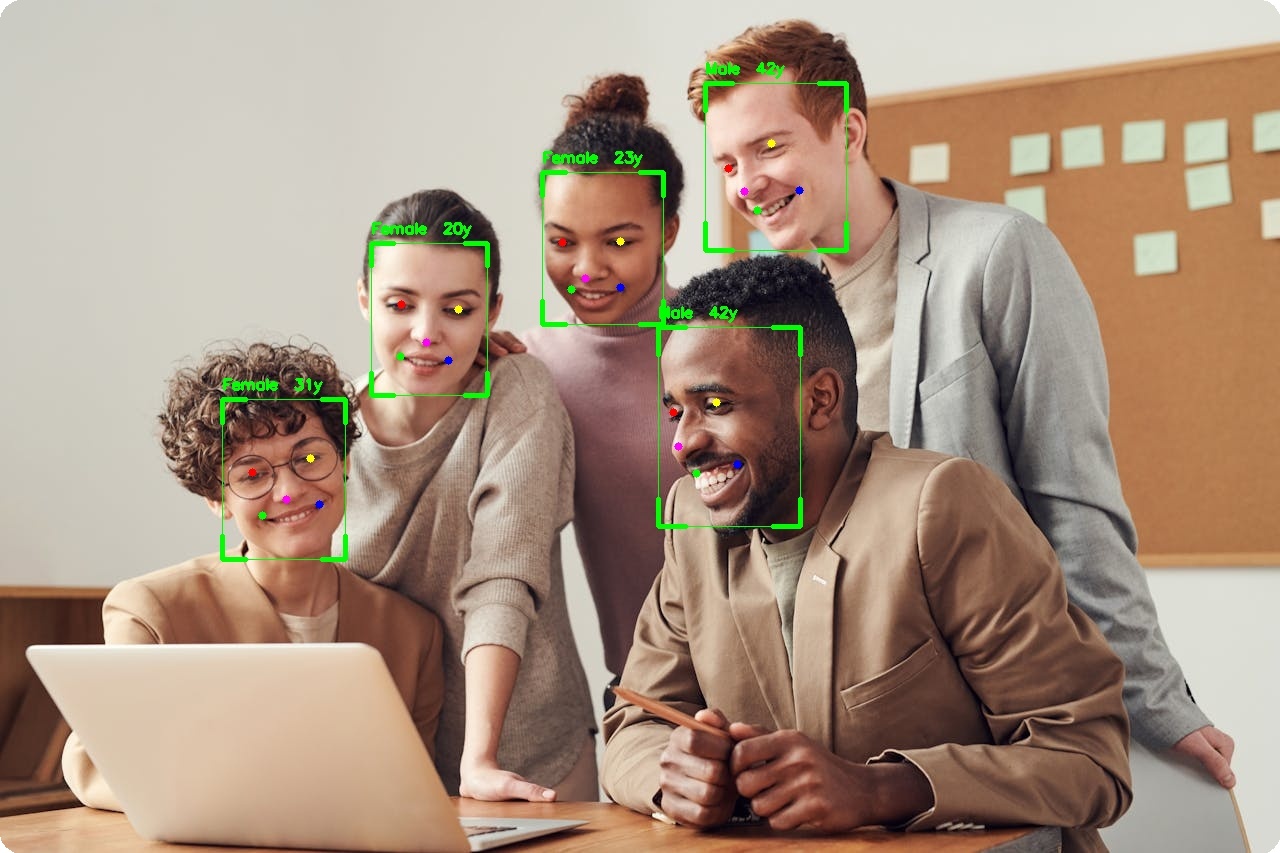{ width="100%" }
|
||||
<figcaption>Age and gender prediction with detection bounding boxes</figcaption>
|
||||
</figure>
|
||||
|
||||
---
|
||||
|
||||
## Available Models
|
||||
|
||||
| Model | Attributes | Size | Notes |
|
||||
|-------|------------|------|-------|
|
||||
| **AgeGender** | Age, Gender | 8 MB | Exact age prediction |
|
||||
| **FairFace** | Gender, Age Group, Race | 44 MB | Balanced demographics |
|
||||
| **Emotion** | 7-8 emotions | 2 MB | Requires PyTorch |
|
||||
|
||||
---
|
||||
|
||||
## AgeGender
|
||||
|
||||
Predicts exact age and binary gender.
|
||||
|
||||
### Basic Usage
|
||||
|
||||
```python
|
||||
from uniface.attribute import AgeGender
|
||||
from uniface.detection import RetinaFace
|
||||
|
||||
detector = RetinaFace()
|
||||
age_gender = AgeGender()
|
||||
|
||||
faces = detector.detect(image)
|
||||
|
||||
for face in faces:
|
||||
result = age_gender.predict(image, face)
|
||||
print(f"Gender: {result.sex}") # "Female" or "Male"
|
||||
print(f"Age: {result.age} years")
|
||||
# face.gender and face.age are also set automatically
|
||||
```
|
||||
|
||||
### Output
|
||||
|
||||
```python
|
||||
# AttributeResult fields
|
||||
result.gender # 0=Female, 1=Male
|
||||
result.sex # "Female" or "Male" (property)
|
||||
result.age # int, age in years
|
||||
result.age_group # None (not provided by this model)
|
||||
result.race # None (not provided by this model)
|
||||
```
|
||||
|
||||
---
|
||||
|
||||
## FairFace
|
||||
|
||||
Predicts gender, age group, and race with balanced demographics.
|
||||
|
||||
### Basic Usage
|
||||
|
||||
```python
|
||||
from uniface.attribute import FairFace
|
||||
from uniface.detection import RetinaFace
|
||||
|
||||
detector = RetinaFace()
|
||||
fairface = FairFace()
|
||||
|
||||
faces = detector.detect(image)
|
||||
|
||||
for face in faces:
|
||||
result = fairface.predict(image, face)
|
||||
print(f"Gender: {result.sex}")
|
||||
print(f"Age Group: {result.age_group}")
|
||||
print(f"Race: {result.race}")
|
||||
# face.gender, face.age_group, face.race are also set automatically
|
||||
```
|
||||
|
||||
### Output
|
||||
|
||||
```python
|
||||
# AttributeResult fields
|
||||
result.gender # 0=Female, 1=Male
|
||||
result.sex # "Female" or "Male"
|
||||
result.age # None (not provided by this model)
|
||||
result.age_group # "20-29", "30-39", etc.
|
||||
result.race # Race/ethnicity label
|
||||
```
|
||||
|
||||
### Race Categories
|
||||
|
||||
| Label |
|
||||
|-------|
|
||||
| White |
|
||||
| Black |
|
||||
| Latino Hispanic |
|
||||
| East Asian |
|
||||
| Southeast Asian |
|
||||
| Indian |
|
||||
| Middle Eastern |
|
||||
|
||||
### Age Groups
|
||||
|
||||
| Group |
|
||||
|-------|
|
||||
| 0-2 |
|
||||
| 3-9 |
|
||||
| 10-19 |
|
||||
| 20-29 |
|
||||
| 30-39 |
|
||||
| 40-49 |
|
||||
| 50-59 |
|
||||
| 60-69 |
|
||||
| 70+ |
|
||||
|
||||
---
|
||||
|
||||
## Emotion
|
||||
|
||||
Predicts facial emotions. Requires PyTorch.
|
||||
|
||||
!!! warning "Optional Dependency"
|
||||
Emotion detection requires PyTorch. Install with:
|
||||
```bash
|
||||
pip install torch
|
||||
```
|
||||
|
||||
### Basic Usage
|
||||
|
||||
```python
|
||||
from uniface.detection import RetinaFace
|
||||
from uniface.attribute import Emotion
|
||||
from uniface.constants import DDAMFNWeights
|
||||
|
||||
detector = RetinaFace()
|
||||
emotion = Emotion(model_name=DDAMFNWeights.AFFECNET7)
|
||||
|
||||
faces = detector.detect(image)
|
||||
|
||||
for face in faces:
|
||||
result = emotion.predict(image, face)
|
||||
print(f"Emotion: {result.emotion}")
|
||||
print(f"Confidence: {result.confidence:.2%}")
|
||||
```
|
||||
|
||||
### Emotion Classes
|
||||
|
||||
=== "7-Class (AFFECNET7)"
|
||||
|
||||
| Label |
|
||||
|-------|
|
||||
| Neutral |
|
||||
| Happy |
|
||||
| Sad |
|
||||
| Surprise |
|
||||
| Fear |
|
||||
| Disgust |
|
||||
| Angry |
|
||||
|
||||
=== "8-Class (AFFECNET8)"
|
||||
|
||||
| Label |
|
||||
|-------|
|
||||
| Neutral |
|
||||
| Happy |
|
||||
| Sad |
|
||||
| Surprise |
|
||||
| Fear |
|
||||
| Disgust |
|
||||
| Angry |
|
||||
| Contempt |
|
||||
|
||||
### Model Variants
|
||||
|
||||
```python
|
||||
from uniface.attribute import Emotion
|
||||
from uniface.constants import DDAMFNWeights
|
||||
|
||||
# 7-class emotion
|
||||
emotion = Emotion(model_name=DDAMFNWeights.AFFECNET7)
|
||||
|
||||
# 8-class emotion
|
||||
emotion = Emotion(model_name=DDAMFNWeights.AFFECNET8)
|
||||
```
|
||||
|
||||
---
|
||||
|
||||
## Factory Function
|
||||
|
||||
Use `create_attribute_predictor()` for dynamic model selection:
|
||||
|
||||
```python
|
||||
from uniface import create_attribute_predictor
|
||||
|
||||
age_gender = create_attribute_predictor('age_gender')
|
||||
fairface = create_attribute_predictor('fairface')
|
||||
emotion = create_attribute_predictor('emotion')
|
||||
```
|
||||
|
||||
Available model names: `'age_gender'`, `'fairface'`, `'emotion'`.
|
||||
|
||||
---
|
||||
|
||||
## Combining Models
|
||||
|
||||
### Full Attribute Analysis
|
||||
|
||||
```python
|
||||
from uniface.attribute import AgeGender, FairFace
|
||||
from uniface.detection import RetinaFace
|
||||
|
||||
detector = RetinaFace()
|
||||
age_gender = AgeGender()
|
||||
fairface = FairFace()
|
||||
|
||||
faces = detector.detect(image)
|
||||
|
||||
for face in faces:
|
||||
# Get exact age from AgeGender
|
||||
ag_result = age_gender.predict(image, face)
|
||||
|
||||
# Get race from FairFace
|
||||
ff_result = fairface.predict(image, face)
|
||||
|
||||
print(f"Gender: {ag_result.sex}")
|
||||
print(f"Exact Age: {ag_result.age}")
|
||||
print(f"Age Group: {ff_result.age_group}")
|
||||
print(f"Race: {ff_result.race}")
|
||||
```
|
||||
|
||||
### Using FaceAnalyzer
|
||||
|
||||
```python
|
||||
from uniface.analyzer import FaceAnalyzer
|
||||
from uniface.attribute import AgeGender
|
||||
from uniface.detection import RetinaFace
|
||||
|
||||
analyzer = FaceAnalyzer(
|
||||
RetinaFace(),
|
||||
attributes=[AgeGender()],
|
||||
)
|
||||
|
||||
faces = analyzer.analyze(image)
|
||||
|
||||
for face in faces:
|
||||
print(f"Age: {face.age}, Gender: {face.sex}")
|
||||
```
|
||||
|
||||
---
|
||||
|
||||
## Visualization
|
||||
|
||||
```python
|
||||
import cv2
|
||||
|
||||
def draw_attributes(image, face, result):
|
||||
"""Draw attributes on image."""
|
||||
x1, y1, x2, y2 = map(int, face.bbox)
|
||||
|
||||
# Draw bounding box
|
||||
cv2.rectangle(image, (x1, y1), (x2, y2), (0, 255, 0), 2)
|
||||
|
||||
# Build label
|
||||
label = f"{result.sex}"
|
||||
if result.age:
|
||||
label += f", {result.age}y"
|
||||
if result.age_group:
|
||||
label += f", {result.age_group}"
|
||||
if result.race:
|
||||
label += f", {result.race}"
|
||||
|
||||
# Draw label
|
||||
cv2.putText(
|
||||
image, label, (x1, y1 - 10),
|
||||
cv2.FONT_HERSHEY_SIMPLEX, 0.5, (0, 255, 0), 2
|
||||
)
|
||||
|
||||
return image
|
||||
|
||||
# Usage
|
||||
for face in faces:
|
||||
result = age_gender.predict(image, face)
|
||||
image = draw_attributes(image, face, result)
|
||||
|
||||
cv2.imwrite("attributes.jpg", image)
|
||||
```
|
||||
|
||||
---
|
||||
|
||||
## Accuracy Notes
|
||||
|
||||
!!! note "Model Limitations"
|
||||
- **AgeGender**: Trained on CelebA; accuracy varies by demographic
|
||||
- **FairFace**: Trained for balanced demographics; better cross-racial accuracy
|
||||
- **Emotion**: Accuracy depends on facial expression clarity
|
||||
|
||||
Always test on your specific use case and consider cultural context.
|
||||
|
||||
---
|
||||
|
||||
## Next Steps
|
||||
|
||||
- [Parsing](parsing.md) - Face semantic segmentation
|
||||
- [Gaze](gaze.md) - Gaze estimation
|
||||
- [Image Pipeline Recipe](../recipes/image-pipeline.md) - Complete workflow
|
||||
296
docs/modules/detection.md
Normal file
@@ -0,0 +1,296 @@
|
||||
# Detection
|
||||
|
||||
Face detection is the first step in any face analysis pipeline. UniFace provides four detection models.
|
||||
|
||||
<figure markdown="span">
|
||||
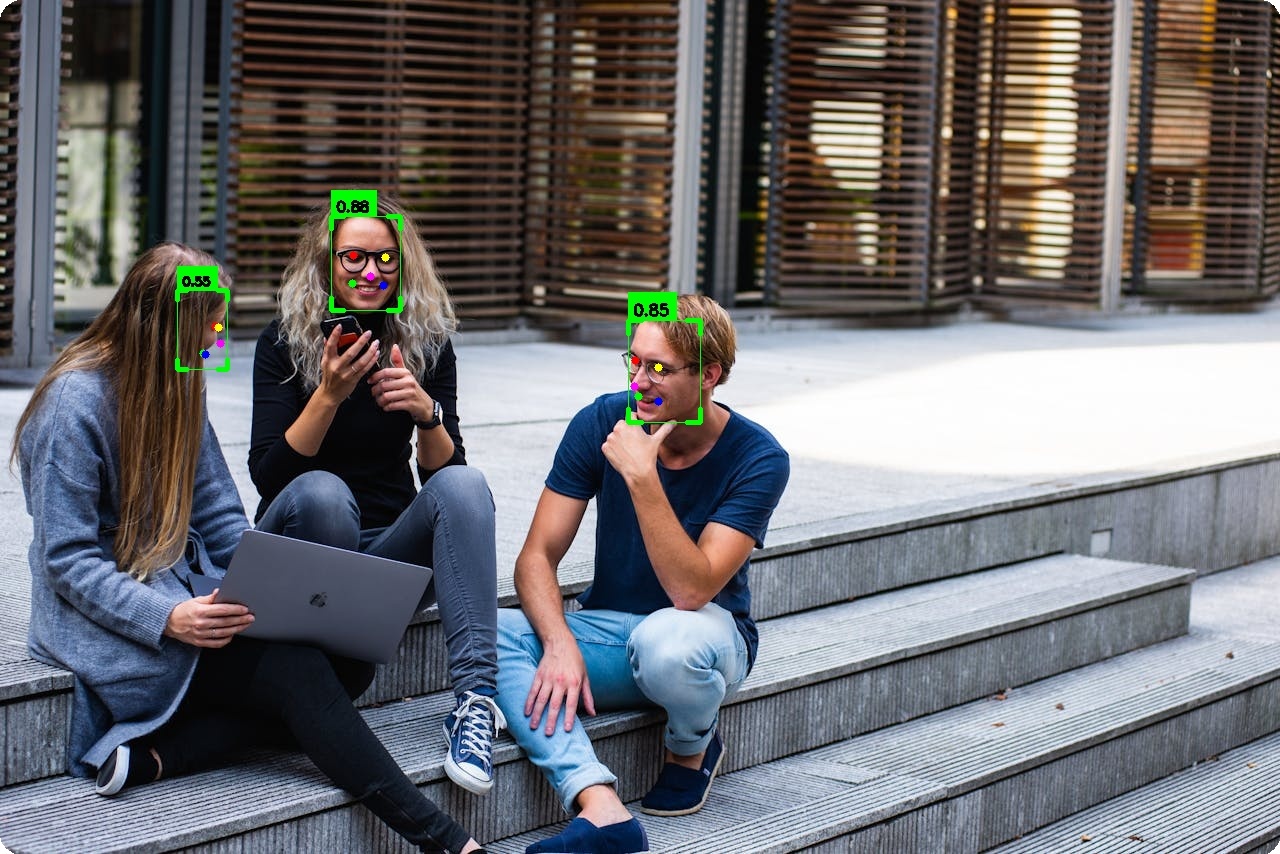{ width="100%" }
|
||||
<figcaption>SCRFD detection with corner-style bounding boxes and 5-point landmarks</figcaption>
|
||||
</figure>
|
||||
|
||||
---
|
||||
|
||||
## Available Models
|
||||
|
||||
| Model | Backbone | Size | Easy | Medium | Hard | Landmarks |
|
||||
|-------|----------|------|------|--------|------|:---------:|
|
||||
| **RetinaFace** | MobileNet V2 | 3.5 MB | 91.7% | 91.0% | 86.6% | :material-check: |
|
||||
| **SCRFD** | SCRFD-10G | 17 MB | 95.2% | 93.9% | 83.1% | :material-check: |
|
||||
| **YOLOv5-Face** | YOLOv5s | 28 MB | 94.3% | 92.6% | 83.2% | :material-check: |
|
||||
| **YOLOv8-Face** | YOLOv8n | 12 MB | 94.6% | 92.3% | 79.6% | :material-check: |
|
||||
|
||||
!!! note "Dataset"
|
||||
All models trained on WIDERFACE dataset.
|
||||
---
|
||||
|
||||
## RetinaFace
|
||||
|
||||
Single-shot face detector with multi-scale feature pyramid.
|
||||
|
||||
### Basic Usage
|
||||
|
||||
```python
|
||||
from uniface.detection import RetinaFace
|
||||
|
||||
detector = RetinaFace()
|
||||
faces = detector.detect(image)
|
||||
|
||||
for face in faces:
|
||||
print(f"Confidence: {face.confidence:.2f}")
|
||||
print(f"BBox: {face.bbox}")
|
||||
print(f"Landmarks: {face.landmarks.shape}") # (5, 2)
|
||||
```
|
||||
|
||||
### Model Variants
|
||||
|
||||
```python
|
||||
from uniface.detection import RetinaFace
|
||||
from uniface.constants import RetinaFaceWeights
|
||||
|
||||
# Lightweight (mobile/edge)
|
||||
detector = RetinaFace(model_name=RetinaFaceWeights.MNET_025)
|
||||
|
||||
# Balanced (default)
|
||||
detector = RetinaFace(model_name=RetinaFaceWeights.MNET_V2)
|
||||
|
||||
# High accuracy
|
||||
detector = RetinaFace(model_name=RetinaFaceWeights.RESNET34)
|
||||
```
|
||||
|
||||
| Variant | Params | Size | Easy | Medium | Hard |
|
||||
|---------|--------|------|------|--------|------|
|
||||
| MNET_025 | 0.4M | 1.7 MB | 88.5% | 87.0% | 80.6% |
|
||||
| MNET_050 | 1.0M | 2.6 MB | 89.4% | 88.0% | 82.4% |
|
||||
| MNET_V1 | 3.5M | 3.8 MB | 90.6% | 89.1% | 84.1% |
|
||||
| **MNET_V2** :material-check-circle: | 3.2M | 3.5 MB | 91.7% | 91.0% | 86.6% |
|
||||
| RESNET18 | 11.7M | 27 MB | 92.5% | 91.0% | 86.6% |
|
||||
| RESNET34 | 24.8M | 56 MB | 94.2% | 93.1% | 88.9% |
|
||||
|
||||
### Configuration
|
||||
|
||||
```python
|
||||
detector = RetinaFace(
|
||||
model_name=RetinaFaceWeights.MNET_V2,
|
||||
confidence_threshold=0.5, # Min confidence
|
||||
nms_threshold=0.4, # NMS IoU threshold
|
||||
input_size=(640, 640), # Input resolution
|
||||
dynamic_size=False, # Enable dynamic input size
|
||||
providers=None, # Auto-detect, or ['CPUExecutionProvider']
|
||||
)
|
||||
```
|
||||
|
||||
---
|
||||
|
||||
## SCRFD
|
||||
|
||||
State-of-the-art detection with excellent accuracy-speed tradeoff.
|
||||
|
||||
### Basic Usage
|
||||
|
||||
```python
|
||||
from uniface.detection import SCRFD
|
||||
|
||||
detector = SCRFD()
|
||||
faces = detector.detect(image)
|
||||
```
|
||||
|
||||
### Model Variants
|
||||
|
||||
```python
|
||||
from uniface.detection import SCRFD
|
||||
from uniface.constants import SCRFDWeights
|
||||
|
||||
# Real-time (lightweight)
|
||||
detector = SCRFD(model_name=SCRFDWeights.SCRFD_500M_KPS)
|
||||
|
||||
# High accuracy (default)
|
||||
detector = SCRFD(model_name=SCRFDWeights.SCRFD_10G_KPS)
|
||||
```
|
||||
|
||||
| Variant | Params | Size | Easy | Medium | Hard |
|
||||
|---------|--------|------|------|--------|------|
|
||||
| SCRFD_500M_KPS | 0.6M | 2.5 MB | 90.6% | 88.1% | 68.5% |
|
||||
| **SCRFD_10G_KPS** :material-check-circle: | 4.2M | 17 MB | 95.2% | 93.9% | 83.1% |
|
||||
|
||||
### Configuration
|
||||
|
||||
```python
|
||||
detector = SCRFD(
|
||||
model_name=SCRFDWeights.SCRFD_10G_KPS,
|
||||
confidence_threshold=0.5,
|
||||
nms_threshold=0.4,
|
||||
input_size=(640, 640),
|
||||
providers=None, # Auto-detect, or ['CPUExecutionProvider']
|
||||
)
|
||||
```
|
||||
|
||||
---
|
||||
|
||||
## YOLOv5-Face
|
||||
|
||||
YOLO-based detection optimized for faces.
|
||||
|
||||
### Basic Usage
|
||||
|
||||
```python
|
||||
from uniface.detection import YOLOv5Face
|
||||
|
||||
detector = YOLOv5Face()
|
||||
faces = detector.detect(image)
|
||||
```
|
||||
|
||||
### Model Variants
|
||||
|
||||
```python
|
||||
from uniface.detection import YOLOv5Face
|
||||
from uniface.constants import YOLOv5FaceWeights
|
||||
|
||||
# Lightweight
|
||||
detector = YOLOv5Face(model_name=YOLOv5FaceWeights.YOLOV5N)
|
||||
|
||||
# Balanced (default)
|
||||
detector = YOLOv5Face(model_name=YOLOv5FaceWeights.YOLOV5S)
|
||||
|
||||
# High accuracy
|
||||
detector = YOLOv5Face(model_name=YOLOv5FaceWeights.YOLOV5M)
|
||||
```
|
||||
|
||||
| Variant | Size | Easy | Medium | Hard |
|
||||
|---------|------|------|--------|------|
|
||||
| YOLOV5N | 11 MB | 93.6% | 91.5% | 80.5% |
|
||||
| **YOLOV5S** :material-check-circle: | 28 MB | 94.3% | 92.6% | 83.2% |
|
||||
| YOLOV5M | 82 MB | 95.3% | 93.8% | 85.3% |
|
||||
|
||||
!!! note "Fixed Input Size"
|
||||
YOLOv5-Face uses a fixed input size of 640×640.
|
||||
|
||||
### Configuration
|
||||
|
||||
```python
|
||||
detector = YOLOv5Face(
|
||||
model_name=YOLOv5FaceWeights.YOLOV5S,
|
||||
confidence_threshold=0.6,
|
||||
nms_threshold=0.5,
|
||||
nms_mode='numpy', # or 'torchvision' for faster NMS
|
||||
providers=None, # Auto-detect, or ['CPUExecutionProvider']
|
||||
)
|
||||
```
|
||||
|
||||
---
|
||||
|
||||
## YOLOv8-Face
|
||||
|
||||
Anchor-free detection with DFL (Distribution Focal Loss) for accurate bbox regression.
|
||||
|
||||
### Basic Usage
|
||||
|
||||
```python
|
||||
from uniface.detection import YOLOv8Face
|
||||
|
||||
detector = YOLOv8Face()
|
||||
faces = detector.detect(image)
|
||||
```
|
||||
|
||||
### Model Variants
|
||||
|
||||
```python
|
||||
from uniface.detection import YOLOv8Face
|
||||
from uniface.constants import YOLOv8FaceWeights
|
||||
|
||||
# Lightweight
|
||||
detector = YOLOv8Face(model_name=YOLOv8FaceWeights.YOLOV8_LITE_S)
|
||||
|
||||
# Recommended (default)
|
||||
detector = YOLOv8Face(model_name=YOLOv8FaceWeights.YOLOV8N)
|
||||
```
|
||||
|
||||
| Variant | Size | Easy | Medium | Hard |
|
||||
|---------|------|------|--------|------|
|
||||
| YOLOV8_LITE_S | 7.4 MB | 93.4% | 91.2% | 78.6% |
|
||||
| **YOLOV8N** :material-check-circle: | 12 MB | 94.6% | 92.3% | 79.6% |
|
||||
|
||||
!!! note "Fixed Input Size"
|
||||
YOLOv8-Face uses a fixed input size of 640×640.
|
||||
|
||||
### Configuration
|
||||
|
||||
```python
|
||||
detector = YOLOv8Face(
|
||||
model_name=YOLOv8FaceWeights.YOLOV8N,
|
||||
confidence_threshold=0.5,
|
||||
nms_threshold=0.45,
|
||||
nms_mode='numpy', # or 'torchvision' for faster NMS
|
||||
providers=None, # Auto-detect, or ['CPUExecutionProvider']
|
||||
)
|
||||
```
|
||||
|
||||
---
|
||||
|
||||
## Factory Function
|
||||
|
||||
Create detectors dynamically:
|
||||
|
||||
```python
|
||||
from uniface.detection import create_detector
|
||||
|
||||
detector = create_detector('retinaface')
|
||||
# or
|
||||
detector = create_detector('scrfd')
|
||||
# or
|
||||
detector = create_detector('yolov5face')
|
||||
# or
|
||||
detector = create_detector('yolov8face')
|
||||
```
|
||||
|
||||
---
|
||||
|
||||
## Output Format
|
||||
|
||||
All detectors return `list[Face]`:
|
||||
|
||||
```python
|
||||
for face in faces:
|
||||
# Bounding box [x1, y1, x2, y2]
|
||||
bbox = face.bbox
|
||||
|
||||
# Detection confidence (0-1)
|
||||
confidence = face.confidence
|
||||
|
||||
# 5-point landmarks (5, 2)
|
||||
landmarks = face.landmarks
|
||||
# [left_eye, right_eye, nose, left_mouth, right_mouth]
|
||||
```
|
||||
|
||||
---
|
||||
|
||||
## Visualization
|
||||
|
||||
```python
|
||||
from uniface.draw import draw_detections
|
||||
|
||||
draw_detections(
|
||||
image=image,
|
||||
faces=faces,
|
||||
vis_threshold=0.6,
|
||||
)
|
||||
|
||||
cv2.imwrite("result.jpg", image)
|
||||
```
|
||||
|
||||
---
|
||||
|
||||
## Performance Comparison
|
||||
|
||||
Benchmark on your hardware:
|
||||
|
||||
```bash
|
||||
python tools/detect.py --source image.jpg
|
||||
```
|
||||
|
||||
---
|
||||
|
||||
## See Also
|
||||
|
||||
- [Recognition Module](recognition.md) - Extract embeddings from detected faces
|
||||
- [Landmarks Module](landmarks.md) - Get 106-point landmarks
|
||||
- [Image Pipeline Recipe](../recipes/image-pipeline.md) - Complete detection workflow
|
||||
- [Concepts: Thresholds](../concepts/thresholds-calibration.md) - Tuning detection parameters
|
||||
278
docs/modules/gaze.md
Normal file
@@ -0,0 +1,278 @@
|
||||
# Gaze Estimation
|
||||
|
||||
Gaze estimation predicts where a person is looking (pitch and yaw angles).
|
||||
|
||||
<figure markdown="span">
|
||||
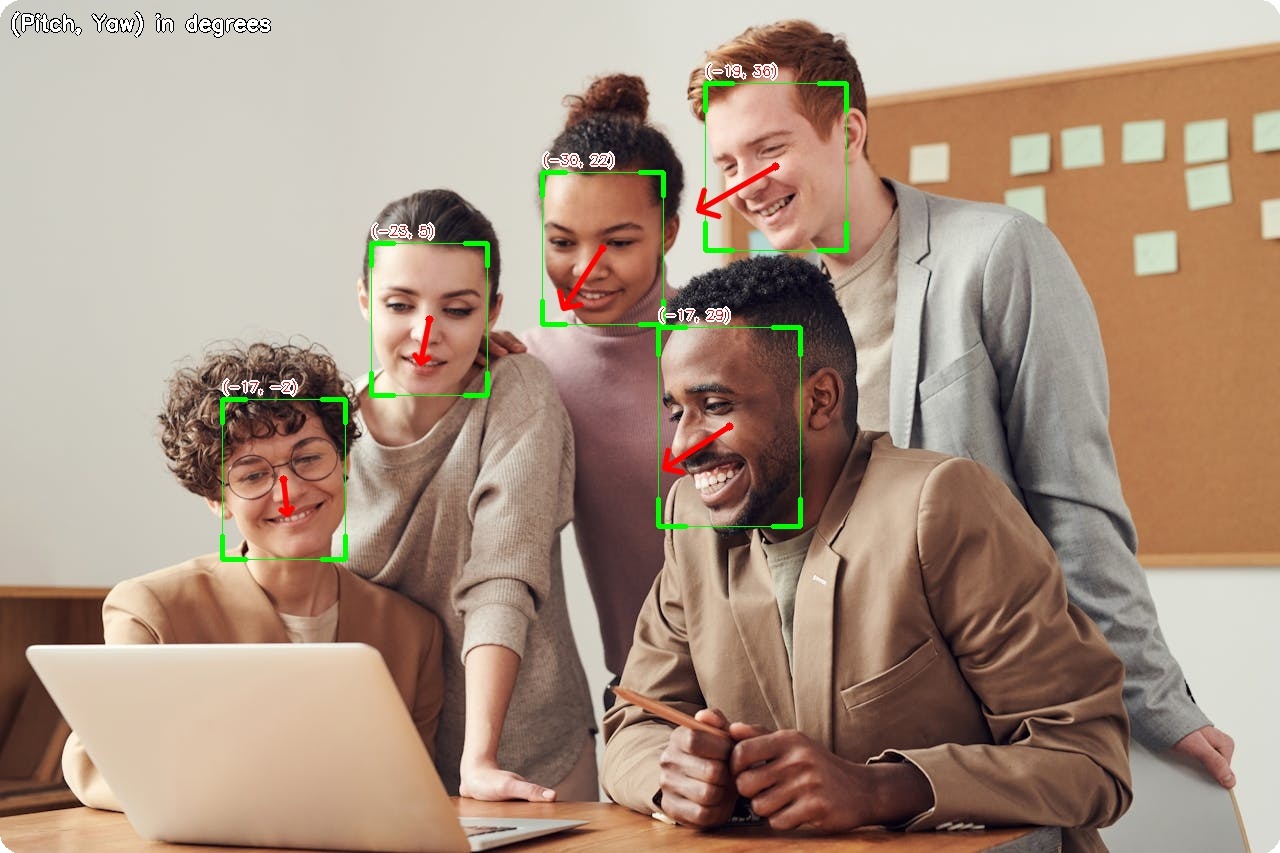{ width="100%" }
|
||||
<figcaption>Gaze direction arrows with pitch/yaw angle labels</figcaption>
|
||||
</figure>
|
||||
|
||||
---
|
||||
|
||||
## Available Models
|
||||
|
||||
| Model | Backbone | Size | MAE* |
|
||||
|-------|----------|------|------|
|
||||
| ResNet18 | ResNet18 | 43 MB | 12.84° |
|
||||
| **ResNet34** :material-check-circle: | ResNet34 | 82 MB | 11.33° |
|
||||
| ResNet50 | ResNet50 | 91 MB | 11.34° |
|
||||
| MobileNetV2 | MobileNetV2 | 9.6 MB | 13.07° |
|
||||
| MobileOne-S0 | MobileOne | 4.8 MB | 12.58° |
|
||||
|
||||
*MAE = Mean Absolute Error on Gaze360 test set (lower is better)
|
||||
|
||||
---
|
||||
|
||||
## Basic Usage
|
||||
|
||||
```python
|
||||
import cv2
|
||||
import numpy as np
|
||||
from uniface.detection import RetinaFace
|
||||
from uniface.gaze import MobileGaze
|
||||
|
||||
detector = RetinaFace()
|
||||
gaze_estimator = MobileGaze()
|
||||
|
||||
image = cv2.imread("photo.jpg")
|
||||
faces = detector.detect(image)
|
||||
|
||||
for face in faces:
|
||||
# Crop face
|
||||
x1, y1, x2, y2 = map(int, face.bbox)
|
||||
face_crop = image[y1:y2, x1:x2]
|
||||
|
||||
if face_crop.size > 0:
|
||||
# Estimate gaze
|
||||
result = gaze_estimator.estimate(face_crop)
|
||||
|
||||
# Convert to degrees
|
||||
pitch_deg = np.degrees(result.pitch)
|
||||
yaw_deg = np.degrees(result.yaw)
|
||||
|
||||
print(f"Pitch: {pitch_deg:.1f}°, Yaw: {yaw_deg:.1f}°")
|
||||
```
|
||||
|
||||
---
|
||||
|
||||
## Model Variants
|
||||
|
||||
```python
|
||||
from uniface.gaze import MobileGaze
|
||||
from uniface.constants import GazeWeights
|
||||
|
||||
# Default (ResNet34, recommended)
|
||||
gaze = MobileGaze()
|
||||
|
||||
# Lightweight for mobile/edge
|
||||
gaze = MobileGaze(model_name=GazeWeights.MOBILEONE_S0)
|
||||
|
||||
# Higher accuracy
|
||||
gaze = MobileGaze(model_name=GazeWeights.RESNET50)
|
||||
```
|
||||
|
||||
---
|
||||
|
||||
## Output Format
|
||||
|
||||
```python
|
||||
result = gaze_estimator.estimate(face_crop)
|
||||
|
||||
# GazeResult dataclass
|
||||
result.pitch # Vertical angle in radians
|
||||
result.yaw # Horizontal angle in radians
|
||||
```
|
||||
|
||||
### Angle Convention
|
||||
|
||||
```
|
||||
pitch = +90° (looking up)
|
||||
│
|
||||
│
|
||||
yaw = -90° ────┼──── yaw = +90°
|
||||
(looking left) │ (looking right)
|
||||
│
|
||||
pitch = -90° (looking down)
|
||||
```
|
||||
|
||||
- **Pitch**: Vertical gaze angle
|
||||
- Positive = looking up
|
||||
- Negative = looking down
|
||||
|
||||
- **Yaw**: Horizontal gaze angle
|
||||
- Positive = looking right
|
||||
- Negative = looking left
|
||||
|
||||
---
|
||||
|
||||
## Visualization
|
||||
|
||||
```python
|
||||
from uniface.draw import draw_gaze
|
||||
|
||||
# Detect faces
|
||||
faces = detector.detect(image)
|
||||
|
||||
for face in faces:
|
||||
x1, y1, x2, y2 = map(int, face.bbox)
|
||||
face_crop = image[y1:y2, x1:x2]
|
||||
|
||||
if face_crop.size > 0:
|
||||
result = gaze_estimator.estimate(face_crop)
|
||||
|
||||
# Draw gaze arrow on image
|
||||
draw_gaze(image, face.bbox, result.pitch, result.yaw)
|
||||
|
||||
cv2.imwrite("gaze_output.jpg", image)
|
||||
```
|
||||
|
||||
### Custom Visualization
|
||||
|
||||
```python
|
||||
import cv2
|
||||
import numpy as np
|
||||
|
||||
def draw_gaze_custom(image, bbox, pitch, yaw, length=100, color=(0, 255, 0)):
|
||||
"""Draw custom gaze arrow."""
|
||||
x1, y1, x2, y2 = map(int, bbox)
|
||||
|
||||
# Face center
|
||||
cx = (x1 + x2) // 2
|
||||
cy = (y1 + y2) // 2
|
||||
|
||||
# Calculate endpoint
|
||||
dx = -length * np.sin(yaw) * np.cos(pitch)
|
||||
dy = -length * np.sin(pitch)
|
||||
|
||||
# Draw arrow
|
||||
end_x = int(cx + dx)
|
||||
end_y = int(cy + dy)
|
||||
|
||||
cv2.arrowedLine(image, (cx, cy), (end_x, end_y), color, 2, tipLength=0.3)
|
||||
|
||||
return image
|
||||
```
|
||||
|
||||
---
|
||||
|
||||
## Real-Time Gaze Tracking
|
||||
|
||||
```python
|
||||
import cv2
|
||||
import numpy as np
|
||||
from uniface.detection import RetinaFace
|
||||
from uniface.gaze import MobileGaze
|
||||
from uniface.draw import draw_gaze
|
||||
|
||||
detector = RetinaFace()
|
||||
gaze_estimator = MobileGaze()
|
||||
|
||||
cap = cv2.VideoCapture(0)
|
||||
|
||||
while True:
|
||||
ret, frame = cap.read()
|
||||
if not ret:
|
||||
break
|
||||
|
||||
faces = detector.detect(frame)
|
||||
|
||||
for face in faces:
|
||||
x1, y1, x2, y2 = map(int, face.bbox)
|
||||
face_crop = frame[y1:y2, x1:x2]
|
||||
|
||||
if face_crop.size > 0:
|
||||
result = gaze_estimator.estimate(face_crop)
|
||||
|
||||
# Draw bounding box
|
||||
cv2.rectangle(frame, (x1, y1), (x2, y2), (0, 255, 0), 2)
|
||||
|
||||
# Draw gaze
|
||||
draw_gaze(frame, face.bbox, result.pitch, result.yaw)
|
||||
|
||||
# Display angles
|
||||
pitch_deg = np.degrees(result.pitch)
|
||||
yaw_deg = np.degrees(result.yaw)
|
||||
label = f"P:{pitch_deg:.0f} Y:{yaw_deg:.0f}"
|
||||
cv2.putText(frame, label, (x1, y1 - 10),
|
||||
cv2.FONT_HERSHEY_SIMPLEX, 0.5, (0, 255, 0), 2)
|
||||
|
||||
cv2.imshow("Gaze Estimation", frame)
|
||||
|
||||
if cv2.waitKey(1) & 0xFF == ord('q'):
|
||||
break
|
||||
|
||||
cap.release()
|
||||
cv2.destroyAllWindows()
|
||||
```
|
||||
|
||||
---
|
||||
|
||||
## Use Cases
|
||||
|
||||
### Attention Detection
|
||||
|
||||
```python
|
||||
def is_looking_at_camera(result, threshold=15):
|
||||
"""Check if person is looking at camera."""
|
||||
pitch_deg = abs(np.degrees(result.pitch))
|
||||
yaw_deg = abs(np.degrees(result.yaw))
|
||||
|
||||
return pitch_deg < threshold and yaw_deg < threshold
|
||||
|
||||
# Usage
|
||||
result = gaze_estimator.estimate(face_crop)
|
||||
if is_looking_at_camera(result):
|
||||
print("Looking at camera")
|
||||
else:
|
||||
print("Looking away")
|
||||
```
|
||||
|
||||
### Gaze Direction Classification
|
||||
|
||||
```python
|
||||
def classify_gaze_direction(result, threshold=20):
|
||||
"""Classify gaze into directions."""
|
||||
pitch_deg = np.degrees(result.pitch)
|
||||
yaw_deg = np.degrees(result.yaw)
|
||||
|
||||
directions = []
|
||||
|
||||
if pitch_deg > threshold:
|
||||
directions.append("up")
|
||||
elif pitch_deg < -threshold:
|
||||
directions.append("down")
|
||||
|
||||
if yaw_deg > threshold:
|
||||
directions.append("right")
|
||||
elif yaw_deg < -threshold:
|
||||
directions.append("left")
|
||||
|
||||
if not directions:
|
||||
return "center"
|
||||
|
||||
return " ".join(directions)
|
||||
|
||||
# Usage
|
||||
result = gaze_estimator.estimate(face_crop)
|
||||
direction = classify_gaze_direction(result)
|
||||
print(f"Looking: {direction}")
|
||||
```
|
||||
|
||||
---
|
||||
|
||||
## Factory Function
|
||||
|
||||
```python
|
||||
from uniface.gaze import create_gaze_estimator
|
||||
|
||||
gaze = create_gaze_estimator() # Returns MobileGaze
|
||||
```
|
||||
|
||||
---
|
||||
|
||||
## Next Steps
|
||||
|
||||
- [Head Pose Estimation](headpose.md) - 3D head orientation
|
||||
- [Anti-Spoofing](spoofing.md) - Face liveness detection
|
||||
- [Privacy](privacy.md) - Face anonymization
|
||||
- [Video Recipe](../recipes/video-webcam.md) - Real-time processing
|
||||
237
docs/modules/headpose.md
Normal file
@@ -0,0 +1,237 @@
|
||||
# Head Pose Estimation
|
||||
|
||||
Head pose estimation predicts the 3D orientation of a person's head (pitch, yaw, and roll angles).
|
||||
|
||||
<figure markdown="span">
|
||||
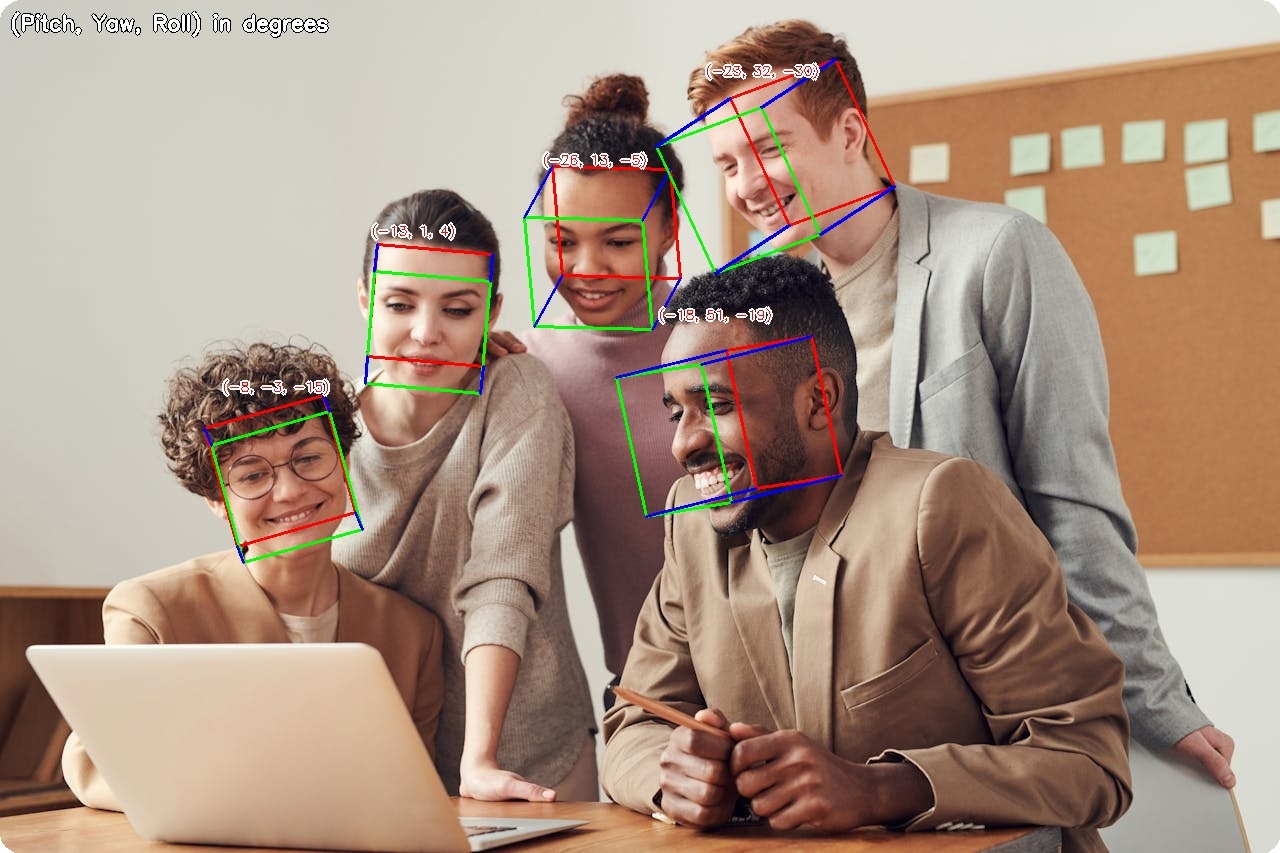{ width="100%" }
|
||||
<figcaption>3D head pose visualization with pitch, yaw, and roll angles</figcaption>
|
||||
</figure>
|
||||
|
||||
---
|
||||
|
||||
## Available Models
|
||||
|
||||
| Model | Backbone | Size | MAE* |
|
||||
|-------|----------|------|------|
|
||||
| **ResNet18** :material-check-circle: | ResNet18 | 43 MB | 5.22° |
|
||||
| ResNet34 | ResNet34 | 82 MB | 5.07° |
|
||||
| ResNet50 | ResNet50 | 91 MB | 4.83° |
|
||||
| MobileNetV2 | MobileNetV2 | 9.6 MB | 5.72° |
|
||||
| MobileNetV3-Small | MobileNetV3 | 4.8 MB | 6.31° |
|
||||
| MobileNetV3-Large | MobileNetV3 | 16 MB | 5.58° |
|
||||
|
||||
*MAE = Mean Absolute Error on AFLW2000 test set (lower is better)
|
||||
|
||||
---
|
||||
|
||||
## Basic Usage
|
||||
|
||||
```python
|
||||
import cv2
|
||||
from uniface.detection import RetinaFace
|
||||
from uniface.headpose import HeadPose
|
||||
|
||||
detector = RetinaFace()
|
||||
head_pose = HeadPose()
|
||||
|
||||
image = cv2.imread("photo.jpg")
|
||||
faces = detector.detect(image)
|
||||
|
||||
for face in faces:
|
||||
# Crop face
|
||||
x1, y1, x2, y2 = map(int, face.bbox)
|
||||
face_crop = image[y1:y2, x1:x2]
|
||||
|
||||
if face_crop.size > 0:
|
||||
# Estimate head pose
|
||||
result = head_pose.estimate(face_crop)
|
||||
print(f"Pitch: {result.pitch:.1f}°, Yaw: {result.yaw:.1f}°, Roll: {result.roll:.1f}°")
|
||||
```
|
||||
|
||||
---
|
||||
|
||||
## Model Variants
|
||||
|
||||
```python
|
||||
from uniface.headpose import HeadPose
|
||||
from uniface.constants import HeadPoseWeights
|
||||
|
||||
# Default (ResNet18, recommended balance of speed and accuracy)
|
||||
hp = HeadPose()
|
||||
|
||||
# Lightweight for mobile/edge
|
||||
hp = HeadPose(model_name=HeadPoseWeights.MOBILENET_V3_SMALL)
|
||||
|
||||
# Higher accuracy
|
||||
hp = HeadPose(model_name=HeadPoseWeights.RESNET50)
|
||||
```
|
||||
|
||||
---
|
||||
|
||||
## Output Format
|
||||
|
||||
```python
|
||||
result = head_pose.estimate(face_crop)
|
||||
|
||||
# HeadPoseResult dataclass
|
||||
result.pitch # Rotation around X-axis in degrees
|
||||
result.yaw # Rotation around Y-axis in degrees
|
||||
result.roll # Rotation around Z-axis in degrees
|
||||
```
|
||||
|
||||
### Angle Convention
|
||||
|
||||
```
|
||||
pitch > 0 (looking down)
|
||||
│
|
||||
│
|
||||
yaw < 0 ─────┼───── yaw > 0
|
||||
(looking left) │ (looking right)
|
||||
│
|
||||
pitch < 0 (looking up)
|
||||
|
||||
roll > 0 = clockwise tilt
|
||||
roll < 0 = counter-clockwise tilt
|
||||
```
|
||||
|
||||
- **Pitch**: Rotation around X-axis (positive = looking down)
|
||||
- **Yaw**: Rotation around Y-axis (positive = looking right)
|
||||
- **Roll**: Rotation around Z-axis (positive = tilting clockwise)
|
||||
|
||||
---
|
||||
|
||||
## Visualization
|
||||
|
||||
### 3D Cube (default)
|
||||
|
||||
The default visualization draws a wireframe cube oriented to match the head pose.
|
||||
|
||||
```python
|
||||
from uniface.draw import draw_head_pose
|
||||
|
||||
faces = detector.detect(image)
|
||||
|
||||
for face in faces:
|
||||
x1, y1, x2, y2 = map(int, face.bbox)
|
||||
face_crop = image[y1:y2, x1:x2]
|
||||
|
||||
if face_crop.size > 0:
|
||||
result = head_pose.estimate(face_crop)
|
||||
|
||||
# Draw cube on image (default)
|
||||
draw_head_pose(image, face.bbox, result.pitch, result.yaw, result.roll)
|
||||
|
||||
cv2.imwrite("headpose_output.jpg", image)
|
||||
```
|
||||
|
||||
### Axis Visualization
|
||||
|
||||
```python
|
||||
from uniface.draw import draw_head_pose
|
||||
|
||||
# X/Y/Z coordinate axes
|
||||
draw_head_pose(image, face.bbox, result.pitch, result.yaw, result.roll, draw_type='axis')
|
||||
```
|
||||
|
||||
### Low-Level Drawing Functions
|
||||
|
||||
```python
|
||||
from uniface.draw import draw_head_pose_cube, draw_head_pose_axis
|
||||
|
||||
# Draw cube directly
|
||||
draw_head_pose_cube(image, yaw=10.0, pitch=-5.0, roll=2.0, bbox=[100, 100, 250, 280])
|
||||
|
||||
# Draw axes directly
|
||||
draw_head_pose_axis(image, yaw=10.0, pitch=-5.0, roll=2.0, bbox=[100, 100, 250, 280])
|
||||
```
|
||||
|
||||
---
|
||||
|
||||
## Real-Time Head Pose Tracking
|
||||
|
||||
```python
|
||||
import cv2
|
||||
from uniface.detection import RetinaFace
|
||||
from uniface.headpose import HeadPose
|
||||
from uniface.draw import draw_head_pose
|
||||
|
||||
detector = RetinaFace()
|
||||
head_pose = HeadPose()
|
||||
|
||||
cap = cv2.VideoCapture(0)
|
||||
|
||||
while True:
|
||||
ret, frame = cap.read()
|
||||
if not ret:
|
||||
break
|
||||
|
||||
faces = detector.detect(frame)
|
||||
|
||||
for face in faces:
|
||||
x1, y1, x2, y2 = map(int, face.bbox)
|
||||
face_crop = frame[y1:y2, x1:x2]
|
||||
|
||||
if face_crop.size > 0:
|
||||
result = head_pose.estimate(face_crop)
|
||||
draw_head_pose(frame, face.bbox, result.pitch, result.yaw, result.roll)
|
||||
|
||||
cv2.imshow("Head Pose Estimation", frame)
|
||||
|
||||
if cv2.waitKey(1) & 0xFF == ord('q'):
|
||||
break
|
||||
|
||||
cap.release()
|
||||
cv2.destroyAllWindows()
|
||||
```
|
||||
|
||||
---
|
||||
|
||||
## Use Cases
|
||||
|
||||
### Driver Drowsiness Detection
|
||||
|
||||
```python
|
||||
def is_head_drooping(result, pitch_threshold=-15):
|
||||
"""Check if the head is drooping (looking down significantly)."""
|
||||
return result.pitch < pitch_threshold
|
||||
|
||||
result = head_pose.estimate(face_crop)
|
||||
if is_head_drooping(result):
|
||||
print("Warning: Head drooping detected")
|
||||
```
|
||||
|
||||
### Attention Monitoring
|
||||
|
||||
```python
|
||||
def is_facing_forward(result, threshold=20):
|
||||
"""Check if the person is facing roughly forward."""
|
||||
return (
|
||||
abs(result.pitch) < threshold
|
||||
and abs(result.yaw) < threshold
|
||||
and abs(result.roll) < threshold
|
||||
)
|
||||
|
||||
result = head_pose.estimate(face_crop)
|
||||
if is_facing_forward(result):
|
||||
print("Facing forward")
|
||||
else:
|
||||
print("Looking away")
|
||||
```
|
||||
|
||||
---
|
||||
|
||||
## Factory Function
|
||||
|
||||
```python
|
||||
from uniface.headpose import create_head_pose_estimator
|
||||
|
||||
hp = create_head_pose_estimator() # Returns HeadPose
|
||||
```
|
||||
|
||||
---
|
||||
|
||||
## Next Steps
|
||||
|
||||
- [Gaze Estimation](gaze.md) - Eye gaze direction
|
||||
- [Anti-Spoofing](spoofing.md) - Face liveness detection
|
||||
- [Video Recipe](../recipes/video-webcam.md) - Real-time processing
|
||||
257
docs/modules/landmarks.md
Normal file
@@ -0,0 +1,257 @@
|
||||
# Landmarks
|
||||
|
||||
Facial landmark detection provides precise localization of facial features.
|
||||
|
||||
<figure markdown="span">
|
||||
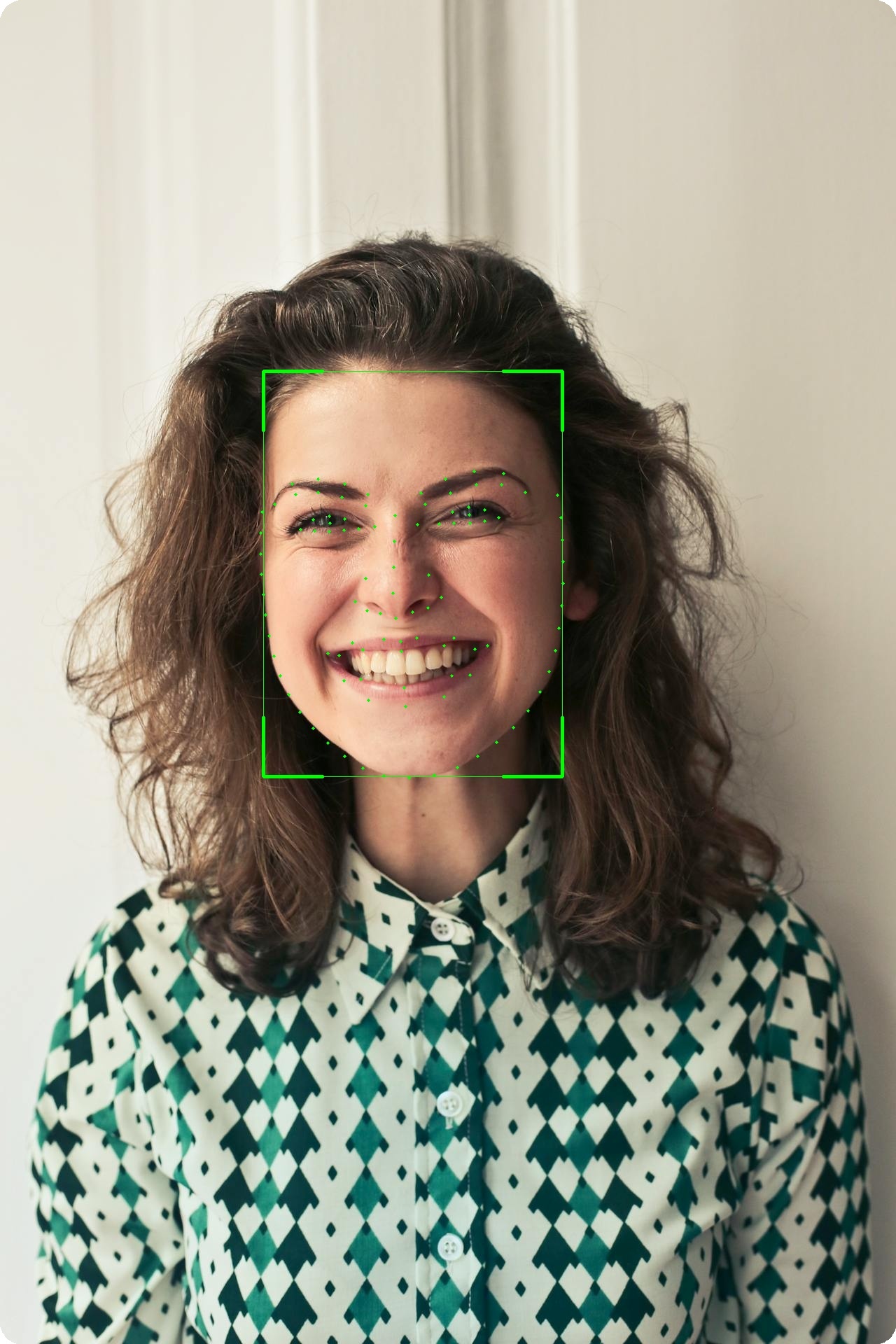{ width="50%" }
|
||||
<figcaption>106-point facial landmark localization</figcaption>
|
||||
</figure>
|
||||
|
||||
---
|
||||
|
||||
## Available Models
|
||||
|
||||
| Model | Points | Size |
|
||||
|-------|--------|------|
|
||||
| **Landmark106** | 106 | 14 MB |
|
||||
|
||||
!!! info "5-Point Landmarks"
|
||||
Basic 5-point landmarks are included with all detection models (RetinaFace, SCRFD, YOLOv5-Face, YOLOv8-Face).
|
||||
|
||||
---
|
||||
|
||||
## 106-Point Landmarks
|
||||
|
||||
### Basic Usage
|
||||
|
||||
```python
|
||||
from uniface.detection import RetinaFace
|
||||
from uniface.landmark import Landmark106
|
||||
|
||||
detector = RetinaFace()
|
||||
landmarker = Landmark106()
|
||||
|
||||
# Detect face
|
||||
faces = detector.detect(image)
|
||||
|
||||
# Get detailed landmarks
|
||||
if faces:
|
||||
landmarks = landmarker.get_landmarks(image, faces[0].bbox)
|
||||
print(f"Landmarks shape: {landmarks.shape}") # (106, 2)
|
||||
```
|
||||
|
||||
### Landmark Groups
|
||||
|
||||
| Range | Group | Points |
|
||||
|-------|-------|--------|
|
||||
| 0-32 | Face Contour | 33 |
|
||||
| 33-50 | Eyebrows | 18 |
|
||||
| 51-62 | Nose | 12 |
|
||||
| 63-86 | Eyes | 24 |
|
||||
| 87-105 | Mouth | 19 |
|
||||
|
||||
### Extract Specific Features
|
||||
|
||||
```python
|
||||
landmarks = landmarker.get_landmarks(image, face.bbox)
|
||||
|
||||
# Face contour
|
||||
contour = landmarks[0:33]
|
||||
|
||||
# Left eyebrow
|
||||
left_eyebrow = landmarks[33:42]
|
||||
|
||||
# Right eyebrow
|
||||
right_eyebrow = landmarks[42:51]
|
||||
|
||||
# Nose
|
||||
nose = landmarks[51:63]
|
||||
|
||||
# Left eye
|
||||
left_eye = landmarks[63:72]
|
||||
|
||||
# Right eye
|
||||
right_eye = landmarks[76:84]
|
||||
|
||||
# Mouth
|
||||
mouth = landmarks[87:106]
|
||||
```
|
||||
|
||||
---
|
||||
|
||||
## 5-Point Landmarks (Detection)
|
||||
|
||||
All detection models provide 5-point landmarks:
|
||||
|
||||
```python
|
||||
from uniface.detection import RetinaFace
|
||||
|
||||
detector = RetinaFace()
|
||||
faces = detector.detect(image)
|
||||
|
||||
if faces:
|
||||
landmarks_5 = faces[0].landmarks
|
||||
print(f"Shape: {landmarks_5.shape}") # (5, 2)
|
||||
|
||||
left_eye = landmarks_5[0]
|
||||
right_eye = landmarks_5[1]
|
||||
nose = landmarks_5[2]
|
||||
left_mouth = landmarks_5[3]
|
||||
right_mouth = landmarks_5[4]
|
||||
```
|
||||
|
||||
---
|
||||
|
||||
## Visualization
|
||||
|
||||
### Draw 106 Landmarks
|
||||
|
||||
```python
|
||||
import cv2
|
||||
|
||||
def draw_landmarks(image, landmarks, color=(0, 255, 0), radius=2):
|
||||
"""Draw landmarks on image."""
|
||||
for x, y in landmarks.astype(int):
|
||||
cv2.circle(image, (x, y), radius, color, -1)
|
||||
return image
|
||||
|
||||
# Usage
|
||||
landmarks = landmarker.get_landmarks(image, face.bbox)
|
||||
image_with_landmarks = draw_landmarks(image.copy(), landmarks)
|
||||
cv2.imwrite("landmarks.jpg", image_with_landmarks)
|
||||
```
|
||||
|
||||
### Draw with Connections
|
||||
|
||||
```python
|
||||
def draw_landmarks_with_connections(image, landmarks):
|
||||
"""Draw landmarks with facial feature connections."""
|
||||
landmarks = landmarks.astype(int)
|
||||
|
||||
# Face contour (0-32)
|
||||
for i in range(32):
|
||||
cv2.line(image, tuple(landmarks[i]), tuple(landmarks[i+1]), (255, 255, 0), 1)
|
||||
|
||||
# Left eyebrow (33-41)
|
||||
for i in range(33, 41):
|
||||
cv2.line(image, tuple(landmarks[i]), tuple(landmarks[i+1]), (0, 255, 0), 1)
|
||||
|
||||
# Right eyebrow (42-50)
|
||||
for i in range(42, 50):
|
||||
cv2.line(image, tuple(landmarks[i]), tuple(landmarks[i+1]), (0, 255, 0), 1)
|
||||
|
||||
# Nose (51-62)
|
||||
for i in range(51, 62):
|
||||
cv2.line(image, tuple(landmarks[i]), tuple(landmarks[i+1]), (0, 0, 255), 1)
|
||||
|
||||
# Draw points
|
||||
for x, y in landmarks:
|
||||
cv2.circle(image, (x, y), 2, (0, 255, 255), -1)
|
||||
|
||||
return image
|
||||
```
|
||||
|
||||
---
|
||||
|
||||
## Use Cases
|
||||
|
||||
### Face Alignment
|
||||
|
||||
```python
|
||||
from uniface.face_utils import face_alignment
|
||||
|
||||
# Align face using 5-point landmarks
|
||||
aligned = face_alignment(image, faces[0].landmarks)
|
||||
# Returns: 112x112 aligned face
|
||||
```
|
||||
|
||||
### Eye Aspect Ratio (Blink Detection)
|
||||
|
||||
```python
|
||||
import numpy as np
|
||||
|
||||
def eye_aspect_ratio(eye_landmarks):
|
||||
"""Calculate eye aspect ratio for blink detection."""
|
||||
# Vertical distances
|
||||
v1 = np.linalg.norm(eye_landmarks[1] - eye_landmarks[5])
|
||||
v2 = np.linalg.norm(eye_landmarks[2] - eye_landmarks[4])
|
||||
|
||||
# Horizontal distance
|
||||
h = np.linalg.norm(eye_landmarks[0] - eye_landmarks[3])
|
||||
|
||||
ear = (v1 + v2) / (2.0 * h)
|
||||
return ear
|
||||
|
||||
# Usage with 106-point landmarks
|
||||
left_eye = landmarks[63:72] # Approximate eye points
|
||||
ear = eye_aspect_ratio(left_eye)
|
||||
|
||||
if ear < 0.2:
|
||||
print("Eye closed (blink detected)")
|
||||
```
|
||||
|
||||
### Head Pose Estimation
|
||||
|
||||
```python
|
||||
import cv2
|
||||
import numpy as np
|
||||
|
||||
def estimate_head_pose(landmarks, image_shape):
|
||||
"""Estimate head pose from facial landmarks."""
|
||||
# 3D model points (generic face model)
|
||||
model_points = np.array([
|
||||
(0.0, 0.0, 0.0), # Nose tip
|
||||
(0.0, -330.0, -65.0), # Chin
|
||||
(-225.0, 170.0, -135.0), # Left eye corner
|
||||
(225.0, 170.0, -135.0), # Right eye corner
|
||||
(-150.0, -150.0, -125.0), # Left mouth corner
|
||||
(150.0, -150.0, -125.0) # Right mouth corner
|
||||
], dtype=np.float64)
|
||||
|
||||
# 2D image points (from 106 landmarks)
|
||||
image_points = np.array([
|
||||
landmarks[51], # Nose tip
|
||||
landmarks[16], # Chin
|
||||
landmarks[63], # Left eye corner
|
||||
landmarks[76], # Right eye corner
|
||||
landmarks[87], # Left mouth corner
|
||||
landmarks[93] # Right mouth corner
|
||||
], dtype=np.float64)
|
||||
|
||||
# Camera matrix
|
||||
h, w = image_shape[:2]
|
||||
focal_length = w
|
||||
center = (w / 2, h / 2)
|
||||
camera_matrix = np.array([
|
||||
[focal_length, 0, center[0]],
|
||||
[0, focal_length, center[1]],
|
||||
[0, 0, 1]
|
||||
], dtype=np.float64)
|
||||
|
||||
# Solve PnP
|
||||
dist_coeffs = np.zeros((4, 1))
|
||||
success, rotation_vector, translation_vector = cv2.solvePnP(
|
||||
model_points, image_points, camera_matrix, dist_coeffs
|
||||
)
|
||||
|
||||
return rotation_vector, translation_vector
|
||||
```
|
||||
|
||||
---
|
||||
|
||||
## Factory Function
|
||||
|
||||
```python
|
||||
from uniface.landmark import create_landmarker
|
||||
|
||||
landmarker = create_landmarker() # Returns Landmark106
|
||||
```
|
||||
|
||||
---
|
||||
|
||||
## See Also
|
||||
|
||||
- [Detection Module](detection.md) - Face detection with 5-point landmarks
|
||||
- [Attributes Module](attributes.md) - Age, gender, emotion
|
||||
- [Gaze Module](gaze.md) - Gaze estimation
|
||||
- [Concepts: Coordinate Systems](../concepts/coordinate-systems.md) - Landmark formats
|
||||
157
docs/modules/matting.md
Normal file
@@ -0,0 +1,157 @@
|
||||
# Portrait Matting
|
||||
|
||||
Portrait matting produces a soft alpha matte separating the foreground (person) from the background — no trimap needed.
|
||||
|
||||
<figure markdown="span">
|
||||
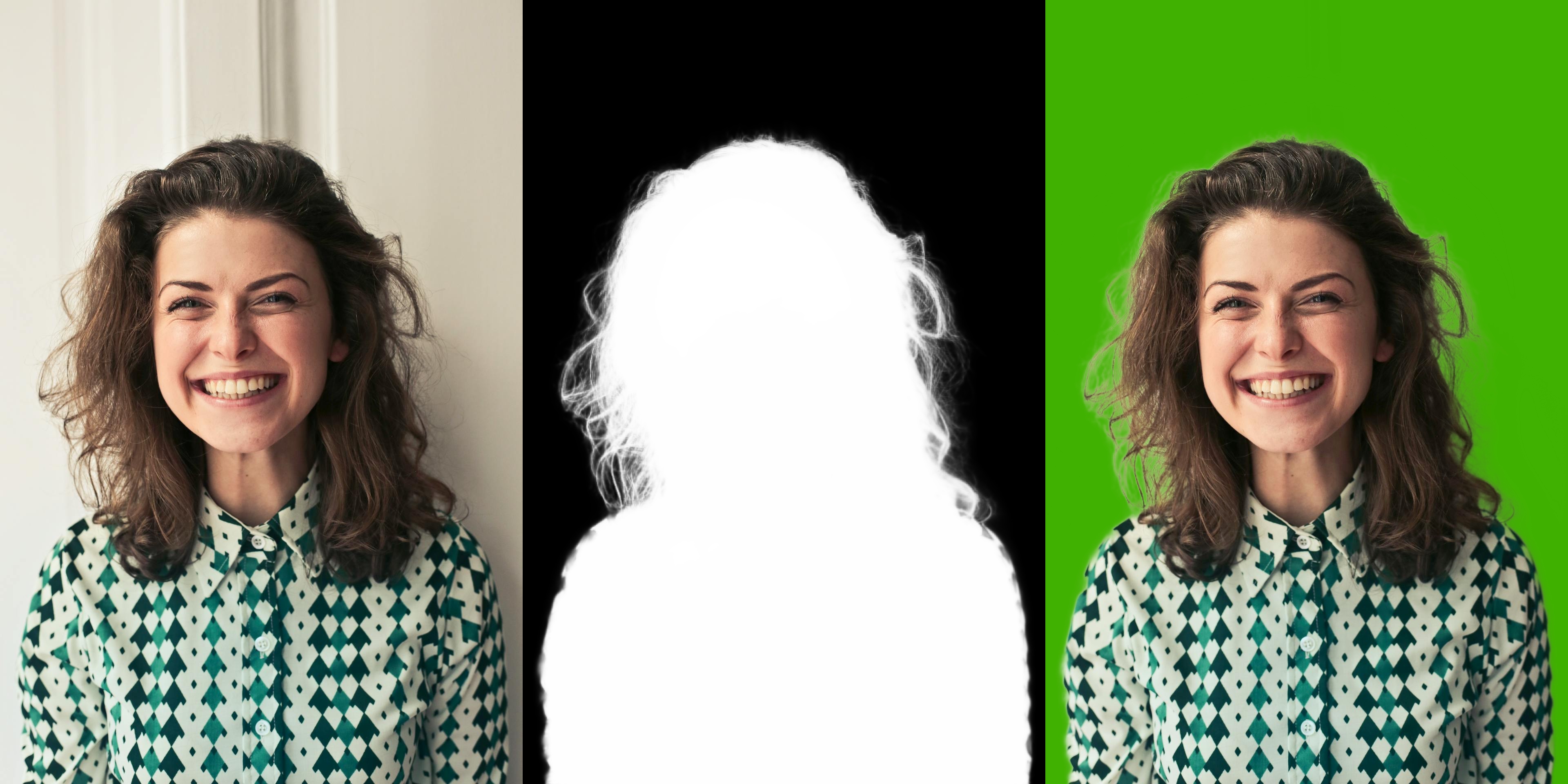{ width="100%" }
|
||||
<figcaption>MODNet: Input → Matte → Green Screen</figcaption>
|
||||
</figure>
|
||||
|
||||
---
|
||||
|
||||
## Available Models
|
||||
|
||||
| Model | Variant | Size | Use Case |
|
||||
|-------|---------|------|----------|
|
||||
| **MODNet Photographic** :material-check-circle: | PHOTOGRAPHIC | 25 MB | High-quality portrait photos |
|
||||
| MODNet Webcam | WEBCAM | 25 MB | Real-time webcam feeds |
|
||||
|
||||
---
|
||||
|
||||
## Basic Usage
|
||||
|
||||
```python
|
||||
import cv2
|
||||
from uniface.matting import MODNet
|
||||
|
||||
matting = MODNet()
|
||||
|
||||
image = cv2.imread("photo.jpg")
|
||||
matte = matting.predict(image)
|
||||
|
||||
print(f"Matte shape: {matte.shape}") # (H, W)
|
||||
print(f"Matte dtype: {matte.dtype}") # float32
|
||||
print(f"Matte range: [{matte.min():.2f}, {matte.max():.2f}]") # [0, 1]
|
||||
```
|
||||
|
||||
---
|
||||
|
||||
## Model Variants
|
||||
|
||||
```python
|
||||
from uniface.matting import MODNet
|
||||
from uniface.constants import MODNetWeights
|
||||
|
||||
# Photographic (default) — best for photos
|
||||
matting = MODNet()
|
||||
|
||||
# Webcam — optimized for real-time
|
||||
matting = MODNet(model_name=MODNetWeights.WEBCAM)
|
||||
|
||||
# Custom input size
|
||||
matting = MODNet(input_size=256)
|
||||
```
|
||||
|
||||
| Parameter | Default | Description |
|
||||
|-----------|---------|-------------|
|
||||
| `model_name` | `PHOTOGRAPHIC` | Model variant to load |
|
||||
| `input_size` | `512` | Target shorter-side size for preprocessing |
|
||||
| `providers` | `None` | ONNX Runtime execution providers |
|
||||
|
||||
---
|
||||
|
||||
## Applications
|
||||
|
||||
### Transparent Background (RGBA)
|
||||
|
||||
```python
|
||||
import cv2
|
||||
import numpy as np
|
||||
|
||||
matting = MODNet()
|
||||
image = cv2.imread("photo.jpg")
|
||||
matte = matting.predict(image)
|
||||
|
||||
rgba = cv2.cvtColor(image, cv2.COLOR_BGR2BGRA)
|
||||
rgba[:, :, 3] = (matte * 255).astype(np.uint8)
|
||||
cv2.imwrite("transparent.png", rgba)
|
||||
```
|
||||
|
||||
### Green Screen
|
||||
|
||||
```python
|
||||
import numpy as np
|
||||
|
||||
matte_3ch = matte[:, :, np.newaxis]
|
||||
bg = np.full_like(image, (0, 177, 64), dtype=np.uint8)
|
||||
green = (image * matte_3ch + bg * (1 - matte_3ch)).astype(np.uint8)
|
||||
cv2.imwrite("green_screen.jpg", green)
|
||||
```
|
||||
|
||||
### Custom Background
|
||||
|
||||
```python
|
||||
import cv2
|
||||
import numpy as np
|
||||
|
||||
background = cv2.imread("beach.jpg")
|
||||
background = cv2.resize(background, (image.shape[1], image.shape[0]))
|
||||
|
||||
matte_3ch = matte[:, :, np.newaxis]
|
||||
result = (image * matte_3ch + background * (1 - matte_3ch)).astype(np.uint8)
|
||||
cv2.imwrite("custom_bg.jpg", result)
|
||||
```
|
||||
|
||||
### Webcam Matting
|
||||
|
||||
```python
|
||||
import cv2
|
||||
import numpy as np
|
||||
from uniface.matting import MODNet
|
||||
|
||||
matting = MODNet(model_name="modnet_webcam")
|
||||
cap = cv2.VideoCapture(0)
|
||||
|
||||
while True:
|
||||
ret, frame = cap.read()
|
||||
if not ret:
|
||||
break
|
||||
|
||||
matte = matting.predict(frame)
|
||||
matte_3ch = matte[:, :, np.newaxis]
|
||||
bg = np.full_like(frame, (0, 177, 64), dtype=np.uint8)
|
||||
result = (frame * matte_3ch + bg * (1 - matte_3ch)).astype(np.uint8)
|
||||
|
||||
cv2.imshow("Matting", np.hstack([frame, result]))
|
||||
if cv2.waitKey(1) & 0xFF == ord("q"):
|
||||
break
|
||||
|
||||
cap.release()
|
||||
cv2.destroyAllWindows()
|
||||
```
|
||||
|
||||
---
|
||||
|
||||
## Factory Function
|
||||
|
||||
```python
|
||||
from uniface.matting import create_matting_model
|
||||
from uniface.constants import MODNetWeights
|
||||
|
||||
# Default (Photographic)
|
||||
matting = create_matting_model()
|
||||
|
||||
# With enum
|
||||
matting = create_matting_model(MODNetWeights.WEBCAM)
|
||||
|
||||
# With string
|
||||
matting = create_matting_model("modnet_webcam")
|
||||
```
|
||||
|
||||
---
|
||||
|
||||
## Next Steps
|
||||
|
||||
- [Parsing](parsing.md) - Face semantic segmentation
|
||||
- [Privacy](privacy.md) - Face anonymization
|
||||
- [Detection](detection.md) - Face detection
|
||||
343
docs/modules/parsing.md
Normal file
@@ -0,0 +1,343 @@
|
||||
# Parsing
|
||||
|
||||
Face parsing segments faces into semantic components or face regions.
|
||||
|
||||
<figure markdown="span">
|
||||
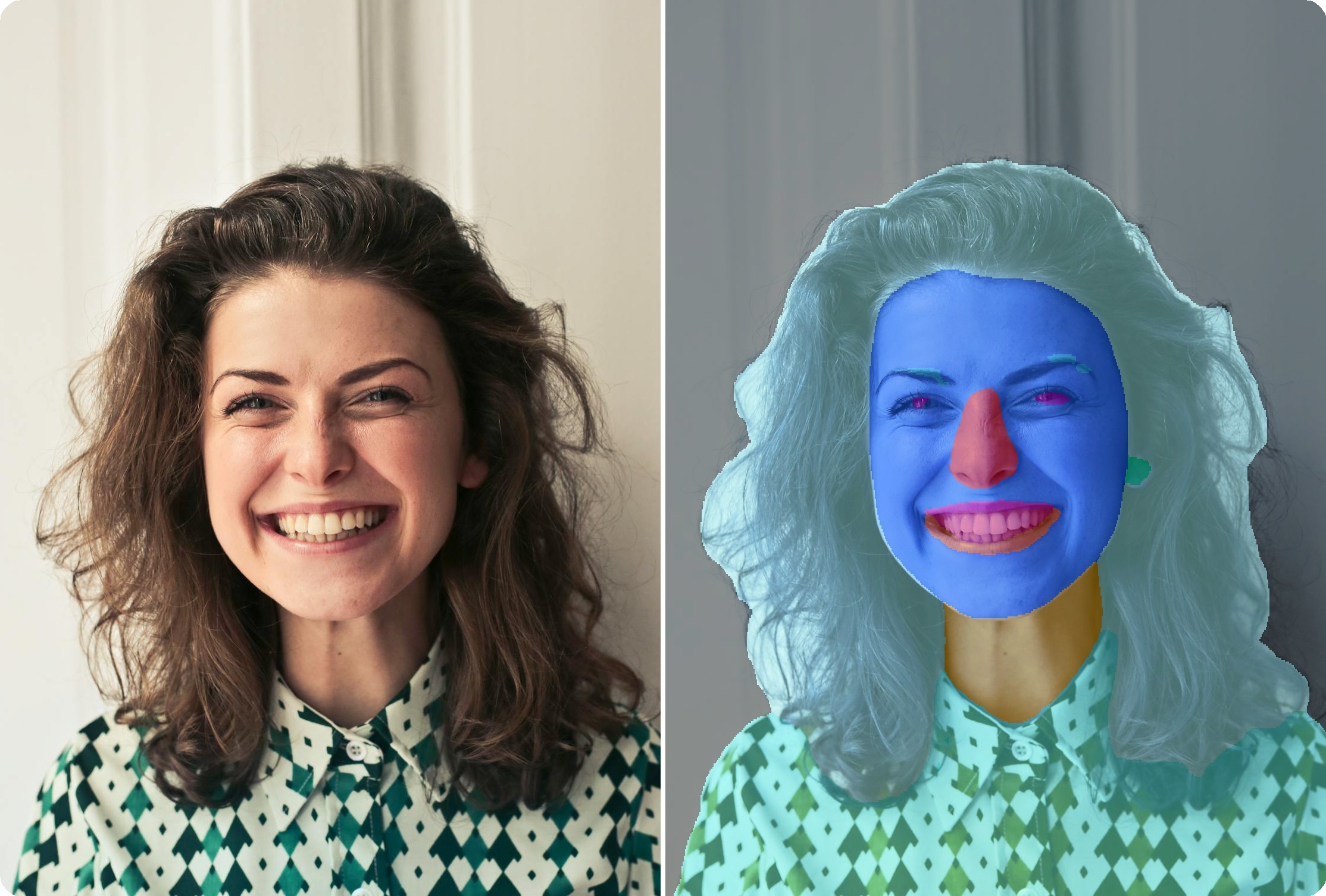{ width="80%" }
|
||||
<figcaption>BiSeNet face parsing with 19 semantic component classes</figcaption>
|
||||
</figure>
|
||||
|
||||
<figure markdown="span">
|
||||
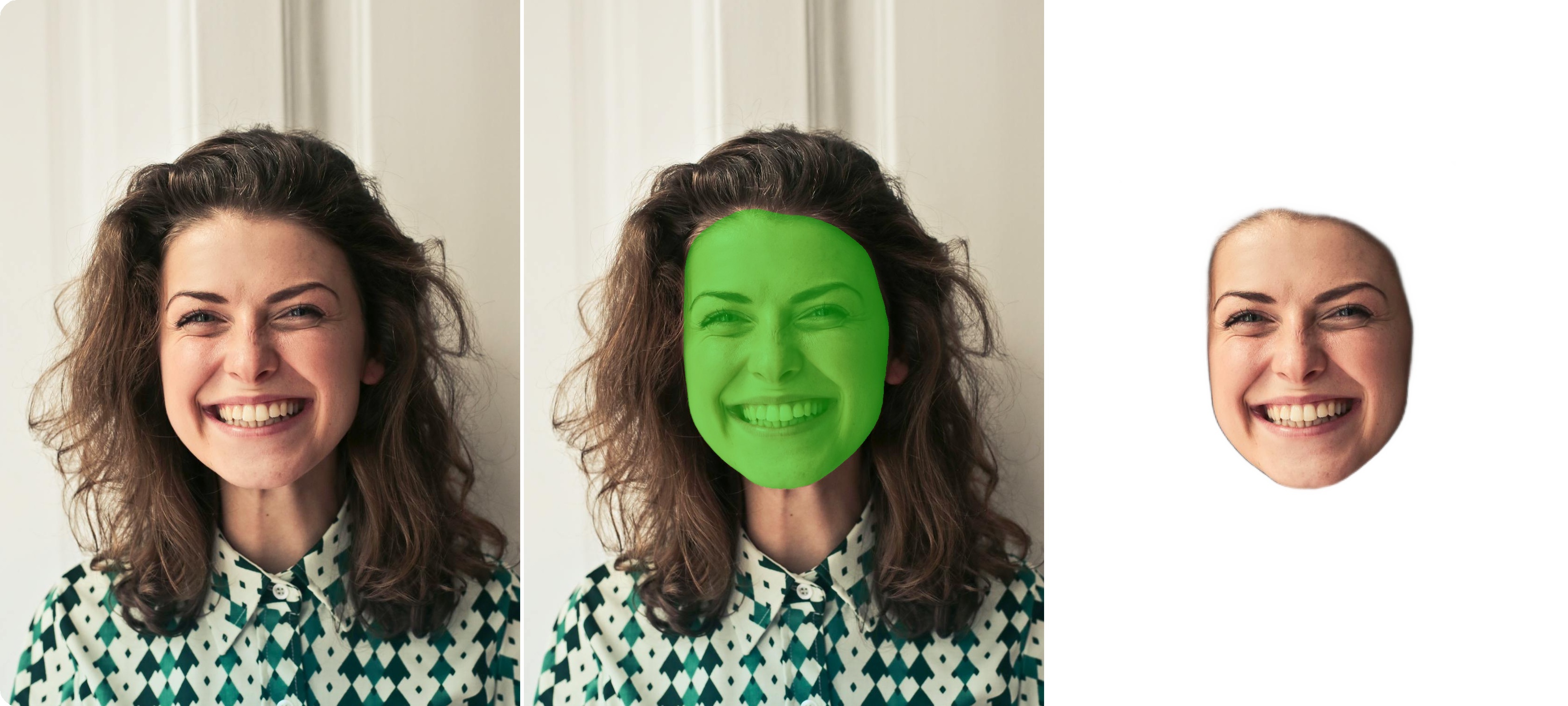{ width="80%" }
|
||||
<figcaption>XSeg face region segmentation mask</figcaption>
|
||||
</figure>
|
||||
|
||||
---
|
||||
|
||||
## Available Models
|
||||
|
||||
| Model | Backbone | Size | Output |
|
||||
|-------|----------|------|--------|
|
||||
| **BiSeNet ResNet18** :material-check-circle: | ResNet18 | 51 MB | 19 classes |
|
||||
| BiSeNet ResNet34 | ResNet34 | 89 MB | 19 classes |
|
||||
| XSeg | - | 67 MB | Mask |
|
||||
|
||||
---
|
||||
|
||||
## Basic Usage
|
||||
|
||||
```python
|
||||
import cv2
|
||||
from uniface.parsing import BiSeNet
|
||||
from uniface.draw import vis_parsing_maps
|
||||
|
||||
# Initialize parser
|
||||
parser = BiSeNet()
|
||||
|
||||
# Load face image (cropped)
|
||||
face_image = cv2.imread("face.jpg")
|
||||
|
||||
# Parse face
|
||||
mask = parser.parse(face_image)
|
||||
print(f"Mask shape: {mask.shape}") # (H, W)
|
||||
|
||||
# Visualize
|
||||
face_rgb = cv2.cvtColor(face_image, cv2.COLOR_BGR2RGB)
|
||||
vis_result = vis_parsing_maps(face_rgb, mask, save_image=False)
|
||||
|
||||
# Save result
|
||||
vis_bgr = cv2.cvtColor(vis_result, cv2.COLOR_RGB2BGR)
|
||||
cv2.imwrite("parsed.jpg", vis_bgr)
|
||||
```
|
||||
|
||||
---
|
||||
|
||||
## 19 Facial Component Classes
|
||||
|
||||
| ID | Class | ID | Class |
|
||||
|----|-------|----|-------|
|
||||
| 0 | Background | 10 | Nose |
|
||||
| 1 | Skin | 11 | Mouth |
|
||||
| 2 | Left Eyebrow | 12 | Upper Lip |
|
||||
| 3 | Right Eyebrow | 13 | Lower Lip |
|
||||
| 4 | Left Eye | 14 | Neck |
|
||||
| 5 | Right Eye | 15 | Necklace |
|
||||
| 6 | Eyeglasses | 16 | Cloth |
|
||||
| 7 | Left Ear | 17 | Hair |
|
||||
| 8 | Right Ear | 18 | Hat |
|
||||
| 9 | Earring | | |
|
||||
|
||||
---
|
||||
|
||||
## Model Variants
|
||||
|
||||
```python
|
||||
from uniface.parsing import BiSeNet
|
||||
from uniface.constants import ParsingWeights
|
||||
|
||||
# Default (ResNet18)
|
||||
parser = BiSeNet()
|
||||
|
||||
# Higher accuracy (ResNet34)
|
||||
parser = BiSeNet(model_name=ParsingWeights.RESNET34)
|
||||
```
|
||||
|
||||
| Variant | Params | Size |
|
||||
|---------|--------|------|
|
||||
| **RESNET18** :material-check-circle: | 13.3M | 51 MB |
|
||||
| RESNET34 | 24.1M | 89 MB |
|
||||
|
||||
---
|
||||
|
||||
## Full Pipeline
|
||||
|
||||
### With Face Detection
|
||||
|
||||
```python
|
||||
import cv2
|
||||
from uniface.detection import RetinaFace
|
||||
from uniface.parsing import BiSeNet
|
||||
from uniface.draw import vis_parsing_maps
|
||||
|
||||
detector = RetinaFace()
|
||||
parser = BiSeNet()
|
||||
|
||||
image = cv2.imread("photo.jpg")
|
||||
faces = detector.detect(image)
|
||||
|
||||
for i, face in enumerate(faces):
|
||||
# Crop face
|
||||
x1, y1, x2, y2 = map(int, face.bbox)
|
||||
face_crop = image[y1:y2, x1:x2]
|
||||
|
||||
# Parse
|
||||
mask = parser.parse(face_crop)
|
||||
|
||||
# Visualize
|
||||
face_rgb = cv2.cvtColor(face_crop, cv2.COLOR_BGR2RGB)
|
||||
vis_result = vis_parsing_maps(face_rgb, mask, save_image=False)
|
||||
|
||||
# Save
|
||||
vis_bgr = cv2.cvtColor(vis_result, cv2.COLOR_RGB2BGR)
|
||||
cv2.imwrite(f"face_{i}_parsed.jpg", vis_bgr)
|
||||
```
|
||||
|
||||
---
|
||||
|
||||
## Extract Specific Components
|
||||
|
||||
### Get Single Component Mask
|
||||
|
||||
```python
|
||||
import numpy as np
|
||||
|
||||
# Parse face
|
||||
mask = parser.parse(face_image)
|
||||
|
||||
# Extract specific component
|
||||
SKIN = 1
|
||||
HAIR = 17
|
||||
LEFT_EYE = 4
|
||||
RIGHT_EYE = 5
|
||||
|
||||
# Binary mask for skin
|
||||
skin_mask = (mask == SKIN).astype(np.uint8) * 255
|
||||
|
||||
# Binary mask for hair
|
||||
hair_mask = (mask == HAIR).astype(np.uint8) * 255
|
||||
|
||||
# Binary mask for eyes
|
||||
eyes_mask = ((mask == LEFT_EYE) | (mask == RIGHT_EYE)).astype(np.uint8) * 255
|
||||
```
|
||||
|
||||
### Count Pixels per Component
|
||||
|
||||
```python
|
||||
import numpy as np
|
||||
|
||||
mask = parser.parse(face_image)
|
||||
|
||||
component_names = {
|
||||
0: 'Background', 1: 'Skin', 2: 'L-Eyebrow', 3: 'R-Eyebrow',
|
||||
4: 'L-Eye', 5: 'R-Eye', 6: 'Eyeglasses', 7: 'L-Ear', 8: 'R-Ear',
|
||||
9: 'Earring', 10: 'Nose', 11: 'Mouth',
|
||||
12: 'U-Lip', 13: 'L-Lip', 14: 'Neck', 15: 'Necklace',
|
||||
16: 'Cloth', 17: 'Hair', 18: 'Hat'
|
||||
}
|
||||
|
||||
for class_id in np.unique(mask):
|
||||
pixel_count = np.sum(mask == class_id)
|
||||
name = component_names.get(class_id, f'Class {class_id}')
|
||||
print(f"{name}: {pixel_count} pixels")
|
||||
```
|
||||
|
||||
---
|
||||
|
||||
## Applications
|
||||
|
||||
### Face Makeup
|
||||
|
||||
Apply virtual makeup using component masks:
|
||||
|
||||
```python
|
||||
import cv2
|
||||
import numpy as np
|
||||
|
||||
def apply_lip_color(image, mask, color=(180, 50, 50)):
|
||||
"""Apply lip color using parsing mask."""
|
||||
result = image.copy()
|
||||
|
||||
# Get lip mask (upper lip=12, lower lip=13)
|
||||
lip_mask = ((mask == 12) | (mask == 13)).astype(np.uint8)
|
||||
|
||||
# Create color overlay
|
||||
overlay = np.zeros_like(image)
|
||||
overlay[:] = color
|
||||
|
||||
# Alpha blend lip region
|
||||
alpha = 0.4
|
||||
mask_3ch = lip_mask[:, :, np.newaxis]
|
||||
result = np.where(mask_3ch, (image * (1 - alpha) + overlay * alpha).astype(np.uint8), result)
|
||||
|
||||
return result
|
||||
```
|
||||
|
||||
### Background Replacement
|
||||
|
||||
```python
|
||||
def replace_background(image, mask, background):
|
||||
"""Replace background using parsing mask."""
|
||||
# Create foreground mask (everything except background)
|
||||
foreground_mask = (mask != 0).astype(np.uint8)
|
||||
|
||||
# Resize background to match image
|
||||
background = cv2.resize(background, (image.shape[1], image.shape[0]))
|
||||
|
||||
# Combine
|
||||
result = image.copy()
|
||||
result[foreground_mask == 0] = background[foreground_mask == 0]
|
||||
|
||||
return result
|
||||
```
|
||||
|
||||
### Hair Segmentation
|
||||
|
||||
```python
|
||||
def get_hair_mask(mask):
|
||||
"""Extract clean hair mask."""
|
||||
hair_mask = (mask == 17).astype(np.uint8) * 255
|
||||
|
||||
# Clean up with morphological operations
|
||||
kernel = np.ones((5, 5), np.uint8)
|
||||
hair_mask = cv2.morphologyEx(hair_mask, cv2.MORPH_CLOSE, kernel)
|
||||
hair_mask = cv2.morphologyEx(hair_mask, cv2.MORPH_OPEN, kernel)
|
||||
|
||||
return hair_mask
|
||||
```
|
||||
|
||||
---
|
||||
|
||||
## Visualization Options
|
||||
|
||||
```python
|
||||
from uniface.draw import vis_parsing_maps
|
||||
|
||||
# Default visualization
|
||||
vis_result = vis_parsing_maps(face_rgb, mask)
|
||||
|
||||
# With different parameters
|
||||
vis_result = vis_parsing_maps(
|
||||
face_rgb,
|
||||
mask,
|
||||
save_image=False, # Don't save to file
|
||||
)
|
||||
```
|
||||
|
||||
---
|
||||
|
||||
## XSeg
|
||||
|
||||
XSeg outputs a mask for face regions. Unlike BiSeNet which works on bbox crops, XSeg requires 5-point landmarks for face alignment.
|
||||
|
||||
### Basic Usage
|
||||
|
||||
```python
|
||||
import cv2
|
||||
from uniface.detection import RetinaFace
|
||||
from uniface.parsing import XSeg
|
||||
|
||||
detector = RetinaFace()
|
||||
parser = XSeg()
|
||||
|
||||
image = cv2.imread("photo.jpg")
|
||||
faces = detector.detect(image)
|
||||
|
||||
for face in faces:
|
||||
if face.landmarks is not None:
|
||||
mask = parser.parse(image, landmarks=face.landmarks)
|
||||
print(f"Mask shape: {mask.shape}") # (H, W), values in [0, 1]
|
||||
```
|
||||
|
||||
### Parameters
|
||||
|
||||
```python
|
||||
from uniface.parsing import XSeg
|
||||
|
||||
# Default settings
|
||||
parser = XSeg()
|
||||
|
||||
# Custom settings
|
||||
parser = XSeg(
|
||||
align_size=256, # Face alignment size
|
||||
blur_sigma=5, # Gaussian blur for smoothing (0 = raw)
|
||||
)
|
||||
```
|
||||
|
||||
| Parameter | Default | Description |
|
||||
|-----------|---------|-------------|
|
||||
| `align_size` | 256 | Face alignment output size |
|
||||
| `blur_sigma` | 0 | Mask smoothing (0 = no blur) |
|
||||
|
||||
### Methods
|
||||
|
||||
```python
|
||||
# Full pipeline: align -> segment -> warp back to original space
|
||||
mask = parser.parse(image, landmarks=landmarks)
|
||||
|
||||
# For pre-aligned face crops
|
||||
mask = parser.parse_aligned(face_crop)
|
||||
|
||||
# Get mask + crop + inverse matrix for custom warping
|
||||
mask, face_crop, inverse_matrix = parser.parse_with_inverse(image, landmarks)
|
||||
```
|
||||
|
||||
### BiSeNet vs XSeg
|
||||
|
||||
| Feature | BiSeNet | XSeg |
|
||||
|---------|---------|------|
|
||||
| Output | 19 class labels | Mask [0, 1] |
|
||||
| Input | Bbox crop | Requires landmarks |
|
||||
| Use case | Facial components | Face region extraction |
|
||||
|
||||
---
|
||||
|
||||
## Factory Function
|
||||
|
||||
```python
|
||||
from uniface.parsing import create_face_parser
|
||||
from uniface.constants import ParsingWeights, XSegWeights
|
||||
|
||||
# BiSeNet (default)
|
||||
parser = create_face_parser()
|
||||
|
||||
# XSeg
|
||||
parser = create_face_parser(XSegWeights.DEFAULT)
|
||||
```
|
||||
|
||||
---
|
||||
|
||||
## Next Steps
|
||||
|
||||
- [Gaze](gaze.md) - Gaze estimation
|
||||
- [Privacy](privacy.md) - Face anonymization
|
||||
- [Detection](detection.md) - Face detection
|
||||
265
docs/modules/privacy.md
Normal file
@@ -0,0 +1,265 @@
|
||||
# Privacy
|
||||
|
||||
Face anonymization protects privacy by blurring or obscuring faces in images and videos.
|
||||
|
||||
<figure markdown="span">
|
||||
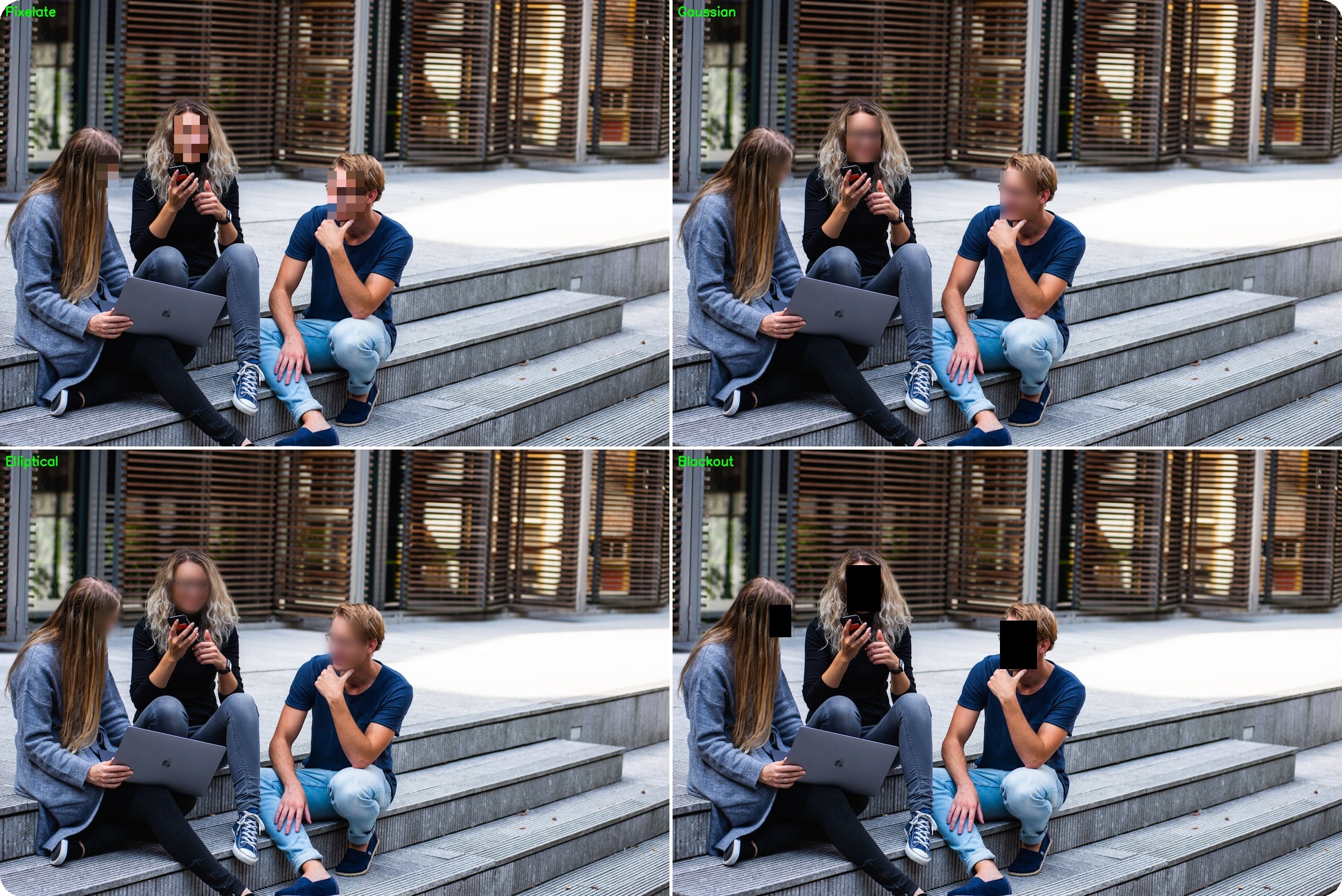{ width="100%" }
|
||||
<figcaption>Five anonymization methods: pixelate, gaussian, blackout, elliptical, and median</figcaption>
|
||||
</figure>
|
||||
|
||||
---
|
||||
|
||||
## Available Methods
|
||||
|
||||
| Method | Description |
|
||||
|--------|-------------|
|
||||
| **pixelate** | Blocky pixelation |
|
||||
| **gaussian** | Smooth blur |
|
||||
| **blackout** | Solid color fill |
|
||||
| **elliptical** | Oval-shaped blur |
|
||||
| **median** | Edge-preserving blur |
|
||||
|
||||
---
|
||||
|
||||
## Quick Start
|
||||
|
||||
```python
|
||||
from uniface.detection import RetinaFace
|
||||
from uniface.privacy import BlurFace
|
||||
import cv2
|
||||
|
||||
detector = RetinaFace()
|
||||
blurrer = BlurFace(method='gaussian', blur_strength=5.0)
|
||||
|
||||
image = cv2.imread("photo.jpg")
|
||||
faces = detector.detect(image)
|
||||
anonymized = blurrer.anonymize(image, faces)
|
||||
|
||||
cv2.imwrite("anonymized.jpg", anonymized)
|
||||
```
|
||||
|
||||
---
|
||||
|
||||
## Blur Methods
|
||||
|
||||
### Pixelate
|
||||
|
||||
Blocky pixelation effect (common in news media):
|
||||
|
||||
```python
|
||||
blurrer = BlurFace(method='pixelate', pixel_blocks=15)
|
||||
```
|
||||
|
||||
| Parameter | Default | Description |
|
||||
|-----------|---------|-------------|
|
||||
| `pixel_blocks` | 15 | Number of blocks (lower = more pixelated) |
|
||||
|
||||
### Gaussian
|
||||
|
||||
Smooth, natural-looking blur:
|
||||
|
||||
```python
|
||||
blurrer = BlurFace(method='gaussian', blur_strength=3.0)
|
||||
```
|
||||
|
||||
| Parameter | Default | Description |
|
||||
|-----------|---------|-------------|
|
||||
| `blur_strength` | 3.0 | Blur intensity (higher = more blur) |
|
||||
|
||||
### Blackout
|
||||
|
||||
Solid color fill for maximum privacy:
|
||||
|
||||
```python
|
||||
blurrer = BlurFace(method='blackout', color=(0, 0, 0))
|
||||
```
|
||||
|
||||
| Parameter | Default | Description |
|
||||
|-----------|---------|-------------|
|
||||
| `color` | (0, 0, 0) | Fill color (BGR format) |
|
||||
|
||||
### Elliptical
|
||||
|
||||
Oval-shaped blur matching natural face shape:
|
||||
|
||||
```python
|
||||
blurrer = BlurFace(method='elliptical', blur_strength=3.0, margin=20)
|
||||
```
|
||||
|
||||
| Parameter | Default | Description |
|
||||
|-----------|---------|-------------|
|
||||
| `blur_strength` | 3.0 | Blur intensity |
|
||||
| `margin` | 20 | Margin around face |
|
||||
|
||||
### Median
|
||||
|
||||
Edge-preserving blur with artistic effect:
|
||||
|
||||
```python
|
||||
blurrer = BlurFace(method='median', blur_strength=3.0)
|
||||
```
|
||||
|
||||
| Parameter | Default | Description |
|
||||
|-----------|---------|-------------|
|
||||
| `blur_strength` | 3.0 | Blur intensity |
|
||||
|
||||
---
|
||||
|
||||
## In-Place Processing
|
||||
|
||||
Modify image directly (faster, saves memory):
|
||||
|
||||
```python
|
||||
blurrer = BlurFace(method='pixelate')
|
||||
|
||||
# In-place modification
|
||||
result = blurrer.anonymize(image, faces, inplace=True)
|
||||
# 'image' and 'result' point to the same array
|
||||
```
|
||||
|
||||
---
|
||||
|
||||
## Real-Time Anonymization
|
||||
|
||||
### Webcam
|
||||
|
||||
```python
|
||||
import cv2
|
||||
from uniface.detection import RetinaFace
|
||||
from uniface.privacy import BlurFace
|
||||
|
||||
detector = RetinaFace()
|
||||
blurrer = BlurFace(method='pixelate')
|
||||
|
||||
cap = cv2.VideoCapture(0)
|
||||
|
||||
while True:
|
||||
ret, frame = cap.read()
|
||||
if not ret:
|
||||
break
|
||||
|
||||
faces = detector.detect(frame)
|
||||
frame = blurrer.anonymize(frame, faces, inplace=True)
|
||||
|
||||
cv2.imshow('Anonymized', frame)
|
||||
|
||||
if cv2.waitKey(1) & 0xFF == ord('q'):
|
||||
break
|
||||
|
||||
cap.release()
|
||||
cv2.destroyAllWindows()
|
||||
```
|
||||
|
||||
### Video File
|
||||
|
||||
```python
|
||||
import cv2
|
||||
from uniface.detection import RetinaFace
|
||||
from uniface.privacy import BlurFace
|
||||
|
||||
detector = RetinaFace()
|
||||
blurrer = BlurFace(method='gaussian')
|
||||
|
||||
cap = cv2.VideoCapture("input_video.mp4")
|
||||
fps = cap.get(cv2.CAP_PROP_FPS)
|
||||
width = int(cap.get(cv2.CAP_PROP_FRAME_WIDTH))
|
||||
height = int(cap.get(cv2.CAP_PROP_FRAME_HEIGHT))
|
||||
|
||||
fourcc = cv2.VideoWriter_fourcc(*'mp4v')
|
||||
out = cv2.VideoWriter('output_video.mp4', fourcc, fps, (width, height))
|
||||
|
||||
while True:
|
||||
ret, frame = cap.read()
|
||||
if not ret:
|
||||
break
|
||||
|
||||
faces = detector.detect(frame)
|
||||
frame = blurrer.anonymize(frame, faces, inplace=True)
|
||||
out.write(frame)
|
||||
|
||||
cap.release()
|
||||
out.release()
|
||||
```
|
||||
|
||||
---
|
||||
|
||||
## Selective Anonymization
|
||||
|
||||
### Exclude Specific Faces
|
||||
|
||||
```python
|
||||
def anonymize_except(image, all_faces, exclude_embeddings, recognizer, threshold=0.6):
|
||||
"""Anonymize all faces except those matching exclude_embeddings."""
|
||||
faces_to_blur = []
|
||||
|
||||
for face in all_faces:
|
||||
# Get embedding
|
||||
embedding = recognizer.get_normalized_embedding(image, face.landmarks)
|
||||
|
||||
# Check if should be excluded
|
||||
should_exclude = False
|
||||
for ref_emb in exclude_embeddings:
|
||||
similarity = np.dot(embedding, ref_emb.T)[0][0]
|
||||
if similarity > threshold:
|
||||
should_exclude = True
|
||||
break
|
||||
|
||||
if not should_exclude:
|
||||
faces_to_blur.append(face)
|
||||
|
||||
# Blur remaining faces
|
||||
return blurrer.anonymize(image, faces_to_blur)
|
||||
```
|
||||
|
||||
### Confidence-Based
|
||||
|
||||
```python
|
||||
def anonymize_low_confidence(image, faces, blurrer, confidence_threshold=0.8):
|
||||
"""Anonymize faces below confidence threshold."""
|
||||
faces_to_blur = [f for f in faces if f.confidence < confidence_threshold]
|
||||
return blurrer.anonymize(image, faces_to_blur)
|
||||
```
|
||||
|
||||
---
|
||||
|
||||
## Comparison
|
||||
|
||||
```python
|
||||
import cv2
|
||||
from uniface.detection import RetinaFace
|
||||
from uniface.privacy import BlurFace
|
||||
|
||||
detector = RetinaFace()
|
||||
image = cv2.imread("photo.jpg")
|
||||
faces = detector.detect(image)
|
||||
|
||||
methods = ['pixelate', 'gaussian', 'blackout', 'elliptical', 'median']
|
||||
|
||||
for method in methods:
|
||||
blurrer = BlurFace(method=method)
|
||||
result = blurrer.anonymize(image.copy(), faces)
|
||||
cv2.imwrite(f"anonymized_{method}.jpg", result)
|
||||
```
|
||||
|
||||
---
|
||||
|
||||
## Command-Line Tool
|
||||
|
||||
```bash
|
||||
# Anonymize image with pixelation
|
||||
python tools/anonymize.py --source photo.jpg
|
||||
|
||||
# Real-time webcam
|
||||
python tools/anonymize.py --source 0 --method gaussian
|
||||
|
||||
# Custom blur strength
|
||||
python tools/anonymize.py --source photo.jpg --method gaussian --blur-strength 5.0
|
||||
```
|
||||
|
||||
---
|
||||
|
||||
## Next Steps
|
||||
|
||||
- [Anonymize Stream Recipe](../recipes/anonymize-stream.md) - Video pipeline
|
||||
- [Detection](detection.md) - Face detection options
|
||||
- [Batch Processing Recipe](../recipes/batch-processing.md) - Process multiple files
|
||||
366
docs/modules/recognition.md
Normal file
@@ -0,0 +1,366 @@
|
||||
# Recognition
|
||||
|
||||
Face recognition extracts embeddings for identity verification and face search.
|
||||
|
||||
<figure markdown="span">
|
||||
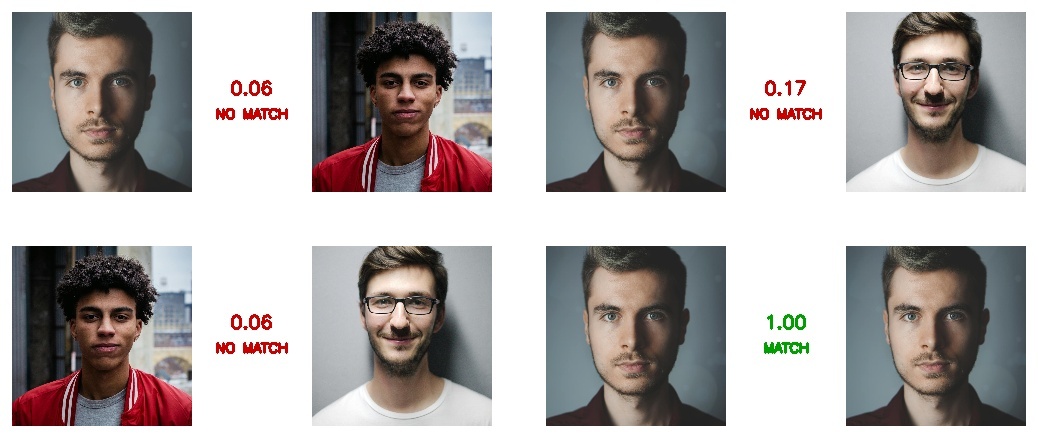{ width="80%" }
|
||||
<figcaption>Pairwise face verification with cosine similarity scores</figcaption>
|
||||
</figure>
|
||||
|
||||
---
|
||||
|
||||
## Available Models
|
||||
|
||||
| Model | Backbone | Size | Embedding Dim |
|
||||
|-------|----------|------|---------------|
|
||||
| **AdaFace** | IR-18/IR-101 | 92-249 MB | 512 |
|
||||
| **ArcFace** | MobileNet/ResNet | 8-166 MB | 512 |
|
||||
| **EdgeFace** | EdgeNeXt/LoRA | 5-70 MB | 512 |
|
||||
| **MobileFace** | MobileNet V2/V3 | 1-10 MB | 512 |
|
||||
| **SphereFace** | Sphere20/36 | 50-92 MB | 512 |
|
||||
|
||||
---
|
||||
|
||||
## AdaFace
|
||||
|
||||
Face recognition using adaptive margin based on image quality.
|
||||
|
||||
### Basic Usage
|
||||
|
||||
```python
|
||||
from uniface.detection import RetinaFace
|
||||
from uniface.recognition import AdaFace
|
||||
|
||||
detector = RetinaFace()
|
||||
recognizer = AdaFace()
|
||||
|
||||
# Detect face
|
||||
faces = detector.detect(image)
|
||||
|
||||
# Extract embedding
|
||||
if faces:
|
||||
embedding = recognizer.get_normalized_embedding(image, faces[0].landmarks)
|
||||
print(f"Embedding shape: {embedding.shape}") # (1, 512)
|
||||
```
|
||||
|
||||
### Model Variants
|
||||
|
||||
```python
|
||||
from uniface.recognition import AdaFace
|
||||
from uniface.constants import AdaFaceWeights
|
||||
|
||||
# Lightweight (default)
|
||||
recognizer = AdaFace(model_name=AdaFaceWeights.IR_18)
|
||||
|
||||
# High accuracy
|
||||
recognizer = AdaFace(model_name=AdaFaceWeights.IR_101)
|
||||
|
||||
# Force CPU execution
|
||||
recognizer = AdaFace(providers=['CPUExecutionProvider'])
|
||||
```
|
||||
|
||||
| Variant | Dataset | Size | IJB-B | IJB-C |
|
||||
|---------|---------|------|-------|-------|
|
||||
| **IR_18** :material-check-circle: | WebFace4M | 92 MB | 93.03% | 94.99% |
|
||||
| IR_101 | WebFace12M | 249 MB | - | 97.66% |
|
||||
|
||||
!!! info "Benchmark Metrics"
|
||||
IJB-B and IJB-C accuracy reported as TAR@FAR=0.01%
|
||||
|
||||
---
|
||||
|
||||
## ArcFace
|
||||
|
||||
Face recognition using additive angular margin loss.
|
||||
|
||||
### Basic Usage
|
||||
|
||||
```python
|
||||
from uniface.detection import RetinaFace
|
||||
from uniface.recognition import ArcFace
|
||||
|
||||
detector = RetinaFace()
|
||||
recognizer = ArcFace()
|
||||
|
||||
# Detect face
|
||||
faces = detector.detect(image)
|
||||
|
||||
# Extract embedding
|
||||
if faces:
|
||||
embedding = recognizer.get_normalized_embedding(image, faces[0].landmarks)
|
||||
print(f"Embedding shape: {embedding.shape}") # (1, 512)
|
||||
```
|
||||
|
||||
### Model Variants
|
||||
|
||||
```python
|
||||
from uniface.recognition import ArcFace
|
||||
from uniface.constants import ArcFaceWeights
|
||||
|
||||
# Lightweight (default)
|
||||
recognizer = ArcFace(model_name=ArcFaceWeights.MNET)
|
||||
|
||||
# High accuracy
|
||||
recognizer = ArcFace(model_name=ArcFaceWeights.RESNET)
|
||||
|
||||
# Force CPU execution
|
||||
recognizer = ArcFace(providers=['CPUExecutionProvider'])
|
||||
```
|
||||
|
||||
| Variant | Backbone | Size | LFW | CFP-FP | AgeDB-30 | IJB-C |
|
||||
|---------|----------|------|-----|--------|----------|-------|
|
||||
| **MNET** :material-check-circle: | MobileNet | 8 MB | 99.70% | 98.00% | 96.58% | 95.02% |
|
||||
| RESNET | ResNet50 | 166 MB | 99.83% | 99.33% | 98.23% | 97.25% |
|
||||
|
||||
!!! info "Training Data & Metrics"
|
||||
**Dataset**: Trained on WebFace600K (600K images)
|
||||
|
||||
**Accuracy**: IJB-C reported as TAR@FAR=1e-4
|
||||
|
||||
---
|
||||
|
||||
## EdgeFace
|
||||
|
||||
Efficient face recognition designed for edge devices, using an EdgeNeXt backbone with optional LoRA low-rank compression. Competition-winning entry (compact track) at EFaR 2023, IJCB.
|
||||
|
||||
### Basic Usage
|
||||
|
||||
```python
|
||||
from uniface.detection import RetinaFace
|
||||
from uniface.recognition import EdgeFace
|
||||
|
||||
detector = RetinaFace()
|
||||
recognizer = EdgeFace()
|
||||
|
||||
# Detect face
|
||||
faces = detector.detect(image)
|
||||
|
||||
# Extract embedding
|
||||
if faces:
|
||||
embedding = recognizer.get_normalized_embedding(image, faces[0].landmarks)
|
||||
print(f"Embedding shape: {embedding.shape}") # (512,)
|
||||
```
|
||||
|
||||
### Model Variants
|
||||
|
||||
```python
|
||||
from uniface.recognition import EdgeFace
|
||||
from uniface.constants import EdgeFaceWeights
|
||||
|
||||
# Ultra-compact (default)
|
||||
recognizer = EdgeFace(model_name=EdgeFaceWeights.XXS)
|
||||
|
||||
# Compact with LoRA
|
||||
recognizer = EdgeFace(model_name=EdgeFaceWeights.XS_GAMMA_06)
|
||||
|
||||
# Small with LoRA
|
||||
recognizer = EdgeFace(model_name=EdgeFaceWeights.S_GAMMA_05)
|
||||
|
||||
# Full-size
|
||||
recognizer = EdgeFace(model_name=EdgeFaceWeights.BASE)
|
||||
|
||||
# Force CPU execution
|
||||
recognizer = EdgeFace(providers=['CPUExecutionProvider'])
|
||||
```
|
||||
|
||||
| Variant | Params | MFLOPs | Size | LFW | CALFW | CPLFW | CFP-FP | AgeDB-30 |
|
||||
|---------|--------|--------|------|-----|-------|-------|--------|----------|
|
||||
| **XXS** :material-check-circle: | 1.24M | 94 | ~5 MB | 99.57% | 94.83% | 90.27% | 93.63% | 94.92% |
|
||||
| XS_GAMMA_06 | 1.77M | 154 | ~7 MB | 99.73% | 95.28% | 91.58% | 94.71% | 96.08% |
|
||||
| S_GAMMA_05 | 3.65M | 306 | ~14 MB | 99.78% | 95.55% | 92.48% | 95.74% | 97.03% |
|
||||
| BASE | 18.2M | 1399 | ~70 MB | 99.83% | 96.07% | 93.75% | 97.01% | 97.60% |
|
||||
|
||||
!!! info "Reference"
|
||||
**Paper**: [EdgeFace: Efficient Face Recognition Model for Edge Devices](https://arxiv.org/abs/2307.01838v2) (IEEE T-BIOM 2024)
|
||||
|
||||
**Source**: [github.com/otroshi/edgeface](https://github.com/otroshi/edgeface)
|
||||
|
||||
---
|
||||
|
||||
## MobileFace
|
||||
|
||||
Lightweight face recognition models with MobileNet backbones.
|
||||
|
||||
### Basic Usage
|
||||
|
||||
```python
|
||||
from uniface.recognition import MobileFace
|
||||
|
||||
recognizer = MobileFace()
|
||||
embedding = recognizer.get_normalized_embedding(image, landmarks)
|
||||
```
|
||||
|
||||
### Model Variants
|
||||
|
||||
```python
|
||||
from uniface.recognition import MobileFace
|
||||
from uniface.constants import MobileFaceWeights
|
||||
|
||||
# Ultra-lightweight
|
||||
recognizer = MobileFace(model_name=MobileFaceWeights.MNET_025)
|
||||
|
||||
# Balanced (default)
|
||||
recognizer = MobileFace(model_name=MobileFaceWeights.MNET_V2)
|
||||
|
||||
# Higher accuracy
|
||||
recognizer = MobileFace(model_name=MobileFaceWeights.MNET_V3_LARGE)
|
||||
```
|
||||
|
||||
| Variant | Params | Size | LFW | CALFW | CPLFW | AgeDB-30 |
|
||||
|---------|--------|------|-----|-------|-------|----------|
|
||||
| MNET_025 | 0.36M | 1 MB | 98.76% | 92.02% | 82.37% | 90.02% |
|
||||
| **MNET_V2** :material-check-circle: | 2.29M | 4 MB | 99.55% | 94.87% | 86.89% | 95.16% |
|
||||
| MNET_V3_SMALL | 1.25M | 3 MB | 99.30% | 93.77% | 85.29% | 92.79% |
|
||||
| MNET_V3_LARGE | 3.52M | 10 MB | 99.53% | 94.56% | 86.79% | 95.13% |
|
||||
|
||||
---
|
||||
|
||||
## SphereFace
|
||||
|
||||
Face recognition using angular softmax loss (A-Softmax).
|
||||
|
||||
### Basic Usage
|
||||
|
||||
```python
|
||||
from uniface.recognition import SphereFace
|
||||
from uniface.constants import SphereFaceWeights
|
||||
|
||||
recognizer = SphereFace(model_name=SphereFaceWeights.SPHERE20)
|
||||
embedding = recognizer.get_normalized_embedding(image, landmarks)
|
||||
```
|
||||
|
||||
| Variant | Params | Size | LFW | CALFW | CPLFW | AgeDB-30 |
|
||||
|---------|--------|------|-----|-------|-------|----------|
|
||||
| SPHERE20 | 24.5M | 50 MB | 99.67% | 95.61% | 88.75% | 96.58% |
|
||||
| SPHERE36 | 34.6M | 92 MB | 99.72% | 95.64% | 89.92% | 96.83% |
|
||||
|
||||
---
|
||||
|
||||
## Face Comparison
|
||||
|
||||
### Compute Similarity
|
||||
|
||||
```python
|
||||
from uniface.face_utils import compute_similarity
|
||||
import numpy as np
|
||||
|
||||
# Extract embeddings
|
||||
emb1 = recognizer.get_normalized_embedding(image1, landmarks1)
|
||||
emb2 = recognizer.get_normalized_embedding(image2, landmarks2)
|
||||
|
||||
# Method 1: Using utility function
|
||||
similarity = compute_similarity(emb1, emb2)
|
||||
|
||||
# Method 2: Direct computation
|
||||
similarity = np.dot(emb1, emb2.T)[0][0]
|
||||
|
||||
print(f"Similarity: {similarity:.4f}")
|
||||
```
|
||||
|
||||
### Threshold Guidelines
|
||||
|
||||
| Threshold | Decision | Use Case |
|
||||
|-----------|----------|----------|
|
||||
| > 0.7 | Very high confidence | Security-critical |
|
||||
| > 0.6 | Same person | General verification |
|
||||
| 0.4 - 0.6 | Uncertain | Manual review needed |
|
||||
| < 0.4 | Different people | Rejection |
|
||||
|
||||
---
|
||||
|
||||
## Face Alignment
|
||||
|
||||
Recognition models require aligned faces. UniFace handles this internally:
|
||||
|
||||
```python
|
||||
# Alignment is done automatically
|
||||
embedding = recognizer.get_normalized_embedding(image, landmarks)
|
||||
|
||||
# Or manually align
|
||||
from uniface.face_utils import face_alignment
|
||||
|
||||
aligned_face = face_alignment(image, landmarks)
|
||||
# Returns: 112x112 aligned face image
|
||||
```
|
||||
|
||||
---
|
||||
|
||||
## Building a Face Database
|
||||
|
||||
```python
|
||||
import numpy as np
|
||||
from uniface.detection import RetinaFace
|
||||
from uniface.recognition import ArcFace
|
||||
|
||||
detector = RetinaFace()
|
||||
recognizer = ArcFace()
|
||||
|
||||
# Build database
|
||||
database = {}
|
||||
for person_id, image_path in person_images.items():
|
||||
image = cv2.imread(image_path)
|
||||
faces = detector.detect(image)
|
||||
|
||||
if faces:
|
||||
embedding = recognizer.get_normalized_embedding(image, faces[0].landmarks)
|
||||
database[person_id] = embedding
|
||||
|
||||
# Save for later use
|
||||
np.savez('face_database.npz', **database)
|
||||
|
||||
# Load database
|
||||
data = np.load('face_database.npz')
|
||||
database = {key: data[key] for key in data.files}
|
||||
```
|
||||
|
||||
---
|
||||
|
||||
## Face Search
|
||||
|
||||
Find a person in a database:
|
||||
|
||||
```python
|
||||
def search_face(query_embedding, database, threshold=0.6):
|
||||
"""Find best match in database."""
|
||||
best_match = None
|
||||
best_similarity = -1
|
||||
|
||||
for person_id, db_embedding in database.items():
|
||||
similarity = np.dot(query_embedding, db_embedding.T)[0][0]
|
||||
|
||||
if similarity > best_similarity and similarity > threshold:
|
||||
best_similarity = similarity
|
||||
best_match = person_id
|
||||
|
||||
return best_match, best_similarity
|
||||
|
||||
# Usage
|
||||
query_embedding = recognizer.get_normalized_embedding(query_image, landmarks)
|
||||
match, similarity = search_face(query_embedding, database)
|
||||
|
||||
if match:
|
||||
print(f"Found: {match} (similarity: {similarity:.4f})")
|
||||
else:
|
||||
print("No match found")
|
||||
```
|
||||
|
||||
---
|
||||
|
||||
## Factory Function
|
||||
|
||||
```python
|
||||
from uniface.recognition import create_recognizer
|
||||
|
||||
# Available methods: 'arcface', 'adaface', 'edgeface', 'mobileface', 'sphereface'
|
||||
recognizer = create_recognizer('arcface')
|
||||
recognizer = create_recognizer('adaface')
|
||||
recognizer = create_recognizer('edgeface')
|
||||
```
|
||||
|
||||
---
|
||||
|
||||
## See Also
|
||||
|
||||
- [Detection Module](detection.md) - Detect faces first
|
||||
- [Face Search Recipe](../recipes/face-search.md) - Complete search system
|
||||
- [Thresholds](../concepts/thresholds-calibration.md) - Calibration guide
|
||||
267
docs/modules/spoofing.md
Normal file
@@ -0,0 +1,267 @@
|
||||
# Anti-Spoofing
|
||||
|
||||
Face anti-spoofing detects whether a face is real (live) or fake (photo, video replay, mask).
|
||||
|
||||
---
|
||||
|
||||
## Available Models
|
||||
|
||||
| Model | Size |
|
||||
|-------|------|
|
||||
| MiniFASNet V1SE | 1.2 MB |
|
||||
| **MiniFASNet V2** :material-check-circle: | 1.2 MB |
|
||||
|
||||
---
|
||||
|
||||
## Basic Usage
|
||||
|
||||
```python
|
||||
import cv2
|
||||
from uniface.detection import RetinaFace
|
||||
from uniface.spoofing import MiniFASNet
|
||||
|
||||
detector = RetinaFace()
|
||||
spoofer = MiniFASNet()
|
||||
|
||||
image = cv2.imread("photo.jpg")
|
||||
faces = detector.detect(image)
|
||||
|
||||
for face in faces:
|
||||
result = spoofer.predict(image, face.bbox)
|
||||
|
||||
label = "Real" if result.is_real else "Fake"
|
||||
print(f"{label}: {result.confidence:.1%}")
|
||||
```
|
||||
|
||||
---
|
||||
|
||||
## Output Format
|
||||
|
||||
```python
|
||||
result = spoofer.predict(image, face.bbox)
|
||||
|
||||
# SpoofingResult dataclass
|
||||
result.is_real # True = real, False = fake
|
||||
result.confidence # 0.0 to 1.0
|
||||
```
|
||||
|
||||
---
|
||||
|
||||
## Model Variants
|
||||
|
||||
```python
|
||||
from uniface.spoofing import MiniFASNet
|
||||
from uniface.constants import MiniFASNetWeights
|
||||
|
||||
# Default (V2, recommended)
|
||||
spoofer = MiniFASNet()
|
||||
|
||||
# V1SE variant
|
||||
spoofer = MiniFASNet(model_name=MiniFASNetWeights.V1SE)
|
||||
```
|
||||
|
||||
| Variant | Size | Scale Factor |
|
||||
|---------|------|--------------|
|
||||
| V1SE | 1.2 MB | 4.0 |
|
||||
| **V2** :material-check-circle: | 1.2 MB | 2.7 |
|
||||
|
||||
---
|
||||
|
||||
## Confidence Thresholds
|
||||
|
||||
`result.is_real` is based on the model's top predicted class (argmax). If you want stricter behavior,
|
||||
apply your own confidence threshold:
|
||||
|
||||
```python
|
||||
result = spoofer.predict(image, face.bbox)
|
||||
|
||||
# High security (fewer false accepts)
|
||||
HIGH_THRESHOLD = 0.7
|
||||
if result.is_real and result.confidence > HIGH_THRESHOLD:
|
||||
print("Real (high confidence)")
|
||||
else:
|
||||
print("Suspicious")
|
||||
|
||||
# Balanced (argmax decision)
|
||||
if result.is_real:
|
||||
print("Real")
|
||||
else:
|
||||
print("Fake")
|
||||
```
|
||||
|
||||
---
|
||||
|
||||
## Visualization
|
||||
|
||||
```python
|
||||
import cv2
|
||||
|
||||
def draw_spoofing_result(image, face, result):
|
||||
"""Draw spoofing result on image."""
|
||||
x1, y1, x2, y2 = map(int, face.bbox)
|
||||
|
||||
# Color based on result
|
||||
color = (0, 255, 0) if result.is_real else (0, 0, 255)
|
||||
label = "Real" if result.is_real else "Fake"
|
||||
|
||||
# Draw bounding box
|
||||
cv2.rectangle(image, (x1, y1), (x2, y2), color, 2)
|
||||
|
||||
# Draw label
|
||||
text = f"{label}: {result.confidence:.1%}"
|
||||
cv2.putText(image, text, (x1, y1 - 10),
|
||||
cv2.FONT_HERSHEY_SIMPLEX, 0.6, color, 2)
|
||||
|
||||
return image
|
||||
|
||||
# Usage
|
||||
for face in faces:
|
||||
result = spoofer.predict(image, face.bbox)
|
||||
image = draw_spoofing_result(image, face, result)
|
||||
|
||||
cv2.imwrite("spoofing_result.jpg", image)
|
||||
```
|
||||
|
||||
---
|
||||
|
||||
## Real-Time Liveness Detection
|
||||
|
||||
```python
|
||||
import cv2
|
||||
from uniface.detection import RetinaFace
|
||||
from uniface.spoofing import MiniFASNet
|
||||
|
||||
detector = RetinaFace()
|
||||
spoofer = MiniFASNet()
|
||||
|
||||
cap = cv2.VideoCapture(0)
|
||||
|
||||
while True:
|
||||
ret, frame = cap.read()
|
||||
if not ret:
|
||||
break
|
||||
|
||||
faces = detector.detect(frame)
|
||||
|
||||
for face in faces:
|
||||
result = spoofer.predict(frame, face.bbox)
|
||||
|
||||
# Draw result
|
||||
x1, y1, x2, y2 = map(int, face.bbox)
|
||||
color = (0, 255, 0) if result.is_real else (0, 0, 255)
|
||||
label = f"{'Real' if result.is_real else 'Fake'}: {result.confidence:.0%}"
|
||||
|
||||
cv2.rectangle(frame, (x1, y1), (x2, y2), color, 2)
|
||||
cv2.putText(frame, label, (x1, y1 - 10),
|
||||
cv2.FONT_HERSHEY_SIMPLEX, 0.6, color, 2)
|
||||
|
||||
cv2.imshow("Liveness Detection", frame)
|
||||
|
||||
if cv2.waitKey(1) & 0xFF == ord('q'):
|
||||
break
|
||||
|
||||
cap.release()
|
||||
cv2.destroyAllWindows()
|
||||
```
|
||||
|
||||
---
|
||||
|
||||
## Use Cases
|
||||
|
||||
### Access Control
|
||||
|
||||
```python
|
||||
def verify_liveness(image, face, spoofer, threshold=0.6):
|
||||
"""Verify face is real for access control."""
|
||||
result = spoofer.predict(image, face.bbox)
|
||||
|
||||
if result.is_real and result.confidence > threshold:
|
||||
return True, result.confidence
|
||||
return False, result.confidence
|
||||
|
||||
# Usage
|
||||
is_live, confidence = verify_liveness(image, face, spoofer)
|
||||
if is_live:
|
||||
print(f"Access granted (confidence: {confidence:.1%})")
|
||||
else:
|
||||
print(f"Access denied - possible spoof attempt")
|
||||
```
|
||||
|
||||
### Multi-Frame Verification
|
||||
|
||||
For higher security, verify across multiple frames:
|
||||
|
||||
```python
|
||||
def verify_liveness_multiframe(frames, detector, spoofer, min_real=3):
|
||||
"""Verify liveness across multiple frames."""
|
||||
real_count = 0
|
||||
|
||||
for frame in frames:
|
||||
faces = detector.detect(frame)
|
||||
if not faces:
|
||||
continue
|
||||
|
||||
result = spoofer.predict(frame, faces[0].bbox)
|
||||
if result.is_real:
|
||||
real_count += 1
|
||||
|
||||
return real_count >= min_real
|
||||
|
||||
# Collect frames and verify
|
||||
frames = []
|
||||
for _ in range(5):
|
||||
ret, frame = cap.read()
|
||||
if ret:
|
||||
frames.append(frame)
|
||||
|
||||
is_verified = verify_liveness_multiframe(frames, detector, spoofer)
|
||||
```
|
||||
|
||||
---
|
||||
|
||||
## Attack Types Detected
|
||||
|
||||
MiniFASNet can detect various spoof attacks:
|
||||
|
||||
| Attack Type | Detection |
|
||||
|-------------|-----------|
|
||||
| Printed photos | ✅ |
|
||||
| Screen replay | ✅ |
|
||||
| Video replay | ✅ |
|
||||
| Paper masks | ✅ |
|
||||
| 3D masks | Limited |
|
||||
|
||||
!!! warning "Limitations"
|
||||
- High-quality 3D masks may not be detected
|
||||
- Performance varies with lighting and image quality
|
||||
- Always combine with other verification methods for high-security applications
|
||||
|
||||
---
|
||||
|
||||
## Command-Line Tool
|
||||
|
||||
```bash
|
||||
# Image
|
||||
python tools/spoofing.py --source photo.jpg
|
||||
|
||||
# Webcam
|
||||
python tools/spoofing.py --source 0
|
||||
```
|
||||
|
||||
---
|
||||
|
||||
## Factory Function
|
||||
|
||||
```python
|
||||
from uniface.spoofing import create_spoofer
|
||||
|
||||
spoofer = create_spoofer() # Returns MiniFASNet
|
||||
```
|
||||
|
||||
---
|
||||
|
||||
## Next Steps
|
||||
|
||||
- [Privacy](privacy.md) - Face anonymization
|
||||
- [Detection](detection.md) - Face detection
|
||||
- [Recognition](recognition.md) - Face recognition
|
||||
172
docs/modules/stores.md
Normal file
@@ -0,0 +1,172 @@
|
||||
# Stores
|
||||
|
||||
FAISS-backed vector store for fast similarity search over embeddings.
|
||||
|
||||
!!! info "Optional dependency"
|
||||
```bash
|
||||
pip install faiss-cpu
|
||||
```
|
||||
|
||||
---
|
||||
|
||||
## FAISS
|
||||
|
||||
```python
|
||||
from uniface.stores import FAISS
|
||||
```
|
||||
|
||||
A thin wrapper around a FAISS `IndexFlatIP` (inner-product) index. Vectors
|
||||
**must** be L2-normalised before adding so that inner product equals cosine
|
||||
similarity. The store does not normalise internally.
|
||||
|
||||
Each vector is paired with a metadata `dict` that can carry any
|
||||
JSON-serialisable payload (person ID, name, source path, etc.).
|
||||
|
||||
### Constructor
|
||||
|
||||
```python
|
||||
store = FAISS(embedding_size=512, db_path="./vector_index")
|
||||
```
|
||||
|
||||
| Parameter | Type | Default | Description |
|
||||
|-----------|------|---------|-------------|
|
||||
| `embedding_size` | `int` | `512` | Dimension of embedding vectors |
|
||||
| `db_path` | `str` | `"./vector_index"` | Directory for persisting index and metadata |
|
||||
|
||||
---
|
||||
|
||||
### Methods
|
||||
|
||||
#### `add(embedding, metadata)`
|
||||
|
||||
Add a single embedding with associated metadata.
|
||||
|
||||
```python
|
||||
store.add(embedding, {"person_id": "alice", "source": "photo.jpg"})
|
||||
```
|
||||
|
||||
| Parameter | Type | Description |
|
||||
|-----------|------|-------------|
|
||||
| `embedding` | `np.ndarray` | L2-normalised embedding vector |
|
||||
| `metadata` | `dict[str, Any]` | Arbitrary JSON-serialisable key-value pairs |
|
||||
|
||||
---
|
||||
|
||||
#### `search(embedding, threshold=0.4)`
|
||||
|
||||
Find the closest match for a query embedding.
|
||||
|
||||
```python
|
||||
result, similarity = store.search(query_embedding, threshold=0.4)
|
||||
if result:
|
||||
print(result["person_id"], similarity)
|
||||
```
|
||||
|
||||
| Parameter | Type | Default | Description |
|
||||
|-----------|------|---------|-------------|
|
||||
| `embedding` | `np.ndarray` | — | L2-normalised query vector |
|
||||
| `threshold` | `float` | `0.4` | Minimum cosine similarity to accept a match |
|
||||
|
||||
**Returns:** `(metadata, similarity)` if a match is found, or `(None, similarity)` when below threshold or the index is empty.
|
||||
|
||||
---
|
||||
|
||||
#### `remove(key, value)`
|
||||
|
||||
Remove all entries where `metadata[key] == value` and rebuild the index.
|
||||
|
||||
```python
|
||||
removed = store.remove("person_id", "bob")
|
||||
print(f"Removed {removed} entries")
|
||||
```
|
||||
|
||||
| Parameter | Type | Description |
|
||||
|-----------|------|-------------|
|
||||
| `key` | `str` | Metadata key to match |
|
||||
| `value` | `Any` | Value to match |
|
||||
|
||||
**Returns:** Number of entries removed.
|
||||
|
||||
---
|
||||
|
||||
#### `save()`
|
||||
|
||||
Persist the FAISS index and metadata to disk.
|
||||
|
||||
```python
|
||||
store.save()
|
||||
```
|
||||
|
||||
Writes two files to `db_path`:
|
||||
|
||||
- `faiss_index.bin` — binary FAISS index
|
||||
- `metadata.json` — JSON array of metadata dicts
|
||||
|
||||
---
|
||||
|
||||
#### `load()`
|
||||
|
||||
Load a previously saved index and metadata.
|
||||
|
||||
```python
|
||||
store = FAISS(db_path="./vector_index")
|
||||
loaded = store.load() # True if files exist
|
||||
```
|
||||
|
||||
**Returns:** `True` if loaded successfully, `False` if files are missing.
|
||||
|
||||
**Raises:** `RuntimeError` if files exist but cannot be read.
|
||||
|
||||
---
|
||||
|
||||
### Properties
|
||||
|
||||
| Property | Type | Description |
|
||||
|----------|------|-------------|
|
||||
| `size` | `int` | Number of vectors in the index |
|
||||
| `len(store)` | `int` | Same as `size` |
|
||||
|
||||
---
|
||||
|
||||
## Example: End-to-End
|
||||
|
||||
```python
|
||||
import cv2
|
||||
from uniface.detection import RetinaFace
|
||||
from uniface.recognition import ArcFace
|
||||
from uniface.stores import FAISS
|
||||
|
||||
detector = RetinaFace()
|
||||
recognizer = ArcFace()
|
||||
|
||||
# Build
|
||||
store = FAISS(db_path="./my_index")
|
||||
|
||||
image = cv2.imread("alice.jpg")
|
||||
faces = detector.detect(image)
|
||||
embedding = recognizer.get_normalized_embedding(image, faces[0].landmarks)
|
||||
store.add(embedding, {"person_id": "alice"})
|
||||
store.save()
|
||||
|
||||
# Search
|
||||
store2 = FAISS(db_path="./my_index")
|
||||
store2.load()
|
||||
|
||||
query = cv2.imread("unknown.jpg")
|
||||
faces = detector.detect(query)
|
||||
emb = recognizer.get_normalized_embedding(query, faces[0].landmarks)
|
||||
|
||||
result, sim = store2.search(emb)
|
||||
if result:
|
||||
print(f"Matched: {result['person_id']} (similarity: {sim:.3f})")
|
||||
else:
|
||||
print(f"No match (similarity: {sim:.3f})")
|
||||
```
|
||||
|
||||
---
|
||||
|
||||
## See Also
|
||||
|
||||
- [Face Search Recipe](../recipes/face-search.md) - Building and querying indexes
|
||||
- [Recognition Module](recognition.md) - Embedding extraction
|
||||
- [Thresholds Guide](../concepts/thresholds-calibration.md) - Tuning similarity thresholds
|
||||
263
docs/modules/tracking.md
Normal file
@@ -0,0 +1,263 @@
|
||||
# Tracking
|
||||
|
||||
Multi-object tracking using [BYTETracker](https://github.com/yakhyo/bytetrack-tracker) with Kalman filtering and IoU-based association. The tracker assigns persistent IDs to detected objects across video frames using a two-stage association strategy — first matching high-confidence detections, then low-confidence ones.
|
||||
|
||||
---
|
||||
|
||||
## How It Works
|
||||
|
||||
BYTETracker takes detection bounding boxes as input and returns tracked bounding boxes with persistent IDs. It does not depend on any specific detector — any source of `[x1, y1, x2, y2, score]` arrays will work.
|
||||
|
||||
Each frame, the tracker:
|
||||
|
||||
1. Splits detections into high-confidence and low-confidence groups
|
||||
2. Matches high-confidence detections to existing tracks using IoU
|
||||
3. Matches remaining tracks to low-confidence detections (second chance)
|
||||
4. Starts new tracks for unmatched high-confidence detections
|
||||
5. Removes tracks that have been lost for too long
|
||||
|
||||
The Kalman filter predicts where each track will be in the next frame, which helps maintain associations even when detections are noisy.
|
||||
|
||||
---
|
||||
|
||||
## Basic Usage
|
||||
|
||||
```python
|
||||
import cv2
|
||||
import numpy as np
|
||||
from uniface.common import xyxy_to_cxcywh
|
||||
from uniface.detection import SCRFD
|
||||
from uniface.tracking import BYTETracker
|
||||
from uniface.draw import draw_tracks
|
||||
|
||||
detector = SCRFD()
|
||||
tracker = BYTETracker(track_thresh=0.5, track_buffer=30)
|
||||
|
||||
cap = cv2.VideoCapture("video.mp4")
|
||||
|
||||
while cap.isOpened():
|
||||
ret, frame = cap.read()
|
||||
if not ret:
|
||||
break
|
||||
|
||||
# 1. Detect faces
|
||||
faces = detector.detect(frame)
|
||||
|
||||
# 2. Build detections array: [x1, y1, x2, y2, score]
|
||||
dets = np.array([[*f.bbox, f.confidence] for f in faces])
|
||||
dets = dets if len(dets) > 0 else np.empty((0, 5))
|
||||
|
||||
# 3. Update tracker
|
||||
tracks = tracker.update(dets)
|
||||
|
||||
# 4. Map track IDs back to face objects
|
||||
if len(tracks) > 0 and len(faces) > 0:
|
||||
face_bboxes = np.array([f.bbox for f in faces], dtype=np.float32)
|
||||
track_ids = tracks[:, 4].astype(int)
|
||||
|
||||
face_centers = xyxy_to_cxcywh(face_bboxes)[:, :2]
|
||||
track_centers = xyxy_to_cxcywh(tracks[:, :4])[:, :2]
|
||||
|
||||
for ti in range(len(tracks)):
|
||||
dists = (track_centers[ti, 0] - face_centers[:, 0]) ** 2 + (track_centers[ti, 1] - face_centers[:, 1]) ** 2
|
||||
faces[int(np.argmin(dists))].track_id = track_ids[ti]
|
||||
|
||||
# 5. Draw
|
||||
tracked_faces = [f for f in faces if f.track_id is not None]
|
||||
draw_tracks(image=frame, faces=tracked_faces)
|
||||
cv2.imshow("Tracking", frame)
|
||||
if cv2.waitKey(1) & 0xFF == ord('q'):
|
||||
break
|
||||
|
||||
cap.release()
|
||||
cv2.destroyAllWindows()
|
||||
```
|
||||
|
||||
Each track ID gets a deterministic color via golden-ratio hue stepping, so the same person keeps the same color across the entire video.
|
||||
|
||||
---
|
||||
|
||||
## Webcam Tracking
|
||||
|
||||
```python
|
||||
import cv2
|
||||
import numpy as np
|
||||
from uniface.common import xyxy_to_cxcywh
|
||||
from uniface.detection import SCRFD
|
||||
from uniface.tracking import BYTETracker
|
||||
from uniface.draw import draw_tracks
|
||||
|
||||
detector = SCRFD()
|
||||
tracker = BYTETracker(track_thresh=0.5, track_buffer=30)
|
||||
cap = cv2.VideoCapture(0)
|
||||
|
||||
while True:
|
||||
ret, frame = cap.read()
|
||||
if not ret:
|
||||
break
|
||||
|
||||
faces = detector.detect(frame)
|
||||
dets = np.array([[*f.bbox, f.confidence] for f in faces])
|
||||
dets = dets if len(dets) > 0 else np.empty((0, 5))
|
||||
|
||||
tracks = tracker.update(dets)
|
||||
|
||||
if len(tracks) > 0 and len(faces) > 0:
|
||||
face_bboxes = np.array([f.bbox for f in faces], dtype=np.float32)
|
||||
track_ids = tracks[:, 4].astype(int)
|
||||
|
||||
face_centers = xyxy_to_cxcywh(face_bboxes)[:, :2]
|
||||
track_centers = xyxy_to_cxcywh(tracks[:, :4])[:, :2]
|
||||
|
||||
for ti in range(len(tracks)):
|
||||
dists = (track_centers[ti, 0] - face_centers[:, 0]) ** 2 + (track_centers[ti, 1] - face_centers[:, 1]) ** 2
|
||||
faces[int(np.argmin(dists))].track_id = track_ids[ti]
|
||||
|
||||
draw_tracks(image=frame, faces=[f for f in faces if f.track_id is not None])
|
||||
cv2.imshow("Face Tracking - Press 'q' to quit", frame)
|
||||
if cv2.waitKey(1) & 0xFF == ord('q'):
|
||||
break
|
||||
|
||||
cap.release()
|
||||
cv2.destroyAllWindows()
|
||||
```
|
||||
|
||||
---
|
||||
|
||||
## Parameters
|
||||
|
||||
```python
|
||||
from uniface.tracking import BYTETracker
|
||||
|
||||
tracker = BYTETracker(
|
||||
track_thresh=0.5,
|
||||
track_buffer=30,
|
||||
match_thresh=0.8,
|
||||
low_thresh=0.1,
|
||||
)
|
||||
```
|
||||
|
||||
| Parameter | Default | Description |
|
||||
|-----------|---------|-------------|
|
||||
| `track_thresh` | 0.5 | Detections above this score go through first-pass association |
|
||||
| `track_buffer` | 30 | How many frames to keep a lost track before removing it |
|
||||
| `match_thresh` | 0.8 | IoU threshold for matching tracks to detections |
|
||||
| `low_thresh` | 0.1 | Detections below this score are discarded entirely |
|
||||
|
||||
---
|
||||
|
||||
## Input / Output
|
||||
|
||||
**Input** — `(N, 5)` numpy array with `[x1, y1, x2, y2, confidence]` per detection:
|
||||
|
||||
```python
|
||||
detections = np.array([
|
||||
[100, 50, 200, 160, 0.95],
|
||||
[300, 80, 380, 200, 0.87],
|
||||
])
|
||||
```
|
||||
|
||||
**Output** — `(M, 5)` numpy array with `[x1, y1, x2, y2, track_id]` per active track:
|
||||
|
||||
```python
|
||||
tracks = tracker.update(detections)
|
||||
# array([[101.2, 51.3, 199.8, 159.8, 1.],
|
||||
# [300.5, 80.2, 379.7, 200.1, 2.]])
|
||||
```
|
||||
|
||||
The output bounding boxes come from the Kalman filter prediction, so they may differ slightly from the input. Track IDs are integers that persist across frames for the same object.
|
||||
|
||||
---
|
||||
|
||||
## Resetting the Tracker
|
||||
|
||||
When switching to a different video or scene, reset the tracker to clear all internal state:
|
||||
|
||||
```python
|
||||
tracker.reset()
|
||||
```
|
||||
|
||||
This clears all active, lost, and removed tracks, resets the frame counter, and resets the ID counter back to zero.
|
||||
|
||||
---
|
||||
|
||||
## Visualization
|
||||
|
||||
`draw_tracks` draws bounding boxes color-coded by track ID:
|
||||
|
||||
```python
|
||||
from uniface.draw import draw_tracks
|
||||
|
||||
draw_tracks(
|
||||
image=frame,
|
||||
faces=tracked_faces,
|
||||
draw_landmarks=True,
|
||||
draw_id=True,
|
||||
corner_bbox=True,
|
||||
)
|
||||
```
|
||||
|
||||
---
|
||||
|
||||
## Small Face Performance
|
||||
|
||||
!!! warning "Tracking performance with small faces"
|
||||
The tracker relies on IoU (Intersection over Union) to match detections across
|
||||
frames. When faces occupy a small portion of the image — for example in
|
||||
surveillance footage or wide-angle cameras — even slight movement between frames
|
||||
can cause a large drop in IoU. This makes it harder for the tracker to maintain
|
||||
consistent IDs, and you may see IDs switching or resetting more often than expected.
|
||||
|
||||
This is not specific to BYTETracker; it applies to any IoU-based tracker. A few
|
||||
things that can help:
|
||||
|
||||
- **Lower `match_thresh`** (e.g. `0.5` or `0.6`) so the tracker accepts lower
|
||||
overlap as a valid match.
|
||||
- **Increase `track_buffer`** (e.g. `60` or higher) to hold onto lost tracks
|
||||
longer before discarding them.
|
||||
- **Use a higher-resolution input** if possible, so face bounding boxes are
|
||||
larger in pixel terms.
|
||||
|
||||
```python
|
||||
tracker = BYTETracker(
|
||||
track_thresh=0.4,
|
||||
track_buffer=60,
|
||||
match_thresh=0.6,
|
||||
)
|
||||
```
|
||||
|
||||
---
|
||||
|
||||
## CLI Tool
|
||||
|
||||
```bash
|
||||
# Track faces in a video
|
||||
python tools/track.py --source video.mp4
|
||||
|
||||
# Webcam
|
||||
python tools/track.py --source 0
|
||||
|
||||
# Save output
|
||||
python tools/track.py --source video.mp4 --output tracked.mp4
|
||||
|
||||
# Use RetinaFace instead of SCRFD
|
||||
python tools/track.py --source video.mp4 --detector retinaface
|
||||
|
||||
# Keep lost tracks longer
|
||||
python tools/track.py --source video.mp4 --track-buffer 60
|
||||
```
|
||||
|
||||
---
|
||||
|
||||
## References
|
||||
|
||||
- [yakhyo/bytetrack-tracker](https://github.com/yakhyo/bytetrack-tracker) — standalone BYTETracker implementation used in UniFace
|
||||
- [ByteTrack paper](https://arxiv.org/abs/2110.06864) — Zhang et al., "ByteTrack: Multi-Object Tracking by Associating Every Detection Box"
|
||||
|
||||
---
|
||||
|
||||
## See Also
|
||||
|
||||
- [Detection](detection.md) — face detection models
|
||||
- [Video & Webcam](../recipes/video-webcam.md) — video processing patterns
|
||||
- [Inputs & Outputs](../concepts/inputs-outputs.md) — data types and formats
|
||||
62
docs/notebooks.md
Normal file
@@ -0,0 +1,62 @@
|
||||
# Interactive Notebooks
|
||||
|
||||
Run UniFace examples directly in your browser with Google Colab, or download and run locally with Jupyter.
|
||||
|
||||
---
|
||||
|
||||
## Available Notebooks
|
||||
|
||||
| Notebook | Colab | Description |
|
||||
|----------|:-----:|-------------|
|
||||
| [Face Detection](https://github.com/yakhyo/uniface/blob/main/examples/01_face_detection.ipynb) | [](https://colab.research.google.com/github/yakhyo/uniface/blob/main/examples/01_face_detection.ipynb) | Detect faces and 5-point landmarks |
|
||||
| [Face Alignment](https://github.com/yakhyo/uniface/blob/main/examples/02_face_alignment.ipynb) | [](https://colab.research.google.com/github/yakhyo/uniface/blob/main/examples/02_face_alignment.ipynb) | Align faces for recognition |
|
||||
| [Face Verification](https://github.com/yakhyo/uniface/blob/main/examples/03_face_verification.ipynb) | [](https://colab.research.google.com/github/yakhyo/uniface/blob/main/examples/03_face_verification.ipynb) | Compare faces for identity |
|
||||
| [Face Search](https://github.com/yakhyo/uniface/blob/main/examples/04_face_search.ipynb) | [](https://colab.research.google.com/github/yakhyo/uniface/blob/main/examples/04_face_search.ipynb) | Find a person in group photos |
|
||||
| [Face Analyzer](https://github.com/yakhyo/uniface/blob/main/examples/05_face_analyzer.ipynb) | [](https://colab.research.google.com/github/yakhyo/uniface/blob/main/examples/05_face_analyzer.ipynb) | Unified face analysis |
|
||||
| [Face Parsing](https://github.com/yakhyo/uniface/blob/main/examples/06_face_parsing.ipynb) | [](https://colab.research.google.com/github/yakhyo/uniface/blob/main/examples/06_face_parsing.ipynb) | Semantic face segmentation |
|
||||
| [Face Anonymization](https://github.com/yakhyo/uniface/blob/main/examples/07_face_anonymization.ipynb) | [](https://colab.research.google.com/github/yakhyo/uniface/blob/main/examples/07_face_anonymization.ipynb) | Privacy-preserving blur |
|
||||
| [Gaze Estimation](https://github.com/yakhyo/uniface/blob/main/examples/08_gaze_estimation.ipynb) | [](https://colab.research.google.com/github/yakhyo/uniface/blob/main/examples/08_gaze_estimation.ipynb) | Gaze direction estimation |
|
||||
| [Face Segmentation](https://github.com/yakhyo/uniface/blob/main/examples/09_face_segmentation.ipynb) | [](https://colab.research.google.com/github/yakhyo/uniface/blob/main/examples/09_face_segmentation.ipynb) | Face segmentation with XSeg |
|
||||
| [Face Vector Store](https://github.com/yakhyo/uniface/blob/main/examples/10_face_vector_store.ipynb) | [](https://colab.research.google.com/github/yakhyo/uniface/blob/main/examples/10_face_vector_store.ipynb) | FAISS-backed face database |
|
||||
| [Head Pose Estimation](https://github.com/yakhyo/uniface/blob/main/examples/11_head_pose_estimation.ipynb) | [](https://colab.research.google.com/github/yakhyo/uniface/blob/main/examples/11_head_pose_estimation.ipynb) | 3D head orientation estimation |
|
||||
| [Face Recognition](https://github.com/yakhyo/uniface/blob/main/examples/12_face_recognition.ipynb) | [](https://colab.research.google.com/github/yakhyo/uniface/blob/main/examples/12_face_recognition.ipynb) | Standalone face recognition pipeline |
|
||||
| [Portrait Matting](https://github.com/yakhyo/uniface/blob/main/examples/13_portrait_matting.ipynb) | [](https://colab.research.google.com/github/yakhyo/uniface/blob/main/examples/13_portrait_matting.ipynb) | Portrait matting with MODNet |
|
||||
|
||||
---
|
||||
|
||||
## Running Locally
|
||||
|
||||
Download and run notebooks on your machine:
|
||||
|
||||
```bash
|
||||
# Clone the repository
|
||||
git clone https://github.com/yakhyo/uniface.git
|
||||
cd uniface
|
||||
|
||||
# Install dependencies
|
||||
pip install "uniface[cpu]" jupyter # or uniface[gpu] for CUDA
|
||||
|
||||
# Launch Jupyter
|
||||
jupyter notebook examples/
|
||||
```
|
||||
|
||||
---
|
||||
|
||||
## Running on Google Colab
|
||||
|
||||
Click any **"Open in Colab"** badge above. The notebooks automatically:
|
||||
|
||||
1. Install UniFace via pip
|
||||
2. Clone the repository to access test images
|
||||
3. Set up the correct working directory
|
||||
|
||||
!!! tip "GPU Acceleration"
|
||||
In Colab, go to **Runtime → Change runtime type → GPU** for faster inference.
|
||||
|
||||
---
|
||||
|
||||
## Next Steps
|
||||
|
||||
- [Quickstart](quickstart.md) - Code snippets for common use cases
|
||||
- [Tutorials](recipes/image-pipeline.md) - Step-by-step workflow guides
|
||||
- [API Reference](modules/detection.md) - Detailed module documentation
|
||||
5
docs/overrides/home.html
Normal file
@@ -0,0 +1,5 @@
|
||||
{% extends "main.html" %}
|
||||
|
||||
{% block source %}
|
||||
<!-- Hide edit/view source on home page -->
|
||||
{% endblock %}
|
||||
7
docs/overrides/main.html
Normal file
@@ -0,0 +1,7 @@
|
||||
{% extends "base.html" %}
|
||||
|
||||
{% block announce %}
|
||||
<a href="https://github.com/yakhyo/uniface" target="_blank" rel="noopener">
|
||||
Support our work — give UniFace a <span class="twemoji">{% include ".icons/octicons/star-fill-16.svg" %}</span> on <strong>GitHub</strong> and help us reach more developers!
|
||||
</a>
|
||||
{% endblock %}
|
||||
535
docs/quickstart.md
Normal file
@@ -0,0 +1,535 @@
|
||||
# Quickstart
|
||||
|
||||
Get up and running with UniFace in 5 minutes. This guide covers the most common use cases.
|
||||
|
||||
---
|
||||
|
||||
## Face Detection
|
||||
|
||||
Detect faces in an image:
|
||||
|
||||
```python
|
||||
import cv2
|
||||
from uniface.detection import RetinaFace
|
||||
|
||||
# Load image
|
||||
image = cv2.imread("photo.jpg")
|
||||
|
||||
# Initialize detector (models auto-download on first use)
|
||||
detector = RetinaFace()
|
||||
|
||||
# Detect faces
|
||||
faces = detector.detect(image)
|
||||
|
||||
# Print results
|
||||
for i, face in enumerate(faces):
|
||||
print(f"Face {i+1}:")
|
||||
print(f" Confidence: {face.confidence:.2f}")
|
||||
print(f" BBox: {face.bbox}")
|
||||
print(f" Landmarks: {len(face.landmarks)} points")
|
||||
```
|
||||
|
||||
**Output:**
|
||||
|
||||
```
|
||||
Face 1:
|
||||
Confidence: 0.99
|
||||
BBox: [120.5, 85.3, 245.8, 210.6]
|
||||
Landmarks: 5 points
|
||||
```
|
||||
|
||||
---
|
||||
|
||||
## Visualize Detections
|
||||
|
||||
Draw bounding boxes and landmarks:
|
||||
|
||||
```python
|
||||
import cv2
|
||||
from uniface.detection import RetinaFace
|
||||
from uniface.draw import draw_detections
|
||||
|
||||
# Detect faces
|
||||
detector = RetinaFace()
|
||||
image = cv2.imread("photo.jpg")
|
||||
faces = detector.detect(image)
|
||||
|
||||
# Draw on image
|
||||
draw_detections(image=image, faces=faces, vis_threshold=0.6)
|
||||
|
||||
# Save result
|
||||
cv2.imwrite("output.jpg", image)
|
||||
```
|
||||
|
||||
---
|
||||
|
||||
## Face Recognition
|
||||
|
||||
Compare two faces:
|
||||
|
||||
```python
|
||||
import cv2
|
||||
from uniface.detection import RetinaFace
|
||||
from uniface.recognition import ArcFace
|
||||
|
||||
# Initialize models
|
||||
detector = RetinaFace()
|
||||
recognizer = ArcFace()
|
||||
|
||||
# Load two images
|
||||
image1 = cv2.imread("person1.jpg")
|
||||
image2 = cv2.imread("person2.jpg")
|
||||
|
||||
# Detect faces
|
||||
faces1 = detector.detect(image1)
|
||||
faces2 = detector.detect(image2)
|
||||
|
||||
if faces1 and faces2:
|
||||
# Extract embeddings (normalized 1-D vectors)
|
||||
emb1 = recognizer.get_normalized_embedding(image1, faces1[0].landmarks)
|
||||
emb2 = recognizer.get_normalized_embedding(image2, faces2[0].landmarks)
|
||||
|
||||
# Compute cosine similarity
|
||||
from uniface import compute_similarity
|
||||
similarity = compute_similarity(emb1, emb2, normalized=True)
|
||||
|
||||
# Interpret result
|
||||
if similarity > 0.6:
|
||||
print(f"Same person (similarity: {similarity:.3f})")
|
||||
else:
|
||||
print(f"Different people (similarity: {similarity:.3f})")
|
||||
```
|
||||
|
||||
!!! tip "Similarity Thresholds"
|
||||
- `> 0.6`: Same person (high confidence)
|
||||
- `0.4 - 0.6`: Uncertain (manual review)
|
||||
- `< 0.4`: Different people
|
||||
|
||||
---
|
||||
|
||||
## Age & Gender Detection
|
||||
|
||||
```python
|
||||
import cv2
|
||||
from uniface.attribute import AgeGender
|
||||
from uniface.detection import RetinaFace
|
||||
|
||||
# Initialize models
|
||||
detector = RetinaFace()
|
||||
age_gender = AgeGender()
|
||||
|
||||
# Load image
|
||||
image = cv2.imread("photo.jpg")
|
||||
faces = detector.detect(image)
|
||||
|
||||
# Predict attributes
|
||||
for i, face in enumerate(faces):
|
||||
result = age_gender.predict(image, face)
|
||||
print(f"Face {i+1}: {result.sex}, {result.age} years old")
|
||||
```
|
||||
|
||||
**Output:**
|
||||
|
||||
```
|
||||
Face 1: Male, 32 years old
|
||||
Face 2: Female, 28 years old
|
||||
```
|
||||
|
||||
---
|
||||
|
||||
## FairFace Attributes
|
||||
|
||||
Detect race, gender, and age group:
|
||||
|
||||
```python
|
||||
import cv2
|
||||
from uniface.attribute import FairFace
|
||||
from uniface.detection import RetinaFace
|
||||
|
||||
detector = RetinaFace()
|
||||
fairface = FairFace()
|
||||
|
||||
image = cv2.imread("photo.jpg")
|
||||
faces = detector.detect(image)
|
||||
|
||||
for i, face in enumerate(faces):
|
||||
result = fairface.predict(image, face)
|
||||
print(f"Face {i+1}: {result.sex}, {result.age_group}, {result.race}")
|
||||
```
|
||||
|
||||
**Output:**
|
||||
|
||||
```
|
||||
Face 1: Male, 30-39, East Asian
|
||||
Face 2: Female, 20-29, White
|
||||
```
|
||||
|
||||
---
|
||||
|
||||
## Facial Landmarks (106 Points)
|
||||
|
||||
```python
|
||||
import cv2
|
||||
from uniface.detection import RetinaFace
|
||||
from uniface.landmark import Landmark106
|
||||
|
||||
detector = RetinaFace()
|
||||
landmarker = Landmark106()
|
||||
|
||||
image = cv2.imread("photo.jpg")
|
||||
faces = detector.detect(image)
|
||||
|
||||
if faces:
|
||||
landmarks = landmarker.get_landmarks(image, faces[0].bbox)
|
||||
print(f"Detected {len(landmarks)} landmarks")
|
||||
|
||||
# Draw landmarks
|
||||
for x, y in landmarks.astype(int):
|
||||
cv2.circle(image, (x, y), 2, (0, 255, 0), -1)
|
||||
|
||||
cv2.imwrite("landmarks.jpg", image)
|
||||
```
|
||||
|
||||
---
|
||||
|
||||
## Gaze Estimation
|
||||
|
||||
```python
|
||||
import cv2
|
||||
import numpy as np
|
||||
from uniface.detection import RetinaFace
|
||||
from uniface.gaze import MobileGaze
|
||||
from uniface.draw import draw_gaze
|
||||
|
||||
detector = RetinaFace()
|
||||
gaze_estimator = MobileGaze()
|
||||
|
||||
image = cv2.imread("photo.jpg")
|
||||
faces = detector.detect(image)
|
||||
|
||||
for i, face in enumerate(faces):
|
||||
x1, y1, x2, y2 = map(int, face.bbox[:4])
|
||||
face_crop = image[y1:y2, x1:x2]
|
||||
|
||||
if face_crop.size > 0:
|
||||
result = gaze_estimator.estimate(face_crop)
|
||||
print(f"Face {i+1}: pitch={np.degrees(result.pitch):.1f}°, yaw={np.degrees(result.yaw):.1f}°")
|
||||
|
||||
# Draw gaze direction
|
||||
draw_gaze(image, face.bbox, result.pitch, result.yaw)
|
||||
|
||||
cv2.imwrite("gaze_output.jpg", image)
|
||||
```
|
||||
|
||||
---
|
||||
|
||||
## Head Pose Estimation
|
||||
|
||||
```python
|
||||
import cv2
|
||||
from uniface.detection import RetinaFace
|
||||
from uniface.headpose import HeadPose
|
||||
from uniface.draw import draw_head_pose
|
||||
|
||||
detector = RetinaFace()
|
||||
head_pose = HeadPose()
|
||||
|
||||
image = cv2.imread("photo.jpg")
|
||||
faces = detector.detect(image)
|
||||
|
||||
for i, face in enumerate(faces):
|
||||
x1, y1, x2, y2 = map(int, face.bbox[:4])
|
||||
face_crop = image[y1:y2, x1:x2]
|
||||
|
||||
if face_crop.size > 0:
|
||||
result = head_pose.estimate(face_crop)
|
||||
print(f"Face {i+1}: pitch={result.pitch:.1f}°, yaw={result.yaw:.1f}°, roll={result.roll:.1f}°")
|
||||
|
||||
# Draw 3D cube visualization
|
||||
draw_head_pose(image, face.bbox, result.pitch, result.yaw, result.roll)
|
||||
|
||||
cv2.imwrite("headpose_output.jpg", image)
|
||||
```
|
||||
|
||||
---
|
||||
|
||||
## Face Parsing
|
||||
|
||||
Segment face into semantic components:
|
||||
|
||||
```python
|
||||
import cv2
|
||||
import numpy as np
|
||||
from uniface.parsing import BiSeNet
|
||||
from uniface.draw import vis_parsing_maps
|
||||
|
||||
parser = BiSeNet()
|
||||
|
||||
# Load face image (already cropped)
|
||||
face_image = cv2.imread("face.jpg")
|
||||
|
||||
# Parse face into 19 components
|
||||
mask = parser.parse(face_image)
|
||||
|
||||
# Visualize with overlay
|
||||
face_rgb = cv2.cvtColor(face_image, cv2.COLOR_BGR2RGB)
|
||||
vis_result = vis_parsing_maps(face_rgb, mask, save_image=False)
|
||||
|
||||
print(f"Detected {len(np.unique(mask))} facial components")
|
||||
```
|
||||
|
||||
---
|
||||
|
||||
## Portrait Matting
|
||||
|
||||
Remove backgrounds without a trimap:
|
||||
|
||||
```python
|
||||
import cv2
|
||||
import numpy as np
|
||||
from uniface.matting import MODNet
|
||||
|
||||
matting = MODNet()
|
||||
|
||||
image = cv2.imread("portrait.jpg")
|
||||
matte = matting.predict(image) # (H, W) float32 in [0, 1]
|
||||
|
||||
# Transparent PNG
|
||||
rgba = cv2.cvtColor(image, cv2.COLOR_BGR2BGRA)
|
||||
rgba[:, :, 3] = (matte * 255).astype(np.uint8)
|
||||
cv2.imwrite("transparent.png", rgba)
|
||||
|
||||
# Green screen
|
||||
matte_3ch = matte[:, :, np.newaxis]
|
||||
bg = np.full_like(image, (0, 177, 64), dtype=np.uint8)
|
||||
result = (image * matte_3ch + bg * (1 - matte_3ch)).astype(np.uint8)
|
||||
cv2.imwrite("green_screen.jpg", result)
|
||||
```
|
||||
|
||||
---
|
||||
|
||||
## Face Anonymization
|
||||
|
||||
Blur faces for privacy protection:
|
||||
|
||||
```python
|
||||
import cv2
|
||||
from uniface.detection import RetinaFace
|
||||
from uniface.privacy import BlurFace
|
||||
|
||||
detector = RetinaFace()
|
||||
blurrer = BlurFace(method='pixelate')
|
||||
|
||||
image = cv2.imread("group_photo.jpg")
|
||||
faces = detector.detect(image)
|
||||
anonymized = blurrer.anonymize(image, faces)
|
||||
cv2.imwrite("anonymized.jpg", anonymized)
|
||||
```
|
||||
|
||||
**Custom blur settings:**
|
||||
|
||||
```python
|
||||
blurrer = BlurFace(method='gaussian', blur_strength=5.0)
|
||||
anonymized = blurrer.anonymize(image, faces)
|
||||
```
|
||||
|
||||
**Available methods:**
|
||||
|
||||
| Method | Description |
|
||||
|--------|-------------|
|
||||
| `pixelate` | Blocky effect (news media standard) |
|
||||
| `gaussian` | Smooth, natural blur |
|
||||
| `blackout` | Solid color boxes (maximum privacy) |
|
||||
| `elliptical` | Soft oval blur (natural face shape) |
|
||||
| `median` | Edge-preserving blur |
|
||||
|
||||
---
|
||||
|
||||
## Face Anti-Spoofing
|
||||
|
||||
Detect real vs. fake faces:
|
||||
|
||||
```python
|
||||
import cv2
|
||||
from uniface.detection import RetinaFace
|
||||
from uniface.spoofing import MiniFASNet
|
||||
|
||||
detector = RetinaFace()
|
||||
spoofer = MiniFASNet()
|
||||
|
||||
image = cv2.imread("photo.jpg")
|
||||
faces = detector.detect(image)
|
||||
|
||||
for i, face in enumerate(faces):
|
||||
result = spoofer.predict(image, face.bbox)
|
||||
label = 'Real' if result.is_real else 'Fake'
|
||||
print(f"Face {i+1}: {label} ({result.confidence:.1%})")
|
||||
```
|
||||
|
||||
---
|
||||
|
||||
## Webcam Demo
|
||||
|
||||
Real-time face detection:
|
||||
|
||||
```python
|
||||
import cv2
|
||||
from uniface.detection import RetinaFace
|
||||
from uniface.draw import draw_detections
|
||||
|
||||
detector = RetinaFace()
|
||||
cap = cv2.VideoCapture(0)
|
||||
|
||||
print("Press 'q' to quit")
|
||||
|
||||
while True:
|
||||
ret, frame = cap.read()
|
||||
if not ret:
|
||||
break
|
||||
|
||||
faces = detector.detect(frame)
|
||||
|
||||
draw_detections(image=frame, faces=faces)
|
||||
|
||||
cv2.imshow("UniFace - Press 'q' to quit", frame)
|
||||
|
||||
if cv2.waitKey(1) & 0xFF == ord('q'):
|
||||
break
|
||||
|
||||
cap.release()
|
||||
cv2.destroyAllWindows()
|
||||
```
|
||||
|
||||
---
|
||||
|
||||
## Face Tracking
|
||||
|
||||
Track faces across video frames with persistent IDs:
|
||||
|
||||
```python
|
||||
import cv2
|
||||
import numpy as np
|
||||
from uniface.common import xyxy_to_cxcywh
|
||||
from uniface.detection import SCRFD
|
||||
from uniface.tracking import BYTETracker
|
||||
from uniface.draw import draw_tracks
|
||||
|
||||
detector = SCRFD()
|
||||
tracker = BYTETracker(track_thresh=0.5, track_buffer=30)
|
||||
|
||||
cap = cv2.VideoCapture("video.mp4")
|
||||
|
||||
while cap.isOpened():
|
||||
ret, frame = cap.read()
|
||||
if not ret:
|
||||
break
|
||||
|
||||
faces = detector.detect(frame)
|
||||
dets = np.array([[*f.bbox, f.confidence] for f in faces])
|
||||
dets = dets if len(dets) > 0 else np.empty((0, 5))
|
||||
|
||||
tracks = tracker.update(dets)
|
||||
|
||||
# Assign track IDs to faces
|
||||
if len(tracks) > 0 and len(faces) > 0:
|
||||
face_bboxes = np.array([f.bbox for f in faces], dtype=np.float32)
|
||||
track_ids = tracks[:, 4].astype(int)
|
||||
|
||||
face_centers = xyxy_to_cxcywh(face_bboxes)[:, :2]
|
||||
track_centers = xyxy_to_cxcywh(tracks[:, :4])[:, :2]
|
||||
|
||||
for ti in range(len(tracks)):
|
||||
dists = (track_centers[ti, 0] - face_centers[:, 0]) ** 2 + (track_centers[ti, 1] - face_centers[:, 1]) ** 2
|
||||
faces[int(np.argmin(dists))].track_id = track_ids[ti]
|
||||
|
||||
tracked_faces = [f for f in faces if f.track_id is not None]
|
||||
draw_tracks(image=frame, faces=tracked_faces)
|
||||
cv2.imshow("Tracking", frame)
|
||||
if cv2.waitKey(1) & 0xFF == ord('q'):
|
||||
break
|
||||
|
||||
cap.release()
|
||||
cv2.destroyAllWindows()
|
||||
```
|
||||
|
||||
For more details, see the [Tracking module](modules/tracking.md).
|
||||
|
||||
---
|
||||
|
||||
## Model Selection
|
||||
|
||||
For detailed model comparisons and benchmarks, see the [Model Zoo](models.md).
|
||||
|
||||
**Available models by task:**
|
||||
|
||||
| Task | Available Models |
|
||||
|------|------------------|
|
||||
| Detection | `RetinaFace`, `SCRFD`, `YOLOv5Face`, `YOLOv8Face` |
|
||||
| Recognition | `ArcFace`, `AdaFace`, `MobileFace`, `SphereFace` |
|
||||
| Tracking | `BYTETracker` |
|
||||
| Gaze | `MobileGaze` (ResNet18/34/50, MobileNetV2, MobileOneS0) |
|
||||
| Head Pose | `HeadPose` (ResNet18/34/50, MobileNetV2/V3) |
|
||||
| Parsing | `BiSeNet` (ResNet18/34) |
|
||||
| Attributes | `AgeGender`, `FairFace`, `Emotion` |
|
||||
| Anti-Spoofing | `MiniFASNet` (V1SE, V2) |
|
||||
|
||||
---
|
||||
|
||||
## Common Issues
|
||||
|
||||
### Models Not Downloading
|
||||
|
||||
```python
|
||||
from uniface.model_store import verify_model_weights
|
||||
from uniface.constants import RetinaFaceWeights
|
||||
|
||||
# Manually download a model
|
||||
model_path = verify_model_weights(RetinaFaceWeights.MNET_V2)
|
||||
print(f"Model downloaded to: {model_path}")
|
||||
```
|
||||
|
||||
### Check Hardware Acceleration
|
||||
|
||||
```python
|
||||
import onnxruntime as ort
|
||||
print("Available providers:", ort.get_available_providers())
|
||||
|
||||
# macOS M-series should show: ['CoreMLExecutionProvider', ...]
|
||||
# NVIDIA GPU should show: ['CUDAExecutionProvider', ...]
|
||||
```
|
||||
|
||||
### Slow Performance on Mac
|
||||
|
||||
Verify you're using the ARM64 build of Python:
|
||||
|
||||
```bash
|
||||
python -c "import platform; print(platform.machine())"
|
||||
# Should show: arm64 (not x86_64)
|
||||
```
|
||||
|
||||
### Import Errors
|
||||
|
||||
```python
|
||||
from uniface.detection import RetinaFace, SCRFD
|
||||
from uniface.recognition import ArcFace, AdaFace
|
||||
from uniface.attribute import AgeGender, FairFace
|
||||
from uniface.landmark import Landmark106
|
||||
from uniface.gaze import MobileGaze
|
||||
from uniface.headpose import HeadPose
|
||||
from uniface.parsing import BiSeNet, XSeg
|
||||
from uniface.privacy import BlurFace
|
||||
from uniface.spoofing import MiniFASNet
|
||||
from uniface.tracking import BYTETracker
|
||||
from uniface.analyzer import FaceAnalyzer
|
||||
from uniface.stores import FAISS # pip install faiss-cpu
|
||||
from uniface.draw import draw_detections, draw_tracks
|
||||
```
|
||||
|
||||
---
|
||||
|
||||
## Next Steps
|
||||
|
||||
- [Model Zoo](models.md) - All models, benchmarks, and selection guide
|
||||
- [API Reference](modules/detection.md) - Explore individual modules and their APIs
|
||||
- [Tutorials](recipes/image-pipeline.md) - Step-by-step examples for common workflows
|
||||
- [Guides](concepts/overview.md) - Learn about the architecture and design principles
|
||||
104
docs/recipes/anonymize-stream.md
Normal file
@@ -0,0 +1,104 @@
|
||||
# Anonymize Stream
|
||||
|
||||
Blur faces in real-time video streams for privacy protection.
|
||||
|
||||
!!! note "Work in Progress"
|
||||
This page contains example code patterns. Test thoroughly before using in production.
|
||||
|
||||
---
|
||||
|
||||
## Webcam Anonymization
|
||||
|
||||
```python
|
||||
import cv2
|
||||
from uniface.detection import RetinaFace
|
||||
from uniface.privacy import BlurFace
|
||||
|
||||
detector = RetinaFace()
|
||||
blurrer = BlurFace(method='pixelate')
|
||||
cap = cv2.VideoCapture(0)
|
||||
|
||||
while True:
|
||||
ret, frame = cap.read()
|
||||
if not ret:
|
||||
break
|
||||
|
||||
faces = detector.detect(frame)
|
||||
frame = blurrer.anonymize(frame, faces, inplace=True)
|
||||
|
||||
cv2.imshow('Anonymized', frame)
|
||||
if cv2.waitKey(1) & 0xFF == ord('q'):
|
||||
break
|
||||
|
||||
cap.release()
|
||||
cv2.destroyAllWindows()
|
||||
```
|
||||
|
||||
---
|
||||
|
||||
## Video File Anonymization
|
||||
|
||||
```python
|
||||
import cv2
|
||||
from uniface.detection import RetinaFace
|
||||
from uniface.privacy import BlurFace
|
||||
|
||||
detector = RetinaFace()
|
||||
blurrer = BlurFace(method='gaussian')
|
||||
|
||||
cap = cv2.VideoCapture("input.mp4")
|
||||
fps = cap.get(cv2.CAP_PROP_FPS)
|
||||
w, h = int(cap.get(3)), int(cap.get(4))
|
||||
|
||||
out = cv2.VideoWriter('output.mp4', cv2.VideoWriter_fourcc(*'mp4v'), fps, (w, h))
|
||||
|
||||
while cap.read()[0]:
|
||||
ret, frame = cap.read()
|
||||
if not ret:
|
||||
break
|
||||
|
||||
faces = detector.detect(frame)
|
||||
blurrer.anonymize(frame, faces, inplace=True)
|
||||
out.write(frame)
|
||||
|
||||
cap.release()
|
||||
out.release()
|
||||
```
|
||||
|
||||
---
|
||||
|
||||
## Single Image
|
||||
|
||||
```python
|
||||
import cv2
|
||||
from uniface.detection import RetinaFace
|
||||
from uniface.privacy import BlurFace
|
||||
|
||||
detector = RetinaFace()
|
||||
blurrer = BlurFace(method='pixelate')
|
||||
|
||||
image = cv2.imread("photo.jpg")
|
||||
faces = detector.detect(image)
|
||||
result = blurrer.anonymize(image, faces)
|
||||
cv2.imwrite("anonymized.jpg", result)
|
||||
```
|
||||
|
||||
---
|
||||
|
||||
## Available Blur Methods
|
||||
|
||||
| Method | Usage |
|
||||
|--------|-------|
|
||||
| Pixelate | `BlurFace(method='pixelate', pixel_blocks=15)` |
|
||||
| Gaussian | `BlurFace(method='gaussian', blur_strength=3.0)` |
|
||||
| Blackout | `BlurFace(method='blackout', color=(0,0,0))` |
|
||||
| Elliptical | `BlurFace(method='elliptical', margin=20)` |
|
||||
| Median | `BlurFace(method='median', blur_strength=3.0)` |
|
||||
|
||||
---
|
||||
|
||||
## See Also
|
||||
|
||||
- [Privacy Module](../modules/privacy.md) - Privacy protection details
|
||||
- [Video & Webcam](video-webcam.md) - Real-time processing
|
||||
- [Detection Module](../modules/detection.md) - Face detection
|
||||
84
docs/recipes/batch-processing.md
Normal file
@@ -0,0 +1,84 @@
|
||||
# Batch Processing
|
||||
|
||||
Process multiple images efficiently.
|
||||
|
||||
!!! note "Work in Progress"
|
||||
This page contains example code patterns. Test thoroughly before using in production.
|
||||
|
||||
---
|
||||
|
||||
## Basic Batch Processing
|
||||
|
||||
```python
|
||||
import cv2
|
||||
from pathlib import Path
|
||||
from uniface.detection import RetinaFace
|
||||
|
||||
detector = RetinaFace()
|
||||
|
||||
def process_directory(input_dir, output_dir):
|
||||
"""Process all images in a directory."""
|
||||
input_path = Path(input_dir)
|
||||
output_path = Path(output_dir)
|
||||
output_path.mkdir(parents=True, exist_ok=True)
|
||||
|
||||
for image_path in input_path.glob("*.jpg"):
|
||||
print(f"Processing {image_path.name}...")
|
||||
|
||||
image = cv2.imread(str(image_path))
|
||||
faces = detector.detect(image)
|
||||
|
||||
print(f" Found {len(faces)} face(s)")
|
||||
|
||||
# Process and save results
|
||||
# ... your code here ...
|
||||
|
||||
# Usage
|
||||
process_directory("input_images/", "output_images/")
|
||||
```
|
||||
|
||||
---
|
||||
|
||||
## With Progress Bar
|
||||
|
||||
```python
|
||||
from tqdm import tqdm
|
||||
|
||||
for image_path in tqdm(image_files, desc="Processing"):
|
||||
# ... process image ...
|
||||
pass
|
||||
```
|
||||
|
||||
---
|
||||
|
||||
## Extract Embeddings
|
||||
|
||||
```python
|
||||
from uniface.detection import RetinaFace
|
||||
from uniface.recognition import ArcFace
|
||||
import numpy as np
|
||||
|
||||
detector = RetinaFace()
|
||||
recognizer = ArcFace()
|
||||
|
||||
embeddings = {}
|
||||
for image_path in Path("faces/").glob("*.jpg"):
|
||||
image = cv2.imread(str(image_path))
|
||||
faces = detector.detect(image)
|
||||
|
||||
if faces:
|
||||
embedding = recognizer.get_normalized_embedding(image, faces[0].landmarks)
|
||||
embeddings[image_path.stem] = embedding
|
||||
|
||||
# Save embeddings
|
||||
np.savez("embeddings.npz", **embeddings)
|
||||
```
|
||||
|
||||
---
|
||||
|
||||
## See Also
|
||||
|
||||
- [Video & Webcam](video-webcam.md) - Real-time processing
|
||||
- [Face Search](face-search.md) - Search through embeddings
|
||||
- [Image Pipeline](image-pipeline.md) - Full analysis pipeline
|
||||
- [Detection Module](../modules/detection.md) - Detection options
|
||||
92
docs/recipes/custom-models.md
Normal file
@@ -0,0 +1,92 @@
|
||||
# Custom Models
|
||||
|
||||
Add your own ONNX models to UniFace.
|
||||
|
||||
!!! note "Work in Progress"
|
||||
This page contains example code patterns for advanced users. Test thoroughly before using in production.
|
||||
|
||||
---
|
||||
|
||||
## Overview
|
||||
|
||||
UniFace is designed to be extensible. You can add custom ONNX models by:
|
||||
|
||||
1. Creating a class that inherits from the appropriate base class
|
||||
2. Implementing required methods
|
||||
3. Using the ONNX Runtime utilities provided by UniFace
|
||||
|
||||
---
|
||||
|
||||
## Add Custom Detection Model
|
||||
|
||||
```python
|
||||
from uniface.detection.base import BaseDetector
|
||||
from uniface.onnx_utils import create_onnx_session
|
||||
from uniface.types import Face
|
||||
import numpy as np
|
||||
|
||||
class MyDetector(BaseDetector):
|
||||
def __init__(self, model_path: str, confidence_threshold: float = 0.5):
|
||||
super().__init__(confidence_threshold=confidence_threshold)
|
||||
self.session = create_onnx_session(model_path)
|
||||
self.threshold = confidence_threshold
|
||||
|
||||
def preprocess(self, image: np.ndarray) -> np.ndarray:
|
||||
# Your preprocessing logic
|
||||
# e.g., resize, normalize, transpose
|
||||
raise NotImplementedError
|
||||
|
||||
def postprocess(self, outputs, shape) -> list[Face]:
|
||||
# Your postprocessing logic
|
||||
# e.g., decode boxes, apply NMS, create Face objects
|
||||
raise NotImplementedError
|
||||
|
||||
def detect(self, image: np.ndarray) -> list[Face]:
|
||||
# 1. Preprocess image
|
||||
input_tensor = self.preprocess(image)
|
||||
|
||||
# 2. Run inference
|
||||
outputs = self.session.run(None, {'input': input_tensor})
|
||||
|
||||
# 3. Postprocess outputs to Face objects
|
||||
return self.postprocess(outputs, image.shape)
|
||||
```
|
||||
|
||||
---
|
||||
|
||||
## Add Custom Recognition Model
|
||||
|
||||
```python
|
||||
from uniface.recognition.base import BaseRecognizer, PreprocessConfig
|
||||
|
||||
class MyRecognizer(BaseRecognizer):
|
||||
def __init__(self, model_path: str, providers=None):
|
||||
preprocessing = PreprocessConfig(input_mean=127.5, input_std=127.5, input_size=(112, 112))
|
||||
super().__init__(model_path, preprocessing, providers=providers)
|
||||
|
||||
# Optional: override preprocess() if your model expects custom normalization.
|
||||
```
|
||||
|
||||
---
|
||||
|
||||
## Usage
|
||||
|
||||
```python
|
||||
from my_module import MyDetector, MyRecognizer
|
||||
|
||||
# Use custom models
|
||||
detector = MyDetector("path/to/detection_model.onnx")
|
||||
recognizer = MyRecognizer("path/to/recognition_model.onnx")
|
||||
|
||||
# Use like built-in models
|
||||
faces = detector.detect(image)
|
||||
embedding = recognizer.get_normalized_embedding(image, faces[0].landmarks)
|
||||
```
|
||||
|
||||
---
|
||||
|
||||
## See Also
|
||||
|
||||
- [Detection Module](../modules/detection.md) - Built-in detection models
|
||||
- [Recognition Module](../modules/recognition.md) - Built-in recognition models
|
||||
- [Concepts: Overview](../concepts/overview.md) - Architecture overview
|
||||
166
docs/recipes/face-search.md
Normal file
@@ -0,0 +1,166 @@
|
||||
# Face Search
|
||||
|
||||
Find and identify people in images and video streams.
|
||||
|
||||
UniFace supports two search approaches:
|
||||
|
||||
| Approach | Use case | Tool |
|
||||
| -------------------- | ------------------------------------------------ | ----------------------- |
|
||||
| **Reference search** | "Is this specific person in the video?" | `tools/search.py` |
|
||||
| **Vector search** | "Who is this?" against a database of known faces | `tools/faiss_search.py` |
|
||||
|
||||
---
|
||||
|
||||
## Reference Search (single image)
|
||||
|
||||
Compare every detected face against a single reference photo:
|
||||
|
||||
```python
|
||||
import cv2
|
||||
import numpy as np
|
||||
from uniface.detection import RetinaFace
|
||||
from uniface.recognition import ArcFace
|
||||
from uniface.face_utils import compute_similarity
|
||||
|
||||
detector = RetinaFace()
|
||||
recognizer = ArcFace()
|
||||
|
||||
ref_image = cv2.imread("reference.jpg")
|
||||
ref_faces = detector.detect(ref_image)
|
||||
ref_embedding = recognizer.get_normalized_embedding(ref_image, ref_faces[0].landmarks)
|
||||
|
||||
query_image = cv2.imread("group_photo.jpg")
|
||||
faces = detector.detect(query_image)
|
||||
|
||||
for face in faces:
|
||||
embedding = recognizer.get_normalized_embedding(query_image, face.landmarks)
|
||||
sim = compute_similarity(ref_embedding, embedding)
|
||||
|
||||
label = f"Match ({sim:.2f})" if sim > 0.4 else f"Unknown ({sim:.2f})"
|
||||
print(label)
|
||||
```
|
||||
|
||||
**CLI tool:**
|
||||
|
||||
```bash
|
||||
python tools/search.py --reference ref.jpg --source video.mp4
|
||||
python tools/search.py --reference ref.jpg --source 0 # webcam
|
||||
```
|
||||
|
||||
---
|
||||
|
||||
## Vector Search (FAISS index)
|
||||
|
||||
For identifying faces against a database of many known people, use the
|
||||
[`FAISS`](../modules/stores.md) vector store.
|
||||
|
||||
!!! info "Install extra"
|
||||
`bash
|
||||
pip install faiss-cpu
|
||||
`
|
||||
|
||||
### Build an index
|
||||
|
||||
Organise face images in person sub-folders:
|
||||
|
||||
```
|
||||
dataset/
|
||||
├── alice/
|
||||
│ ├── 001.jpg
|
||||
│ └── 002.jpg
|
||||
├── bob/
|
||||
│ └── 001.jpg
|
||||
└── charlie/
|
||||
├── 001.jpg
|
||||
└── 002.jpg
|
||||
```
|
||||
|
||||
```python
|
||||
import cv2
|
||||
from pathlib import Path
|
||||
from uniface.detection import RetinaFace
|
||||
from uniface.recognition import ArcFace
|
||||
from uniface.stores import FAISS
|
||||
|
||||
detector = RetinaFace()
|
||||
recognizer = ArcFace()
|
||||
store = FAISS(db_path="./my_index")
|
||||
|
||||
for person_dir in sorted(Path("dataset").iterdir()):
|
||||
if not person_dir.is_dir():
|
||||
continue
|
||||
for img_path in person_dir.glob("*.jpg"):
|
||||
image = cv2.imread(str(img_path))
|
||||
faces = detector.detect(image)
|
||||
if faces:
|
||||
emb = recognizer.get_normalized_embedding(image, faces[0].landmarks)
|
||||
store.add(emb, {"person_id": person_dir.name, "source": str(img_path)})
|
||||
|
||||
store.save()
|
||||
print(f"Index saved: {store}")
|
||||
```
|
||||
|
||||
**CLI tool:**
|
||||
|
||||
```bash
|
||||
python tools/faiss_search.py build --faces-dir dataset/ --db-path ./my_index
|
||||
```
|
||||
|
||||
### Search against the index
|
||||
|
||||
```python
|
||||
import cv2
|
||||
from uniface.detection import RetinaFace
|
||||
from uniface.recognition import ArcFace
|
||||
from uniface.stores import FAISS
|
||||
|
||||
detector = RetinaFace()
|
||||
recognizer = ArcFace()
|
||||
|
||||
store = FAISS(db_path="./my_index")
|
||||
store.load()
|
||||
|
||||
image = cv2.imread("query.jpg")
|
||||
faces = detector.detect(image)
|
||||
|
||||
for face in faces:
|
||||
embedding = recognizer.get_normalized_embedding(image, face.landmarks)
|
||||
result, similarity = store.search(embedding, threshold=0.4)
|
||||
|
||||
if result:
|
||||
print(f"Matched: {result['person_id']} ({similarity:.2f})")
|
||||
else:
|
||||
print(f"Unknown ({similarity:.2f})")
|
||||
```
|
||||
|
||||
**CLI tool:**
|
||||
|
||||
```bash
|
||||
python tools/faiss_search.py run --db-path ./my_index --source video.mp4
|
||||
python tools/faiss_search.py run --db-path ./my_index --source 0 # webcam
|
||||
```
|
||||
|
||||
### Manage the index
|
||||
|
||||
```python
|
||||
from uniface.stores import FAISS
|
||||
|
||||
store = FAISS(db_path="./my_index")
|
||||
store.load()
|
||||
|
||||
print(f"Total vectors: {len(store)}")
|
||||
|
||||
removed = store.remove("person_id", "bob")
|
||||
print(f"Removed {removed} entries")
|
||||
|
||||
store.save()
|
||||
```
|
||||
|
||||
---
|
||||
|
||||
## See Also
|
||||
|
||||
- [Stores Module](../modules/stores.md) - Full `FAISS` API reference
|
||||
- [Recognition Module](../modules/recognition.md) - Face recognition details
|
||||
- [Video & Webcam](video-webcam.md) - Real-time processing
|
||||
- [Concepts: Thresholds](../concepts/thresholds-calibration.md) - Tuning similarity thresholds
|
||||
304
docs/recipes/image-pipeline.md
Normal file
@@ -0,0 +1,304 @@
|
||||
# Image Pipeline
|
||||
|
||||
A complete pipeline for processing images with detection, recognition, and attribute analysis.
|
||||
|
||||
---
|
||||
|
||||
## Basic Pipeline
|
||||
|
||||
```python
|
||||
import cv2
|
||||
from uniface.attribute import AgeGender
|
||||
from uniface.detection import RetinaFace
|
||||
from uniface.recognition import ArcFace
|
||||
from uniface.draw import draw_detections
|
||||
|
||||
# Initialize models
|
||||
detector = RetinaFace()
|
||||
recognizer = ArcFace()
|
||||
age_gender = AgeGender()
|
||||
|
||||
def process_image(image_path):
|
||||
"""Process a single image through the full pipeline."""
|
||||
# Load image
|
||||
image = cv2.imread(image_path)
|
||||
|
||||
# Step 1: Detect faces
|
||||
faces = detector.detect(image)
|
||||
print(f"Found {len(faces)} face(s)")
|
||||
|
||||
results = []
|
||||
|
||||
for i, face in enumerate(faces):
|
||||
# Step 2: Extract embedding
|
||||
embedding = recognizer.get_normalized_embedding(image, face.landmarks)
|
||||
|
||||
# Step 3: Predict attributes
|
||||
attrs = age_gender.predict(image, face)
|
||||
|
||||
results.append({
|
||||
'face_id': i,
|
||||
'bbox': face.bbox,
|
||||
'confidence': face.confidence,
|
||||
'embedding': embedding,
|
||||
'gender': attrs.sex,
|
||||
'age': attrs.age
|
||||
})
|
||||
|
||||
print(f" Face {i+1}: {attrs.sex}, {attrs.age} years old")
|
||||
|
||||
# Visualize
|
||||
draw_detections(image=image, faces=faces)
|
||||
|
||||
return image, results
|
||||
|
||||
# Usage
|
||||
result_image, results = process_image("photo.jpg")
|
||||
cv2.imwrite("result.jpg", result_image)
|
||||
```
|
||||
|
||||
---
|
||||
|
||||
## Using FaceAnalyzer
|
||||
|
||||
For convenience, use the built-in `FaceAnalyzer`:
|
||||
|
||||
```python
|
||||
from uniface.analyzer import FaceAnalyzer
|
||||
from uniface.attribute import AgeGender
|
||||
from uniface.detection import RetinaFace
|
||||
from uniface.recognition import ArcFace
|
||||
import cv2
|
||||
|
||||
# Initialize with desired modules
|
||||
detector = RetinaFace()
|
||||
recognizer = ArcFace()
|
||||
age_gender = AgeGender()
|
||||
|
||||
analyzer = FaceAnalyzer(
|
||||
detector,
|
||||
recognizer=recognizer,
|
||||
attributes=[age_gender],
|
||||
)
|
||||
|
||||
# Process image
|
||||
image = cv2.imread("photo.jpg")
|
||||
faces = analyzer.analyze(image)
|
||||
|
||||
# Access enriched Face objects
|
||||
for face in faces:
|
||||
print(f"Confidence: {face.confidence:.2f}")
|
||||
print(f"Embedding: {face.embedding.shape}")
|
||||
print(f"Age: {face.age}, Gender: {face.sex}")
|
||||
```
|
||||
|
||||
---
|
||||
|
||||
## Full Analysis Pipeline
|
||||
|
||||
Complete pipeline with all modules:
|
||||
|
||||
```python
|
||||
import cv2
|
||||
import numpy as np
|
||||
from uniface.attribute import AgeGender, FairFace
|
||||
from uniface.detection import RetinaFace
|
||||
from uniface.gaze import MobileGaze
|
||||
from uniface.headpose import HeadPose
|
||||
from uniface.landmark import Landmark106
|
||||
from uniface.recognition import ArcFace
|
||||
from uniface.parsing import BiSeNet
|
||||
from uniface.spoofing import MiniFASNet
|
||||
from uniface.draw import draw_detections, draw_gaze, draw_head_pose
|
||||
|
||||
class FaceAnalysisPipeline:
|
||||
def __init__(self):
|
||||
# Initialize all models
|
||||
self.detector = RetinaFace()
|
||||
self.recognizer = ArcFace()
|
||||
self.age_gender = AgeGender()
|
||||
self.fairface = FairFace()
|
||||
self.landmarker = Landmark106()
|
||||
self.gaze = MobileGaze()
|
||||
self.head_pose = HeadPose()
|
||||
self.parser = BiSeNet()
|
||||
self.spoofer = MiniFASNet()
|
||||
|
||||
def analyze(self, image):
|
||||
"""Run full analysis pipeline."""
|
||||
faces = self.detector.detect(image)
|
||||
results = []
|
||||
|
||||
for face in faces:
|
||||
result = {
|
||||
'bbox': face.bbox,
|
||||
'confidence': face.confidence,
|
||||
'landmarks_5': face.landmarks
|
||||
}
|
||||
|
||||
# Recognition embedding
|
||||
result['embedding'] = self.recognizer.get_normalized_embedding(
|
||||
image, face.landmarks
|
||||
)
|
||||
|
||||
# Attributes
|
||||
ag_result = self.age_gender.predict(image, face)
|
||||
result['age'] = ag_result.age
|
||||
result['gender'] = ag_result.sex
|
||||
|
||||
# FairFace attributes
|
||||
ff_result = self.fairface.predict(image, face)
|
||||
result['age_group'] = ff_result.age_group
|
||||
result['race'] = ff_result.race
|
||||
|
||||
# 106-point landmarks
|
||||
result['landmarks_106'] = self.landmarker.get_landmarks(
|
||||
image, face.bbox
|
||||
)
|
||||
|
||||
# Gaze estimation
|
||||
x1, y1, x2, y2 = map(int, face.bbox)
|
||||
face_crop = image[y1:y2, x1:x2]
|
||||
if face_crop.size > 0:
|
||||
gaze_result = self.gaze.estimate(face_crop)
|
||||
result['gaze_pitch'] = gaze_result.pitch
|
||||
result['gaze_yaw'] = gaze_result.yaw
|
||||
|
||||
# Head pose estimation
|
||||
if face_crop.size > 0:
|
||||
hp_result = self.head_pose.estimate(face_crop)
|
||||
result['head_pitch'] = hp_result.pitch
|
||||
result['head_yaw'] = hp_result.yaw
|
||||
result['head_roll'] = hp_result.roll
|
||||
|
||||
# Face parsing
|
||||
if face_crop.size > 0:
|
||||
result['parsing_mask'] = self.parser.parse(face_crop)
|
||||
|
||||
# Anti-spoofing
|
||||
spoof_result = self.spoofer.predict(image, face.bbox)
|
||||
result['is_real'] = spoof_result.is_real
|
||||
result['spoof_confidence'] = spoof_result.confidence
|
||||
|
||||
results.append(result)
|
||||
|
||||
return results
|
||||
|
||||
# Usage
|
||||
pipeline = FaceAnalysisPipeline()
|
||||
results = pipeline.analyze(cv2.imread("photo.jpg"))
|
||||
|
||||
for i, r in enumerate(results):
|
||||
print(f"\nFace {i+1}:")
|
||||
print(f" Gender: {r['gender']}, Age: {r['age']}")
|
||||
print(f" Race: {r['race']}, Age Group: {r['age_group']}")
|
||||
print(f" Gaze: pitch={np.degrees(r['gaze_pitch']):.1f}°")
|
||||
print(f" Head Pose: P={r['head_pitch']:.1f}° Y={r['head_yaw']:.1f}° R={r['head_roll']:.1f}°")
|
||||
print(f" Real: {r['is_real']} ({r['spoof_confidence']:.1%})")
|
||||
```
|
||||
|
||||
---
|
||||
|
||||
## Visualization Pipeline
|
||||
|
||||
```python
|
||||
import cv2
|
||||
import numpy as np
|
||||
from uniface.attribute import AgeGender
|
||||
from uniface.detection import RetinaFace
|
||||
from uniface.gaze import MobileGaze
|
||||
from uniface.draw import draw_detections, draw_gaze
|
||||
|
||||
def visualize_analysis(image_path, output_path):
|
||||
"""Create annotated visualization of face analysis."""
|
||||
detector = RetinaFace()
|
||||
age_gender = AgeGender()
|
||||
gaze = MobileGaze()
|
||||
|
||||
image = cv2.imread(image_path)
|
||||
faces = detector.detect(image)
|
||||
|
||||
for face in faces:
|
||||
x1, y1, x2, y2 = map(int, face.bbox)
|
||||
|
||||
# Draw bounding box
|
||||
cv2.rectangle(image, (x1, y1), (x2, y2), (0, 255, 0), 2)
|
||||
|
||||
# Age and gender
|
||||
attrs = age_gender.predict(image, face)
|
||||
label = f"{attrs.sex}, {attrs.age}y"
|
||||
cv2.putText(image, label, (x1, y1 - 10),
|
||||
cv2.FONT_HERSHEY_SIMPLEX, 0.6, (0, 255, 0), 2)
|
||||
|
||||
# Gaze
|
||||
face_crop = image[y1:y2, x1:x2]
|
||||
if face_crop.size > 0:
|
||||
gaze_result = gaze.estimate(face_crop)
|
||||
draw_gaze(image, face.bbox, gaze_result.pitch, gaze_result.yaw)
|
||||
|
||||
# Confidence
|
||||
conf_label = f"{face.confidence:.0%}"
|
||||
cv2.putText(image, conf_label, (x1, y2 + 20),
|
||||
cv2.FONT_HERSHEY_SIMPLEX, 0.5, (0, 255, 0), 1)
|
||||
|
||||
cv2.imwrite(output_path, image)
|
||||
print(f"Saved to {output_path}")
|
||||
|
||||
# Usage
|
||||
visualize_analysis("input.jpg", "output.jpg")
|
||||
```
|
||||
|
||||
---
|
||||
|
||||
## JSON Output
|
||||
|
||||
Export results to JSON:
|
||||
|
||||
```python
|
||||
import json
|
||||
import numpy as np
|
||||
|
||||
def results_to_json(results):
|
||||
"""Convert analysis results to JSON-serializable format."""
|
||||
output = []
|
||||
|
||||
for r in results:
|
||||
item = {
|
||||
'bbox': r['bbox'].tolist(),
|
||||
'confidence': float(r['confidence']),
|
||||
'age': int(r['age']) if r.get('age') else None,
|
||||
'gender': r.get('gender'),
|
||||
'race': r.get('race'),
|
||||
'is_real': r.get('is_real'),
|
||||
'gaze': {
|
||||
'pitch_deg': float(np.degrees(r['gaze_pitch'])) if 'gaze_pitch' in r else None,
|
||||
'yaw_deg': float(np.degrees(r['gaze_yaw'])) if 'gaze_yaw' in r else None
|
||||
},
|
||||
'head_pose': {
|
||||
'pitch': float(r['head_pitch']) if 'head_pitch' in r else None,
|
||||
'yaw': float(r['head_yaw']) if 'head_yaw' in r else None,
|
||||
'roll': float(r['head_roll']) if 'head_roll' in r else None
|
||||
}
|
||||
}
|
||||
output.append(item)
|
||||
|
||||
return output
|
||||
|
||||
# Usage
|
||||
results = pipeline.analyze(image)
|
||||
json_data = results_to_json(results)
|
||||
|
||||
with open('results.json', 'w') as f:
|
||||
json.dump(json_data, f, indent=2)
|
||||
```
|
||||
|
||||
---
|
||||
|
||||
## Next Steps
|
||||
|
||||
- [Batch Processing](batch-processing.md) - Process multiple images
|
||||
- [Video & Webcam](video-webcam.md) - Real-time processing
|
||||
- [Face Search](face-search.md) - Build a search system
|
||||
- [Detection Module](../modules/detection.md) - Detection options
|
||||
- [Recognition Module](../modules/recognition.md) - Recognition details
|
||||
- [Head Pose Module](../modules/headpose.md) - Head orientation estimation
|
||||
173
docs/recipes/video-webcam.md
Normal file
@@ -0,0 +1,173 @@
|
||||
# Video & Webcam
|
||||
|
||||
Real-time face analysis for video streams.
|
||||
|
||||
!!! note "Work in Progress"
|
||||
This page contains example code patterns. Test thoroughly before using in production.
|
||||
|
||||
---
|
||||
|
||||
## Webcam Detection
|
||||
|
||||
```python
|
||||
import cv2
|
||||
from uniface.detection import RetinaFace
|
||||
from uniface.draw import draw_detections
|
||||
|
||||
detector = RetinaFace()
|
||||
cap = cv2.VideoCapture(0)
|
||||
|
||||
print("Press 'q' to quit")
|
||||
|
||||
while True:
|
||||
ret, frame = cap.read()
|
||||
if not ret:
|
||||
break
|
||||
|
||||
faces = detector.detect(frame)
|
||||
|
||||
draw_detections(image=frame, faces=faces)
|
||||
|
||||
cv2.imshow("Face Detection", frame)
|
||||
|
||||
if cv2.waitKey(1) & 0xFF == ord('q'):
|
||||
break
|
||||
|
||||
cap.release()
|
||||
cv2.destroyAllWindows()
|
||||
```
|
||||
|
||||
---
|
||||
|
||||
## Video File Processing
|
||||
|
||||
```python
|
||||
import cv2
|
||||
from uniface.detection import RetinaFace
|
||||
|
||||
def process_video(input_path, output_path):
|
||||
"""Process a video file."""
|
||||
detector = RetinaFace()
|
||||
cap = cv2.VideoCapture(input_path)
|
||||
|
||||
# Get video properties
|
||||
fps = cap.get(cv2.CAP_PROP_FPS)
|
||||
width = int(cap.get(cv2.CAP_PROP_FRAME_WIDTH))
|
||||
height = int(cap.get(cv2.CAP_PROP_FRAME_HEIGHT))
|
||||
|
||||
# Setup output
|
||||
fourcc = cv2.VideoWriter_fourcc(*'mp4v')
|
||||
out = cv2.VideoWriter(output_path, fourcc, fps, (width, height))
|
||||
|
||||
while cap.read()[0]:
|
||||
ret, frame = cap.read()
|
||||
if not ret:
|
||||
break
|
||||
|
||||
faces = detector.detect(frame)
|
||||
# ... process and draw ...
|
||||
|
||||
out.write(frame)
|
||||
|
||||
cap.release()
|
||||
out.release()
|
||||
|
||||
# Usage
|
||||
process_video("input.mp4", "output.mp4")
|
||||
```
|
||||
|
||||
---
|
||||
|
||||
## Webcam Tracking
|
||||
|
||||
To track faces across frames with persistent IDs, pair a detector with `BYTETracker`:
|
||||
|
||||
```python
|
||||
import cv2
|
||||
import numpy as np
|
||||
from uniface.common import xyxy_to_cxcywh
|
||||
from uniface.detection import SCRFD
|
||||
from uniface.tracking import BYTETracker
|
||||
from uniface.draw import draw_tracks
|
||||
|
||||
detector = SCRFD()
|
||||
tracker = BYTETracker(track_thresh=0.5, track_buffer=30)
|
||||
cap = cv2.VideoCapture(0)
|
||||
|
||||
while True:
|
||||
ret, frame = cap.read()
|
||||
if not ret:
|
||||
break
|
||||
|
||||
faces = detector.detect(frame)
|
||||
dets = np.array([[*f.bbox, f.confidence] for f in faces])
|
||||
dets = dets if len(dets) > 0 else np.empty((0, 5))
|
||||
|
||||
tracks = tracker.update(dets)
|
||||
|
||||
if len(tracks) > 0 and len(faces) > 0:
|
||||
face_bboxes = np.array([f.bbox for f in faces], dtype=np.float32)
|
||||
track_ids = tracks[:, 4].astype(int)
|
||||
|
||||
face_centers = xyxy_to_cxcywh(face_bboxes)[:, :2]
|
||||
track_centers = xyxy_to_cxcywh(tracks[:, :4])[:, :2]
|
||||
|
||||
for ti in range(len(tracks)):
|
||||
dists = (track_centers[ti, 0] - face_centers[:, 0]) ** 2 + (track_centers[ti, 1] - face_centers[:, 1]) ** 2
|
||||
faces[int(np.argmin(dists))].track_id = track_ids[ti]
|
||||
|
||||
draw_tracks(image=frame, faces=[f for f in faces if f.track_id is not None])
|
||||
cv2.imshow("Face Tracking", frame)
|
||||
if cv2.waitKey(1) & 0xFF == ord('q'):
|
||||
break
|
||||
|
||||
cap.release()
|
||||
cv2.destroyAllWindows()
|
||||
```
|
||||
|
||||
For more details on tracker parameters and tuning, see [Tracking](../modules/tracking.md).
|
||||
|
||||
---
|
||||
|
||||
## Performance Tips
|
||||
|
||||
### Skip Frames
|
||||
|
||||
```python
|
||||
PROCESS_EVERY_N = 3 # Process every 3rd frame
|
||||
frame_count = 0
|
||||
last_faces = []
|
||||
|
||||
while True:
|
||||
ret, frame = cap.read()
|
||||
if frame_count % PROCESS_EVERY_N == 0:
|
||||
last_faces = detector.detect(frame)
|
||||
frame_count += 1
|
||||
# Draw last_faces...
|
||||
```
|
||||
|
||||
### FPS Counter
|
||||
|
||||
```python
|
||||
import time
|
||||
|
||||
prev_time = time.time()
|
||||
while True:
|
||||
curr_time = time.time()
|
||||
fps = 1 / (curr_time - prev_time)
|
||||
prev_time = curr_time
|
||||
|
||||
cv2.putText(frame, f"FPS: {fps:.1f}", (10, 30),
|
||||
cv2.FONT_HERSHEY_SIMPLEX, 1, (0, 255, 0), 2)
|
||||
```
|
||||
|
||||
---
|
||||
|
||||
## See Also
|
||||
|
||||
- [Tracking Module](../modules/tracking.md) - Face tracking with BYTETracker
|
||||
- [Anonymize Stream](anonymize-stream.md) - Privacy protection in video
|
||||
- [Batch Processing](batch-processing.md) - Process multiple files
|
||||
- [Detection Module](../modules/detection.md) - Detection options
|
||||
- [Gaze Module](../modules/gaze.md) - Gaze estimation
|
||||
- [Head Pose Module](../modules/headpose.md) - Head orientation estimation
|
||||
225
docs/stylesheets/extra.css
Normal file
@@ -0,0 +1,225 @@
|
||||
/* UniFace Documentation - Custom Styles */
|
||||
|
||||
/* ===== Hero Section ===== */
|
||||
|
||||
.md-content .hero {
|
||||
text-align: center;
|
||||
padding: 3rem 1rem 2rem;
|
||||
margin: 0 auto;
|
||||
max-width: 900px;
|
||||
}
|
||||
|
||||
.hero-title {
|
||||
font-size: 3.5rem !important;
|
||||
font-weight: 800 !important;
|
||||
margin-bottom: 0.5rem !important;
|
||||
background: linear-gradient(135deg, var(--md-primary-fg-color) 0%, #7c4dff 100%);
|
||||
-webkit-background-clip: text;
|
||||
-webkit-text-fill-color: transparent;
|
||||
background-clip: text;
|
||||
}
|
||||
|
||||
.hero-tagline {
|
||||
font-size: 1.5rem;
|
||||
color: var(--md-default-fg-color);
|
||||
margin-bottom: 0.5rem !important;
|
||||
font-weight: 500;
|
||||
}
|
||||
|
||||
.hero-subtitle {
|
||||
font-size: 1rem;
|
||||
color: var(--md-default-fg-color--light);
|
||||
margin-bottom: 1.5rem !important;
|
||||
font-weight: 400;
|
||||
letter-spacing: 0.5px;
|
||||
}
|
||||
|
||||
.hero .md-button {
|
||||
margin: 0.5rem 0.25rem;
|
||||
padding: 0.7rem 1.5rem;
|
||||
font-weight: 600;
|
||||
border-radius: 8px;
|
||||
transition: all 0.2s ease;
|
||||
}
|
||||
|
||||
.hero .md-button--primary {
|
||||
background: linear-gradient(135deg, var(--md-primary-fg-color) 0%, #5c6bc0 100%);
|
||||
border: none;
|
||||
box-shadow: 0 4px 14px rgba(63, 81, 181, 0.4);
|
||||
}
|
||||
|
||||
.hero .md-button--primary:hover {
|
||||
transform: translateY(-2px);
|
||||
box-shadow: 0 6px 20px rgba(63, 81, 181, 0.5);
|
||||
}
|
||||
|
||||
.hero .md-button:not(.md-button--primary) {
|
||||
border: 2px solid var(--md-primary-fg-color);
|
||||
background: transparent;
|
||||
color: var(--md-primary-fg-color);
|
||||
}
|
||||
|
||||
.hero .md-button:not(.md-button--primary):hover {
|
||||
background: var(--md-primary-fg-color);
|
||||
border-color: var(--md-primary-fg-color);
|
||||
color: white;
|
||||
transform: translateY(-2px);
|
||||
}
|
||||
|
||||
/* Badge styling in hero */
|
||||
.hero p a img {
|
||||
margin: 0 3px;
|
||||
height: 24px !important;
|
||||
}
|
||||
|
||||
/* ===== Feature Grid ===== */
|
||||
.feature-grid {
|
||||
display: grid;
|
||||
grid-template-columns: repeat(4, 1fr);
|
||||
gap: 1.25rem;
|
||||
margin: 2rem 0;
|
||||
}
|
||||
|
||||
.feature-card {
|
||||
padding: 1.5rem;
|
||||
border-radius: 12px;
|
||||
background: var(--md-code-bg-color);
|
||||
border: 1px solid var(--md-default-fg-color--lightest);
|
||||
transition: all 0.3s ease;
|
||||
position: relative;
|
||||
overflow: hidden;
|
||||
}
|
||||
|
||||
.feature-card::before {
|
||||
content: '';
|
||||
position: absolute;
|
||||
top: 0;
|
||||
left: 0;
|
||||
right: 0;
|
||||
height: 3px;
|
||||
background: linear-gradient(90deg, var(--md-primary-fg-color), #7c4dff);
|
||||
opacity: 0;
|
||||
transition: opacity 0.3s ease;
|
||||
}
|
||||
|
||||
.feature-card:hover {
|
||||
transform: translateY(-4px);
|
||||
box-shadow: 0 12px 24px rgba(0, 0, 0, 0.1);
|
||||
border-color: var(--md-primary-fg-color--light);
|
||||
}
|
||||
|
||||
.feature-card:hover::before {
|
||||
opacity: 1;
|
||||
}
|
||||
|
||||
.feature-card h3 {
|
||||
margin-top: 0 !important;
|
||||
margin-bottom: 0.75rem !important;
|
||||
font-size: 1rem !important;
|
||||
font-weight: 600;
|
||||
display: flex;
|
||||
align-items: center;
|
||||
gap: 0.5rem;
|
||||
}
|
||||
|
||||
.feature-card p {
|
||||
margin: 0;
|
||||
font-size: 0.875rem;
|
||||
color: var(--md-default-fg-color--light);
|
||||
line-height: 1.5;
|
||||
}
|
||||
|
||||
.feature-card a {
|
||||
display: inline-block;
|
||||
margin-top: 0.75rem;
|
||||
font-weight: 500;
|
||||
font-size: 0.875rem;
|
||||
}
|
||||
|
||||
/* ===== Next Steps Grid (2 columns) ===== */
|
||||
.next-steps-grid {
|
||||
display: grid;
|
||||
grid-template-columns: repeat(2, 1fr);
|
||||
gap: 1.25rem;
|
||||
margin: 2rem 0;
|
||||
}
|
||||
|
||||
.next-steps-grid .feature-card {
|
||||
padding: 2rem;
|
||||
}
|
||||
|
||||
.next-steps-grid .feature-card h3 {
|
||||
font-size: 1.1rem !important;
|
||||
}
|
||||
|
||||
/* ===== Dark Mode Adjustments ===== */
|
||||
[data-md-color-scheme="slate"] .hero-title {
|
||||
background: linear-gradient(135deg, #7c4dff 0%, #b388ff 100%);
|
||||
-webkit-background-clip: text;
|
||||
-webkit-text-fill-color: transparent;
|
||||
background-clip: text;
|
||||
}
|
||||
|
||||
[data-md-color-scheme="slate"] .feature-card:hover {
|
||||
box-shadow: 0 12px 24px rgba(0, 0, 0, 0.3);
|
||||
}
|
||||
|
||||
[data-md-color-scheme="slate"] .hero .md-button--primary {
|
||||
background: linear-gradient(135deg, #7c4dff 0%, #b388ff 100%);
|
||||
box-shadow: 0 4px 14px rgba(124, 77, 255, 0.4);
|
||||
}
|
||||
|
||||
[data-md-color-scheme="slate"] .hero .md-button--primary:hover {
|
||||
box-shadow: 0 6px 20px rgba(124, 77, 255, 0.5);
|
||||
}
|
||||
|
||||
[data-md-color-scheme="slate"] .hero .md-button:not(.md-button--primary) {
|
||||
border: 2px solid rgba(255, 255, 255, 0.3);
|
||||
background: rgba(255, 255, 255, 0.05);
|
||||
color: rgba(255, 255, 255, 0.9);
|
||||
}
|
||||
|
||||
[data-md-color-scheme="slate"] .hero .md-button:not(.md-button--primary):hover {
|
||||
background: rgba(255, 255, 255, 0.1);
|
||||
border-color: rgba(255, 255, 255, 0.5);
|
||||
color: white;
|
||||
transform: translateY(-2px);
|
||||
}
|
||||
|
||||
/* ===== Responsive Design ===== */
|
||||
@media (max-width: 1200px) {
|
||||
.feature-grid {
|
||||
grid-template-columns: repeat(2, 1fr);
|
||||
}
|
||||
}
|
||||
|
||||
@media (max-width: 768px) {
|
||||
.hero-title {
|
||||
font-size: 2.5rem !important;
|
||||
}
|
||||
|
||||
.hero-subtitle {
|
||||
font-size: 1.1rem;
|
||||
}
|
||||
|
||||
.feature-grid,
|
||||
.next-steps-grid {
|
||||
grid-template-columns: 1fr;
|
||||
}
|
||||
|
||||
.hero .md-button {
|
||||
display: block;
|
||||
margin: 0.5rem auto;
|
||||
max-width: 200px;
|
||||
}
|
||||
}
|
||||
|
||||
@media (max-width: 480px) {
|
||||
.hero-title {
|
||||
font-size: 2rem !important;
|
||||
}
|
||||
|
||||
.feature-card {
|
||||
padding: 1.25rem;
|
||||
}
|
||||
}
|
||||
226
examples/01_face_detection.ipynb
Normal file
@@ -0,0 +1,226 @@
|
||||
{
|
||||
"cells": [
|
||||
{
|
||||
"cell_type": "markdown",
|
||||
"metadata": {},
|
||||
"source": [
|
||||
"# Face Detection with UniFace\n",
|
||||
"\n",
|
||||
"<div style=\"display:flex; flex-wrap:wrap; align-items:center;\">\n",
|
||||
" <a style=\"margin-right:10px; margin-bottom:6px;\" href=\"https://pepy.tech/projects/uniface\"><img alt=\"PyPI Downloads\" src=\"https://static.pepy.tech/personalized-badge/uniface?period=total&units=international_system&left_color=grey&right_color=blue&left_text=Downloads\"></a>\n",
|
||||
" <a style=\"margin-right:10px; margin-bottom:6px;\" href=\"https://pypi.org/project/uniface/\"><img alt=\"PyPI Version\" src=\"https://img.shields.io/pypi/v/uniface.svg\"></a>\n",
|
||||
" <a style=\"margin-right:10px; margin-bottom:6px;\" href=\"https://opensource.org/licenses/MIT\"><img alt=\"License\" src=\"https://img.shields.io/badge/License-MIT-blue.svg\"></a>\n",
|
||||
" <a style=\"margin-bottom:6px;\" href=\"https://github.com/yakhyo/uniface\"><img alt=\"GitHub Stars\" src=\"https://img.shields.io/github/stars/yakhyo/uniface.svg?style=social\"></a>\n",
|
||||
"</div>\n",
|
||||
"\n",
|
||||
"**UniFace** is a lightweight, production-ready Python library for face detection, recognition, tracking, landmark analysis, face parsing, gaze estimation, and face attributes.\n",
|
||||
"\n",
|
||||
"🔗 **GitHub**: [github.com/yakhyo/uniface](https://github.com/yakhyo/uniface) | 📚 **Docs**: [yakhyo.github.io/uniface](https://yakhyo.github.io/uniface)\n",
|
||||
"\n",
|
||||
"---\n",
|
||||
"\n",
|
||||
"\n",
|
||||
"This notebook demonstrates face detection using the **UniFace** library.\n",
|
||||
"\n",
|
||||
"## 1. Install UniFace"
|
||||
]
|
||||
},
|
||||
{
|
||||
"cell_type": "code",
|
||||
"execution_count": null,
|
||||
"metadata": {},
|
||||
"outputs": [],
|
||||
"source": [
|
||||
"%pip install -q \"uniface[cpu]\"\n",
|
||||
"\n",
|
||||
"# Clone repo for assets (Colab only)\n",
|
||||
"import os\n",
|
||||
"if 'COLAB_GPU' in os.environ or 'COLAB_RELEASE_TAG' in os.environ:\n",
|
||||
" if not os.path.exists('uniface'):\n",
|
||||
" !git clone --depth 1 https://github.com/yakhyo/uniface.git\n",
|
||||
" os.chdir('uniface/examples')"
|
||||
]
|
||||
},
|
||||
{
|
||||
"cell_type": "markdown",
|
||||
"metadata": {},
|
||||
"source": [
|
||||
"## 2. Import Libraries"
|
||||
]
|
||||
},
|
||||
{
|
||||
"cell_type": "code",
|
||||
"execution_count": null,
|
||||
"metadata": {},
|
||||
"outputs": [],
|
||||
"source": [
|
||||
"import cv2\n",
|
||||
"import IPython.display as display\n",
|
||||
"from PIL import Image\n",
|
||||
"\n",
|
||||
"import uniface\n",
|
||||
"from uniface.detection import RetinaFace\n",
|
||||
"from uniface.draw import draw_detections\n",
|
||||
"\n",
|
||||
"print(uniface.__version__)"
|
||||
]
|
||||
},
|
||||
{
|
||||
"cell_type": "markdown",
|
||||
"metadata": {},
|
||||
"source": [
|
||||
"## 3. Initialize the Detector"
|
||||
]
|
||||
},
|
||||
{
|
||||
"cell_type": "code",
|
||||
"execution_count": null,
|
||||
"metadata": {},
|
||||
"outputs": [],
|
||||
"source": [
|
||||
"detector = RetinaFace(\n",
|
||||
" confidence_threshold=0.5,\n",
|
||||
" nms_threshold=0.4,\n",
|
||||
")"
|
||||
]
|
||||
},
|
||||
{
|
||||
"cell_type": "markdown",
|
||||
"metadata": {},
|
||||
"source": [
|
||||
"## 4. Load and Display Input Image"
|
||||
]
|
||||
},
|
||||
{
|
||||
"cell_type": "code",
|
||||
"execution_count": null,
|
||||
"metadata": {},
|
||||
"outputs": [],
|
||||
"source": [
|
||||
"image_path = '../assets/test.jpg'\n",
|
||||
"pil_image = Image.open(image_path)\n",
|
||||
"pil_image"
|
||||
]
|
||||
},
|
||||
{
|
||||
"cell_type": "markdown",
|
||||
"metadata": {},
|
||||
"source": [
|
||||
"## 5. Detect Faces"
|
||||
]
|
||||
},
|
||||
{
|
||||
"cell_type": "code",
|
||||
"execution_count": null,
|
||||
"metadata": {},
|
||||
"outputs": [],
|
||||
"source": [
|
||||
"# Load image\n",
|
||||
"image = cv2.imread(image_path)\n",
|
||||
"\n",
|
||||
"# Detect faces - returns list of Face objects\n",
|
||||
"faces = detector.detect(image)\n",
|
||||
"print(f'Detected {len(faces)} face(s)')\n",
|
||||
"\n",
|
||||
"# Draw detections\n",
|
||||
"draw_detections(image=image, faces=faces, vis_threshold=0.6, corner_bbox=True)\n",
|
||||
"\n",
|
||||
"# Display result\n",
|
||||
"output_image = cv2.cvtColor(image, cv2.COLOR_BGR2RGB)\n",
|
||||
"display.display(Image.fromarray(output_image))"
|
||||
]
|
||||
},
|
||||
{
|
||||
"cell_type": "markdown",
|
||||
"metadata": {},
|
||||
"source": [
|
||||
"## 6. Detect Top-K Faces\n",
|
||||
"\n",
|
||||
"Use `max_num` to limit the number of detected faces.\n",
|
||||
"\n",
|
||||
"### Top-2 faces:"
|
||||
]
|
||||
},
|
||||
{
|
||||
"cell_type": "code",
|
||||
"execution_count": null,
|
||||
"metadata": {},
|
||||
"outputs": [],
|
||||
"source": [
|
||||
"image = cv2.imread(image_path)\n",
|
||||
"\n",
|
||||
"faces = detector.detect(image, max_num=2)\n",
|
||||
"print(f'Detected {len(faces)} face(s)')\n",
|
||||
"\n",
|
||||
"draw_detections(image=image, faces=faces, vis_threshold=0.6, corner_bbox=True)\n",
|
||||
"\n",
|
||||
"output_image = cv2.cvtColor(image, cv2.COLOR_BGR2RGB)\n",
|
||||
"display.display(Image.fromarray(output_image))"
|
||||
]
|
||||
},
|
||||
{
|
||||
"cell_type": "markdown",
|
||||
"metadata": {},
|
||||
"source": [
|
||||
"### Top-5 faces:"
|
||||
]
|
||||
},
|
||||
{
|
||||
"cell_type": "code",
|
||||
"execution_count": null,
|
||||
"metadata": {},
|
||||
"outputs": [],
|
||||
"source": [
|
||||
"image = cv2.imread(image_path)\n",
|
||||
"\n",
|
||||
"faces = detector.detect(image, max_num=5)\n",
|
||||
"print(f'Detected {len(faces)} face(s)')\n",
|
||||
"\n",
|
||||
"draw_detections(image=image, faces=faces, vis_threshold=0.6, corner_bbox=True)\n",
|
||||
"\n",
|
||||
"output_image = cv2.cvtColor(image, cv2.COLOR_BGR2RGB)\n",
|
||||
"display.display(Image.fromarray(output_image))"
|
||||
]
|
||||
},
|
||||
{
|
||||
"cell_type": "markdown",
|
||||
"metadata": {},
|
||||
"source": [
|
||||
"## Notes\n",
|
||||
"\n",
|
||||
"- `detect()` returns a list of `Face` objects with attributes: `bbox`, `confidence`, `landmarks`\n",
|
||||
"- Access attributes using dot notation: `face.bbox`, `face.confidence`, `face.landmarks`\n",
|
||||
"- Adjust `conf_thresh` and `nms_thresh` for your use case\n",
|
||||
"- Use `max_num` to limit detected faces"
|
||||
]
|
||||
},
|
||||
{
|
||||
"cell_type": "code",
|
||||
"execution_count": null,
|
||||
"metadata": {},
|
||||
"outputs": [],
|
||||
"source": []
|
||||
}
|
||||
],
|
||||
"metadata": {
|
||||
"kernelspec": {
|
||||
"display_name": "base",
|
||||
"language": "python",
|
||||
"name": "python3"
|
||||
},
|
||||
"language_info": {
|
||||
"codemirror_mode": {
|
||||
"name": "ipython",
|
||||
"version": 3
|
||||
},
|
||||
"file_extension": ".py",
|
||||
"mimetype": "text/x-python",
|
||||
"name": "python",
|
||||
"nbconvert_exporter": "python",
|
||||
"pygments_lexer": "ipython3",
|
||||
"version": "3.13.5"
|
||||
}
|
||||
},
|
||||
"nbformat": 4,
|
||||
"nbformat_minor": 2
|
||||
}
|
||||
214
examples/02_face_alignment.ipynb
Normal file
@@ -0,0 +1,214 @@
|
||||
{
|
||||
"cells": [
|
||||
{
|
||||
"cell_type": "markdown",
|
||||
"metadata": {
|
||||
"vscode": {
|
||||
"languageId": "plaintext"
|
||||
}
|
||||
},
|
||||
"source": [
|
||||
"# Face Detection and Alignment with UniFace\n",
|
||||
"\n",
|
||||
"<div style=\"display:flex; flex-wrap:wrap; align-items:center;\">\n",
|
||||
" <a style=\"margin-right:10px; margin-bottom:6px;\" href=\"https://pepy.tech/projects/uniface\"><img alt=\"PyPI Downloads\" src=\"https://static.pepy.tech/personalized-badge/uniface?period=total&units=international_system&left_color=grey&right_color=blue&left_text=Downloads\"></a>\n",
|
||||
" <a style=\"margin-right:10px; margin-bottom:6px;\" href=\"https://pypi.org/project/uniface/\"><img alt=\"PyPI Version\" src=\"https://img.shields.io/pypi/v/uniface.svg\"></a>\n",
|
||||
" <a style=\"margin-right:10px; margin-bottom:6px;\" href=\"https://opensource.org/licenses/MIT\"><img alt=\"License\" src=\"https://img.shields.io/badge/License-MIT-blue.svg\"></a>\n",
|
||||
" <a style=\"margin-bottom:6px;\" href=\"https://github.com/yakhyo/uniface\"><img alt=\"GitHub Stars\" src=\"https://img.shields.io/github/stars/yakhyo/uniface.svg?style=social\"></a>\n",
|
||||
"</div>\n",
|
||||
"\n",
|
||||
"**UniFace** is a lightweight, production-ready Python library for face detection, recognition, tracking, landmark analysis, face parsing, gaze estimation, and face attributes.\n",
|
||||
"\n",
|
||||
"🔗 **GitHub**: [github.com/yakhyo/uniface](https://github.com/yakhyo/uniface) | 📚 **Docs**: [yakhyo.github.io/uniface](https://yakhyo.github.io/uniface)\n",
|
||||
"\n",
|
||||
"---\n",
|
||||
"\n",
|
||||
"This notebook demonstrates face detection and alignment using the **UniFace** library.\n",
|
||||
"\n",
|
||||
"## 1. Install UniFace"
|
||||
]
|
||||
},
|
||||
{
|
||||
"cell_type": "code",
|
||||
"execution_count": null,
|
||||
"metadata": {},
|
||||
"outputs": [],
|
||||
"source": [
|
||||
"%pip install -q \"uniface[cpu]\"\n",
|
||||
"\n",
|
||||
"# Clone repo for assets (Colab only)\n",
|
||||
"import os\n",
|
||||
"if 'COLAB_GPU' in os.environ or 'COLAB_RELEASE_TAG' in os.environ:\n",
|
||||
" if not os.path.exists('uniface'):\n",
|
||||
" !git clone --depth 1 https://github.com/yakhyo/uniface.git\n",
|
||||
" os.chdir('uniface/examples')"
|
||||
]
|
||||
},
|
||||
{
|
||||
"cell_type": "markdown",
|
||||
"metadata": {},
|
||||
"source": [
|
||||
"## 2. Import Libraries"
|
||||
]
|
||||
},
|
||||
{
|
||||
"cell_type": "code",
|
||||
"execution_count": null,
|
||||
"metadata": {},
|
||||
"outputs": [],
|
||||
"source": [
|
||||
"import cv2\n",
|
||||
"import matplotlib.pyplot as plt\n",
|
||||
"import numpy as np\n",
|
||||
"\n",
|
||||
"import uniface\n",
|
||||
"from uniface.detection import RetinaFace\n",
|
||||
"from uniface.face_utils import face_alignment\n",
|
||||
"from uniface.draw import draw_detections\n",
|
||||
"\n",
|
||||
"print(uniface.__version__)"
|
||||
]
|
||||
},
|
||||
{
|
||||
"cell_type": "markdown",
|
||||
"metadata": {},
|
||||
"source": [
|
||||
"## 3. Initialize the Detector"
|
||||
]
|
||||
},
|
||||
{
|
||||
"cell_type": "code",
|
||||
"execution_count": null,
|
||||
"metadata": {},
|
||||
"outputs": [],
|
||||
"source": [
|
||||
"detector = RetinaFace(\n",
|
||||
" confidence_threshold=0.5,\n",
|
||||
" nms_threshold=0.4,\n",
|
||||
")"
|
||||
]
|
||||
},
|
||||
{
|
||||
"cell_type": "markdown",
|
||||
"metadata": {},
|
||||
"source": [
|
||||
"## 4. Load Images and Perform Detection + Alignment"
|
||||
]
|
||||
},
|
||||
{
|
||||
"cell_type": "code",
|
||||
"execution_count": null,
|
||||
"metadata": {},
|
||||
"outputs": [],
|
||||
"source": [
|
||||
"image_paths = [\n",
|
||||
" '../assets/test_images/image0.jpg',\n",
|
||||
" '../assets/test_images/image1.jpg',\n",
|
||||
" '../assets/test_images/image2.jpg',\n",
|
||||
" '../assets/test_images/image3.jpg',\n",
|
||||
" '../assets/test_images/image4.jpg',\n",
|
||||
"]\n",
|
||||
"\n",
|
||||
"original_images = []\n",
|
||||
"detection_images = []\n",
|
||||
"aligned_images = []\n",
|
||||
"\n",
|
||||
"for image_path in image_paths:\n",
|
||||
" # Load image\n",
|
||||
" image = cv2.imread(image_path)\n",
|
||||
" if image is None:\n",
|
||||
" print(f'Error: Could not read {image_path}')\n",
|
||||
" continue\n",
|
||||
"\n",
|
||||
" # Detect faces\n",
|
||||
" faces = detector.detect(image)\n",
|
||||
" if not faces:\n",
|
||||
" print(f'No faces detected in {image_path}')\n",
|
||||
" continue\n",
|
||||
"\n",
|
||||
" # Draw detections\n",
|
||||
" bbox_image = image.copy()\n",
|
||||
" draw_detections(image=bbox_image, faces=faces, vis_threshold=0.6, corner_bbox=True)\n",
|
||||
"\n",
|
||||
" # Align first detected face (returns aligned image and inverse transform matrix)\n",
|
||||
" first_landmarks = faces[0].landmarks\n",
|
||||
" aligned_image, _ = face_alignment(image, first_landmarks, image_size=112)\n",
|
||||
"\n",
|
||||
" # Convert BGR to RGB for visualization\n",
|
||||
" original_images.append(cv2.cvtColor(image, cv2.COLOR_BGR2RGB))\n",
|
||||
" detection_images.append(cv2.cvtColor(bbox_image, cv2.COLOR_BGR2RGB))\n",
|
||||
" aligned_images.append(cv2.cvtColor(aligned_image, cv2.COLOR_BGR2RGB))\n",
|
||||
"\n",
|
||||
"print(f'Processed {len(original_images)} images')"
|
||||
]
|
||||
},
|
||||
{
|
||||
"cell_type": "markdown",
|
||||
"metadata": {},
|
||||
"source": [
|
||||
"## 5. Visualize Results"
|
||||
]
|
||||
},
|
||||
{
|
||||
"cell_type": "code",
|
||||
"execution_count": null,
|
||||
"metadata": {},
|
||||
"outputs": [],
|
||||
"source": [
|
||||
"fig, axes = plt.subplots(3, len(original_images), figsize=(15, 10))\n",
|
||||
"\n",
|
||||
"row_titles = ['Original', 'Detection', 'Aligned']\n",
|
||||
"\n",
|
||||
"for row, images in enumerate([original_images, detection_images, aligned_images]):\n",
|
||||
" for col, img in enumerate(images):\n",
|
||||
" axes[row, col].imshow(img)\n",
|
||||
" axes[row, col].axis('off')\n",
|
||||
" if col == 0:\n",
|
||||
" axes[row, col].set_title(row_titles[row], fontsize=12, loc='left')\n",
|
||||
"\n",
|
||||
"plt.tight_layout()\n",
|
||||
"plt.show()"
|
||||
]
|
||||
},
|
||||
{
|
||||
"cell_type": "markdown",
|
||||
"metadata": {},
|
||||
"source": [
|
||||
"## Notes\n",
|
||||
"\n",
|
||||
"- `detect()` returns a list of `Face` objects with `bbox`, `confidence`, `landmarks` attributes\n",
|
||||
"- Access attributes using dot notation: `face.bbox`, `face.landmarks`\n",
|
||||
"- `face_alignment()` uses 5-point landmarks to align and crop the face\n",
|
||||
"- Default output size is 112x112 (standard for face recognition models)\n"
|
||||
]
|
||||
},
|
||||
{
|
||||
"cell_type": "code",
|
||||
"execution_count": null,
|
||||
"metadata": {},
|
||||
"outputs": [],
|
||||
"source": []
|
||||
}
|
||||
],
|
||||
"metadata": {
|
||||
"kernelspec": {
|
||||
"display_name": "base",
|
||||
"language": "python",
|
||||
"name": "python3"
|
||||
},
|
||||
"language_info": {
|
||||
"codemirror_mode": {
|
||||
"name": "ipython",
|
||||
"version": 3
|
||||
},
|
||||
"file_extension": ".py",
|
||||
"mimetype": "text/x-python",
|
||||
"name": "python",
|
||||
"nbconvert_exporter": "python",
|
||||
"pygments_lexer": "ipython3",
|
||||
"version": "3.13.5"
|
||||
}
|
||||
},
|
||||
"nbformat": 4,
|
||||
"nbformat_minor": 2
|
||||
}
|
||||
220
examples/03_face_verification.ipynb
Normal file
@@ -0,0 +1,220 @@
|
||||
{
|
||||
"cells": [
|
||||
{
|
||||
"cell_type": "markdown",
|
||||
"metadata": {},
|
||||
"source": [
|
||||
"# Face Verification: One-to-One Face Comparison\n",
|
||||
"\n",
|
||||
"<div style=\"display:flex; flex-wrap:wrap; align-items:center;\">\n",
|
||||
" <a style=\"margin-right:10px; margin-bottom:6px;\" href=\"https://pepy.tech/projects/uniface\"><img alt=\"PyPI Downloads\" src=\"https://static.pepy.tech/personalized-badge/uniface?period=total&units=international_system&left_color=grey&right_color=blue&left_text=Downloads\"></a>\n",
|
||||
" <a style=\"margin-right:10px; margin-bottom:6px;\" href=\"https://pypi.org/project/uniface/\"><img alt=\"PyPI Version\" src=\"https://img.shields.io/pypi/v/uniface.svg\"></a>\n",
|
||||
" <a style=\"margin-right:10px; margin-bottom:6px;\" href=\"https://opensource.org/licenses/MIT\"><img alt=\"License\" src=\"https://img.shields.io/badge/License-MIT-blue.svg\"></a>\n",
|
||||
" <a style=\"margin-bottom:6px;\" href=\"https://github.com/yakhyo/uniface\"><img alt=\"GitHub Stars\" src=\"https://img.shields.io/github/stars/yakhyo/uniface.svg?style=social\"></a>\n",
|
||||
"</div>\n",
|
||||
"\n",
|
||||
"**UniFace** is a lightweight, production-ready Python library for face detection, recognition, tracking, landmark analysis, face parsing, gaze estimation, and face attributes.\n",
|
||||
"\n",
|
||||
"🔗 **GitHub**: [github.com/yakhyo/uniface](https://github.com/yakhyo/uniface) | 📚 **Docs**: [yakhyo.github.io/uniface](https://yakhyo.github.io/uniface)\n",
|
||||
"\n",
|
||||
"---\n",
|
||||
"\n",
|
||||
"This notebook demonstrates how to verify if two face images belong to the same person using **UniFace**.\n",
|
||||
"\n",
|
||||
"## 1. Install UniFace"
|
||||
]
|
||||
},
|
||||
{
|
||||
"cell_type": "code",
|
||||
"execution_count": null,
|
||||
"metadata": {},
|
||||
"outputs": [],
|
||||
"source": [
|
||||
"%pip install -q \"uniface[cpu]\"\n",
|
||||
"\n",
|
||||
"# Clone repo for assets (Colab only)\n",
|
||||
"import os\n",
|
||||
"if 'COLAB_GPU' in os.environ or 'COLAB_RELEASE_TAG' in os.environ:\n",
|
||||
" if not os.path.exists('uniface'):\n",
|
||||
" !git clone --depth 1 https://github.com/yakhyo/uniface.git\n",
|
||||
" os.chdir('uniface/examples')"
|
||||
]
|
||||
},
|
||||
{
|
||||
"cell_type": "code",
|
||||
"execution_count": null,
|
||||
"metadata": {},
|
||||
"outputs": [],
|
||||
"source": [
|
||||
"import cv2\n",
|
||||
"import matplotlib.pyplot as plt\n",
|
||||
"\n",
|
||||
"import uniface\n",
|
||||
"from uniface.analyzer import FaceAnalyzer\n",
|
||||
"from uniface.detection import RetinaFace\n",
|
||||
"from uniface.recognition import ArcFace\n",
|
||||
"\n",
|
||||
"print(uniface.__version__)"
|
||||
]
|
||||
},
|
||||
{
|
||||
"cell_type": "markdown",
|
||||
"metadata": {},
|
||||
"source": [
|
||||
"## 3. Initialize Face Analyzer\n",
|
||||
"We need detection and recognition models for face verification.\n",
|
||||
"\n"
|
||||
]
|
||||
},
|
||||
{
|
||||
"cell_type": "code",
|
||||
"execution_count": null,
|
||||
"metadata": {},
|
||||
"outputs": [],
|
||||
"source": [
|
||||
"analyzer = FaceAnalyzer(\n",
|
||||
" detector=RetinaFace(confidence_threshold=0.5),\n",
|
||||
" recognizer=ArcFace()\n",
|
||||
")"
|
||||
]
|
||||
},
|
||||
{
|
||||
"cell_type": "code",
|
||||
"execution_count": null,
|
||||
"metadata": {},
|
||||
"outputs": [],
|
||||
"source": [
|
||||
"image_path1 = '../assets/test_images/image0.jpg'\n",
|
||||
"image_path2 = '../assets/test_images/image1.jpg'\n",
|
||||
"\n",
|
||||
"image1 = cv2.imread(image_path1)\n",
|
||||
"image2 = cv2.imread(image_path2)\n",
|
||||
"\n",
|
||||
"# Analyze faces\n",
|
||||
"faces1 = analyzer.analyze(image1)\n",
|
||||
"faces2 = analyzer.analyze(image2)\n",
|
||||
"\n",
|
||||
"print(f'Detected {len(faces1)} and {len(faces2)} faces')"
|
||||
]
|
||||
},
|
||||
{
|
||||
"cell_type": "code",
|
||||
"execution_count": null,
|
||||
"metadata": {},
|
||||
"outputs": [],
|
||||
"source": [
|
||||
"fig, axes = plt.subplots(1, 2, figsize=(10, 5))\n",
|
||||
"\n",
|
||||
"axes[0].imshow(cv2.cvtColor(image1, cv2.COLOR_BGR2RGB))\n",
|
||||
"axes[0].set_title('Image 1')\n",
|
||||
"axes[0].axis('off')\n",
|
||||
"\n",
|
||||
"axes[1].imshow(cv2.cvtColor(image2, cv2.COLOR_BGR2RGB))\n",
|
||||
"axes[1].set_title('Image 2')\n",
|
||||
"axes[1].axis('off')\n",
|
||||
"\n",
|
||||
"plt.tight_layout()\n",
|
||||
"plt.show()"
|
||||
]
|
||||
},
|
||||
{
|
||||
"cell_type": "code",
|
||||
"execution_count": null,
|
||||
"metadata": {},
|
||||
"outputs": [],
|
||||
"source": [
|
||||
"if faces1 and faces2:\n",
|
||||
" face1 = faces1[0]\n",
|
||||
" face2 = faces2[0]\n",
|
||||
"\n",
|
||||
" similarity = face1.compute_similarity(face2)\n",
|
||||
" print(f'Similarity: {similarity:.4f}')\n",
|
||||
"else:\n",
|
||||
" print('Error: Could not detect faces')"
|
||||
]
|
||||
},
|
||||
{
|
||||
"cell_type": "code",
|
||||
"execution_count": null,
|
||||
"metadata": {},
|
||||
"outputs": [],
|
||||
"source": [
|
||||
"THRESHOLD = 0.6\n",
|
||||
"\n",
|
||||
"if faces1 and faces2:\n",
|
||||
" is_same_person = similarity > THRESHOLD\n",
|
||||
"\n",
|
||||
" print(f'Similarity: {similarity:.4f}')\n",
|
||||
" print(f'Threshold: {THRESHOLD}')\n",
|
||||
" print(f'Result: {\"Same person\" if is_same_person else \"Different people\"}')"
|
||||
]
|
||||
},
|
||||
{
|
||||
"cell_type": "code",
|
||||
"execution_count": null,
|
||||
"metadata": {},
|
||||
"outputs": [],
|
||||
"source": [
|
||||
"image_pairs = [\n",
|
||||
" ('../assets/test_images/image0.jpg', '../assets/test_images/image1.jpg'),\n",
|
||||
" ('../assets/test_images/image0.jpg', '../assets/test_images/image2.jpg'),\n",
|
||||
" ('../assets/test_images/image1.jpg', '../assets/test_images/image2.jpg'),\n",
|
||||
"]\n",
|
||||
"\n",
|
||||
"print('Comparing multiple pairs:')\n",
|
||||
"for img1_path, img2_path in image_pairs:\n",
|
||||
" img1 = cv2.imread(img1_path)\n",
|
||||
" img2 = cv2.imread(img2_path)\n",
|
||||
"\n",
|
||||
" faces_a = analyzer.analyze(img1)\n",
|
||||
" faces_b = analyzer.analyze(img2)\n",
|
||||
"\n",
|
||||
" if faces_a and faces_b:\n",
|
||||
" sim = faces_a[0].compute_similarity(faces_b[0])\n",
|
||||
"\n",
|
||||
" img1_name = img1_path.split('/')[-1]\n",
|
||||
" img2_name = img2_path.split('/')[-1]\n",
|
||||
"\n",
|
||||
" print(f'{img1_name} vs {img2_name}: {sim:.4f}')"
|
||||
]
|
||||
},
|
||||
{
|
||||
"cell_type": "markdown",
|
||||
"metadata": {},
|
||||
"source": [
|
||||
"\n",
|
||||
"## Notes\n",
|
||||
"\n",
|
||||
"- Similarity score ranges from -1 to 1 (higher = more similar)\n",
|
||||
"- Threshold of 0.6 is commonly used (above = same person, below = different)\n",
|
||||
"- Adjust threshold based on your use case (higher = stricter matching)"
|
||||
]
|
||||
},
|
||||
{
|
||||
"cell_type": "markdown",
|
||||
"metadata": {},
|
||||
"source": []
|
||||
}
|
||||
],
|
||||
"metadata": {
|
||||
"kernelspec": {
|
||||
"display_name": "base",
|
||||
"language": "python",
|
||||
"name": "python3"
|
||||
},
|
||||
"language_info": {
|
||||
"codemirror_mode": {
|
||||
"name": "ipython",
|
||||
"version": 3
|
||||
},
|
||||
"file_extension": ".py",
|
||||
"mimetype": "text/x-python",
|
||||
"name": "python",
|
||||
"nbconvert_exporter": "python",
|
||||
"pygments_lexer": "ipython3",
|
||||
"version": "3.13.5"
|
||||
}
|
||||
},
|
||||
"nbformat": 4,
|
||||
"nbformat_minor": 4
|
||||
}
|
||||
290
examples/04_face_search.ipynb
Normal file
@@ -0,0 +1,290 @@
|
||||
{
|
||||
"cells": [
|
||||
{
|
||||
"cell_type": "markdown",
|
||||
"metadata": {},
|
||||
"source": [
|
||||
"# Face Search: One-to-Many Face Matching\n",
|
||||
"\n",
|
||||
"<div style=\"display:flex; flex-wrap:wrap; align-items:center;\">\n",
|
||||
" <a style=\"margin-right:10px; margin-bottom:6px;\" href=\"https://pepy.tech/projects/uniface\"><img alt=\"PyPI Downloads\" src=\"https://static.pepy.tech/personalized-badge/uniface?period=total&units=international_system&left_color=grey&right_color=blue&left_text=Downloads\"></a>\n",
|
||||
" <a style=\"margin-right:10px; margin-bottom:6px;\" href=\"https://pypi.org/project/uniface/\"><img alt=\"PyPI Version\" src=\"https://img.shields.io/pypi/v/uniface.svg\"></a>\n",
|
||||
" <a style=\"margin-right:10px; margin-bottom:6px;\" href=\"https://opensource.org/licenses/MIT\"><img alt=\"License\" src=\"https://img.shields.io/badge/License-MIT-blue.svg\"></a>\n",
|
||||
" <a style=\"margin-bottom:6px;\" href=\"https://github.com/yakhyo/uniface\"><img alt=\"GitHub Stars\" src=\"https://img.shields.io/github/stars/yakhyo/uniface.svg?style=social\"></a>\n",
|
||||
"</div>\n",
|
||||
"\n",
|
||||
"**UniFace** is a lightweight, production-ready Python library for face detection, recognition, tracking, landmark analysis, face parsing, gaze estimation, and face attributes.\n",
|
||||
"\n",
|
||||
"🔗 **GitHub**: [github.com/yakhyo/uniface](https://github.com/yakhyo/uniface) | 📚 **Docs**: [yakhyo.github.io/uniface](https://yakhyo.github.io/uniface)\n",
|
||||
"\n",
|
||||
"---\n",
|
||||
"\n",
|
||||
"This notebook demonstrates how to build a face database and search for matching faces - useful for photo organization, security systems, and social media applications."
|
||||
]
|
||||
},
|
||||
{
|
||||
"cell_type": "code",
|
||||
"execution_count": null,
|
||||
"metadata": {},
|
||||
"outputs": [],
|
||||
"source": [
|
||||
"%pip install -q \"uniface[cpu]\"\n",
|
||||
"\n",
|
||||
"# Clone repo for assets (Colab only)\n",
|
||||
"import os\n",
|
||||
"if 'COLAB_GPU' in os.environ or 'COLAB_RELEASE_TAG' in os.environ:\n",
|
||||
" if not os.path.exists('uniface'):\n",
|
||||
" !git clone --depth 1 https://github.com/yakhyo/uniface.git\n",
|
||||
" os.chdir('uniface/examples')"
|
||||
]
|
||||
},
|
||||
{
|
||||
"cell_type": "markdown",
|
||||
"metadata": {},
|
||||
"source": [
|
||||
"## 2. Import Libraries"
|
||||
]
|
||||
},
|
||||
{
|
||||
"cell_type": "code",
|
||||
"execution_count": null,
|
||||
"metadata": {},
|
||||
"outputs": [],
|
||||
"source": [
|
||||
"import cv2\n",
|
||||
"import matplotlib.pyplot as plt\n",
|
||||
"\n",
|
||||
"import uniface\n",
|
||||
"from uniface.analyzer import FaceAnalyzer\n",
|
||||
"from uniface.detection import RetinaFace\n",
|
||||
"from uniface.recognition import ArcFace\n",
|
||||
"\n",
|
||||
"print(uniface.__version__)"
|
||||
]
|
||||
},
|
||||
{
|
||||
"cell_type": "code",
|
||||
"execution_count": null,
|
||||
"metadata": {},
|
||||
"outputs": [],
|
||||
"source": [
|
||||
"analyzer = FaceAnalyzer(\n",
|
||||
" detector=RetinaFace(confidence_threshold=0.5),\n",
|
||||
" recognizer=ArcFace()\n",
|
||||
")"
|
||||
]
|
||||
},
|
||||
{
|
||||
"cell_type": "code",
|
||||
"execution_count": null,
|
||||
"metadata": {},
|
||||
"outputs": [],
|
||||
"source": [
|
||||
"# Load Einstein's photo\n",
|
||||
"einstein_path = '../assets/einstien.png'\n",
|
||||
"einstein_image = cv2.imread(einstein_path)\n",
|
||||
"\n",
|
||||
"# Get Einstein's face features\n",
|
||||
"einstein_faces = analyzer.analyze(einstein_image)\n",
|
||||
"\n",
|
||||
"if einstein_faces:\n",
|
||||
" einstein_face = einstein_faces[0]\n",
|
||||
" print(f'Detected {len(einstein_faces)} face with {einstein_face.embedding.shape[0]}D features')\n"
|
||||
]
|
||||
},
|
||||
{
|
||||
"cell_type": "code",
|
||||
"execution_count": null,
|
||||
"metadata": {},
|
||||
"outputs": [],
|
||||
"source": [
|
||||
"# Load the group photo\n",
|
||||
"group_photo_path = '../assets/scientists.png'\n",
|
||||
"group_photo = cv2.imread(group_photo_path)\n",
|
||||
"\n",
|
||||
"# Find all faces in the group photo\n",
|
||||
"group_faces = analyzer.analyze(group_photo)\n",
|
||||
"print(f'Detected {len(group_faces)} people in the group photo')"
|
||||
]
|
||||
},
|
||||
{
|
||||
"cell_type": "code",
|
||||
"execution_count": null,
|
||||
"metadata": {},
|
||||
"outputs": [],
|
||||
"source": [
|
||||
"fig, axes = plt.subplots(1, 2, figsize=(15, 6))\n",
|
||||
"\n",
|
||||
"# Display Einstein's photo\n",
|
||||
"axes[0].imshow(cv2.cvtColor(einstein_image, cv2.COLOR_BGR2RGB))\n",
|
||||
"axes[0].set_title(\"Who we're looking for: Einstein\", fontsize=14, fontweight='bold')\n",
|
||||
"axes[0].axis('off')\n",
|
||||
"\n",
|
||||
"# Display the group photo\n",
|
||||
"axes[1].imshow(cv2.cvtColor(group_photo, cv2.COLOR_BGR2RGB))\n",
|
||||
"axes[1].set_title(f'Where we search: Group of {len(group_faces)} scientists', fontsize=14, fontweight='bold')\n",
|
||||
"axes[1].axis('off')\n",
|
||||
"\n",
|
||||
"plt.tight_layout()\n",
|
||||
"plt.show()"
|
||||
]
|
||||
},
|
||||
{
|
||||
"cell_type": "code",
|
||||
"execution_count": null,
|
||||
"metadata": {},
|
||||
"outputs": [],
|
||||
"source": [
|
||||
"if not einstein_faces or not group_faces:\n",
|
||||
" print('Error: Could not detect faces')\n",
|
||||
"else:\n",
|
||||
" # Compare Einstein with each person in the group\n",
|
||||
" matches = []\n",
|
||||
" for i, person in enumerate(group_faces):\n",
|
||||
" similarity = einstein_face.compute_similarity(person)\n",
|
||||
" matches.append((i, similarity))\n",
|
||||
"\n",
|
||||
" # Sort by similarity (best matches first)\n",
|
||||
" matches.sort(key=lambda x: x[1], reverse=True)\n",
|
||||
"\n",
|
||||
" # Show top 5 matches\n",
|
||||
" print('Top 5 most similar people:')\n",
|
||||
" for rank, (person_idx, similarity) in enumerate(matches[:5], 1):\n",
|
||||
" print(f'{rank}. Person #{person_idx + 1}: similarity = {similarity:.4f}')\n"
|
||||
]
|
||||
},
|
||||
{
|
||||
"cell_type": "code",
|
||||
"execution_count": null,
|
||||
"metadata": {},
|
||||
"outputs": [],
|
||||
"source": [
|
||||
"if einstein_faces and group_faces:\n",
|
||||
" # Get the best match\n",
|
||||
" best_match_idx, best_similarity = matches[0]\n",
|
||||
"\n",
|
||||
" # Draw bounding boxes\n",
|
||||
" result_image = group_photo.copy()\n",
|
||||
"\n",
|
||||
" for i, person in enumerate(group_faces):\n",
|
||||
" bbox = person.bbox.astype(int)\n",
|
||||
"\n",
|
||||
" if i == best_match_idx:\n",
|
||||
" color = (0, 255, 0)\n",
|
||||
" thickness = 3\n",
|
||||
" else:\n",
|
||||
" color = (128, 128, 128)\n",
|
||||
" thickness = 1\n",
|
||||
"\n",
|
||||
" cv2.rectangle(result_image, (bbox[0], bbox[1]), (bbox[2], bbox[3]), color, thickness)\n",
|
||||
"\n",
|
||||
" if i == best_match_idx:\n",
|
||||
" label = f'Match: {best_similarity:.3f}'\n",
|
||||
" cv2.putText(result_image, label, (bbox[0], bbox[1] - 10),\n",
|
||||
" cv2.FONT_HERSHEY_SIMPLEX, 0.8, color, 2)\n",
|
||||
"\n",
|
||||
" plt.figure(figsize=(15, 10))\n",
|
||||
" plt.imshow(cv2.cvtColor(result_image, cv2.COLOR_BGR2RGB))\n",
|
||||
" plt.title(f'Best match: Person #{best_match_idx + 1}', fontsize=14)\n",
|
||||
" plt.axis('off')\n",
|
||||
" plt.tight_layout()\n",
|
||||
" plt.show()\n"
|
||||
]
|
||||
},
|
||||
{
|
||||
"cell_type": "code",
|
||||
"execution_count": null,
|
||||
"metadata": {},
|
||||
"outputs": [],
|
||||
"source": [
|
||||
"if einstein_faces and group_faces:\n",
|
||||
" # Show top 3 matches\n",
|
||||
" top_k = min(3, len(matches))\n",
|
||||
"\n",
|
||||
" fig, axes = plt.subplots(1, top_k + 1, figsize=(16, 4))\n",
|
||||
"\n",
|
||||
" # Show Einstein's face\n",
|
||||
" einstein_rgb = cv2.cvtColor(einstein_image, cv2.COLOR_BGR2RGB)\n",
|
||||
" axes[0].imshow(einstein_rgb)\n",
|
||||
" axes[0].set_title(\"Query\", fontsize=12)\n",
|
||||
" axes[0].axis('off')\n",
|
||||
"\n",
|
||||
" # Show top 3 matches from the group\n",
|
||||
" for i, (person_idx, similarity) in enumerate(matches[:top_k]):\n",
|
||||
" person = group_faces[person_idx]\n",
|
||||
" bbox = person.bbox.astype(int)\n",
|
||||
"\n",
|
||||
" # Crop this person's face\n",
|
||||
" face_crop = group_photo[bbox[1]:bbox[3], bbox[0]:bbox[2]]\n",
|
||||
"\n",
|
||||
" if face_crop.size > 0:\n",
|
||||
" face_rgb = cv2.cvtColor(face_crop, cv2.COLOR_BGR2RGB)\n",
|
||||
" axes[i + 1].imshow(face_rgb)\n",
|
||||
" axes[i + 1].set_title(f'Match {i + 1}: {similarity:.3f}', fontsize=12)\n",
|
||||
" axes[i + 1].axis('off')\n",
|
||||
"\n",
|
||||
" plt.tight_layout()\n",
|
||||
" plt.show()\n"
|
||||
]
|
||||
},
|
||||
{
|
||||
"cell_type": "code",
|
||||
"execution_count": null,
|
||||
"metadata": {},
|
||||
"outputs": [],
|
||||
"source": [
|
||||
"# Use threshold to determine if it's a match\n",
|
||||
"THRESHOLD = 0.6\n",
|
||||
"\n",
|
||||
"if einstein_faces and group_faces:\n",
|
||||
" best_match_idx, best_similarity = matches[0]\n",
|
||||
"\n",
|
||||
" print(f'Best match: Person #{best_match_idx + 1}')\n",
|
||||
" print(f'Similarity: {best_similarity:.4f}')\n",
|
||||
" print(f'Threshold: {THRESHOLD}')\n",
|
||||
"\n",
|
||||
" if best_similarity > THRESHOLD:\n",
|
||||
" print(f'Result: Match found (Einstein is person #{best_match_idx + 1})')\n",
|
||||
" else:\n",
|
||||
" print(f'Result: No match (similarity below threshold)')\n"
|
||||
]
|
||||
},
|
||||
{
|
||||
"cell_type": "markdown",
|
||||
"metadata": {},
|
||||
"source": [
|
||||
"## Notes\n",
|
||||
"\n",
|
||||
"- Similarity score ranges from -1 to 1 (higher = more similar)\n",
|
||||
"- Threshold of 0.6 is commonly used (above = match, below = no match)\n",
|
||||
"- Adjust threshold based on your use case (higher = stricter matching)\n"
|
||||
]
|
||||
},
|
||||
{
|
||||
"cell_type": "markdown",
|
||||
"metadata": {},
|
||||
"source": []
|
||||
}
|
||||
],
|
||||
"metadata": {
|
||||
"kernelspec": {
|
||||
"display_name": "base",
|
||||
"language": "python",
|
||||
"name": "python3"
|
||||
},
|
||||
"language_info": {
|
||||
"codemirror_mode": {
|
||||
"name": "ipython",
|
||||
"version": 3
|
||||
},
|
||||
"file_extension": ".py",
|
||||
"mimetype": "text/x-python",
|
||||
"name": "python",
|
||||
"nbconvert_exporter": "python",
|
||||
"pygments_lexer": "ipython3",
|
||||
"version": "3.13.5"
|
||||
}
|
||||
},
|
||||
"nbformat": 4,
|
||||
"nbformat_minor": 4
|
||||
}
|
||||
267
examples/05_face_analyzer.ipynb
Normal file
@@ -0,0 +1,267 @@
|
||||
{
|
||||
"cells": [
|
||||
{
|
||||
"cell_type": "markdown",
|
||||
"metadata": {},
|
||||
"source": [
|
||||
"# Face Analysis with UniFace\n",
|
||||
"\n",
|
||||
"<div style=\"display:flex; flex-wrap:wrap; align-items:center;\">\n",
|
||||
" <a style=\"margin-right:10px; margin-bottom:6px;\" href=\"https://pepy.tech/projects/uniface\"><img alt=\"PyPI Downloads\" src=\"https://static.pepy.tech/personalized-badge/uniface?period=total&units=international_system&left_color=grey&right_color=blue&left_text=Downloads\"></a>\n",
|
||||
" <a style=\"margin-right:10px; margin-bottom:6px;\" href=\"https://pypi.org/project/uniface/\"><img alt=\"PyPI Version\" src=\"https://img.shields.io/pypi/v/uniface.svg\"></a>\n",
|
||||
" <a style=\"margin-right:10px; margin-bottom:6px;\" href=\"https://opensource.org/licenses/MIT\"><img alt=\"License\" src=\"https://img.shields.io/badge/License-MIT-blue.svg\"></a>\n",
|
||||
" <a style=\"margin-bottom:6px;\" href=\"https://github.com/yakhyo/uniface\"><img alt=\"GitHub Stars\" src=\"https://img.shields.io/github/stars/yakhyo/uniface.svg?style=social\"></a>\n",
|
||||
"</div>\n",
|
||||
"\n",
|
||||
"**UniFace** is a lightweight, production-ready Python library for face detection, recognition, tracking, landmark analysis, face parsing, gaze estimation, and face attributes.\n",
|
||||
"\n",
|
||||
"🔗 **GitHub**: [github.com/yakhyo/uniface](https://github.com/yakhyo/uniface) | 📚 **Docs**: [yakhyo.github.io/uniface](https://yakhyo.github.io/uniface)\n",
|
||||
"\n",
|
||||
"---\n",
|
||||
"\n",
|
||||
"This notebook demonstrates comprehensive face analysis using the **FaceAnalyzer** class.\n",
|
||||
"\n",
|
||||
"## 1. Install UniFace"
|
||||
]
|
||||
},
|
||||
{
|
||||
"cell_type": "code",
|
||||
"execution_count": null,
|
||||
"metadata": {},
|
||||
"outputs": [],
|
||||
"source": [
|
||||
"%pip install -q \"uniface[cpu]\"\n",
|
||||
"\n",
|
||||
"# Clone repo for assets (Colab only)\n",
|
||||
"import os\n",
|
||||
"if 'COLAB_GPU' in os.environ or 'COLAB_RELEASE_TAG' in os.environ:\n",
|
||||
" if not os.path.exists('uniface'):\n",
|
||||
" !git clone --depth 1 https://github.com/yakhyo/uniface.git\n",
|
||||
" os.chdir('uniface/examples')"
|
||||
]
|
||||
},
|
||||
{
|
||||
"cell_type": "markdown",
|
||||
"metadata": {},
|
||||
"source": [
|
||||
"## 2. Import Libraries"
|
||||
]
|
||||
},
|
||||
{
|
||||
"cell_type": "code",
|
||||
"execution_count": null,
|
||||
"metadata": {},
|
||||
"outputs": [],
|
||||
"source": [
|
||||
"import cv2\n",
|
||||
"import matplotlib.pyplot as plt\n",
|
||||
"\n",
|
||||
"import uniface\n",
|
||||
"from uniface.analyzer import FaceAnalyzer\n",
|
||||
"from uniface.detection import RetinaFace\n",
|
||||
"from uniface.recognition import ArcFace\n",
|
||||
"from uniface.attribute import AgeGender\n",
|
||||
"from uniface.draw import draw_detections\n",
|
||||
"\n",
|
||||
"print(uniface.__version__)"
|
||||
]
|
||||
},
|
||||
{
|
||||
"cell_type": "markdown",
|
||||
"metadata": {},
|
||||
"source": [
|
||||
"## 3. Initialize FaceAnalyzer\n",
|
||||
"\n",
|
||||
"The `FaceAnalyzer` combines detection, recognition, and attribute prediction in one class."
|
||||
]
|
||||
},
|
||||
{
|
||||
"cell_type": "code",
|
||||
"execution_count": null,
|
||||
"metadata": {},
|
||||
"outputs": [],
|
||||
"source": [
|
||||
"analyzer = FaceAnalyzer(\n",
|
||||
" detector=RetinaFace(confidence_threshold=0.5),\n",
|
||||
" recognizer=ArcFace(),\n",
|
||||
" attributes=[AgeGender()]\n",
|
||||
")"
|
||||
]
|
||||
},
|
||||
{
|
||||
"cell_type": "markdown",
|
||||
"metadata": {},
|
||||
"source": [
|
||||
"## 4. Analyze Faces in Images"
|
||||
]
|
||||
},
|
||||
{
|
||||
"cell_type": "code",
|
||||
"execution_count": null,
|
||||
"metadata": {},
|
||||
"outputs": [],
|
||||
"source": [
|
||||
"image_paths = [\n",
|
||||
" '../assets/test_images/image0.jpg',\n",
|
||||
" '../assets/test_images/image1.jpg',\n",
|
||||
" '../assets/test_images/image2.jpg',\n",
|
||||
"]\n",
|
||||
"\n",
|
||||
"results = []\n",
|
||||
"\n",
|
||||
"for image_path in image_paths:\n",
|
||||
" # Load image\n",
|
||||
" image = cv2.imread(image_path)\n",
|
||||
" if image is None:\n",
|
||||
" print(f'Error: Could not read {image_path}')\n",
|
||||
" continue\n",
|
||||
"\n",
|
||||
" # Analyze faces - returns list of Face objects\n",
|
||||
" faces = analyzer.analyze(image)\n",
|
||||
" print(f'\\n{image_path.split(\"/\")[-1]}: Detected {len(faces)} face(s)')\n",
|
||||
"\n",
|
||||
" # Print face attributes\n",
|
||||
" for i, face in enumerate(faces, 1):\n",
|
||||
" print(f' Face {i}: {face.sex}, {face.age}y')\n",
|
||||
"\n",
|
||||
" # Prepare visualization (without text overlay)\n",
|
||||
" vis_image = image.copy()\n",
|
||||
" draw_detections(image=vis_image, faces=faces, vis_threshold=0.5, corner_bbox=True)\n",
|
||||
"\n",
|
||||
" results.append((image_path, cv2.cvtColor(vis_image, cv2.COLOR_BGR2RGB), faces))"
|
||||
]
|
||||
},
|
||||
{
|
||||
"cell_type": "markdown",
|
||||
"metadata": {},
|
||||
"source": [
|
||||
"## 5. Visualize Results\n",
|
||||
"\n",
|
||||
"Display images with face information shown below each image."
|
||||
]
|
||||
},
|
||||
{
|
||||
"cell_type": "code",
|
||||
"execution_count": null,
|
||||
"metadata": {},
|
||||
"outputs": [],
|
||||
"source": [
|
||||
"fig, axes = plt.subplots(2, len(results), figsize=(15, 8),\n",
|
||||
" gridspec_kw={'height_ratios': [4, 1]})\n",
|
||||
"\n",
|
||||
"for idx, (path, vis_image, faces) in enumerate(results):\n",
|
||||
" # Display image\n",
|
||||
" axes[0, idx].imshow(vis_image)\n",
|
||||
" axes[0, idx].axis('off')\n",
|
||||
"\n",
|
||||
" # Display face information below image\n",
|
||||
" axes[1, idx].axis('off')\n",
|
||||
" info_text = f'{len(faces)} face(s)\\n'\n",
|
||||
" for i, face in enumerate(faces, 1):\n",
|
||||
" info_text += f'Face {i}: {face.sex}, {face.age}y\\n'\n",
|
||||
"\n",
|
||||
" axes[1, idx].text(0.5, 0.5, info_text,\n",
|
||||
" ha='center', va='center',\n",
|
||||
" fontsize=10, family='monospace')\n",
|
||||
"\n",
|
||||
"plt.tight_layout()\n",
|
||||
"plt.show()"
|
||||
]
|
||||
},
|
||||
{
|
||||
"cell_type": "markdown",
|
||||
"metadata": {},
|
||||
"source": [
|
||||
"## 6. Access Face Attributes\n",
|
||||
"\n",
|
||||
"Each `Face` object contains detection, recognition, and attribute data."
|
||||
]
|
||||
},
|
||||
{
|
||||
"cell_type": "code",
|
||||
"execution_count": null,
|
||||
"metadata": {},
|
||||
"outputs": [],
|
||||
"source": [
|
||||
"# Get first face from first image\n",
|
||||
"_, _, faces = results[0]\n",
|
||||
"if faces:\n",
|
||||
" face = faces[0]\n",
|
||||
"\n",
|
||||
" print('Face Attributes:')\n",
|
||||
" print(f' - Bounding box: {face.bbox.astype(int).tolist()}')\n",
|
||||
" print(f' - Confidence: {face.confidence:.3f}')\n",
|
||||
" print(f' - Landmarks shape: {face.landmarks.shape}')\n",
|
||||
" print(f' - Age: {face.age} years')\n",
|
||||
" print(f' - Gender: {face.sex}')\n",
|
||||
" print(f' - Embedding shape: {face.embedding.shape}')\n",
|
||||
" print(f' - Embedding dimension: {face.embedding.shape[0]}D')"
|
||||
]
|
||||
},
|
||||
{
|
||||
"cell_type": "markdown",
|
||||
"metadata": {},
|
||||
"source": [
|
||||
"## 7. Compare Face Similarity\n",
|
||||
"\n",
|
||||
"Use face embeddings to compute similarity between faces."
|
||||
]
|
||||
},
|
||||
{
|
||||
"cell_type": "code",
|
||||
"execution_count": null,
|
||||
"metadata": {},
|
||||
"outputs": [],
|
||||
"source": [
|
||||
"# Compare first two faces\n",
|
||||
"if len(results) >= 2:\n",
|
||||
" face1 = results[0][2][0] # First face from first image\n",
|
||||
" face2 = results[1][2][0] # First face from second image\n",
|
||||
"\n",
|
||||
" similarity = face1.compute_similarity(face2)\n",
|
||||
" print(f'Similarity between faces: {similarity:.4f}')\n",
|
||||
" print(f'Same person: {\"Yes\" if similarity > 0.6 else \"No\"} (threshold=0.6)')"
|
||||
]
|
||||
},
|
||||
{
|
||||
"cell_type": "markdown",
|
||||
"metadata": {},
|
||||
"source": [
|
||||
"## Notes\n",
|
||||
"\n",
|
||||
"- `analyzer.analyze()` performs detection, recognition, and attribute prediction in one call\n",
|
||||
"- Each `Face` object contains: `bbox`, `confidence`, `landmarks`, `embedding`, `age`, `gender`\n",
|
||||
"- Gender is available as both ID (0=Female, 1=Male) and string via `face.sex` property\n",
|
||||
"- Face embeddings are L2-normalized (norm ≈ 1.0) for similarity computation\n",
|
||||
"- Use `face.compute_similarity(other_face)` to compare faces (returns cosine similarity)\n",
|
||||
"- Typical similarity threshold: 0.6 (same person if similarity > 0.6)"
|
||||
]
|
||||
},
|
||||
{
|
||||
"cell_type": "markdown",
|
||||
"metadata": {},
|
||||
"source": []
|
||||
}
|
||||
],
|
||||
"metadata": {
|
||||
"kernelspec": {
|
||||
"display_name": "base",
|
||||
"language": "python",
|
||||
"name": "python3"
|
||||
},
|
||||
"language_info": {
|
||||
"codemirror_mode": {
|
||||
"name": "ipython",
|
||||
"version": 3
|
||||
},
|
||||
"file_extension": ".py",
|
||||
"mimetype": "text/x-python",
|
||||
"name": "python",
|
||||
"nbconvert_exporter": "python",
|
||||
"pygments_lexer": "ipython3",
|
||||
"version": "3.13.5"
|
||||
}
|
||||
},
|
||||
"nbformat": 4,
|
||||
"nbformat_minor": 4
|
||||
}
|
||||
322
examples/06_face_parsing.ipynb
Normal file
@@ -0,0 +1,322 @@
|
||||
{
|
||||
"cells": [
|
||||
{
|
||||
"cell_type": "markdown",
|
||||
"metadata": {},
|
||||
"source": [
|
||||
"# Face Parsing with UniFace\n",
|
||||
"\n",
|
||||
"<div style=\"display:flex; flex-wrap:wrap; align-items:center;\">\n",
|
||||
" <a style=\"margin-right:10px; margin-bottom:6px;\" href=\"https://pepy.tech/projects/uniface\"><img alt=\"PyPI Downloads\" src=\"https://static.pepy.tech/personalized-badge/uniface?period=total&units=international_system&left_color=grey&right_color=blue&left_text=Downloads\"></a>\n",
|
||||
" <a style=\"margin-right:10px; margin-bottom:6px;\" href=\"https://pypi.org/project/uniface/\"><img alt=\"PyPI Version\" src=\"https://img.shields.io/pypi/v/uniface.svg\"></a>\n",
|
||||
" <a style=\"margin-right:10px; margin-bottom:6px;\" href=\"https://opensource.org/licenses/MIT\"><img alt=\"License\" src=\"https://img.shields.io/badge/License-MIT-blue.svg\"></a>\n",
|
||||
" <a style=\"margin-bottom:6px;\" href=\"https://github.com/yakhyo/uniface\"><img alt=\"GitHub Stars\" src=\"https://img.shields.io/github/stars/yakhyo/uniface.svg?style=social\"></a>\n",
|
||||
"</div>\n",
|
||||
"\n",
|
||||
"**UniFace** is a lightweight, production-ready Python library for face detection, recognition, tracking, landmark analysis, face parsing, gaze estimation, and face attributes.\n",
|
||||
"\n",
|
||||
"🔗 **GitHub**: [github.com/yakhyo/uniface](https://github.com/yakhyo/uniface) | 📚 **Docs**: [yakhyo.github.io/uniface](https://yakhyo.github.io/uniface)\n",
|
||||
"\n",
|
||||
"---\n",
|
||||
"\n",
|
||||
"This notebook demonstrates face parsing (semantic segmentation) using the **UniFace** library.\n",
|
||||
"\n",
|
||||
"Face parsing segments a face image into different facial components such as skin, eyes, nose, mouth, hair, etc.\n",
|
||||
"\n",
|
||||
"## 1. Install UniFace"
|
||||
]
|
||||
},
|
||||
{
|
||||
"cell_type": "code",
|
||||
"execution_count": null,
|
||||
"metadata": {},
|
||||
"outputs": [],
|
||||
"source": [
|
||||
"%pip install -q \"uniface[cpu]\"\n",
|
||||
"\n",
|
||||
"# Clone repo for assets (Colab only)\n",
|
||||
"import os\n",
|
||||
"if 'COLAB_GPU' in os.environ or 'COLAB_RELEASE_TAG' in os.environ:\n",
|
||||
" if not os.path.exists('uniface'):\n",
|
||||
" !git clone --depth 1 https://github.com/yakhyo/uniface.git\n",
|
||||
" os.chdir('uniface/examples')"
|
||||
]
|
||||
},
|
||||
{
|
||||
"cell_type": "markdown",
|
||||
"metadata": {},
|
||||
"source": [
|
||||
"## 2. Import Libraries"
|
||||
]
|
||||
},
|
||||
{
|
||||
"cell_type": "code",
|
||||
"execution_count": null,
|
||||
"metadata": {},
|
||||
"outputs": [],
|
||||
"source": [
|
||||
"import cv2\n",
|
||||
"import numpy as np\n",
|
||||
"import matplotlib.pyplot as plt\n",
|
||||
"from pathlib import Path\n",
|
||||
"\n",
|
||||
"import uniface\n",
|
||||
"from uniface.parsing import BiSeNet\n",
|
||||
"from uniface.constants import ParsingWeights\n",
|
||||
"from uniface.draw import vis_parsing_maps\n",
|
||||
"\n",
|
||||
"print(f\"UniFace version: {uniface.__version__}\")"
|
||||
]
|
||||
},
|
||||
{
|
||||
"cell_type": "markdown",
|
||||
"metadata": {},
|
||||
"source": [
|
||||
"## 3. Initialize BiSeNet Model"
|
||||
]
|
||||
},
|
||||
{
|
||||
"cell_type": "code",
|
||||
"execution_count": null,
|
||||
"metadata": {},
|
||||
"outputs": [],
|
||||
"source": [
|
||||
"# Initialize face parser (uses ResNet18 by default)\n",
|
||||
"parser = BiSeNet(model_name=ParsingWeights.RESNET34) # use resnet34 for better accuracy"
|
||||
]
|
||||
},
|
||||
{
|
||||
"cell_type": "markdown",
|
||||
"metadata": {},
|
||||
"source": [
|
||||
"## 4. Face Parsing Classes\n",
|
||||
"\n",
|
||||
"The BiSeNet model segments faces into **19 different classes**:\n",
|
||||
"\n",
|
||||
"| Class ID | Component | Class ID | Component |\n",
|
||||
"|----------|-----------|----------|----------|\n",
|
||||
"| 0 | Background | 10 | Nose |\n",
|
||||
"| 1 | Skin | 11 | Mouth |\n",
|
||||
"| 2 | Left Eyebrow | 12 | Upper Lip |\n",
|
||||
"| 3 | Right Eyebrow | 13 | Lower Lip |\n",
|
||||
"| 4 | Left Eye | 14 | Neck |\n",
|
||||
"| 5 | Right Eye | 15 | Neck Lace |\n",
|
||||
"| 6 | Eye Glasses | 16 | Cloth |\n",
|
||||
"| 7 | Left Ear | 17 | Hair |\n",
|
||||
"| 8 | Right Ear | 18 | Hat |\n",
|
||||
"| 9 | Ear Ring | | |"
|
||||
]
|
||||
},
|
||||
{
|
||||
"cell_type": "markdown",
|
||||
"metadata": {},
|
||||
"source": [
|
||||
"## 5. Process Test Images\n",
|
||||
"\n",
|
||||
"The test images are already cropped face images, so we can directly parse them without face detection."
|
||||
]
|
||||
},
|
||||
{
|
||||
"cell_type": "code",
|
||||
"execution_count": null,
|
||||
"metadata": {},
|
||||
"outputs": [],
|
||||
"source": [
|
||||
"# Get all test images\n",
|
||||
"test_images_dir = Path('../assets/test_images')\n",
|
||||
"test_images = sorted(test_images_dir.glob('*.jpg'))\n",
|
||||
"\n",
|
||||
"# Store original and processed images\n",
|
||||
"original_images = []\n",
|
||||
"parsed_images = []\n",
|
||||
"\n",
|
||||
"for image_path in test_images:\n",
|
||||
" print(f\"Processing: {image_path.name}\")\n",
|
||||
"\n",
|
||||
" # Load image (already a face crop)\n",
|
||||
" image = cv2.imread(str(image_path))\n",
|
||||
"\n",
|
||||
" # Parse the face directly\n",
|
||||
" mask = parser.parse(image)\n",
|
||||
" unique_classes = len(set(mask.flatten()))\n",
|
||||
" print(f' Parsed with {unique_classes} unique classes')\n",
|
||||
"\n",
|
||||
" # Visualize the parsing result\n",
|
||||
" image_rgb = cv2.cvtColor(image, cv2.COLOR_BGR2RGB)\n",
|
||||
" vis_result = vis_parsing_maps(image_rgb, mask, save_image=False)\n",
|
||||
"\n",
|
||||
" original_images.append(image_rgb)\n",
|
||||
" parsed_images.append(vis_result)\n",
|
||||
"\n",
|
||||
"print(f\"\\nProcessed {len(test_images)} images\")"
|
||||
]
|
||||
},
|
||||
{
|
||||
"cell_type": "markdown",
|
||||
"metadata": {},
|
||||
"source": [
|
||||
"## 6. Visualize Results\n",
|
||||
"\n",
|
||||
"Display original images in the first row and parsed images in the second row."
|
||||
]
|
||||
},
|
||||
{
|
||||
"cell_type": "code",
|
||||
"execution_count": null,
|
||||
"metadata": {},
|
||||
"outputs": [],
|
||||
"source": [
|
||||
"num_images = len(original_images)\n",
|
||||
"fig, axes = plt.subplots(2, num_images, figsize=(4 * num_images, 8))\n",
|
||||
"\n",
|
||||
"if num_images == 1:\n",
|
||||
" axes = axes.reshape(-1, 1)\n",
|
||||
"\n",
|
||||
"for i in range(num_images):\n",
|
||||
" # Original image\n",
|
||||
" axes[0, i].imshow(original_images[i])\n",
|
||||
" axes[0, i].set_title(f'Original {i+1}', fontsize=12)\n",
|
||||
" axes[0, i].axis('off')\n",
|
||||
"\n",
|
||||
" # Parsed image\n",
|
||||
" axes[1, i].imshow(parsed_images[i])\n",
|
||||
" axes[1, i].set_title(f'Parsed {i+1}', fontsize=12)\n",
|
||||
" axes[1, i].axis('off')\n",
|
||||
"\n",
|
||||
"plt.tight_layout()\n",
|
||||
"plt.show()"
|
||||
]
|
||||
},
|
||||
{
|
||||
"cell_type": "markdown",
|
||||
"metadata": {},
|
||||
"source": [
|
||||
"## 7. Parse a Single Face (Detailed)\n",
|
||||
"\n",
|
||||
"Let's parse a single face and display the segmentation mask in detail."
|
||||
]
|
||||
},
|
||||
{
|
||||
"cell_type": "code",
|
||||
"execution_count": null,
|
||||
"metadata": {},
|
||||
"outputs": [],
|
||||
"source": [
|
||||
"# Load a test image\n",
|
||||
"image_path = '../assets/test_images/image1.jpg'\n",
|
||||
"image = cv2.imread(image_path)\n",
|
||||
"\n",
|
||||
"# Parse the face\n",
|
||||
"mask = parser.parse(image)\n",
|
||||
"\n",
|
||||
"# Visualize\n",
|
||||
"image_rgb = cv2.cvtColor(image, cv2.COLOR_BGR2RGB)\n",
|
||||
"vis_result = vis_parsing_maps(image_rgb, mask, save_image=False)\n",
|
||||
"\n",
|
||||
"# Display\n",
|
||||
"fig, axes = plt.subplots(1, 3, figsize=(15, 5))\n",
|
||||
"\n",
|
||||
"axes[0].imshow(image_rgb)\n",
|
||||
"axes[0].set_title('Original Face', fontsize=14)\n",
|
||||
"axes[0].axis('off')\n",
|
||||
"\n",
|
||||
"axes[1].imshow(mask, cmap='tab20')\n",
|
||||
"axes[1].set_title('Segmentation Mask', fontsize=14)\n",
|
||||
"axes[1].axis('off')\n",
|
||||
"\n",
|
||||
"axes[2].imshow(vis_result)\n",
|
||||
"axes[2].set_title('Overlay Visualization', fontsize=14)\n",
|
||||
"axes[2].axis('off')\n",
|
||||
"\n",
|
||||
"plt.tight_layout()\n",
|
||||
"plt.show()\n",
|
||||
"\n",
|
||||
"print(f\"Mask shape: {mask.shape}\")\n",
|
||||
"print(f\"Unique classes: {np.unique(mask)}\")\n",
|
||||
"print(f\"Number of classes: {len(np.unique(mask))}\")"
|
||||
]
|
||||
},
|
||||
{
|
||||
"cell_type": "markdown",
|
||||
"metadata": {},
|
||||
"source": [
|
||||
"## 8. Extract Specific Facial Components\n",
|
||||
"\n",
|
||||
"You can extract specific facial components using the mask."
|
||||
]
|
||||
},
|
||||
{
|
||||
"cell_type": "code",
|
||||
"execution_count": null,
|
||||
"metadata": {},
|
||||
"outputs": [],
|
||||
"source": [
|
||||
"# Load image\n",
|
||||
"image_path = '../assets/test_images/image0.jpg'\n",
|
||||
"image = cv2.imread(image_path)\n",
|
||||
"image_rgb = cv2.cvtColor(image, cv2.COLOR_BGR2RGB)\n",
|
||||
"\n",
|
||||
"# Parse the face\n",
|
||||
"mask = parser.parse(image)\n",
|
||||
"\n",
|
||||
"# Extract specific components\n",
|
||||
"# 1 = skin, 17 = hair, 10 = nose, 12 = upper lip, 13 = lower lip\n",
|
||||
"components_to_extract = {\n",
|
||||
" 'Skin': 1,\n",
|
||||
" 'Hair': 17,\n",
|
||||
" 'Nose': 10,\n",
|
||||
" 'Lips': [12, 13] # Upper and lower lips combined\n",
|
||||
"}\n",
|
||||
"\n",
|
||||
"fig, axes = plt.subplots(1, len(components_to_extract) + 1, figsize=(20, 4))\n",
|
||||
"\n",
|
||||
"# Show original\n",
|
||||
"axes[0].imshow(image_rgb)\n",
|
||||
"axes[0].set_title('Original', fontsize=12)\n",
|
||||
"axes[0].axis('off')\n",
|
||||
"\n",
|
||||
"# Extract and show each component\n",
|
||||
"for idx, (name, class_ids) in enumerate(components_to_extract.items(), 1):\n",
|
||||
" # Handle both single class and multiple classes\n",
|
||||
" if isinstance(class_ids, list):\n",
|
||||
" component_mask = np.zeros_like(mask, dtype=np.uint8)\n",
|
||||
" for class_id in class_ids:\n",
|
||||
" component_mask |= (mask == class_id).astype(np.uint8)\n",
|
||||
" else:\n",
|
||||
" component_mask = (mask == class_ids).astype(np.uint8)\n",
|
||||
"\n",
|
||||
" # Apply mask to image\n",
|
||||
" extracted = image_rgb.copy()\n",
|
||||
" extracted[component_mask == 0] = 0\n",
|
||||
"\n",
|
||||
" axes[idx].imshow(extracted)\n",
|
||||
" axes[idx].set_title(name, fontsize=12)\n",
|
||||
" axes[idx].axis('off')\n",
|
||||
"\n",
|
||||
"plt.tight_layout()\n",
|
||||
"plt.show()"
|
||||
]
|
||||
}
|
||||
],
|
||||
"metadata": {
|
||||
"kernelspec": {
|
||||
"display_name": "base",
|
||||
"language": "python",
|
||||
"name": "python3"
|
||||
},
|
||||
"language_info": {
|
||||
"codemirror_mode": {
|
||||
"name": "ipython",
|
||||
"version": 3
|
||||
},
|
||||
"file_extension": ".py",
|
||||
"mimetype": "text/x-python",
|
||||
"name": "python",
|
||||
"nbconvert_exporter": "python",
|
||||
"pygments_lexer": "ipython3",
|
||||
"version": "3.13.5"
|
||||
}
|
||||
},
|
||||
"nbformat": 4,
|
||||
"nbformat_minor": 4
|
||||
}
|
||||
201
examples/07_face_anonymization.ipynb
Normal file
@@ -0,0 +1,201 @@
|
||||
{
|
||||
"cells": [
|
||||
{
|
||||
"cell_type": "markdown",
|
||||
"metadata": {},
|
||||
"source": [
|
||||
"# Face Anonymization with UniFace\n",
|
||||
"\n",
|
||||
"<div style=\"display:flex; flex-wrap:wrap; align-items:center;\">\n",
|
||||
" <a style=\"margin-right:10px; margin-bottom:6px;\" href=\"https://pepy.tech/projects/uniface\"><img alt=\"PyPI Downloads\" src=\"https://static.pepy.tech/personalized-badge/uniface?period=total&units=international_system&left_color=grey&right_color=blue&left_text=Downloads\"></a>\n",
|
||||
" <a style=\"margin-right:10px; margin-bottom:6px;\" href=\"https://pypi.org/project/uniface/\"><img alt=\"PyPI Version\" src=\"https://img.shields.io/pypi/v/uniface.svg\"></a>\n",
|
||||
" <a style=\"margin-right:10px; margin-bottom:6px;\" href=\"https://opensource.org/licenses/MIT\"><img alt=\"License\" src=\"https://img.shields.io/badge/License-MIT-blue.svg\"></a>\n",
|
||||
" <a style=\"margin-bottom:6px;\" href=\"https://github.com/yakhyo/uniface\"><img alt=\"GitHub Stars\" src=\"https://img.shields.io/github/stars/yakhyo/uniface.svg?style=social\"></a>\n",
|
||||
"</div>\n",
|
||||
"\n",
|
||||
"**UniFace** is a lightweight, production-ready Python library for face detection, recognition, tracking, landmark analysis, face parsing, gaze estimation, and face attributes.\n",
|
||||
"\n",
|
||||
"🔗 **GitHub**: [github.com/yakhyo/uniface](https://github.com/yakhyo/uniface) | 📚 **Docs**: [yakhyo.github.io/uniface](https://yakhyo.github.io/uniface)\n",
|
||||
"\n",
|
||||
"---\n",
|
||||
"\n",
|
||||
"\n",
|
||||
"This notebook demonstrates face anonymization using various blur methods for privacy protection.\n",
|
||||
"\n",
|
||||
"## 1. Install UniFace\n"
|
||||
]
|
||||
},
|
||||
{
|
||||
"cell_type": "code",
|
||||
"execution_count": null,
|
||||
"metadata": {},
|
||||
"outputs": [],
|
||||
"source": [
|
||||
"%pip install -q \"uniface[cpu]\"\n",
|
||||
"\n",
|
||||
"# Clone repo for assets (Colab only)\n",
|
||||
"import os\n",
|
||||
"if 'COLAB_GPU' in os.environ or 'COLAB_RELEASE_TAG' in os.environ:\n",
|
||||
" if not os.path.exists('uniface'):\n",
|
||||
" !git clone --depth 1 https://github.com/yakhyo/uniface.git\n",
|
||||
" os.chdir('uniface/examples')"
|
||||
]
|
||||
},
|
||||
{
|
||||
"cell_type": "markdown",
|
||||
"metadata": {},
|
||||
"source": [
|
||||
"## 2. Import Libraries\n"
|
||||
]
|
||||
},
|
||||
{
|
||||
"cell_type": "code",
|
||||
"execution_count": null,
|
||||
"metadata": {},
|
||||
"outputs": [],
|
||||
"source": [
|
||||
"import cv2\n",
|
||||
"import IPython.display as display\n",
|
||||
"from PIL import Image\n",
|
||||
"import numpy as np\n",
|
||||
"\n",
|
||||
"import uniface\n",
|
||||
"from uniface.detection import RetinaFace\n",
|
||||
"from uniface.privacy import BlurFace\n",
|
||||
"\n",
|
||||
"print(f'UniFace version: {uniface.__version__}')"
|
||||
]
|
||||
},
|
||||
{
|
||||
"cell_type": "markdown",
|
||||
"metadata": {},
|
||||
"source": [
|
||||
"## 3. Load Test Image\n",
|
||||
"\n",
|
||||
"We'll use a test image to demonstrate face anonymization.\n"
|
||||
]
|
||||
},
|
||||
{
|
||||
"cell_type": "code",
|
||||
"execution_count": null,
|
||||
"metadata": {},
|
||||
"outputs": [],
|
||||
"source": [
|
||||
"# Load image\n",
|
||||
"image_path = '../assets/test.jpg'\n",
|
||||
"image = cv2.imread(image_path)\n",
|
||||
"\n",
|
||||
"# Display original image\n",
|
||||
"pil_image = Image.open(image_path)\n",
|
||||
"print(f'Image size: {image.shape[:2]}')\n",
|
||||
"pil_image\n"
|
||||
]
|
||||
},
|
||||
{
|
||||
"cell_type": "markdown",
|
||||
"metadata": {},
|
||||
"source": [
|
||||
"## 4. Quick Start: Anonymization\n",
|
||||
"\n",
|
||||
"Detect faces and blur them using `BlurFace`.\n"
|
||||
]
|
||||
},
|
||||
{
|
||||
"cell_type": "code",
|
||||
"execution_count": null,
|
||||
"metadata": {},
|
||||
"outputs": [],
|
||||
"source": [
|
||||
"# Detect faces and anonymize\n",
|
||||
"detector = RetinaFace()\n",
|
||||
"blurrer = BlurFace(method=\"pixelate\")\n",
|
||||
"\n",
|
||||
"faces = detector.detect(image.copy())\n",
|
||||
"anonymized = blurrer.anonymize(image.copy(), faces)\n",
|
||||
"\n",
|
||||
"# Display result\n",
|
||||
"output = cv2.cvtColor(anonymized, cv2.COLOR_BGR2RGB)\n",
|
||||
"display.display(Image.fromarray(output))\n"
|
||||
]
|
||||
},
|
||||
{
|
||||
"cell_type": "markdown",
|
||||
"metadata": {},
|
||||
"source": [
|
||||
"## 5. Compare All Blur Methods\n",
|
||||
"\n",
|
||||
"UniFace provides 5 different blur methods. Let's compare them:\n"
|
||||
]
|
||||
},
|
||||
{
|
||||
"cell_type": "code",
|
||||
"execution_count": null,
|
||||
"metadata": {},
|
||||
"outputs": [],
|
||||
"source": [
|
||||
"# Initialize detector\n",
|
||||
"detector = RetinaFace(conf_thresh=0.5)\n",
|
||||
"faces = detector.detect(image)\n",
|
||||
"print(f'Detected {len(faces)} faces')\n",
|
||||
"\n",
|
||||
"# Test all blur methods\n",
|
||||
"methods = ['gaussian', 'pixelate', 'blackout', 'elliptical', 'median']\n",
|
||||
"\n",
|
||||
"for method in methods:\n",
|
||||
" blurrer = BlurFace(method=method)\n",
|
||||
" anonymized = blurrer.anonymize(image.copy(), faces)\n",
|
||||
"\n",
|
||||
" output = cv2.cvtColor(anonymized, cv2.COLOR_BGR2RGB)\n",
|
||||
" print(f'\\\\n{method.upper()}:')\n",
|
||||
" display.display(Image.fromarray(output))\n"
|
||||
]
|
||||
},
|
||||
{
|
||||
"cell_type": "markdown",
|
||||
"metadata": {},
|
||||
"source": [
|
||||
"## 6. Summary\n",
|
||||
"\n",
|
||||
"This notebook demonstrated:\n",
|
||||
"\n",
|
||||
"- ✅ Five different blur methods (gaussian, pixelate, blackout, elliptical, median)\n",
|
||||
"- ✅ Automatic face detection and blurring\n",
|
||||
"\n",
|
||||
"### Recommended Methods\n",
|
||||
"\n",
|
||||
"| Use Case | Method | Parameters |\n",
|
||||
"|----------|--------|------------|\n",
|
||||
"| News media / Publishing | `pixelate` | `pixel_blocks=10-15` |\n",
|
||||
"| Social media | `gaussian` or `elliptical` | `blur_strength=3-5` |\n",
|
||||
"| Maximum privacy | `blackout` | `color=(0,0,0)` |\n",
|
||||
"| Natural appearance | `elliptical` | `blur_strength=3, margin=20` |\n",
|
||||
"\n",
|
||||
"### Further Resources\n",
|
||||
"\n",
|
||||
"- [UniFace Documentation](https://github.com/yakhyo/uniface)\n",
|
||||
"- [Other Examples](https://github.com/yakhyo/uniface/tree/main/examples)\n"
|
||||
]
|
||||
}
|
||||
],
|
||||
"metadata": {
|
||||
"kernelspec": {
|
||||
"display_name": "base",
|
||||
"language": "python",
|
||||
"name": "python3"
|
||||
},
|
||||
"language_info": {
|
||||
"codemirror_mode": {
|
||||
"name": "ipython",
|
||||
"version": 3
|
||||
},
|
||||
"file_extension": ".py",
|
||||
"mimetype": "text/x-python",
|
||||
"name": "python",
|
||||
"nbconvert_exporter": "python",
|
||||
"pygments_lexer": "ipython3",
|
||||
"version": "3.13.5"
|
||||
}
|
||||
},
|
||||
"nbformat": 4,
|
||||
"nbformat_minor": 2
|
||||
}
|
||||
230
examples/08_gaze_estimation.ipynb
Normal file
@@ -0,0 +1,230 @@
|
||||
{
|
||||
"cells": [
|
||||
{
|
||||
"cell_type": "markdown",
|
||||
"metadata": {},
|
||||
"source": [
|
||||
"# Gaze Estimation with UniFace\n",
|
||||
"\n",
|
||||
"<div style=\"display:flex; flex-wrap:wrap; align-items:center;\">\n",
|
||||
" <a style=\"margin-right:10px; margin-bottom:6px;\" href=\"https://pepy.tech/projects/uniface\"><img alt=\"PyPI Downloads\" src=\"https://static.pepy.tech/personalized-badge/uniface?period=total&units=international_system&left_color=grey&right_color=blue&left_text=Downloads\"></a>\n",
|
||||
" <a style=\"margin-right:10px; margin-bottom:6px;\" href=\"https://pypi.org/project/uniface/\"><img alt=\"PyPI Version\" src=\"https://img.shields.io/pypi/v/uniface.svg\"></a>\n",
|
||||
" <a style=\"margin-right:10px; margin-bottom:6px;\" href=\"https://opensource.org/licenses/MIT\"><img alt=\"License\" src=\"https://img.shields.io/badge/License-MIT-blue.svg\"></a>\n",
|
||||
" <a style=\"margin-bottom:6px;\" href=\"https://github.com/yakhyo/uniface\"><img alt=\"GitHub Stars\" src=\"https://img.shields.io/github/stars/yakhyo/uniface.svg?style=social\"></a>\n",
|
||||
"</div>\n",
|
||||
"\n",
|
||||
"**UniFace** is a lightweight, production-ready Python library for face detection, recognition, tracking, landmark analysis, face parsing, gaze estimation, and face attributes.\n",
|
||||
"\n",
|
||||
"🔗 **GitHub**: [github.com/yakhyo/uniface](https://github.com/yakhyo/uniface) | 📚 **Docs**: [yakhyo.github.io/uniface](https://yakhyo.github.io/uniface)\n",
|
||||
"\n",
|
||||
"---\n",
|
||||
"\n",
|
||||
"This notebook demonstrates gaze estimation using the **UniFace** library.\n",
|
||||
"\n",
|
||||
"## 1. Install UniFace"
|
||||
]
|
||||
},
|
||||
{
|
||||
"cell_type": "code",
|
||||
"execution_count": null,
|
||||
"metadata": {},
|
||||
"outputs": [],
|
||||
"source": [
|
||||
"%pip install -q \"uniface[cpu]\"\n",
|
||||
"\n",
|
||||
"# Clone repo for assets (Colab only)\n",
|
||||
"import os\n",
|
||||
"if 'COLAB_GPU' in os.environ or 'COLAB_RELEASE_TAG' in os.environ:\n",
|
||||
" if not os.path.exists('uniface'):\n",
|
||||
" !git clone --depth 1 https://github.com/yakhyo/uniface.git\n",
|
||||
" os.chdir('uniface/examples')"
|
||||
]
|
||||
},
|
||||
{
|
||||
"cell_type": "markdown",
|
||||
"metadata": {},
|
||||
"source": [
|
||||
"## 2. Import Libraries"
|
||||
]
|
||||
},
|
||||
{
|
||||
"cell_type": "code",
|
||||
"execution_count": null,
|
||||
"metadata": {},
|
||||
"outputs": [],
|
||||
"source": [
|
||||
"import cv2\n",
|
||||
"import numpy as np\n",
|
||||
"import matplotlib.pyplot as plt\n",
|
||||
"from pathlib import Path\n",
|
||||
"from PIL import Image\n",
|
||||
"\n",
|
||||
"import uniface\n",
|
||||
"from uniface.detection import RetinaFace\n",
|
||||
"from uniface.gaze import MobileGaze\n",
|
||||
"from uniface.draw import draw_gaze\n",
|
||||
"\n",
|
||||
"print(f\"UniFace version: {uniface.__version__}\")"
|
||||
]
|
||||
},
|
||||
{
|
||||
"cell_type": "markdown",
|
||||
"metadata": {},
|
||||
"source": [
|
||||
"## 3. Initialize Models"
|
||||
]
|
||||
},
|
||||
{
|
||||
"cell_type": "code",
|
||||
"execution_count": null,
|
||||
"metadata": {},
|
||||
"outputs": [],
|
||||
"source": [
|
||||
"# Initialize face detector\n",
|
||||
"detector = RetinaFace(confidence_threshold=0.5)\n",
|
||||
"\n",
|
||||
"# Initialize gaze estimator (uses ResNet34 by default)\n",
|
||||
"gaze_estimator = MobileGaze()"
|
||||
]
|
||||
},
|
||||
{
|
||||
"cell_type": "markdown",
|
||||
"metadata": {},
|
||||
"source": [
|
||||
"## 4. Process All Test Images\n",
|
||||
"\n",
|
||||
"Display original images in the first row and gaze-annotated images in the second row."
|
||||
]
|
||||
},
|
||||
{
|
||||
"cell_type": "code",
|
||||
"execution_count": null,
|
||||
"metadata": {},
|
||||
"outputs": [],
|
||||
"source": [
|
||||
"# Get all test images\n",
|
||||
"test_images_dir = Path('../assets/test_images')\n",
|
||||
"test_images = sorted(test_images_dir.glob('*.jpg'))\n",
|
||||
"\n",
|
||||
"# Store original and processed images\n",
|
||||
"original_images = []\n",
|
||||
"processed_images = []\n",
|
||||
"\n",
|
||||
"for image_path in test_images:\n",
|
||||
" print(f\"Processing: {image_path.name}\")\n",
|
||||
"\n",
|
||||
" # Load image\n",
|
||||
" image = cv2.imread(str(image_path))\n",
|
||||
" original = image.copy()\n",
|
||||
"\n",
|
||||
" # Detect faces\n",
|
||||
" faces = detector.detect(image)\n",
|
||||
" print(f' Detected {len(faces)} face(s)')\n",
|
||||
"\n",
|
||||
" # Estimate gaze for each face\n",
|
||||
" for i, face in enumerate(faces):\n",
|
||||
" x1, y1, x2, y2 = map(int, face.bbox[:4])\n",
|
||||
" face_crop = image[y1:y2, x1:x2]\n",
|
||||
"\n",
|
||||
" if face_crop.size > 0:\n",
|
||||
" gaze = gaze_estimator.estimate(face_crop)\n",
|
||||
" pitch_deg = np.degrees(gaze.pitch)\n",
|
||||
" yaw_deg = np.degrees(gaze.yaw)\n",
|
||||
"\n",
|
||||
" print(f' Face {i+1}: pitch={pitch_deg:.1f}°, yaw={yaw_deg:.1f}°')\n",
|
||||
"\n",
|
||||
" # Draw gaze without angle text\n",
|
||||
" draw_gaze(image, face.bbox, gaze.pitch, gaze.yaw, draw_angles=False)\n",
|
||||
"\n",
|
||||
" # Convert BGR to RGB for display\n",
|
||||
" original_rgb = cv2.cvtColor(original, cv2.COLOR_BGR2RGB)\n",
|
||||
" processed_rgb = cv2.cvtColor(image, cv2.COLOR_BGR2RGB)\n",
|
||||
"\n",
|
||||
" original_images.append(original_rgb)\n",
|
||||
" processed_images.append(processed_rgb)\n",
|
||||
"\n",
|
||||
"print(f\"\\nProcessed {len(test_images)} images\")"
|
||||
]
|
||||
},
|
||||
{
|
||||
"cell_type": "markdown",
|
||||
"metadata": {},
|
||||
"source": [
|
||||
"## 5. Visualize Results\n",
|
||||
"\n",
|
||||
"**First row**: Original images \n",
|
||||
"**Second row**: Images with gaze direction arrows"
|
||||
]
|
||||
},
|
||||
{
|
||||
"cell_type": "code",
|
||||
"execution_count": null,
|
||||
"metadata": {},
|
||||
"outputs": [],
|
||||
"source": [
|
||||
"num_images = len(original_images)\n",
|
||||
"\n",
|
||||
"# Create figure with 2 rows\n",
|
||||
"fig, axes = plt.subplots(2, num_images, figsize=(4*num_images, 8))\n",
|
||||
"\n",
|
||||
"# Handle case where there's only one image\n",
|
||||
"if num_images == 1:\n",
|
||||
" axes = axes.reshape(2, 1)\n",
|
||||
"\n",
|
||||
"# First row: Original images\n",
|
||||
"for i, img in enumerate(original_images):\n",
|
||||
" axes[0, i].imshow(img)\n",
|
||||
" axes[0, i].set_title(f'Original {i}', fontsize=12)\n",
|
||||
" axes[0, i].axis('off')\n",
|
||||
"\n",
|
||||
"# Second row: Gaze-annotated images\n",
|
||||
"for i, img in enumerate(processed_images):\n",
|
||||
" axes[1, i].imshow(img)\n",
|
||||
" axes[1, i].set_title(f'Gaze Estimation {i}', fontsize=12)\n",
|
||||
" axes[1, i].axis('off')\n",
|
||||
"\n",
|
||||
"plt.tight_layout()\n",
|
||||
"plt.show()"
|
||||
]
|
||||
},
|
||||
{
|
||||
"cell_type": "markdown",
|
||||
"metadata": {},
|
||||
"source": [
|
||||
"## Notes\n",
|
||||
"\n",
|
||||
"- **Input**: Gaze estimation requires a face crop (obtained from face detection)\n",
|
||||
"- **Output**: Returns a `GazeResult` object with `pitch` and `yaw` attributes (angles in radians)\n",
|
||||
"- **Visualization**: `draw_gaze()` automatically draws bounding box and gaze arrow\n",
|
||||
"- **Models**: Trained on Gaze360 dataset with diverse head poses\n",
|
||||
"- **Performance**: MAE (Mean Absolute Error) ranges from 11-13 degrees\n",
|
||||
"\n",
|
||||
"### Tips for Best Results\n",
|
||||
"- Ensure faces are clearly visible and well-lit\n",
|
||||
"- Works best with frontal to semi-profile faces\n",
|
||||
"- Accuracy may vary with extreme head poses or occlusions"
|
||||
]
|
||||
}
|
||||
],
|
||||
"metadata": {
|
||||
"kernelspec": {
|
||||
"display_name": "base",
|
||||
"language": "python",
|
||||
"name": "python3"
|
||||
},
|
||||
"language_info": {
|
||||
"codemirror_mode": {
|
||||
"name": "ipython",
|
||||
"version": 3
|
||||
},
|
||||
"file_extension": ".py",
|
||||
"mimetype": "text/x-python",
|
||||
"name": "python",
|
||||
"nbconvert_exporter": "python",
|
||||
"pygments_lexer": "ipython3",
|
||||
"version": "3.13.5"
|
||||
}
|
||||
},
|
||||
"nbformat": 4,
|
||||
"nbformat_minor": 4
|
||||
}
|
||||
417
examples/09_face_segmentation.ipynb
Normal file
@@ -0,0 +1,417 @@
|
||||
{
|
||||
"cells": [
|
||||
{
|
||||
"cell_type": "markdown",
|
||||
"metadata": {},
|
||||
"source": [
|
||||
"# XSeg Face Segmentation\n",
|
||||
"\n",
|
||||
"<div style=\"display:flex; flex-wrap:wrap; align-items:center;\">\n",
|
||||
" <a style=\"margin-right:10px; margin-bottom:6px;\" href=\"https://pepy.tech/projects/uniface\"><img alt=\"PyPI Downloads\" src=\"https://static.pepy.tech/personalized-badge/uniface?period=total&units=international_system&left_color=grey&right_color=blue&left_text=Downloads\"></a>\n",
|
||||
" <a style=\"margin-right:10px; margin-bottom:6px;\" href=\"https://pypi.org/project/uniface/\"><img alt=\"PyPI Version\" src=\"https://img.shields.io/pypi/v/uniface.svg\"></a>\n",
|
||||
" <a style=\"margin-right:10px; margin-bottom:6px;\" href=\"https://opensource.org/licenses/MIT\"><img alt=\"License\" src=\"https://img.shields.io/badge/License-MIT-blue.svg\"></a>\n",
|
||||
" <a style=\"margin-bottom:6px;\" href=\"https://github.com/yakhyo/uniface\"><img alt=\"GitHub Stars\" src=\"https://img.shields.io/github/stars/yakhyo/uniface.svg?style=social\"></a>\n",
|
||||
"</div>\n",
|
||||
"\n",
|
||||
"**UniFace** is a lightweight, production-ready Python library for face detection, recognition, tracking, landmark analysis, face parsing, gaze estimation, and face attributes.\n",
|
||||
"\n",
|
||||
"🔗 **GitHub**: [github.com/yakhyo/uniface](https://github.com/yakhyo/uniface) | 📚 **Docs**: [yakhyo.github.io/uniface](https://yakhyo.github.io/uniface)\n",
|
||||
"\n",
|
||||
"---\n",
|
||||
"\n",
|
||||
"This notebook demonstrates face segmentation using the **XSeg** model from DeepFaceLab.\n",
|
||||
"\n",
|
||||
"XSeg outputs a mask for face regions. Unlike BiSeNet which works on bbox crops, XSeg requires 5-point landmarks for face alignment.\n",
|
||||
"\n",
|
||||
"## 1. Install UniFace"
|
||||
]
|
||||
},
|
||||
{
|
||||
"cell_type": "code",
|
||||
"execution_count": null,
|
||||
"metadata": {},
|
||||
"outputs": [],
|
||||
"source": [
|
||||
"%pip install -q \"uniface[cpu]\"\n",
|
||||
"\n",
|
||||
"# Clone repo for assets (Colab only)\n",
|
||||
"import os\n",
|
||||
"if 'COLAB_GPU' in os.environ or 'COLAB_RELEASE_TAG' in os.environ:\n",
|
||||
" if not os.path.exists('uniface'):\n",
|
||||
" !git clone --depth 1 https://github.com/yakhyo/uniface.git\n",
|
||||
" os.chdir('uniface/examples')"
|
||||
]
|
||||
},
|
||||
{
|
||||
"cell_type": "markdown",
|
||||
"metadata": {},
|
||||
"source": [
|
||||
"## 2. Import Libraries"
|
||||
]
|
||||
},
|
||||
{
|
||||
"cell_type": "code",
|
||||
"execution_count": null,
|
||||
"metadata": {},
|
||||
"outputs": [],
|
||||
"source": [
|
||||
"import cv2\n",
|
||||
"import numpy as np\n",
|
||||
"import matplotlib.pyplot as plt\n",
|
||||
"from pathlib import Path\n",
|
||||
"\n",
|
||||
"import uniface\n",
|
||||
"from uniface.detection import RetinaFace\n",
|
||||
"from uniface.parsing import XSeg\n",
|
||||
"\n",
|
||||
"print(f\"UniFace version: {uniface.__version__}\")"
|
||||
]
|
||||
},
|
||||
{
|
||||
"cell_type": "markdown",
|
||||
"metadata": {},
|
||||
"source": [
|
||||
"## 3. Initialize Models\n",
|
||||
"\n",
|
||||
"XSeg requires face detection with landmarks. We use RetinaFace for detection and XSeg for segmentation."
|
||||
]
|
||||
},
|
||||
{
|
||||
"cell_type": "code",
|
||||
"execution_count": null,
|
||||
"metadata": {},
|
||||
"outputs": [],
|
||||
"source": [
|
||||
"# Initialize detector and parser\n",
|
||||
"detector = RetinaFace()\n",
|
||||
"parser = XSeg()\n",
|
||||
"\n",
|
||||
"print(f\"XSeg input size: {parser.input_size}\")\n",
|
||||
"print(f\"Align size: {parser.align_size}\")\n",
|
||||
"print(f\"Blur sigma: {parser.blur_sigma}\")"
|
||||
]
|
||||
},
|
||||
{
|
||||
"cell_type": "markdown",
|
||||
"metadata": {},
|
||||
"source": [
|
||||
"## 4. Helper Functions"
|
||||
]
|
||||
},
|
||||
{
|
||||
"cell_type": "code",
|
||||
"execution_count": null,
|
||||
"metadata": {},
|
||||
"outputs": [],
|
||||
"source": [
|
||||
"def apply_mask_overlay(image, mask, color=(0, 255, 0), alpha=0.5):\n",
|
||||
" \"\"\"Apply colored mask overlay on image.\"\"\"\n",
|
||||
" overlay = image.copy().astype(np.float32)\n",
|
||||
"\n",
|
||||
" # Create colored overlay where mask is positive\n",
|
||||
" color_overlay = np.zeros_like(image, dtype=np.float32)\n",
|
||||
" color_overlay[:] = color\n",
|
||||
"\n",
|
||||
" mask_3ch = mask[..., np.newaxis]\n",
|
||||
" overlay = overlay * (1 - mask_3ch * alpha) + color_overlay * mask_3ch * alpha\n",
|
||||
"\n",
|
||||
" return overlay.clip(0, 255).astype(np.uint8)\n",
|
||||
"\n",
|
||||
"\n",
|
||||
"def show_results(original, mask, result, title=\"XSeg Result\"):\n",
|
||||
" \"\"\"Display original, mask, and result side by side.\"\"\"\n",
|
||||
" fig, axes = plt.subplots(1, 3, figsize=(15, 5))\n",
|
||||
"\n",
|
||||
" axes[0].imshow(cv2.cvtColor(original, cv2.COLOR_BGR2RGB))\n",
|
||||
" axes[0].set_title(\"Original\")\n",
|
||||
" axes[0].axis(\"off\")\n",
|
||||
"\n",
|
||||
" axes[1].imshow(mask, cmap=\"gray\")\n",
|
||||
" axes[1].set_title(\"Mask\")\n",
|
||||
" axes[1].axis(\"off\")\n",
|
||||
"\n",
|
||||
" axes[2].imshow(cv2.cvtColor(result, cv2.COLOR_BGR2RGB))\n",
|
||||
" axes[2].set_title(\"Overlay\")\n",
|
||||
" axes[2].axis(\"off\")\n",
|
||||
"\n",
|
||||
" plt.suptitle(title)\n",
|
||||
" plt.tight_layout()\n",
|
||||
" plt.show()"
|
||||
]
|
||||
},
|
||||
{
|
||||
"cell_type": "markdown",
|
||||
"metadata": {},
|
||||
"source": [
|
||||
"## 5. Process Single Image"
|
||||
]
|
||||
},
|
||||
{
|
||||
"cell_type": "code",
|
||||
"execution_count": null,
|
||||
"metadata": {},
|
||||
"outputs": [],
|
||||
"source": [
|
||||
"# Load image\n",
|
||||
"image_path = \"../assets/einstien.png\"\n",
|
||||
"image = cv2.imread(image_path)\n",
|
||||
"print(f\"Image shape: {image.shape}\")\n",
|
||||
"\n",
|
||||
"# Detect faces\n",
|
||||
"faces = detector.detect(image)\n",
|
||||
"print(f\"Detected {len(faces)} face(s)\")\n",
|
||||
"\n",
|
||||
"# Parse first face\n",
|
||||
"if len(faces) > 0 and faces[0].landmarks is not None:\n",
|
||||
" face = faces[0]\n",
|
||||
" mask = parser.parse(image, landmarks=face.landmarks)\n",
|
||||
"\n",
|
||||
" print(f\"Mask shape: {mask.shape}\")\n",
|
||||
" print(f\"Mask range: [{mask.min():.3f}, {mask.max():.3f}]\")\n",
|
||||
"\n",
|
||||
" # Visualize\n",
|
||||
" result = apply_mask_overlay(image, mask)\n",
|
||||
" show_results(image, mask, result, \"Single Face Segmentation\")"
|
||||
]
|
||||
},
|
||||
{
|
||||
"cell_type": "markdown",
|
||||
"metadata": {},
|
||||
"source": [
|
||||
"## 6. Configurable Parameters\n",
|
||||
"\n",
|
||||
"XSeg has two main parameters:\n",
|
||||
"- `align_size`: Face alignment output size (default: 256)\n",
|
||||
"- `blur_sigma`: Gaussian blur for mask smoothing (default: 0 = raw output)"
|
||||
]
|
||||
},
|
||||
{
|
||||
"cell_type": "code",
|
||||
"execution_count": null,
|
||||
"metadata": {},
|
||||
"outputs": [],
|
||||
"source": [
|
||||
"# Load image\n",
|
||||
"image_path = \"../assets/einstien.png\"\n",
|
||||
"image = cv2.imread(image_path)\n",
|
||||
"\n",
|
||||
"# Detect face\n",
|
||||
"faces = detector.detect(image)\n",
|
||||
"landmarks = faces[0].landmarks\n",
|
||||
"\n",
|
||||
"# Compare different blur settings\n",
|
||||
"blur_values = [0, 3, 5]\n",
|
||||
"\n",
|
||||
"fig, axes = plt.subplots(1, len(blur_values), figsize=(15, 5))\n",
|
||||
"\n",
|
||||
"for i, blur in enumerate(blur_values):\n",
|
||||
" parser_test = XSeg(blur_sigma=blur)\n",
|
||||
" mask = parser_test.parse(image, landmarks=landmarks)\n",
|
||||
"\n",
|
||||
" axes[i].imshow(mask, cmap=\"gray\")\n",
|
||||
" axes[i].set_title(f\"blur_sigma={blur}\")\n",
|
||||
" axes[i].axis(\"off\")\n",
|
||||
"\n",
|
||||
"plt.suptitle(\"Effect of blur_sigma\")\n",
|
||||
"plt.tight_layout()\n",
|
||||
"plt.show()"
|
||||
]
|
||||
},
|
||||
{
|
||||
"cell_type": "markdown",
|
||||
"metadata": {},
|
||||
"source": [
|
||||
"## 7. Using parse_aligned\n",
|
||||
"\n",
|
||||
"If you already have aligned face crops, use `parse_aligned()` directly."
|
||||
]
|
||||
},
|
||||
{
|
||||
"cell_type": "code",
|
||||
"execution_count": null,
|
||||
"metadata": {},
|
||||
"outputs": [],
|
||||
"source": [
|
||||
"from uniface.face_utils import face_alignment\n",
|
||||
"\n",
|
||||
"# Load and detect\n",
|
||||
"image = cv2.imread(\"../assets/einstien.png\")\n",
|
||||
"faces = detector.detect(image)\n",
|
||||
"landmarks = faces[0].landmarks\n",
|
||||
"\n",
|
||||
"# Align face manually\n",
|
||||
"aligned_face, inverse_matrix = face_alignment(image, landmarks, image_size=256)\n",
|
||||
"print(f\"Aligned face shape: {aligned_face.shape}\")\n",
|
||||
"\n",
|
||||
"# Parse aligned crop directly\n",
|
||||
"mask = parser.parse_aligned(aligned_face)\n",
|
||||
"print(f\"Mask shape: {mask.shape}\")\n",
|
||||
"\n",
|
||||
"# Visualize\n",
|
||||
"result = apply_mask_overlay(aligned_face, mask)\n",
|
||||
"\n",
|
||||
"fig, axes = plt.subplots(1, 3, figsize=(12, 4))\n",
|
||||
"axes[0].imshow(cv2.cvtColor(aligned_face, cv2.COLOR_BGR2RGB))\n",
|
||||
"axes[0].set_title(\"Aligned Face\")\n",
|
||||
"axes[0].axis(\"off\")\n",
|
||||
"\n",
|
||||
"axes[1].imshow(mask, cmap=\"gray\")\n",
|
||||
"axes[1].set_title(\"Mask\")\n",
|
||||
"axes[1].axis(\"off\")\n",
|
||||
"\n",
|
||||
"axes[2].imshow(cv2.cvtColor(result, cv2.COLOR_BGR2RGB))\n",
|
||||
"axes[2].set_title(\"Overlay\")\n",
|
||||
"axes[2].axis(\"off\")\n",
|
||||
"\n",
|
||||
"plt.suptitle(\"parse_aligned() on pre-aligned crop\")\n",
|
||||
"plt.tight_layout()\n",
|
||||
"plt.show()"
|
||||
]
|
||||
},
|
||||
{
|
||||
"cell_type": "markdown",
|
||||
"metadata": {},
|
||||
"source": [
|
||||
"## 8. XSeg vs BiSeNet\n",
|
||||
"\n",
|
||||
"| Feature | XSeg | BiSeNet |\n",
|
||||
"|---------|------|--------|\n",
|
||||
"| Output | Mask [0, 1] | 19 class labels |\n",
|
||||
"| Input | Requires landmarks | Works on bbox crops |\n",
|
||||
"| Use case | Face region extraction | Facial component parsing |\n",
|
||||
"| Origin | DeepFaceLab | CelebAMask-HQ |"
|
||||
]
|
||||
},
|
||||
{
|
||||
"cell_type": "code",
|
||||
"execution_count": null,
|
||||
"metadata": {},
|
||||
"outputs": [],
|
||||
"source": [
|
||||
"from uniface.parsing import BiSeNet\n",
|
||||
"from uniface.draw import vis_parsing_maps\n",
|
||||
"\n",
|
||||
"# Load image and detect\n",
|
||||
"image = cv2.imread(\"../assets/einstien.png\")\n",
|
||||
"faces = detector.detect(image)\n",
|
||||
"face = faces[0]\n",
|
||||
"\n",
|
||||
"# XSeg: requires landmarks\n",
|
||||
"xseg_mask = parser.parse(image, landmarks=face.landmarks)\n",
|
||||
"\n",
|
||||
"# BiSeNet: works on bbox crop\n",
|
||||
"bisenet = BiSeNet()\n",
|
||||
"x1, y1, x2, y2 = map(int, face.bbox[:4])\n",
|
||||
"face_crop = image[y1:y2, x1:x2]\n",
|
||||
"bisenet_mask = bisenet.parse(face_crop)\n",
|
||||
"\n",
|
||||
"# Visualize comparison\n",
|
||||
"fig, axes = plt.subplots(1, 3, figsize=(15, 5))\n",
|
||||
"\n",
|
||||
"axes[0].imshow(cv2.cvtColor(image, cv2.COLOR_BGR2RGB))\n",
|
||||
"axes[0].set_title(\"Original\")\n",
|
||||
"axes[0].axis(\"off\")\n",
|
||||
"\n",
|
||||
"axes[1].imshow(xseg_mask, cmap=\"gray\")\n",
|
||||
"axes[1].set_title(\"XSeg\")\n",
|
||||
"axes[1].axis(\"off\")\n",
|
||||
"\n",
|
||||
"face_rgb = cv2.cvtColor(face_crop, cv2.COLOR_BGR2RGB)\n",
|
||||
"bisenet_vis = vis_parsing_maps(face_rgb, bisenet_mask, save_image=False)\n",
|
||||
"axes[2].imshow(bisenet_vis)\n",
|
||||
"axes[2].set_title(\"BiSeNet (19 classes)\")\n",
|
||||
"axes[2].axis(\"off\")\n",
|
||||
"\n",
|
||||
"plt.suptitle(\"XSeg vs BiSeNet\")\n",
|
||||
"plt.tight_layout()\n",
|
||||
"plt.show()"
|
||||
]
|
||||
},
|
||||
{
|
||||
"cell_type": "markdown",
|
||||
"metadata": {},
|
||||
"source": [
|
||||
"## 9. Application: Face Masking\n",
|
||||
"\n",
|
||||
"Use XSeg mask to extract or replace face regions."
|
||||
]
|
||||
},
|
||||
{
|
||||
"cell_type": "code",
|
||||
"execution_count": null,
|
||||
"metadata": {},
|
||||
"outputs": [],
|
||||
"source": [
|
||||
"# Load image\n",
|
||||
"image = cv2.imread(\"../assets/einstien.png\")\n",
|
||||
"faces = detector.detect(image)\n",
|
||||
"mask = parser.parse(image, landmarks=faces[0].landmarks)\n",
|
||||
"\n",
|
||||
"# Extract face only\n",
|
||||
"mask_3ch = np.stack([mask] * 3, axis=-1)\n",
|
||||
"face_only = (image * mask_3ch).astype(np.uint8)\n",
|
||||
"\n",
|
||||
"# Replace background with white\n",
|
||||
"white_bg = np.ones_like(image) * 255\n",
|
||||
"face_on_white = (image * mask_3ch + white_bg * (1 - mask_3ch)).astype(np.uint8)\n",
|
||||
"\n",
|
||||
"# Visualize\n",
|
||||
"fig, axes = plt.subplots(1, 3, figsize=(15, 5))\n",
|
||||
"\n",
|
||||
"axes[0].imshow(cv2.cvtColor(image, cv2.COLOR_BGR2RGB))\n",
|
||||
"axes[0].set_title(\"Original\")\n",
|
||||
"axes[0].axis(\"off\")\n",
|
||||
"\n",
|
||||
"axes[1].imshow(cv2.cvtColor(face_only, cv2.COLOR_BGR2RGB))\n",
|
||||
"axes[1].set_title(\"Face Extracted\")\n",
|
||||
"axes[1].axis(\"off\")\n",
|
||||
"\n",
|
||||
"axes[2].imshow(cv2.cvtColor(face_on_white, cv2.COLOR_BGR2RGB))\n",
|
||||
"axes[2].set_title(\"White Background\")\n",
|
||||
"axes[2].axis(\"off\")\n",
|
||||
"\n",
|
||||
"plt.suptitle(\"Face Masking Applications\")\n",
|
||||
"plt.tight_layout()\n",
|
||||
"plt.show()"
|
||||
]
|
||||
},
|
||||
{
|
||||
"cell_type": "markdown",
|
||||
"metadata": {},
|
||||
"source": [
|
||||
"## Summary\n",
|
||||
"\n",
|
||||
"XSeg provides face segmentation using landmark-based alignment:\n",
|
||||
"\n",
|
||||
"- **`parse(image, landmarks=landmarks)`** - Full pipeline: align, segment, warp back\n",
|
||||
"- **`parse_aligned(face_crop)`** - For pre-aligned crops\n",
|
||||
"- **`parse_with_inverse(image, landmarks)`** - Returns mask + crop + inverse matrix\n",
|
||||
"\n",
|
||||
"Parameters:\n",
|
||||
"- `align_size` - Face alignment size (default: 256)\n",
|
||||
"- `blur_sigma` - Mask smoothing (default: 0 = raw)"
|
||||
]
|
||||
}
|
||||
],
|
||||
"metadata": {
|
||||
"kernelspec": {
|
||||
"display_name": "base",
|
||||
"language": "python",
|
||||
"name": "python3"
|
||||
},
|
||||
"language_info": {
|
||||
"codemirror_mode": {
|
||||
"name": "ipython",
|
||||
"version": 3
|
||||
},
|
||||
"file_extension": ".py",
|
||||
"mimetype": "text/x-python",
|
||||
"name": "python",
|
||||
"nbconvert_exporter": "python",
|
||||
"pygments_lexer": "ipython3",
|
||||
"version": "3.13.5"
|
||||
}
|
||||
},
|
||||
"nbformat": 4,
|
||||
"nbformat_minor": 4
|
||||
}
|
||||
291
examples/10_face_vector_store.ipynb
Normal file
@@ -0,0 +1,291 @@
|
||||
{
|
||||
"cells": [
|
||||
{
|
||||
"cell_type": "markdown",
|
||||
"metadata": {},
|
||||
"source": [
|
||||
"# Face Vector Store with FAISS\n",
|
||||
"\n",
|
||||
"<div style=\"display:flex; flex-wrap:wrap; align-items:center;\">\n",
|
||||
" <a style=\"margin-right:10px; margin-bottom:6px;\" href=\"https://pepy.tech/projects/uniface\"><img alt=\"PyPI Downloads\" src=\"https://static.pepy.tech/personalized-badge/uniface?period=total&units=international_system&left_color=grey&right_color=blue&left_text=Downloads\"></a>\n",
|
||||
" <a style=\"margin-right:10px; margin-bottom:6px;\" href=\"https://pypi.org/project/uniface/\"><img alt=\"PyPI Version\" src=\"https://img.shields.io/pypi/v/uniface.svg\"></a>\n",
|
||||
" <a style=\"margin-right:10px; margin-bottom:6px;\" href=\"https://opensource.org/licenses/MIT\"><img alt=\"License\" src=\"https://img.shields.io/badge/License-MIT-blue.svg\"></a>\n",
|
||||
" <a style=\"margin-bottom:6px;\" href=\"https://github.com/yakhyo/uniface\"><img alt=\"GitHub Stars\" src=\"https://img.shields.io/github/stars/yakhyo/uniface.svg?style=social\"></a>\n",
|
||||
"</div>\n",
|
||||
"\n",
|
||||
"**UniFace** is a lightweight, production-ready Python library for face detection, recognition, tracking, landmark analysis, face parsing, gaze estimation, and face attributes.\n",
|
||||
"\n",
|
||||
"🔗 **GitHub**: [github.com/yakhyo/uniface](https://github.com/yakhyo/uniface) | 📚 **Docs**: [yakhyo.github.io/uniface](https://yakhyo.github.io/uniface)\n",
|
||||
"\n",
|
||||
"---\n",
|
||||
"\n",
|
||||
"This notebook demonstrates how to build a persistent face database using the **FAISS** vector store in UniFace.\n",
|
||||
"\n",
|
||||
"Unlike direct pairwise comparison (see `04_face_search`), a vector store lets you efficiently index\n",
|
||||
"thousands of face embeddings and retrieve the closest match in sub-millisecond time.\n",
|
||||
"\n",
|
||||
"## 1. Install UniFace"
|
||||
]
|
||||
},
|
||||
{
|
||||
"cell_type": "code",
|
||||
"execution_count": null,
|
||||
"metadata": {},
|
||||
"outputs": [],
|
||||
"source": [
|
||||
"%pip install -q \"uniface[cpu]\" faiss-cpu\n",
|
||||
"\n",
|
||||
"# Clone repo for assets (Colab only)\n",
|
||||
"import os\n",
|
||||
"if 'COLAB_GPU' in os.environ or 'COLAB_RELEASE_TAG' in os.environ:\n",
|
||||
" if not os.path.exists('uniface'):\n",
|
||||
" !git clone --depth 1 https://github.com/yakhyo/uniface.git\n",
|
||||
" os.chdir('uniface/examples')"
|
||||
]
|
||||
},
|
||||
{
|
||||
"cell_type": "markdown",
|
||||
"metadata": {},
|
||||
"source": [
|
||||
"## 2. Import Libraries"
|
||||
]
|
||||
},
|
||||
{
|
||||
"cell_type": "code",
|
||||
"execution_count": null,
|
||||
"metadata": {},
|
||||
"outputs": [],
|
||||
"source": [
|
||||
"import cv2\n",
|
||||
"import matplotlib.pyplot as plt\n",
|
||||
"import shutil\n",
|
||||
"\n",
|
||||
"import uniface\n",
|
||||
"from uniface.analyzer import FaceAnalyzer\n",
|
||||
"from uniface.detection import RetinaFace\n",
|
||||
"from uniface.recognition import ArcFace\n",
|
||||
"from uniface.stores import FAISS\n",
|
||||
"\n",
|
||||
"print(f'UniFace version: {uniface.__version__}')"
|
||||
]
|
||||
},
|
||||
{
|
||||
"cell_type": "markdown",
|
||||
"metadata": {},
|
||||
"source": [
|
||||
"## 3. Initialize Models and Vector Store"
|
||||
]
|
||||
},
|
||||
{
|
||||
"cell_type": "code",
|
||||
"execution_count": null,
|
||||
"metadata": {},
|
||||
"outputs": [],
|
||||
"source": [
|
||||
"analyzer = FaceAnalyzer(\n",
|
||||
" detector=RetinaFace(confidence_threshold=0.5),\n",
|
||||
" recognizer=ArcFace(),\n",
|
||||
")\n",
|
||||
"\n",
|
||||
"DB_PATH = './demo_face_index'\n",
|
||||
"store = FAISS(embedding_size=512, db_path=DB_PATH)\n",
|
||||
"print(store)"
|
||||
]
|
||||
},
|
||||
{
|
||||
"cell_type": "markdown",
|
||||
"metadata": {},
|
||||
"source": [
|
||||
"## 4. Enroll Faces into the Store\n",
|
||||
"\n",
|
||||
"We detect faces in the test images and add each embedding with metadata."
|
||||
]
|
||||
},
|
||||
{
|
||||
"cell_type": "code",
|
||||
"execution_count": null,
|
||||
"metadata": {},
|
||||
"outputs": [],
|
||||
"source": [
|
||||
"enrollment_images = {\n",
|
||||
" '../assets/test_images/image0.jpg': 'person_0',\n",
|
||||
" '../assets/test_images/image1.jpg': 'person_1',\n",
|
||||
" '../assets/test_images/image2.jpg': 'person_2',\n",
|
||||
" '../assets/test_images/image3.jpg': 'person_3',\n",
|
||||
" '../assets/test_images/image4.jpg': 'person_4',\n",
|
||||
"}\n",
|
||||
"\n",
|
||||
"for path, label in enrollment_images.items():\n",
|
||||
" image = cv2.imread(path)\n",
|
||||
" faces = analyzer.analyze(image)\n",
|
||||
" if faces:\n",
|
||||
" store.add(\n",
|
||||
" embedding=faces[0].embedding,\n",
|
||||
" metadata={'label': label, 'source': path},\n",
|
||||
" )\n",
|
||||
" print(f'Enrolled {label} from {path}')\n",
|
||||
"\n",
|
||||
"print(f'\\nStore size: {store.size} vectors')"
|
||||
]
|
||||
},
|
||||
{
|
||||
"cell_type": "markdown",
|
||||
"metadata": {},
|
||||
"source": [
|
||||
"## 5. Search the Store\n",
|
||||
"\n",
|
||||
"Use a query image to find the closest match in the database."
|
||||
]
|
||||
},
|
||||
{
|
||||
"cell_type": "code",
|
||||
"execution_count": null,
|
||||
"metadata": {},
|
||||
"outputs": [],
|
||||
"source": [
|
||||
"query_image = cv2.imread('../assets/test_images/image0.jpg')\n",
|
||||
"query_faces = analyzer.analyze(query_image)\n",
|
||||
"\n",
|
||||
"if query_faces:\n",
|
||||
" result, similarity = store.search(query_faces[0].embedding, threshold=0.4)\n",
|
||||
"\n",
|
||||
" if result:\n",
|
||||
" print(f'Match found: {result[\"label\"]} (similarity: {similarity:.4f})')\n",
|
||||
" print(f'Source: {result[\"source\"]}')\n",
|
||||
" else:\n",
|
||||
" print(f'No match above threshold (best similarity: {similarity:.4f})')"
|
||||
]
|
||||
},
|
||||
{
|
||||
"cell_type": "code",
|
||||
"execution_count": null,
|
||||
"metadata": {},
|
||||
"outputs": [],
|
||||
"source": [
|
||||
"if query_faces and result:\n",
|
||||
" matched_image = cv2.imread(result['source'])\n",
|
||||
"\n",
|
||||
" fig, axes = plt.subplots(1, 2, figsize=(10, 4))\n",
|
||||
" axes[0].imshow(cv2.cvtColor(query_image, cv2.COLOR_BGR2RGB))\n",
|
||||
" axes[0].set_title('Query', fontsize=12)\n",
|
||||
" axes[1].imshow(cv2.cvtColor(matched_image, cv2.COLOR_BGR2RGB))\n",
|
||||
" axes[1].set_title(f'Match: {result[\"label\"]} ({similarity:.3f})', fontsize=12)\n",
|
||||
" for ax in axes:\n",
|
||||
" ax.axis('off')\n",
|
||||
" plt.tight_layout()\n",
|
||||
" plt.show()"
|
||||
]
|
||||
},
|
||||
{
|
||||
"cell_type": "markdown",
|
||||
"metadata": {},
|
||||
"source": [
|
||||
"## 6. Save and Reload the Index\n",
|
||||
"\n",
|
||||
"The index and metadata can be persisted to disk and loaded later."
|
||||
]
|
||||
},
|
||||
{
|
||||
"cell_type": "code",
|
||||
"execution_count": null,
|
||||
"metadata": {},
|
||||
"outputs": [],
|
||||
"source": [
|
||||
"store.save()\n",
|
||||
"\n",
|
||||
"# Create a fresh store and load the saved data\n",
|
||||
"store_reloaded = FAISS(embedding_size=512, db_path=DB_PATH)\n",
|
||||
"loaded = store_reloaded.load()\n",
|
||||
"print(f'Load successful: {loaded}')\n",
|
||||
"print(f'Reloaded store size: {store_reloaded.size} vectors')\n",
|
||||
"\n",
|
||||
"# Verify search still works after reload\n",
|
||||
"if query_faces:\n",
|
||||
" result, similarity = store_reloaded.search(query_faces[0].embedding, threshold=0.4)\n",
|
||||
" if result:\n",
|
||||
" print(f'Search after reload: {result[\"label\"]} ({similarity:.4f})')"
|
||||
]
|
||||
},
|
||||
{
|
||||
"cell_type": "markdown",
|
||||
"metadata": {},
|
||||
"source": [
|
||||
"## 7. Remove Entries\n",
|
||||
"\n",
|
||||
"Remove all entries matching a metadata key-value pair."
|
||||
]
|
||||
},
|
||||
{
|
||||
"cell_type": "code",
|
||||
"execution_count": null,
|
||||
"metadata": {},
|
||||
"outputs": [],
|
||||
"source": [
|
||||
"print(f'Before removal: {store.size} vectors')\n",
|
||||
"\n",
|
||||
"removed = store.remove(key='label', value='person_0')\n",
|
||||
"print(f'Removed {removed} entry')\n",
|
||||
"print(f'After removal: {store.size} vectors')\n",
|
||||
"\n",
|
||||
"# Searching for the removed person should now return a different (lower) match\n",
|
||||
"if query_faces:\n",
|
||||
" result, similarity = store.search(query_faces[0].embedding, threshold=0.4)\n",
|
||||
" if result:\n",
|
||||
" print(f'\\nClosest remaining match: {result[\"label\"]} ({similarity:.4f})')\n",
|
||||
" else:\n",
|
||||
" print(f'\\nNo match above threshold (best similarity: {similarity:.4f})')"
|
||||
]
|
||||
},
|
||||
{
|
||||
"cell_type": "markdown",
|
||||
"metadata": {},
|
||||
"source": [
|
||||
"## 8. Cleanup"
|
||||
]
|
||||
},
|
||||
{
|
||||
"cell_type": "code",
|
||||
"execution_count": null,
|
||||
"metadata": {},
|
||||
"outputs": [],
|
||||
"source": [
|
||||
"shutil.rmtree(DB_PATH, ignore_errors=True)\n",
|
||||
"print('Cleaned up demo index.')"
|
||||
]
|
||||
},
|
||||
{
|
||||
"cell_type": "markdown",
|
||||
"metadata": {},
|
||||
"source": [
|
||||
"## Notes\n",
|
||||
"\n",
|
||||
"- Embeddings **must** be L2-normalised before adding (ArcFace already produces normalised embeddings)\n",
|
||||
"- The default threshold of `0.4` works for most cases; raise it for stricter matching\n",
|
||||
"- `save()` / `load()` persist the FAISS index and metadata as files in `db_path`\n",
|
||||
"- For GPU-accelerated search install `faiss-gpu` instead of `faiss-cpu`\n",
|
||||
"- The store uses `IndexFlatIP` (inner product = cosine similarity for normalised vectors)"
|
||||
]
|
||||
}
|
||||
],
|
||||
"metadata": {
|
||||
"kernelspec": {
|
||||
"display_name": "base",
|
||||
"language": "python",
|
||||
"name": "python3"
|
||||
},
|
||||
"language_info": {
|
||||
"codemirror_mode": {
|
||||
"name": "ipython",
|
||||
"version": 3
|
||||
},
|
||||
"file_extension": ".py",
|
||||
"mimetype": "text/x-python",
|
||||
"name": "python",
|
||||
"nbconvert_exporter": "python",
|
||||
"pygments_lexer": "ipython3",
|
||||
"version": "3.13.5"
|
||||
}
|
||||
},
|
||||
"nbformat": 4,
|
||||
"nbformat_minor": 4
|
||||
}
|
||||
223
examples/11_head_pose_estimation.ipynb
Normal file
@@ -0,0 +1,223 @@
|
||||
{
|
||||
"cells": [
|
||||
{
|
||||
"cell_type": "markdown",
|
||||
"metadata": {},
|
||||
"source": [
|
||||
"# Head Pose Estimation with UniFace\n",
|
||||
"\n",
|
||||
"<div style=\"display:flex; flex-wrap:wrap; align-items:center;\">\n",
|
||||
" <a style=\"margin-right:10px; margin-bottom:6px;\" href=\"https://pepy.tech/projects/uniface\"><img alt=\"PyPI Downloads\" src=\"https://static.pepy.tech/personalized-badge/uniface?period=total&units=international_system&left_color=grey&right_color=blue&left_text=Downloads\"></a>\n",
|
||||
" <a style=\"margin-right:10px; margin-bottom:6px;\" href=\"https://pypi.org/project/uniface/\"><img alt=\"PyPI Version\" src=\"https://img.shields.io/pypi/v/uniface.svg\"></a>\n",
|
||||
" <a style=\"margin-right:10px; margin-bottom:6px;\" href=\"https://opensource.org/licenses/MIT\"><img alt=\"License\" src=\"https://img.shields.io/badge/License-MIT-blue.svg\"></a>\n",
|
||||
" <a style=\"margin-bottom:6px;\" href=\"https://github.com/yakhyo/uniface\"><img alt=\"GitHub Stars\" src=\"https://img.shields.io/github/stars/yakhyo/uniface.svg?style=social\"></a>\n",
|
||||
"</div>\n",
|
||||
"\n",
|
||||
"**UniFace** is a lightweight, production-ready Python library for face detection, recognition, tracking, landmark analysis, face parsing, gaze estimation, and face attributes.\n",
|
||||
"\n",
|
||||
"🔗 **GitHub**: [github.com/yakhyo/uniface](https://github.com/yakhyo/uniface) | 📚 **Docs**: [yakhyo.github.io/uniface](https://yakhyo.github.io/uniface)\n",
|
||||
"\n",
|
||||
"---\n",
|
||||
"\n",
|
||||
"This notebook demonstrates head pose estimation using the **UniFace** library.\n",
|
||||
"\n",
|
||||
"## 1. Install UniFace"
|
||||
]
|
||||
},
|
||||
{
|
||||
"cell_type": "code",
|
||||
"execution_count": null,
|
||||
"metadata": {},
|
||||
"outputs": [],
|
||||
"source": [
|
||||
"%pip install -q \"uniface[cpu]\"\n",
|
||||
"\n",
|
||||
"# Clone repo for assets (Colab only)\n",
|
||||
"import os\n",
|
||||
"if 'COLAB_GPU' in os.environ or 'COLAB_RELEASE_TAG' in os.environ:\n",
|
||||
" if not os.path.exists('uniface'):\n",
|
||||
" !git clone --depth 1 https://github.com/yakhyo/uniface.git\n",
|
||||
" os.chdir('uniface/examples')"
|
||||
]
|
||||
},
|
||||
{
|
||||
"cell_type": "markdown",
|
||||
"metadata": {},
|
||||
"source": [
|
||||
"## 2. Import Libraries"
|
||||
]
|
||||
},
|
||||
{
|
||||
"cell_type": "code",
|
||||
"execution_count": null,
|
||||
"metadata": {},
|
||||
"outputs": [],
|
||||
"source": [
|
||||
"import cv2\n",
|
||||
"import numpy as np\n",
|
||||
"import matplotlib.pyplot as plt\n",
|
||||
"from pathlib import Path\n",
|
||||
"from PIL import Image\n",
|
||||
"\n",
|
||||
"import uniface\n",
|
||||
"from uniface.detection import RetinaFace\n",
|
||||
"from uniface.headpose import HeadPose\n",
|
||||
"from uniface.draw import draw_head_pose\n",
|
||||
"\n",
|
||||
"print(f\"UniFace version: {uniface.__version__}\")"
|
||||
]
|
||||
},
|
||||
{
|
||||
"cell_type": "markdown",
|
||||
"metadata": {},
|
||||
"source": [
|
||||
"## 3. Initialize Models"
|
||||
]
|
||||
},
|
||||
{
|
||||
"cell_type": "code",
|
||||
"execution_count": null,
|
||||
"metadata": {},
|
||||
"outputs": [],
|
||||
"source": [
|
||||
"# Initialize face detector\n",
|
||||
"detector = RetinaFace(confidence_threshold=0.5)\n",
|
||||
"\n",
|
||||
"# Initialize head pose estimator (default: ResNet18 backbone)\n",
|
||||
"head_pose = HeadPose()\n",
|
||||
"\n",
|
||||
"print(\"Models initialized successfully!\")"
|
||||
]
|
||||
},
|
||||
{
|
||||
"cell_type": "markdown",
|
||||
"metadata": {},
|
||||
"source": [
|
||||
"## 4. Process All Test Images\n",
|
||||
"\n",
|
||||
"Display original images in the first row and head-pose-annotated images in the second row."
|
||||
]
|
||||
},
|
||||
{
|
||||
"cell_type": "code",
|
||||
"execution_count": null,
|
||||
"metadata": {},
|
||||
"outputs": [],
|
||||
"source": [
|
||||
"# Get all test images\n",
|
||||
"test_images_dir = Path('../assets/test_images')\n",
|
||||
"test_images = sorted(test_images_dir.glob('*.jpg'))\n",
|
||||
"\n",
|
||||
"original_images = []\n",
|
||||
"annotated_images = []\n",
|
||||
"\n",
|
||||
"for img_path in test_images:\n",
|
||||
" image = cv2.imread(str(img_path))\n",
|
||||
" if image is None:\n",
|
||||
" continue\n",
|
||||
"\n",
|
||||
" # Store original (BGR -> RGB for display)\n",
|
||||
" original_images.append(cv2.cvtColor(image, cv2.COLOR_BGR2RGB))\n",
|
||||
"\n",
|
||||
" # Detect faces and estimate head pose\n",
|
||||
" faces = detector.detect(image)\n",
|
||||
"\n",
|
||||
" for face in faces:\n",
|
||||
" x1, y1, x2, y2 = map(int, face.bbox)\n",
|
||||
" face_crop = image[y1:y2, x1:x2]\n",
|
||||
"\n",
|
||||
" if face_crop.size == 0:\n",
|
||||
" continue\n",
|
||||
"\n",
|
||||
" result = head_pose.estimate(face_crop)\n",
|
||||
" draw_head_pose(image, face.bbox, result.pitch, result.yaw, result.roll)\n",
|
||||
"\n",
|
||||
" print(f\"{img_path.name}: pitch={result.pitch:.1f}°, yaw={result.yaw:.1f}°, roll={result.roll:.1f}°\")\n",
|
||||
"\n",
|
||||
" annotated_images.append(cv2.cvtColor(image, cv2.COLOR_BGR2RGB))\n",
|
||||
"\n",
|
||||
"print(f\"\\nProcessed {len(original_images)} images\")"
|
||||
]
|
||||
},
|
||||
{
|
||||
"cell_type": "markdown",
|
||||
"metadata": {},
|
||||
"source": [
|
||||
"## 5. Visualize Results\n",
|
||||
"\n",
|
||||
"**First row**: Original images \n",
|
||||
"**Second row**: Images with head pose 3D cube overlay"
|
||||
]
|
||||
},
|
||||
{
|
||||
"cell_type": "code",
|
||||
"execution_count": null,
|
||||
"metadata": {},
|
||||
"outputs": [],
|
||||
"source": [
|
||||
"num_images = len(original_images)\n",
|
||||
"\n",
|
||||
"# Create figure with 2 rows\n",
|
||||
"fig, axes = plt.subplots(2, num_images, figsize=(5 * num_images, 10))\n",
|
||||
"\n",
|
||||
"if num_images == 1:\n",
|
||||
" axes = axes.reshape(2, 1)\n",
|
||||
"\n",
|
||||
"for i in range(num_images):\n",
|
||||
" axes[0, i].imshow(original_images[i])\n",
|
||||
" axes[0, i].set_title('Original', fontsize=12)\n",
|
||||
" axes[0, i].axis('off')\n",
|
||||
"\n",
|
||||
" axes[1, i].imshow(annotated_images[i])\n",
|
||||
" axes[1, i].set_title('Head Pose', fontsize=12)\n",
|
||||
" axes[1, i].axis('off')\n",
|
||||
"\n",
|
||||
"plt.tight_layout()\n",
|
||||
"plt.show()"
|
||||
]
|
||||
},
|
||||
{
|
||||
"cell_type": "markdown",
|
||||
"metadata": {},
|
||||
"source": [
|
||||
"## Notes\n",
|
||||
"\n",
|
||||
"- **Input**: Head pose estimation requires a face crop (obtained from face detection)\n",
|
||||
"- **Output**: `HeadPoseResult` with pitch, yaw, and roll angles in **degrees**\n",
|
||||
"- **Visualization**: Two modes available — `'cube'` (3D wireframe) and `'axis'` (X/Y/Z coordinate axes)\n",
|
||||
"- **Models**: 6 backbone variants available via `HeadPoseWeights` enum\n",
|
||||
"- **Method**: Uses 6D rotation representation converted to Euler angles\n",
|
||||
"\n",
|
||||
"### Available Backbones\n",
|
||||
"\n",
|
||||
"```python\n",
|
||||
"from uniface.constants import HeadPoseWeights\n",
|
||||
"\n",
|
||||
"# Options: RESNET18, RESNET34, RESNET50, MOBILENET_V2, MOBILENET_V3_SMALL, MOBILENET_V3_LARGE\n",
|
||||
"head_pose = HeadPose(model_name=HeadPoseWeights.RESNET50)\n",
|
||||
"```"
|
||||
]
|
||||
}
|
||||
],
|
||||
"metadata": {
|
||||
"kernelspec": {
|
||||
"display_name": "base",
|
||||
"language": "python",
|
||||
"name": "python3"
|
||||
},
|
||||
"language_info": {
|
||||
"codemirror_mode": {
|
||||
"name": "ipython",
|
||||
"version": 3
|
||||
},
|
||||
"file_extension": ".py",
|
||||
"mimetype": "text/x-python",
|
||||
"name": "python",
|
||||
"nbconvert_exporter": "python",
|
||||
"pygments_lexer": "ipython3",
|
||||
"version": "3.13.5"
|
||||
}
|
||||
},
|
||||
"nbformat": 4,
|
||||
"nbformat_minor": 4
|
||||
}
|
||||
356
examples/12_face_recognition.ipynb
Normal file
@@ -0,0 +1,356 @@
|
||||
{
|
||||
"cells": [
|
||||
{
|
||||
"cell_type": "markdown",
|
||||
"id": "0",
|
||||
"metadata": {},
|
||||
"source": [
|
||||
"# Face Recognition: RetinaFace → Align → ArcFace\n",
|
||||
"\n",
|
||||
"<div style=\"display:flex; flex-wrap:wrap; align-items:center;\">\n",
|
||||
" <a style=\"margin-right:10px; margin-bottom:6px;\" href=\"https://pepy.tech/projects/uniface\"><img alt=\"PyPI Downloads\" src=\"https://static.pepy.tech/personalized-badge/uniface?period=total&units=international_system&left_color=grey&right_color=blue&left_text=Downloads\"></a>\n",
|
||||
" <a style=\"margin-right:10px; margin-bottom:6px;\" href=\"https://pypi.org/project/uniface/\"><img alt=\"PyPI Version\" src=\"https://img.shields.io/pypi/v/uniface.svg\"></a>\n",
|
||||
" <a style=\"margin-right:10px; margin-bottom:6px;\" href=\"https://opensource.org/licenses/MIT\"><img alt=\"License\" src=\"https://img.shields.io/badge/License-MIT-blue.svg\"></a>\n",
|
||||
" <a style=\"margin-bottom:6px;\" href=\"https://github.com/yakhyo/uniface\"><img alt=\"GitHub Stars\" src=\"https://img.shields.io/github/stars/yakhyo/uniface.svg?style=social\"></a>\n",
|
||||
"</div>\n",
|
||||
"\n",
|
||||
"**UniFace** is a lightweight, production-ready Python library for face detection, recognition, tracking, landmark analysis, face parsing, gaze estimation, and face attributes.\n",
|
||||
"\n",
|
||||
"🔗 **GitHub**: [github.com/yakhyo/uniface](https://github.com/yakhyo/uniface) | 📚 **Docs**: [yakhyo.github.io/uniface](https://yakhyo.github.io/uniface)\n",
|
||||
"\n",
|
||||
"---\n",
|
||||
"\n",
|
||||
"This notebook demonstrates face recognition **without** the high-level `FaceAnalyzer` wrapper. Each step is handled manually:\n",
|
||||
"\n",
|
||||
"1. **RetinaFace**: Detects faces and extracts 5-point landmarks.\n",
|
||||
"2. **Face Alignment**: Warps each face into a standardized 112x112 crop using the landmarks.\n",
|
||||
"3. **ArcFace**: Generates a 512-D L2-normalized embedding from the aligned crop.\n",
|
||||
"\n",
|
||||
"We compare three test images: `image0.jpg`, `image1.jpg`, and `image5.jpg`."
|
||||
]
|
||||
},
|
||||
{
|
||||
"cell_type": "markdown",
|
||||
"id": "1",
|
||||
"metadata": {},
|
||||
"source": [
|
||||
"## 1. Install UniFace"
|
||||
]
|
||||
},
|
||||
{
|
||||
"cell_type": "code",
|
||||
"execution_count": null,
|
||||
"id": "2",
|
||||
"metadata": {},
|
||||
"outputs": [],
|
||||
"source": [
|
||||
"%pip install -q \"uniface[cpu]\"\n",
|
||||
"\n",
|
||||
"# Clone repo for assets (Colab only)\n",
|
||||
"import os\n",
|
||||
"if 'COLAB_GPU' in os.environ or 'COLAB_RELEASE_TAG' in os.environ:\n",
|
||||
" if not os.path.exists('uniface'):\n",
|
||||
" !git clone --depth 1 https://github.com/yakhyo/uniface.git\n",
|
||||
" os.chdir('uniface/examples')"
|
||||
]
|
||||
},
|
||||
{
|
||||
"cell_type": "markdown",
|
||||
"id": "3",
|
||||
"metadata": {},
|
||||
"source": [
|
||||
"## 2. Import Libraries"
|
||||
]
|
||||
},
|
||||
{
|
||||
"cell_type": "code",
|
||||
"execution_count": null,
|
||||
"id": "4",
|
||||
"metadata": {},
|
||||
"outputs": [],
|
||||
"source": [
|
||||
"import cv2\n",
|
||||
"import numpy as np\n",
|
||||
"import matplotlib.pyplot as plt\n",
|
||||
"import matplotlib.patches as patches\n",
|
||||
"\n",
|
||||
"import uniface\n",
|
||||
"from uniface.detection import RetinaFace\n",
|
||||
"from uniface.recognition import ArcFace\n",
|
||||
"from uniface.face_utils import face_alignment\n",
|
||||
"\n",
|
||||
"print(f\"UniFace version: {uniface.__version__}\")"
|
||||
]
|
||||
},
|
||||
{
|
||||
"cell_type": "markdown",
|
||||
"id": "5",
|
||||
"metadata": {},
|
||||
"source": [
|
||||
"## 3. Configuration"
|
||||
]
|
||||
},
|
||||
{
|
||||
"cell_type": "code",
|
||||
"execution_count": null,
|
||||
"id": "6",
|
||||
"metadata": {},
|
||||
"outputs": [],
|
||||
"source": [
|
||||
"IMAGE_PATHS = {\n",
|
||||
" \"image0\": \"../assets/test_images/image0.jpg\",\n",
|
||||
" \"image1\": \"../assets/test_images/image1.jpg\",\n",
|
||||
" \"image5\": \"../assets/test_images/image5.jpg\",\n",
|
||||
"}\n",
|
||||
"THRESHOLD = 0.4 # Cosine similarity threshold for \"same person\""
|
||||
]
|
||||
},
|
||||
{
|
||||
"cell_type": "markdown",
|
||||
"id": "7",
|
||||
"metadata": {},
|
||||
"source": [
|
||||
"## 4. Initialize Models"
|
||||
]
|
||||
},
|
||||
{
|
||||
"cell_type": "code",
|
||||
"execution_count": null,
|
||||
"id": "8",
|
||||
"metadata": {},
|
||||
"outputs": [],
|
||||
"source": [
|
||||
"detector = RetinaFace(confidence_threshold=0.5)\n",
|
||||
"recognizer = ArcFace()"
|
||||
]
|
||||
},
|
||||
{
|
||||
"cell_type": "markdown",
|
||||
"id": "9",
|
||||
"metadata": {},
|
||||
"source": [
|
||||
"## 5. Load Images & Detect Faces\n",
|
||||
"\n",
|
||||
"We use the detector to find faces and their landmarks in each image."
|
||||
]
|
||||
},
|
||||
{
|
||||
"cell_type": "code",
|
||||
"execution_count": null,
|
||||
"id": "10",
|
||||
"metadata": {},
|
||||
"outputs": [],
|
||||
"source": [
|
||||
"images = {}\n",
|
||||
"faces = {}\n",
|
||||
"\n",
|
||||
"for name, path in IMAGE_PATHS.items():\n",
|
||||
" img = cv2.imread(path)\n",
|
||||
" if img is None:\n",
|
||||
" raise FileNotFoundError(f\"Cannot read: {path}\")\n",
|
||||
"\n",
|
||||
" detected = detector.detect(img)\n",
|
||||
" if not detected:\n",
|
||||
" raise RuntimeError(f\"No face detected in: {path}\")\n",
|
||||
"\n",
|
||||
" images[name] = img\n",
|
||||
" faces[name] = detected[0] # Keep highest-confidence face\n",
|
||||
" print(f\"{name:8s} | {len(detected)} face(s) detected | confidence={faces[name].confidence:.3f}\")"
|
||||
]
|
||||
},
|
||||
{
|
||||
"cell_type": "markdown",
|
||||
"id": "11",
|
||||
"metadata": {},
|
||||
"source": [
|
||||
"## 6. Visualize Detections"
|
||||
]
|
||||
},
|
||||
{
|
||||
"cell_type": "code",
|
||||
"execution_count": null,
|
||||
"id": "12",
|
||||
"metadata": {},
|
||||
"outputs": [],
|
||||
"source": [
|
||||
"LM_COLORS = [\"red\", \"blue\", \"green\", \"cyan\", \"magenta\"]\n",
|
||||
"\n",
|
||||
"fig, axes = plt.subplots(1, 3, figsize=(15, 5))\n",
|
||||
"fig.suptitle(\"Detected Faces & 5-Point Landmarks\", fontweight=\"bold\", fontsize=16)\n",
|
||||
"\n",
|
||||
"for ax, (name, img) in zip(axes, images.items()):\n",
|
||||
" face = faces[name]\n",
|
||||
" ax.imshow(cv2.cvtColor(img, cv2.COLOR_BGR2RGB))\n",
|
||||
" ax.set_title(f\"{name}\\nconf={face.confidence:.3f}\", fontsize=12)\n",
|
||||
" ax.axis(\"off\")\n",
|
||||
"\n",
|
||||
" # Bounding box\n",
|
||||
" x1, y1, x2, y2 = face.bbox.astype(int)\n",
|
||||
" ax.add_patch(patches.Rectangle(\n",
|
||||
" (x1, y1), x2 - x1, y2 - y1,\n",
|
||||
" linewidth=2, edgecolor=\"lime\", facecolor=\"none\"))\n",
|
||||
"\n",
|
||||
" # Landmarks\n",
|
||||
" for (lx, ly), c in zip(face.landmarks, LM_COLORS):\n",
|
||||
" ax.plot(lx, ly, \"o\", color=c, markersize=6)\n",
|
||||
"\n",
|
||||
"plt.tight_layout()\n",
|
||||
"plt.show()"
|
||||
]
|
||||
},
|
||||
{
|
||||
"cell_type": "markdown",
|
||||
"id": "13",
|
||||
"metadata": {},
|
||||
"source": [
|
||||
"## 7. Face Alignment\n",
|
||||
"\n",
|
||||
"We warp the detected faces into a standardized 112x112 size. This improves recognition accuracy."
|
||||
]
|
||||
},
|
||||
{
|
||||
"cell_type": "code",
|
||||
"execution_count": null,
|
||||
"id": "14",
|
||||
"metadata": {},
|
||||
"outputs": [],
|
||||
"source": [
|
||||
"aligned = {}\n",
|
||||
"\n",
|
||||
"for name, img in images.items():\n",
|
||||
" lm = faces[name].landmarks\n",
|
||||
" crop, _ = face_alignment(img, lm, image_size=(112, 112))\n",
|
||||
" aligned[name] = crop\n",
|
||||
"\n",
|
||||
"fig, axes = plt.subplots(1, 3, figsize=(12, 4))\n",
|
||||
"fig.suptitle(\"Aligned Face Crops (112x112)\", fontweight=\"bold\", fontsize=14)\n",
|
||||
"\n",
|
||||
"for ax, (name, crop) in zip(axes, aligned.items()):\n",
|
||||
" ax.imshow(cv2.cvtColor(crop, cv2.COLOR_BGR2RGB))\n",
|
||||
" ax.set_title(name, fontsize=12)\n",
|
||||
" ax.axis(\"off\")\n",
|
||||
"\n",
|
||||
"plt.tight_layout()\n",
|
||||
"plt.show()"
|
||||
]
|
||||
},
|
||||
{
|
||||
"cell_type": "markdown",
|
||||
"id": "15",
|
||||
"metadata": {},
|
||||
"source": [
|
||||
"## 8. Extract Embeddings\n",
|
||||
"\n",
|
||||
"We pass the aligned crops to ArcFace to get the 512-D vectors."
|
||||
]
|
||||
},
|
||||
{
|
||||
"cell_type": "code",
|
||||
"execution_count": null,
|
||||
"id": "16",
|
||||
"metadata": {},
|
||||
"outputs": [],
|
||||
"source": [
|
||||
"embeddings = {}\n",
|
||||
"\n",
|
||||
"for name, crop in aligned.items():\n",
|
||||
" # landmarks=None because image is already aligned\n",
|
||||
" emb = recognizer.get_normalized_embedding(crop, landmarks=None)\n",
|
||||
" embeddings[name] = emb\n",
|
||||
" print(f\"{name:8s} | embedding shape={emb.shape} | L2-norm={np.linalg.norm(emb):.4f}\")"
|
||||
]
|
||||
},
|
||||
{
|
||||
"cell_type": "markdown",
|
||||
"id": "17",
|
||||
"metadata": {},
|
||||
"source": [
|
||||
"## 9. Pairwise Cosine Similarity\n",
|
||||
"\n",
|
||||
"Since embeddings are normalized, cosine similarity is just the dot product."
|
||||
]
|
||||
},
|
||||
{
|
||||
"cell_type": "code",
|
||||
"execution_count": null,
|
||||
"id": "18",
|
||||
"metadata": {},
|
||||
"outputs": [],
|
||||
"source": [
|
||||
"names = list(embeddings.keys())\n",
|
||||
"n = len(names)\n",
|
||||
"sim_matrix = np.zeros((n, n))\n",
|
||||
"\n",
|
||||
"for i, ni in enumerate(names):\n",
|
||||
" for j, nj in enumerate(names):\n",
|
||||
" # Use squeeze() to handle (1, 512) shapes if present\n",
|
||||
" sim_matrix[i, j] = float(np.dot(embeddings[ni].squeeze(), embeddings[nj].squeeze()))\n",
|
||||
"\n",
|
||||
"# Print comparison results\n",
|
||||
"pairs = [(names[i], names[j]) for i in range(n) for j in range(i + 1, n)]\n",
|
||||
"for a, b in pairs:\n",
|
||||
" s = float(np.dot(embeddings[a].squeeze(), embeddings[b].squeeze()))\n",
|
||||
" verdict = \"✓ Same person\" if s >= THRESHOLD else \"✗ Different people\"\n",
|
||||
" print(f\"{a} vs {b}: similarity={s:.4f} → {verdict}\")"
|
||||
]
|
||||
},
|
||||
{
|
||||
"cell_type": "markdown",
|
||||
"id": "19",
|
||||
"metadata": {},
|
||||
"source": [
|
||||
"## 10. Similarity Heatmap"
|
||||
]
|
||||
},
|
||||
{
|
||||
"cell_type": "code",
|
||||
"execution_count": null,
|
||||
"id": "20",
|
||||
"metadata": {},
|
||||
"outputs": [],
|
||||
"source": [
|
||||
"fig, ax = plt.subplots(figsize=(8, 6))\n",
|
||||
"im = ax.imshow(sim_matrix, vmin=0, vmax=1, cmap=\"viridis\")\n",
|
||||
"plt.colorbar(im, ax=ax, label=\"Cosine similarity\")\n",
|
||||
"\n",
|
||||
"ax.set_xticks(range(n))\n",
|
||||
"ax.set_yticks(range(n))\n",
|
||||
"ax.set_xticklabels(names, rotation=30, ha=\"right\")\n",
|
||||
"ax.set_yticklabels(names)\n",
|
||||
"ax.set_title(\"Pairwise Face Similarity (ArcFace)\", fontweight=\"bold\")\n",
|
||||
"\n",
|
||||
"for i in range(n):\n",
|
||||
" for j in range(n):\n",
|
||||
" val = sim_matrix[i, j]\n",
|
||||
" ax.text(j, i, f\"{val:.2f}\",\n",
|
||||
" ha=\"center\", va=\"center\",\n",
|
||||
" color=\"black\" if val >= 0.6 else \"white\",\n",
|
||||
" fontsize=12, fontweight=\"bold\")\n",
|
||||
"\n",
|
||||
"plt.tight_layout()\n",
|
||||
"plt.show()"
|
||||
]
|
||||
}
|
||||
],
|
||||
"metadata": {
|
||||
"kernelspec": {
|
||||
"display_name": "base",
|
||||
"language": "python",
|
||||
"name": "python3"
|
||||
},
|
||||
"language_info": {
|
||||
"codemirror_mode": {
|
||||
"name": "ipython",
|
||||
"version": 3
|
||||
},
|
||||
"file_extension": ".py",
|
||||
"mimetype": "text/x-python",
|
||||
"name": "python",
|
||||
"nbconvert_exporter": "python",
|
||||
"pygments_lexer": "ipython3",
|
||||
"version": "3.13.5"
|
||||
}
|
||||
},
|
||||
"nbformat": 4,
|
||||
"nbformat_minor": 5
|
||||
}
|
||||
265
examples/13_portrait_matting.ipynb
Normal file
@@ -0,0 +1,265 @@
|
||||
{
|
||||
"cells": [
|
||||
{
|
||||
"cell_type": "markdown",
|
||||
"metadata": {},
|
||||
"source": [
|
||||
"# Portrait Matting with MODNet\n",
|
||||
"\n",
|
||||
"<div style=\"display:flex; flex-wrap:wrap; align-items:center;\">\n",
|
||||
" <a style=\"margin-right:10px; margin-bottom:6px;\" href=\"https://pepy.tech/projects/uniface\"><img alt=\"PyPI Downloads\" src=\"https://static.pepy.tech/personalized-badge/uniface?period=total&units=international_system&left_color=grey&right_color=blue&left_text=Downloads\"></a>\n",
|
||||
" <a style=\"margin-right:10px; margin-bottom:6px;\" href=\"https://pypi.org/project/uniface/\"><img alt=\"PyPI Version\" src=\"https://img.shields.io/pypi/v/uniface.svg\"></a>\n",
|
||||
" <a style=\"margin-right:10px; margin-bottom:6px;\" href=\"https://opensource.org/licenses/MIT\"><img alt=\"License\" src=\"https://img.shields.io/badge/License-MIT-blue.svg\"></a>\n",
|
||||
" <a style=\"margin-bottom:6px;\" href=\"https://github.com/yakhyo/uniface\"><img alt=\"GitHub Stars\" src=\"https://img.shields.io/github/stars/yakhyo/uniface.svg?style=social\"></a>\n",
|
||||
"</div>\n",
|
||||
"\n",
|
||||
"**UniFace** is a lightweight, production-ready Python library for face detection, recognition, tracking, landmark analysis, face parsing, gaze estimation, and face attributes.\n",
|
||||
"\n",
|
||||
"🔗 **GitHub**: [github.com/yakhyo/uniface](https://github.com/yakhyo/uniface) | 📚 **Docs**: [yakhyo.github.io/uniface](https://yakhyo.github.io/uniface)\n",
|
||||
"\n",
|
||||
"---\n",
|
||||
"\n",
|
||||
"This notebook demonstrates portrait matting using **MODNet** — a trimap-free model that produces soft alpha mattes from full images. No face detection or cropping required.\n",
|
||||
"\n",
|
||||
"## 1. Install UniFace"
|
||||
]
|
||||
},
|
||||
{
|
||||
"cell_type": "code",
|
||||
"execution_count": null,
|
||||
"metadata": {},
|
||||
"outputs": [],
|
||||
"source": [
|
||||
"%pip install -q \"uniface[cpu]\"\n",
|
||||
"\n",
|
||||
"# Clone repo for assets (Colab only)\n",
|
||||
"import os\n",
|
||||
"if 'COLAB_GPU' in os.environ or 'COLAB_RELEASE_TAG' in os.environ:\n",
|
||||
" if not os.path.exists('uniface'):\n",
|
||||
" !git clone --depth 1 https://github.com/yakhyo/uniface.git\n",
|
||||
" os.chdir('uniface/examples')"
|
||||
]
|
||||
},
|
||||
{
|
||||
"cell_type": "markdown",
|
||||
"metadata": {},
|
||||
"source": [
|
||||
"## 2. Import Libraries"
|
||||
]
|
||||
},
|
||||
{
|
||||
"cell_type": "code",
|
||||
"execution_count": null,
|
||||
"metadata": {},
|
||||
"outputs": [],
|
||||
"source": [
|
||||
"import cv2\n",
|
||||
"import numpy as np\n",
|
||||
"import matplotlib.pyplot as plt\n",
|
||||
"\n",
|
||||
"import uniface\n",
|
||||
"from uniface.matting import MODNet\n",
|
||||
"\n",
|
||||
"print(f\"UniFace version: {uniface.__version__}\")"
|
||||
]
|
||||
},
|
||||
{
|
||||
"cell_type": "markdown",
|
||||
"metadata": {},
|
||||
"source": [
|
||||
"## 3. Initialize Model\n",
|
||||
"\n",
|
||||
"MODNet has two variants:\n",
|
||||
"- **PHOTOGRAPHIC** (default): optimized for high-quality portrait photos\n",
|
||||
"- **WEBCAM**: optimized for real-time webcam feeds"
|
||||
]
|
||||
},
|
||||
{
|
||||
"cell_type": "code",
|
||||
"execution_count": null,
|
||||
"metadata": {},
|
||||
"outputs": [],
|
||||
"source": [
|
||||
"matting = MODNet()\n",
|
||||
"\n",
|
||||
"print(f\"Input size: {matting.input_size}\")\n",
|
||||
"print(f\"Input name: {matting.input_name}\")\n",
|
||||
"print(f\"Output names: {matting.output_names}\")"
|
||||
]
|
||||
},
|
||||
{
|
||||
"cell_type": "markdown",
|
||||
"metadata": {},
|
||||
"source": [
|
||||
"## 4. Helper Functions"
|
||||
]
|
||||
},
|
||||
{
|
||||
"cell_type": "code",
|
||||
"execution_count": null,
|
||||
"metadata": {},
|
||||
"outputs": [],
|
||||
"source": [
|
||||
"def compose(image, matte, background=None):\n",
|
||||
" \"\"\"Composite foreground over a background using the alpha matte.\"\"\"\n",
|
||||
" h, w = image.shape[:2]\n",
|
||||
" matte_3ch = matte[:, :, np.newaxis]\n",
|
||||
"\n",
|
||||
" if background is None:\n",
|
||||
" bg = np.full_like(image, (0, 177, 64), dtype=np.uint8)\n",
|
||||
" else:\n",
|
||||
" bg = cv2.resize(background, (w, h), interpolation=cv2.INTER_AREA)\n",
|
||||
"\n",
|
||||
" return (image * matte_3ch + bg * (1 - matte_3ch)).astype(np.uint8)\n",
|
||||
"\n",
|
||||
"\n",
|
||||
"def show_results(image, matte):\n",
|
||||
" \"\"\"Display original, matte, and green screen as a single merged image.\"\"\"\n",
|
||||
" matte_vis = cv2.cvtColor((matte * 255).astype(np.uint8), cv2.COLOR_GRAY2BGR)\n",
|
||||
" green = compose(image, matte)\n",
|
||||
" merged = np.hstack([image, matte_vis, green])\n",
|
||||
"\n",
|
||||
" plt.figure(figsize=(18, 6))\n",
|
||||
" plt.imshow(cv2.cvtColor(merged, cv2.COLOR_BGR2RGB))\n",
|
||||
" plt.axis(\"off\")\n",
|
||||
" plt.tight_layout()\n",
|
||||
" plt.show()"
|
||||
]
|
||||
},
|
||||
{
|
||||
"cell_type": "markdown",
|
||||
"metadata": {},
|
||||
"source": [
|
||||
"## 5. Basic Matting"
|
||||
]
|
||||
},
|
||||
{
|
||||
"cell_type": "code",
|
||||
"execution_count": null,
|
||||
"metadata": {},
|
||||
"outputs": [],
|
||||
"source": [
|
||||
"image = cv2.imread(\"../assets/demos/src_portrait1.jpg\")\n",
|
||||
"print(f\"Image shape: {image.shape}\")\n",
|
||||
"\n",
|
||||
"matte = matting.predict(image)\n",
|
||||
"print(f\"Matte shape: {matte.shape}\")\n",
|
||||
"print(f\"Matte dtype: {matte.dtype}\")\n",
|
||||
"print(f\"Matte range: [{matte.min():.3f}, {matte.max():.3f}]\")\n",
|
||||
"\n",
|
||||
"show_results(image, matte)"
|
||||
]
|
||||
},
|
||||
{
|
||||
"cell_type": "markdown",
|
||||
"metadata": {},
|
||||
"source": [
|
||||
"## 6. Transparent Background (RGBA)"
|
||||
]
|
||||
},
|
||||
{
|
||||
"cell_type": "code",
|
||||
"execution_count": null,
|
||||
"metadata": {},
|
||||
"outputs": [],
|
||||
"source": [
|
||||
"alpha = (matte * 255).astype(np.uint8)\n",
|
||||
"rgba = cv2.cvtColor(image, cv2.COLOR_BGR2BGRA)\n",
|
||||
"rgba[:, :, 3] = alpha\n",
|
||||
"\n",
|
||||
"# Checkerboard background to visualize transparency\n",
|
||||
"h, w = image.shape[:2]\n",
|
||||
"checker = np.zeros((h, w, 3), dtype=np.uint8)\n",
|
||||
"block = 20\n",
|
||||
"for y in range(0, h, block):\n",
|
||||
" for x in range(0, w, block):\n",
|
||||
" if (y // block + x // block) % 2 == 0:\n",
|
||||
" checker[y:y+block, x:x+block] = 200\n",
|
||||
" else:\n",
|
||||
" checker[y:y+block, x:x+block] = 255\n",
|
||||
"\n",
|
||||
"matte_3ch = matte[:, :, np.newaxis]\n",
|
||||
"rgba_vis = (image * matte_3ch + checker * (1 - matte_3ch)).astype(np.uint8)\n",
|
||||
"\n",
|
||||
"merged = np.hstack([image, rgba_vis])\n",
|
||||
"\n",
|
||||
"plt.figure(figsize=(16, 5))\n",
|
||||
"plt.imshow(cv2.cvtColor(merged, cv2.COLOR_BGR2RGB))\n",
|
||||
"plt.axis(\"off\")\n",
|
||||
"plt.tight_layout()\n",
|
||||
"plt.show()\n",
|
||||
"\n",
|
||||
"print(f\"RGBA shape: {rgba.shape}\")"
|
||||
]
|
||||
},
|
||||
{
|
||||
"cell_type": "markdown",
|
||||
"metadata": {},
|
||||
"source": [
|
||||
"## 7. Custom Background"
|
||||
]
|
||||
},
|
||||
{
|
||||
"cell_type": "code",
|
||||
"execution_count": null,
|
||||
"metadata": {},
|
||||
"outputs": [],
|
||||
"source": [
|
||||
"# Create a gradient background\n",
|
||||
"h, w = image.shape[:2]\n",
|
||||
"gradient = np.zeros((h, w, 3), dtype=np.uint8)\n",
|
||||
"for y in range(h):\n",
|
||||
" ratio = y / h\n",
|
||||
" gradient[y, :] = [int(180 * (1 - ratio)), int(100 + 80 * ratio), int(220 * ratio)]\n",
|
||||
"\n",
|
||||
"custom_bg = compose(image, matte, gradient)\n",
|
||||
"green_bg = compose(image, matte)\n",
|
||||
"\n",
|
||||
"merged = np.hstack([image, green_bg, custom_bg])\n",
|
||||
"\n",
|
||||
"plt.figure(figsize=(18, 6))\n",
|
||||
"plt.imshow(cv2.cvtColor(merged, cv2.COLOR_BGR2RGB))\n",
|
||||
"plt.axis(\"off\")\n",
|
||||
"plt.tight_layout()\n",
|
||||
"plt.show()"
|
||||
]
|
||||
},
|
||||
{
|
||||
"cell_type": "markdown",
|
||||
"metadata": {},
|
||||
"source": [
|
||||
"## Summary\n",
|
||||
"\n",
|
||||
"MODNet provides trimap-free portrait matting:\n",
|
||||
"\n",
|
||||
"- **`predict(image)`** — returns `(H, W)` float32 alpha matte in `[0, 1]`\n",
|
||||
"- **No face detection needed** — works on full images directly\n",
|
||||
"- **Two variants** — `PHOTOGRAPHIC` for photos, `WEBCAM` for real-time\n",
|
||||
"- **Compositing** — use the matte for transparent PNGs, green screen, or custom backgrounds\n",
|
||||
"\n",
|
||||
"For more details, see the [Matting docs](https://yakhyo.github.io/uniface/modules/matting/)."
|
||||
]
|
||||
}
|
||||
],
|
||||
"metadata": {
|
||||
"kernelspec": {
|
||||
"display_name": "base",
|
||||
"language": "python",
|
||||
"name": "python3"
|
||||
},
|
||||
"language_info": {
|
||||
"codemirror_mode": {
|
||||
"name": "ipython",
|
||||
"version": 3
|
||||
},
|
||||
"file_extension": ".py",
|
||||
"mimetype": "text/x-python",
|
||||
"name": "python",
|
||||
"nbconvert_exporter": "python",
|
||||
"pygments_lexer": "ipython3",
|
||||
"version": "3.13.5"
|
||||
}
|
||||
},
|
||||
"nbformat": 4,
|
||||
"nbformat_minor": 4
|
||||
}
|
||||
170
mkdocs.yml
Normal file
@@ -0,0 +1,170 @@
|
||||
site_name: UniFace
|
||||
site_description: A Unified Face Analysis Library for Python
|
||||
site_author: Yakhyokhuja Valikhujaev
|
||||
site_url: https://yakhyo.github.io/uniface
|
||||
|
||||
repo_name: yakhyo/uniface
|
||||
repo_url: https://github.com/yakhyo/uniface
|
||||
edit_uri: edit/main/docs/
|
||||
|
||||
copyright: Copyright © 2025 Yakhyokhuja Valikhujaev
|
||||
|
||||
theme:
|
||||
name: material
|
||||
custom_dir: docs/overrides
|
||||
palette:
|
||||
- media: "(prefers-color-scheme)"
|
||||
toggle:
|
||||
icon: material/link
|
||||
name: Switch to light mode
|
||||
- media: "(prefers-color-scheme: light)"
|
||||
scheme: default
|
||||
primary: indigo
|
||||
accent: indigo
|
||||
toggle:
|
||||
icon: material/toggle-switch
|
||||
name: Switch to dark mode
|
||||
- media: "(prefers-color-scheme: dark)"
|
||||
scheme: slate
|
||||
primary: black
|
||||
accent: indigo
|
||||
toggle:
|
||||
icon: material/toggle-switch-off-outline
|
||||
name: Switch to system preference
|
||||
font:
|
||||
text: Roboto
|
||||
code: Roboto Mono
|
||||
features:
|
||||
- navigation.tabs
|
||||
- navigation.top
|
||||
- navigation.footer
|
||||
- navigation.indexes
|
||||
- navigation.instant
|
||||
- navigation.tracking
|
||||
- search.suggest
|
||||
- search.highlight
|
||||
- content.code.copy
|
||||
- content.code.annotate
|
||||
- content.action.edit
|
||||
- content.action.view
|
||||
- content.tabs.link
|
||||
- announce.dismiss
|
||||
- toc.follow
|
||||
|
||||
icon:
|
||||
logo: material/book-open-page-variant
|
||||
repo: fontawesome/brands/git-alt
|
||||
admonition:
|
||||
note: octicons/tag-16
|
||||
abstract: octicons/checklist-16
|
||||
info: octicons/info-16
|
||||
tip: octicons/squirrel-16
|
||||
success: octicons/check-16
|
||||
question: octicons/question-16
|
||||
warning: octicons/alert-16
|
||||
failure: octicons/x-circle-16
|
||||
danger: octicons/zap-16
|
||||
bug: octicons/bug-16
|
||||
example: octicons/beaker-16
|
||||
quote: octicons/quote-16
|
||||
|
||||
extra:
|
||||
social:
|
||||
- icon: fontawesome/brands/github
|
||||
link: https://github.com/yakhyo
|
||||
- icon: fontawesome/brands/python
|
||||
link: https://pypi.org/project/uniface/
|
||||
- icon: fontawesome/brands/x-twitter
|
||||
link: https://x.com/y_valikhujaev
|
||||
analytics:
|
||||
provider: google
|
||||
property: G-FGEHR2K5ZE
|
||||
|
||||
extra_css:
|
||||
- stylesheets/extra.css
|
||||
|
||||
markdown_extensions:
|
||||
- admonition
|
||||
- footnotes
|
||||
- attr_list
|
||||
- md_in_html
|
||||
- def_list
|
||||
- tables
|
||||
- toc:
|
||||
permalink: false
|
||||
toc_depth: 3
|
||||
- pymdownx.superfences:
|
||||
custom_fences:
|
||||
- name: mermaid
|
||||
class: mermaid
|
||||
format: !!python/name:pymdownx.superfences.fence_code_format
|
||||
- pymdownx.details
|
||||
- pymdownx.highlight:
|
||||
anchor_linenums: true
|
||||
line_spans: __span
|
||||
pygments_lang_class: true
|
||||
- pymdownx.inlinehilite
|
||||
- pymdownx.snippets
|
||||
- pymdownx.tabbed:
|
||||
alternate_style: true
|
||||
- pymdownx.emoji:
|
||||
emoji_index: !!python/name:material.extensions.emoji.twemoji
|
||||
emoji_generator: !!python/name:material.extensions.emoji.to_svg
|
||||
- pymdownx.tasklist:
|
||||
custom_checkbox: true
|
||||
- pymdownx.keys
|
||||
- pymdownx.mark
|
||||
- pymdownx.critic
|
||||
- pymdownx.caret
|
||||
- pymdownx.tilde
|
||||
|
||||
plugins:
|
||||
- search
|
||||
- git-committers:
|
||||
repository: yakhyo/uniface
|
||||
branch: main
|
||||
token: !ENV MKDOCS_GIT_COMMITTERS_APIKEY
|
||||
- git-revision-date-localized:
|
||||
enable_creation_date: true
|
||||
type: timeago
|
||||
|
||||
nav:
|
||||
- Home: index.md
|
||||
- Getting Started:
|
||||
- Installation: installation.md
|
||||
- Quickstart: quickstart.md
|
||||
- Notebooks: notebooks.md
|
||||
- Model Zoo: models.md
|
||||
- Datasets: datasets.md
|
||||
- Tutorials:
|
||||
- Image Pipeline: recipes/image-pipeline.md
|
||||
- Video & Webcam: recipes/video-webcam.md
|
||||
- Face Search: recipes/face-search.md
|
||||
- Batch Processing: recipes/batch-processing.md
|
||||
- Anonymize Stream: recipes/anonymize-stream.md
|
||||
- Custom Models: recipes/custom-models.md
|
||||
- API Reference:
|
||||
- Detection: modules/detection.md
|
||||
- Recognition: modules/recognition.md
|
||||
- Tracking: modules/tracking.md
|
||||
- Landmarks: modules/landmarks.md
|
||||
- Attributes: modules/attributes.md
|
||||
- Parsing: modules/parsing.md
|
||||
- Matting: modules/matting.md
|
||||
- Gaze: modules/gaze.md
|
||||
- Head Pose: modules/headpose.md
|
||||
- Anti-Spoofing: modules/spoofing.md
|
||||
- Privacy: modules/privacy.md
|
||||
- Stores: modules/stores.md
|
||||
- Guides:
|
||||
- Overview: concepts/overview.md
|
||||
- Inputs & Outputs: concepts/inputs-outputs.md
|
||||
- Coordinate Systems: concepts/coordinate-systems.md
|
||||
- Execution Providers: concepts/execution-providers.md
|
||||
- Model Cache: concepts/model-cache-offline.md
|
||||
- Thresholds: concepts/thresholds-calibration.md
|
||||
- Resources:
|
||||
- Contributing: contributing.md
|
||||
- License: license-attribution.md
|
||||
- Releases: https://github.com/yakhyo/uniface/releases
|
||||
- Discussions: https://github.com/yakhyo/uniface/discussions
|
||||
137
pyproject.toml
@@ -1,38 +1,147 @@
|
||||
[project]
|
||||
name = "uniface"
|
||||
version = "1.0.0"
|
||||
description = "UniFace: A Comprehensive Library for Face Detection, Recognition, Landmark Analysis, Age, and Gender Detection"
|
||||
version = "3.5.3"
|
||||
description = "UniFace: A Unified Face Analysis Library for Python"
|
||||
readme = "README.md"
|
||||
license = { text = "MIT" }
|
||||
authors = [
|
||||
{ name = "Yakhyokhuja Valikhujaev", email = "yakhyo9696@gmail.com" }
|
||||
license = "MIT"
|
||||
authors = [{ name = "Yakhyokhuja Valikhujaev", email = "yakhyo9696@gmail.com" }]
|
||||
maintainers = [
|
||||
{ name = "Yakhyokhuja Valikhujaev", email = "yakhyo9696@gmail.com" },
|
||||
]
|
||||
|
||||
requires-python = ">=3.10,<3.15"
|
||||
keywords = [
|
||||
"face-detection",
|
||||
"face-recognition",
|
||||
"face-tracking",
|
||||
"facial-landmarks",
|
||||
"face-parsing",
|
||||
"face-segmentation",
|
||||
"gaze-estimation",
|
||||
"age-detection",
|
||||
"gender-detection",
|
||||
"computer-vision",
|
||||
"deep-learning",
|
||||
"onnx",
|
||||
"onnxruntime",
|
||||
"face-analysis",
|
||||
"bisenet",
|
||||
]
|
||||
|
||||
classifiers = [
|
||||
"Development Status :: 5 - Production/Stable",
|
||||
"Intended Audience :: Developers",
|
||||
"Intended Audience :: Science/Research",
|
||||
"Operating System :: OS Independent",
|
||||
"Programming Language :: Python :: 3",
|
||||
"Programming Language :: Python :: 3.10",
|
||||
"Programming Language :: Python :: 3.11",
|
||||
"Programming Language :: Python :: 3.12",
|
||||
"Programming Language :: Python :: 3.13",
|
||||
"Programming Language :: Python :: 3.14",
|
||||
]
|
||||
|
||||
dependencies = [
|
||||
"numpy>=1.21.0",
|
||||
"opencv-python>=4.5.0",
|
||||
"onnx>=1.12.0",
|
||||
"onnxruntime>=1.16.0",
|
||||
"scikit-image>=0.19.0",
|
||||
"scikit-image>=0.22.0",
|
||||
"scipy>=1.7.0",
|
||||
"requests>=2.28.0",
|
||||
"tqdm>=4.64.0"
|
||||
"tqdm>=4.64.0",
|
||||
]
|
||||
requires-python = ">=3.10"
|
||||
|
||||
[project.optional-dependencies]
|
||||
dev = ["pytest>=7.0.0"]
|
||||
cpu = ["onnxruntime>=1.16.0"]
|
||||
gpu = ["onnxruntime-gpu>=1.16.0"]
|
||||
silicon = ["onnxruntime-silicon>=1.16.0"]
|
||||
dev = ["pytest>=7.0.0", "ruff>=0.4.0", "pre-commit>=3.0.0"]
|
||||
docs = [
|
||||
"mkdocs-material>=9.0",
|
||||
"pymdown-extensions>=10.0",
|
||||
"mkdocs-git-committers-plugin-2>=1.0",
|
||||
"mkdocs-git-revision-date-localized-plugin>=2.0",
|
||||
]
|
||||
|
||||
[project.urls]
|
||||
Homepage = "https://github.com/yakhyo/uniface"
|
||||
Repository = "https://github.com/yakhyo/uniface"
|
||||
Documentation = "https://yakhyo.github.io/uniface"
|
||||
"Quick Start" = "https://yakhyo.github.io/uniface/quickstart/"
|
||||
"Model Zoo" = "https://yakhyo.github.io/uniface/models/"
|
||||
|
||||
[build-system]
|
||||
requires = ["setuptools>=64", "wheel"]
|
||||
build-backend = "setuptools.build_meta"
|
||||
|
||||
[tool.setuptools]
|
||||
packages = { find = {} }
|
||||
packages = { find = { where = ["."], include = ["uniface*"] } }
|
||||
|
||||
[tool.setuptools.package-data]
|
||||
"uniface" = ["*.txt", "*.md"]
|
||||
uniface = ["py.typed"]
|
||||
|
||||
[tool.ruff]
|
||||
line-length = 120
|
||||
target-version = "py310"
|
||||
exclude = [
|
||||
".git",
|
||||
".ruff_cache",
|
||||
"__pycache__",
|
||||
"build",
|
||||
"dist",
|
||||
"*.egg-info",
|
||||
".venv",
|
||||
"venv",
|
||||
".pytest_cache",
|
||||
".mypy_cache",
|
||||
"*.ipynb",
|
||||
]
|
||||
|
||||
[tool.ruff.format]
|
||||
quote-style = "single"
|
||||
docstring-code-format = true
|
||||
|
||||
[tool.ruff.lint]
|
||||
select = [
|
||||
"E", # pycodestyle errors
|
||||
"F", # pyflakes
|
||||
"I", # isort
|
||||
"W", # pycodestyle warnings
|
||||
"UP", # pyupgrade (modern Python syntax)
|
||||
"B", # flake8-bugbear
|
||||
"C4", # flake8-comprehensions
|
||||
"SIM", # flake8-simplify
|
||||
"RUF", # Ruff-specific rules
|
||||
]
|
||||
ignore = [
|
||||
"E501", # Line too long (handled by formatter)
|
||||
"B008", # Function call in default argument (common in FastAPI/Click)
|
||||
"SIM108", # Use ternary operator (can reduce readability)
|
||||
"RUF022", # Allow logical grouping in __all__ instead of alphabetical sorting
|
||||
]
|
||||
|
||||
[tool.ruff.lint.flake8-quotes]
|
||||
docstring-quotes = "double"
|
||||
|
||||
[tool.ruff.lint.isort]
|
||||
force-single-line = false
|
||||
force-sort-within-sections = true
|
||||
known-first-party = ["uniface"]
|
||||
section-order = [
|
||||
"future",
|
||||
"standard-library",
|
||||
"third-party",
|
||||
"first-party",
|
||||
"local-folder",
|
||||
]
|
||||
|
||||
[tool.ruff.lint.pydocstyle]
|
||||
convention = "google"
|
||||
|
||||
[tool.bandit]
|
||||
exclude_dirs = ["tests", "scripts", "examples"]
|
||||
skips = ["B101", "B614"] # B101: assert, B614: torch.jit.load (models are SHA256 verified)
|
||||
|
||||
[tool.pytest.ini_options]
|
||||
testpaths = ["tests"]
|
||||
python_files = ["test_*.py"]
|
||||
python_functions = ["test_*"]
|
||||
addopts = "-v --tb=short"
|
||||
|
||||
@@ -1,8 +1,9 @@
|
||||
numpy>=1.21.0
|
||||
opencv-python>=4.5.0
|
||||
onnx>=1.12.0
|
||||
onnxruntime>=1.16.0
|
||||
scikit-image>=0.19.0
|
||||
scikit-image>=0.22.0
|
||||
scipy>=1.7.0
|
||||
requests>=2.28.0
|
||||
pytest>=7.0.0
|
||||
tqdm>=4.64.0
|
||||
# Install ONE of the following (not both):
|
||||
# onnxruntime>=1.16.0 # CPU / Apple Silicon → pip install uniface[cpu]
|
||||
# onnxruntime-gpu>=1.16.0 # NVIDIA CUDA → pip install uniface[gpu]
|
||||
|
||||
@@ -1,18 +0,0 @@
|
||||
### `download_model.py`
|
||||
|
||||
# Download all models
|
||||
|
||||
```bash
|
||||
python scripts/download_model.py
|
||||
```
|
||||
|
||||
# Download just RESNET18
|
||||
|
||||
```bash
|
||||
python scripts/download_model.py --model RESNET18
|
||||
```
|
||||
|
||||
### `run_inference.py`
|
||||
```bash
|
||||
python scripts/run_inference.py --image assets/test.jpg --model MNET_V2 --iterations 10
|
||||
```
|
||||
@@ -1,389 +0,0 @@
|
||||
# Testing Scripts Guide
|
||||
|
||||
Complete guide to testing all scripts in the `scripts/` directory.
|
||||
|
||||
---
|
||||
|
||||
## 📁 Available Scripts
|
||||
|
||||
1. **download_model.py** - Download and verify model weights
|
||||
2. **run_detection.py** - Face detection on images
|
||||
3. **run_recognition.py** - Face recognition (extract embeddings)
|
||||
4. **run_face_search.py** - Real-time face matching with webcam
|
||||
5. **sha256_generate.py** - Generate SHA256 checksums for models
|
||||
|
||||
---
|
||||
|
||||
## Testing Each Script
|
||||
|
||||
### 1. Test Model Download
|
||||
|
||||
```bash
|
||||
# Download a specific model
|
||||
python scripts/download_model.py --model MNET_V2
|
||||
|
||||
# Download all RetinaFace models (takes ~5 minutes, ~200MB)
|
||||
python scripts/download_model.py
|
||||
|
||||
# Verify models are cached
|
||||
ls -lh ~/.uniface/models/
|
||||
```
|
||||
|
||||
**Expected Output:**
|
||||
```
|
||||
📥 Downloading model: retinaface_mnet_v2
|
||||
2025-11-08 00:00:00 - INFO - Downloading model 'RetinaFaceWeights.MNET_V2' from https://...
|
||||
Downloading ~/.uniface/models/retinaface_mnet_v2.onnx: 100%|████| 3.5M/3.5M
|
||||
2025-11-08 00:00:05 - INFO - Successfully downloaded 'RetinaFaceWeights.MNET_V2'
|
||||
✅ All requested weights are ready and verified.
|
||||
```
|
||||
|
||||
---
|
||||
|
||||
### 2. Test Face Detection
|
||||
|
||||
```bash
|
||||
# Basic detection
|
||||
python scripts/run_detection.py --image assets/test.jpg
|
||||
|
||||
# With custom settings
|
||||
python scripts/run_detection.py \
|
||||
--image assets/test.jpg \
|
||||
--method scrfd \
|
||||
--threshold 0.7 \
|
||||
--save_dir outputs
|
||||
|
||||
# Benchmark mode (100 iterations)
|
||||
python scripts/run_detection.py \
|
||||
--image assets/test.jpg \
|
||||
--iterations 100
|
||||
```
|
||||
|
||||
**Expected Output:**
|
||||
```
|
||||
Initializing detector: retinaface
|
||||
2025-11-08 00:00:00 - INFO - Initializing RetinaFace with model=RetinaFaceWeights.MNET_V2...
|
||||
2025-11-08 00:00:01 - INFO - CoreML acceleration enabled (Apple Silicon)
|
||||
✅ Output saved at: outputs/test_out.jpg
|
||||
[1/1] ⏱️ Inference time: 0.0234 seconds
|
||||
```
|
||||
|
||||
**Verify Output:**
|
||||
```bash
|
||||
# Check output image was created
|
||||
ls -lh outputs/test_out.jpg
|
||||
|
||||
# View the image (macOS)
|
||||
open outputs/test_out.jpg
|
||||
```
|
||||
|
||||
---
|
||||
|
||||
### 3. Test Face Recognition (Embedding Extraction)
|
||||
|
||||
```bash
|
||||
# Extract embeddings from an image
|
||||
python scripts/run_recognition.py --image assets/test.jpg
|
||||
|
||||
# With different models
|
||||
python scripts/run_recognition.py \
|
||||
--image assets/test.jpg \
|
||||
--detector scrfd \
|
||||
--recognizer mobileface
|
||||
```
|
||||
|
||||
**Expected Output:**
|
||||
```
|
||||
Initializing detector: retinaface
|
||||
Initializing recognizer: arcface
|
||||
2025-11-08 00:00:00 - INFO - Successfully initialized face encoder from ~/.uniface/models/w600k_mbf.onnx
|
||||
Detected 1 face(s). Extracting embeddings for the first face...
|
||||
- Embedding shape: (1, 512)
|
||||
- L2 norm of unnormalized embedding: 64.2341
|
||||
- L2 norm of normalized embedding: 1.0000
|
||||
```
|
||||
|
||||
---
|
||||
|
||||
### 4. Test Real-Time Face Search (Webcam)
|
||||
|
||||
**Prerequisites:**
|
||||
- Webcam connected
|
||||
- Reference image with a clear face
|
||||
|
||||
```bash
|
||||
# Basic usage
|
||||
python scripts/run_face_search.py --image assets/test.jpg
|
||||
|
||||
# With custom models
|
||||
python scripts/run_face_search.py \
|
||||
--image assets/test.jpg \
|
||||
--detector scrfd \
|
||||
--recognizer arcface
|
||||
```
|
||||
|
||||
**Expected Behavior:**
|
||||
1. Webcam window opens
|
||||
2. Faces are detected in real-time
|
||||
3. Green box = Match (similarity > 0.4)
|
||||
4. Red box = Unknown (similarity < 0.4)
|
||||
5. Press 'q' to quit
|
||||
|
||||
**Expected Output:**
|
||||
```
|
||||
Initializing models...
|
||||
2025-11-08 00:00:00 - INFO - CoreML acceleration enabled (Apple Silicon)
|
||||
Extracting reference embedding...
|
||||
Webcam started. Press 'q' to quit.
|
||||
```
|
||||
|
||||
**Troubleshooting:**
|
||||
```bash
|
||||
# If webcam doesn't open
|
||||
python -c "import cv2; cap = cv2.VideoCapture(0); print('Webcam OK' if cap.isOpened() else 'Webcam FAIL')"
|
||||
|
||||
# If no faces detected
|
||||
# - Ensure good lighting
|
||||
# - Face should be frontal and clearly visible
|
||||
# - Try lowering threshold: edit script line 29, change 0.4 to 0.3
|
||||
```
|
||||
|
||||
---
|
||||
|
||||
### 5. Test SHA256 Generator (For Developers)
|
||||
|
||||
```bash
|
||||
# Generate checksum for a model file
|
||||
python scripts/sha256_generate.py ~/.uniface/models/retinaface_mnet_v2.onnx
|
||||
|
||||
# Generate for all models
|
||||
for model in ~/.uniface/models/*.onnx; do
|
||||
python scripts/sha256_generate.py "$model"
|
||||
done
|
||||
```
|
||||
|
||||
---
|
||||
|
||||
## 🔍 Quick Verification Tests
|
||||
|
||||
### Test 1: Imports Work
|
||||
|
||||
```bash
|
||||
python -c "
|
||||
from uniface.detection import create_detector
|
||||
from uniface.recognition import create_recognizer
|
||||
print('✅ Imports successful')
|
||||
"
|
||||
```
|
||||
|
||||
### Test 2: Models Download
|
||||
|
||||
```bash
|
||||
python -c "
|
||||
from uniface import RetinaFace
|
||||
detector = RetinaFace()
|
||||
print('✅ Model downloaded and loaded')
|
||||
"
|
||||
```
|
||||
|
||||
### Test 3: Detection Works
|
||||
|
||||
```bash
|
||||
python -c "
|
||||
import cv2
|
||||
import numpy as np
|
||||
from uniface import RetinaFace
|
||||
|
||||
detector = RetinaFace()
|
||||
image = np.random.randint(0, 255, (640, 640, 3), dtype=np.uint8)
|
||||
faces = detector.detect(image)
|
||||
print(f'✅ Detection works, found {len(faces)} faces')
|
||||
"
|
||||
```
|
||||
|
||||
### Test 4: Recognition Works
|
||||
|
||||
```bash
|
||||
python -c "
|
||||
import cv2
|
||||
import numpy as np
|
||||
from uniface import RetinaFace, ArcFace
|
||||
|
||||
detector = RetinaFace()
|
||||
recognizer = ArcFace()
|
||||
image = cv2.imread('assets/test.jpg')
|
||||
faces = detector.detect(image)
|
||||
if faces:
|
||||
landmarks = np.array(faces[0]['landmarks'])
|
||||
embedding = recognizer.get_normalized_embedding(image, landmarks)
|
||||
print(f'✅ Recognition works, embedding shape: {embedding.shape}')
|
||||
else:
|
||||
print('⚠️ No faces detected in test image')
|
||||
"
|
||||
```
|
||||
|
||||
---
|
||||
|
||||
## End-to-End Test Workflow
|
||||
|
||||
Run this complete workflow to verify everything works:
|
||||
|
||||
```bash
|
||||
#!/bin/bash
|
||||
# Save as test_all_scripts.sh
|
||||
|
||||
echo "=== Testing UniFace Scripts ==="
|
||||
echo ""
|
||||
|
||||
# Test 1: Download models
|
||||
echo "1️⃣ Testing model download..."
|
||||
python scripts/download_model.py --model MNET_V2
|
||||
if [ $? -eq 0 ]; then
|
||||
echo "✅ Model download: PASS"
|
||||
else
|
||||
echo "❌ Model download: FAIL"
|
||||
exit 1
|
||||
fi
|
||||
echo ""
|
||||
|
||||
# Test 2: Face detection
|
||||
echo "2️⃣ Testing face detection..."
|
||||
python scripts/run_detection.py --image assets/test.jpg --save_dir /tmp/uniface_test
|
||||
if [ $? -eq 0 ] && [ -f /tmp/uniface_test/test_out.jpg ]; then
|
||||
echo "✅ Face detection: PASS"
|
||||
else
|
||||
echo "❌ Face detection: FAIL"
|
||||
exit 1
|
||||
fi
|
||||
echo ""
|
||||
|
||||
# Test 3: Face recognition
|
||||
echo "3️⃣ Testing face recognition..."
|
||||
python scripts/run_recognition.py --image assets/test.jpg > /tmp/uniface_recognition.log
|
||||
if [ $? -eq 0 ] && grep -q "Embedding shape" /tmp/uniface_recognition.log; then
|
||||
echo "✅ Face recognition: PASS"
|
||||
else
|
||||
echo "❌ Face recognition: FAIL"
|
||||
exit 1
|
||||
fi
|
||||
echo ""
|
||||
|
||||
echo "=== All Tests Passed! 🎉 ==="
|
||||
```
|
||||
|
||||
**Run the test suite:**
|
||||
```bash
|
||||
chmod +x test_all_scripts.sh
|
||||
./test_all_scripts.sh
|
||||
```
|
||||
|
||||
---
|
||||
|
||||
## Performance Benchmarking
|
||||
|
||||
### Benchmark Detection Speed
|
||||
|
||||
```bash
|
||||
# Test different models
|
||||
for model in retinaface scrfd; do
|
||||
echo "Testing $model..."
|
||||
python scripts/run_detection.py \
|
||||
--image assets/test.jpg \
|
||||
--method $model \
|
||||
--iterations 50
|
||||
done
|
||||
```
|
||||
|
||||
### Benchmark Recognition Speed
|
||||
|
||||
```bash
|
||||
# Test different recognizers
|
||||
for recognizer in arcface mobileface; do
|
||||
echo "Testing $recognizer..."
|
||||
time python scripts/run_recognition.py \
|
||||
--image assets/test.jpg \
|
||||
--recognizer $recognizer
|
||||
done
|
||||
```
|
||||
|
||||
---
|
||||
|
||||
## 🐛 Common Issues
|
||||
|
||||
### Issue: "No module named 'uniface'"
|
||||
|
||||
```bash
|
||||
# Solution: Install in editable mode
|
||||
pip install -e .
|
||||
```
|
||||
|
||||
### Issue: "Failed to load image"
|
||||
|
||||
```bash
|
||||
# Check image exists
|
||||
ls -lh assets/test.jpg
|
||||
|
||||
# Try with absolute path
|
||||
python scripts/run_detection.py --image $(pwd)/assets/test.jpg
|
||||
```
|
||||
|
||||
### Issue: "No faces detected"
|
||||
|
||||
```bash
|
||||
# Lower confidence threshold
|
||||
python scripts/run_detection.py \
|
||||
--image assets/test.jpg \
|
||||
--threshold 0.3
|
||||
```
|
||||
|
||||
### Issue: Models downloading slowly
|
||||
|
||||
```bash
|
||||
# Check internet connection
|
||||
curl -I https://github.com/yakhyo/uniface/releases
|
||||
|
||||
# Or download manually
|
||||
wget https://github.com/yakhyo/uniface/releases/download/v0.1.2/retinaface_mv2.onnx \
|
||||
-O ~/.uniface/models/retinaface_mnet_v2.onnx
|
||||
```
|
||||
|
||||
### Issue: CoreML not available on Mac
|
||||
|
||||
```bash
|
||||
# Install CoreML-enabled ONNX Runtime
|
||||
pip uninstall onnxruntime
|
||||
pip install onnxruntime-silicon
|
||||
|
||||
# Verify
|
||||
python -c "import onnxruntime as ort; print(ort.get_available_providers())"
|
||||
# Should show: ['CoreMLExecutionProvider', 'CPUExecutionProvider']
|
||||
```
|
||||
|
||||
---
|
||||
|
||||
## ✅ Script Status Summary
|
||||
|
||||
| Script | Status | API Updated | Tested |
|
||||
|-----------------------|--------|-------------|--------|
|
||||
| download_model.py | ✅ | ✅ | ✅ |
|
||||
| run_detection.py | ✅ | ✅ | ✅ |
|
||||
| run_recognition.py | ✅ | ✅ | ✅ |
|
||||
| run_face_search.py | ✅ | ✅ | ✅ |
|
||||
| sha256_generate.py | ✅ | N/A | ✅ |
|
||||
|
||||
All scripts are updated and working with the new dict-based API! 🎉
|
||||
|
||||
---
|
||||
|
||||
## 📝 Notes
|
||||
|
||||
- All scripts now use the factory functions (`create_detector`, `create_recognizer`)
|
||||
- Scripts work with the new dict-based detection API
|
||||
- Model download bug is fixed (enum vs string issue)
|
||||
- CoreML acceleration is automatically detected on Apple Silicon
|
||||
- All scripts include proper error handling
|
||||
|
||||
---
|
||||
|
||||
Need help with a specific script? Check the main [README.md](../README.md) or [QUICKSTART.md](../QUICKSTART.md)!
|
||||
|
||||
@@ -1,31 +0,0 @@
|
||||
import argparse
|
||||
from uniface.constants import RetinaFaceWeights
|
||||
from uniface.model_store import verify_model_weights
|
||||
|
||||
|
||||
def main():
|
||||
parser = argparse.ArgumentParser(description="Download and verify RetinaFace model weights.")
|
||||
parser.add_argument(
|
||||
"--model",
|
||||
type=str,
|
||||
choices=[m.name for m in RetinaFaceWeights],
|
||||
help="Model to download (e.g. MNET_V2). If not specified, all models will be downloaded.",
|
||||
)
|
||||
args = parser.parse_args()
|
||||
|
||||
if args.model:
|
||||
weight = RetinaFaceWeights[args.model]
|
||||
print(f"📥 Downloading model: {weight.value}")
|
||||
verify_model_weights(weight) # Pass enum, not string
|
||||
else:
|
||||
print("📥 Downloading all models...")
|
||||
for weight in RetinaFaceWeights:
|
||||
verify_model_weights(weight) # Pass enum, not string
|
||||
|
||||
print("✅ All requested weights are ready and verified.")
|
||||
|
||||
|
||||
if __name__ == "__main__":
|
||||
main()
|
||||
|
||||
|
||||
@@ -1,87 +0,0 @@
|
||||
import os
|
||||
import cv2
|
||||
import time
|
||||
import argparse
|
||||
import numpy as np
|
||||
|
||||
# UPDATED: Use the factory function and import from the new location
|
||||
from uniface.detection import create_detector
|
||||
from uniface.visualization import draw_detections
|
||||
|
||||
|
||||
def run_inference(detector, image_path: str, vis_threshold: float = 0.6, save_dir: str = "outputs"):
|
||||
"""
|
||||
Run face detection on a single image.
|
||||
|
||||
Args:
|
||||
detector: Initialized face detector.
|
||||
image_path (str): Path to input image.
|
||||
vis_threshold (float): Threshold for drawing detections.
|
||||
save_dir (str): Directory to save output image.
|
||||
"""
|
||||
image = cv2.imread(image_path)
|
||||
if image is None:
|
||||
print(f"❌ Error: Failed to load image from '{image_path}'")
|
||||
return
|
||||
|
||||
# 1. Get the list of face dictionaries from the detector
|
||||
faces = detector.detect(image)
|
||||
|
||||
if faces:
|
||||
# 2. Unpack the data into separate lists
|
||||
bboxes = [face['bbox'] for face in faces]
|
||||
scores = [face['confidence'] for face in faces]
|
||||
landmarks = [face['landmarks'] for face in faces]
|
||||
|
||||
# 3. Pass the unpacked lists to the drawing function
|
||||
draw_detections(image, bboxes, scores, landmarks, vis_threshold=0.6)
|
||||
|
||||
|
||||
os.makedirs(save_dir, exist_ok=True)
|
||||
output_path = os.path.join(save_dir, f"{os.path.splitext(os.path.basename(image_path))[0]}_out.jpg")
|
||||
cv2.imwrite(output_path, image)
|
||||
print(f"✅ Output saved at: {output_path}")
|
||||
|
||||
|
||||
def main():
|
||||
parser = argparse.ArgumentParser(description="Run face detection on an image.")
|
||||
parser.add_argument("--image", type=str, required=True, help="Path to the input image")
|
||||
parser.add_argument(
|
||||
"--method",
|
||||
type=str,
|
||||
default="retinaface",
|
||||
choices=['retinaface', 'scrfd'],
|
||||
help="Detection method to use."
|
||||
)
|
||||
parser.add_argument("--threshold", type=float, default=0.6, help="Visualization confidence threshold")
|
||||
parser.add_argument("--iterations", type=int, default=1, help="Number of inference runs for benchmarking")
|
||||
parser.add_argument("--save_dir", type=str, default="outputs", help="Directory to save output images")
|
||||
parser.add_argument("--verbose", action="store_true", help="Enable verbose logging")
|
||||
|
||||
args = parser.parse_args()
|
||||
|
||||
if args.verbose:
|
||||
from uniface import enable_logging
|
||||
enable_logging()
|
||||
|
||||
print(f"Initializing detector: {args.method}")
|
||||
detector = create_detector(method=args.method)
|
||||
|
||||
avg_time = 0
|
||||
for i in range(args.iterations):
|
||||
start = time.time()
|
||||
run_inference(detector, args.image, args.threshold, args.save_dir)
|
||||
elapsed = time.time() - start
|
||||
print(f"[{i + 1}/{args.iterations}] ⏱️ Inference time: {elapsed:.4f} seconds")
|
||||
if i >= 0: # Avoid counting the first run if it includes model loading time
|
||||
avg_time += elapsed
|
||||
|
||||
if args.iterations > 1:
|
||||
# Adjust average calculation to exclude potential first-run overhead
|
||||
effective_iterations = max(1, args.iterations)
|
||||
print(
|
||||
f"\n🔥 Average inference time over {effective_iterations} runs: {avg_time / effective_iterations:.4f} seconds")
|
||||
|
||||
|
||||
if __name__ == "__main__":
|
||||
main()
|
||||
@@ -1,104 +0,0 @@
|
||||
import argparse
|
||||
|
||||
import cv2
|
||||
import numpy as np
|
||||
|
||||
# Use the new high-level factory functions
|
||||
from uniface.detection import create_detector
|
||||
from uniface.face_utils import compute_similarity
|
||||
from uniface.recognition import create_recognizer
|
||||
|
||||
|
||||
def extract_reference_embedding(detector, recognizer, image_path: str) -> np.ndarray:
|
||||
"""Extracts a normalized embedding from the first face found in an image."""
|
||||
image = cv2.imread(image_path)
|
||||
if image is None:
|
||||
raise RuntimeError(f"Failed to load image: {image_path}")
|
||||
|
||||
faces = detector.detect(image)
|
||||
if not faces:
|
||||
raise RuntimeError("No faces found in reference image.")
|
||||
|
||||
# Get landmarks from the first detected face dictionary
|
||||
landmarks = np.array(faces[0]["landmarks"])
|
||||
|
||||
# Use normalized embedding for more reliable similarity comparison
|
||||
embedding = recognizer.get_normalized_embedding(image, landmarks)
|
||||
return embedding
|
||||
|
||||
|
||||
def run_video(detector, recognizer, ref_embedding: np.ndarray, threshold: float = 0.4):
|
||||
"""Run real-time face recognition from a webcam feed."""
|
||||
cap = cv2.VideoCapture(0)
|
||||
if not cap.isOpened():
|
||||
raise RuntimeError("Webcam could not be opened.")
|
||||
print("Webcam started. Press 'q' to quit.")
|
||||
|
||||
while True:
|
||||
ret, frame = cap.read()
|
||||
if not ret:
|
||||
break
|
||||
|
||||
faces = detector.detect(frame)
|
||||
|
||||
# Loop through each detected face
|
||||
for face in faces:
|
||||
# Extract bbox and landmarks from the dictionary
|
||||
bbox = face["bbox"]
|
||||
landmarks = np.array(face["landmarks"])
|
||||
|
||||
x1, y1, x2, y2 = map(int, bbox)
|
||||
|
||||
# Get the normalized embedding for the current face
|
||||
embedding = recognizer.get_normalized_embedding(frame, landmarks)
|
||||
|
||||
# Compare with the reference embedding
|
||||
sim = compute_similarity(ref_embedding, embedding)
|
||||
|
||||
# Draw results
|
||||
label = f"Match ({sim:.2f})" if sim > threshold else f"Unknown ({sim:.2f})"
|
||||
color = (0, 255, 0) if sim > threshold else (0, 0, 255)
|
||||
cv2.rectangle(frame, (x1, y1), (x2, y2), color, 2)
|
||||
cv2.putText(frame, label, (x1, y1 - 10), cv2.FONT_HERSHEY_SIMPLEX, 0.6, color, 2)
|
||||
|
||||
cv2.imshow("Face Recognition", frame)
|
||||
if cv2.waitKey(1) & 0xFF == ord("q"):
|
||||
break
|
||||
|
||||
cap.release()
|
||||
cv2.destroyAllWindows()
|
||||
|
||||
|
||||
def main():
|
||||
parser = argparse.ArgumentParser(description="Face recognition using a reference image.")
|
||||
parser.add_argument("--image", type=str, required=True, help="Path to the reference face image.")
|
||||
parser.add_argument(
|
||||
"--detector", type=str, default="scrfd", choices=["retinaface", "scrfd"], help="Face detection method."
|
||||
)
|
||||
parser.add_argument(
|
||||
"--recognizer",
|
||||
type=str,
|
||||
default="arcface",
|
||||
choices=["arcface", "mobileface", "sphereface"],
|
||||
help="Face recognition method.",
|
||||
)
|
||||
parser.add_argument("--verbose", action="store_true", help="Enable verbose logging")
|
||||
args = parser.parse_args()
|
||||
|
||||
if args.verbose:
|
||||
from uniface import enable_logging
|
||||
|
||||
enable_logging()
|
||||
|
||||
print("Initializing models...")
|
||||
detector = create_detector(method=args.detector)
|
||||
recognizer = create_recognizer(method=args.recognizer)
|
||||
|
||||
print("Extracting reference embedding...")
|
||||
ref_embedding = extract_reference_embedding(detector, recognizer, args.image)
|
||||
|
||||
run_video(detector, recognizer, ref_embedding)
|
||||
|
||||
|
||||
if __name__ == "__main__":
|
||||
main()
|
||||